Layout Controls
Precision control over every part of your document.
Layout & Page Settings
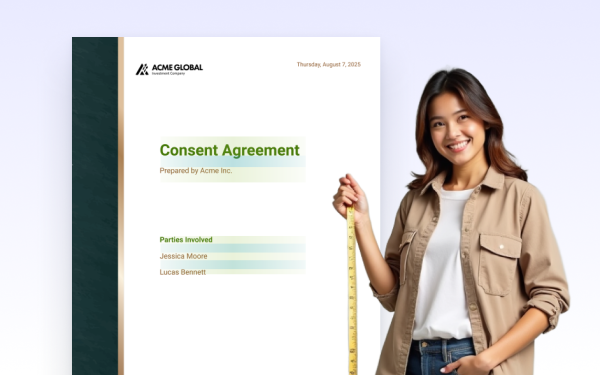
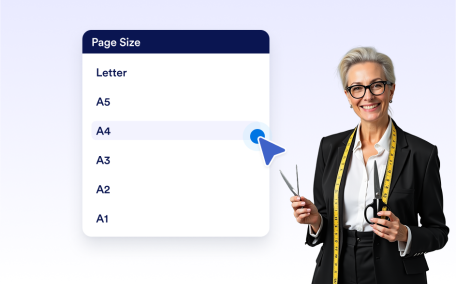
Control the structure and layout of your documents with flexible page settings. Adjust page size, orientation, and layout options to ensure your documents look consistent and professional across every format.
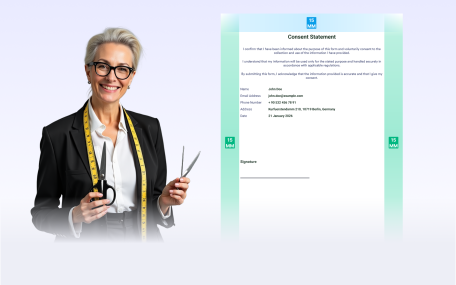
Drag and drop elements into place and resize them with ease. Align content across pages and fine-tune every detail using a flexible editor that helps you create clean, professional PDFs effortlessly.
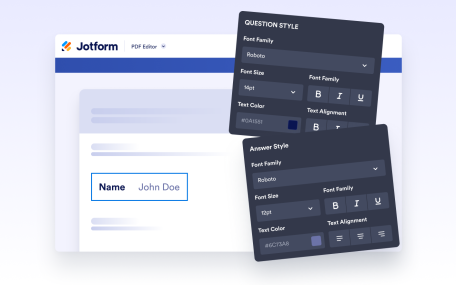
Each text box, image, question, or answer can be repositioned with drag-and-drop simplicity and resized to match the structure of your document. This flexibility ensures the content is both visually appealing and functionally organized.
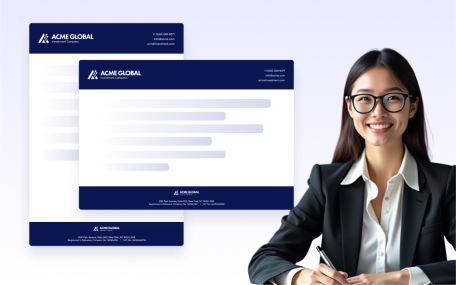
Adjust spacing, align elements, and structure your content with precision to create polished, on-brand documents. Layout adjustments help maintain visual harmony and ensure important information stands out.