Advanced Formula
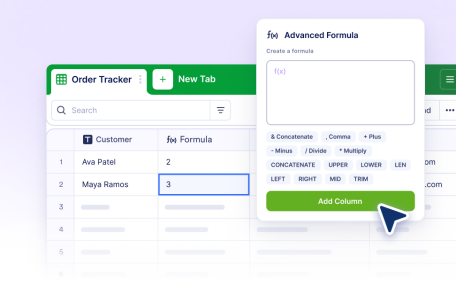
Create custom formulas in Jotform Tables to calculate values, manipulate text, and apply conditional logic.
Formula Columns
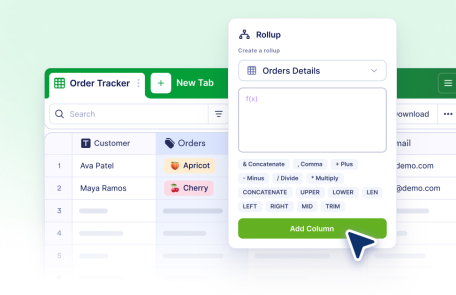
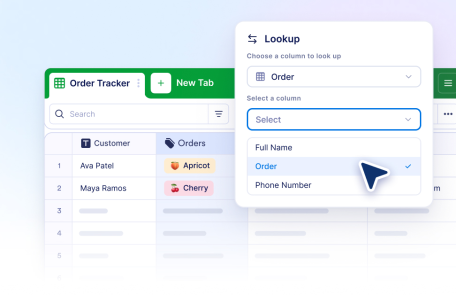
Create dynamic columns with formulas in Jotform Tables. Perform calculations, look up values, summarize related data, and automate data processing to streamline your workflow.
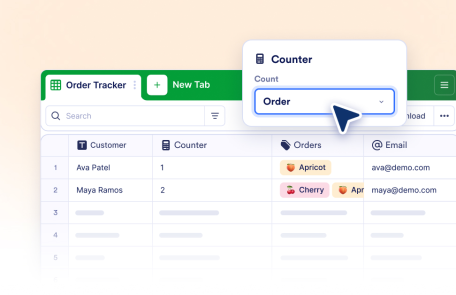
Track selected options with Counter columns in Jotform Tables. Automatically calculate how many choices are selected in each submission to keep quantities organized and easy to review.
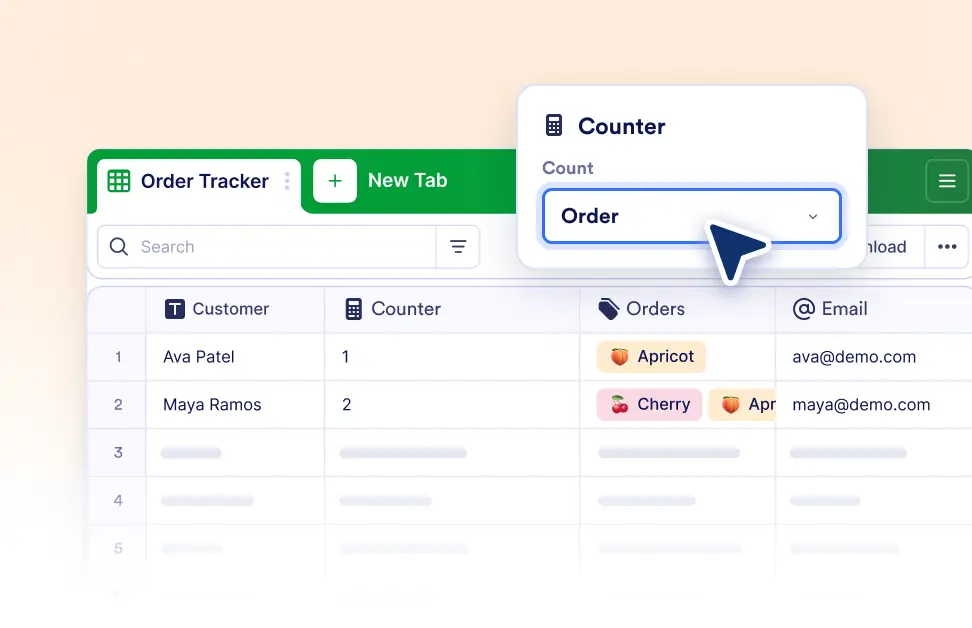
Turn form selections into useful numeric data with Counter columns. Count selected items or options automatically, track quantities, and simplify data analysis without writing formulas.
Use Counter columns to calculate the number of selected choices in another field. Easily track item counts, selected options, and other quantities directly in your table.
Connect a Counter column to a field with multiple choices to calculate how many options were selected in each submission. Track quantities automatically without manual counting.
A Counter column automatically calculates how many options are selected in another field for each submission. It's useful for tracking quantities, selected items, or multiple-choice responses.
No. Counter columns calculate the number of selected options automatically, allowing you to track quantities without creating custom formulas.
Yes. You can use Counter columns to count selected options from fields that allow multiple selections, making it easy to track how many choices were made in each submission.