Advanced Formula
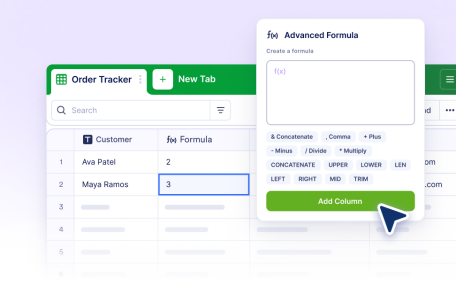
Create custom formulas in Jotform Tables to calculate values, manipulate text, and apply conditional logic.
Formula Columns
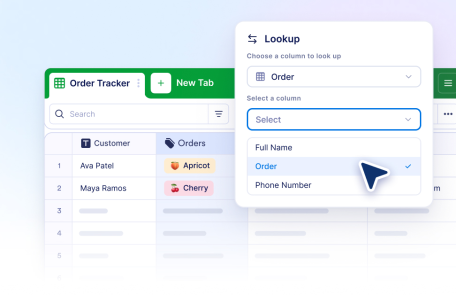
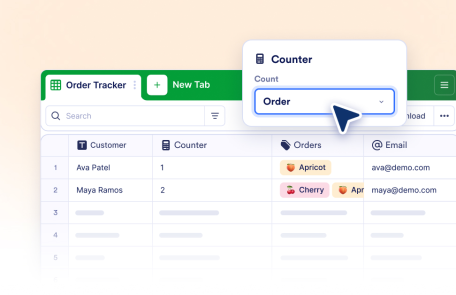
Create dynamic columns with formulas in Jotform Tables. Perform calculations, look up values, summarize related data, and automate data processing to streamline your workflow.
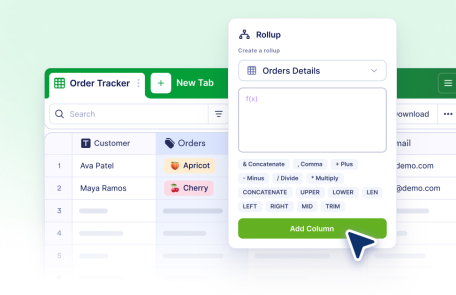
Perform calculations across connected tables with Rollup columns in Jotform Tables. Calculate totals, averages, and counts using related records to keep important data organized.
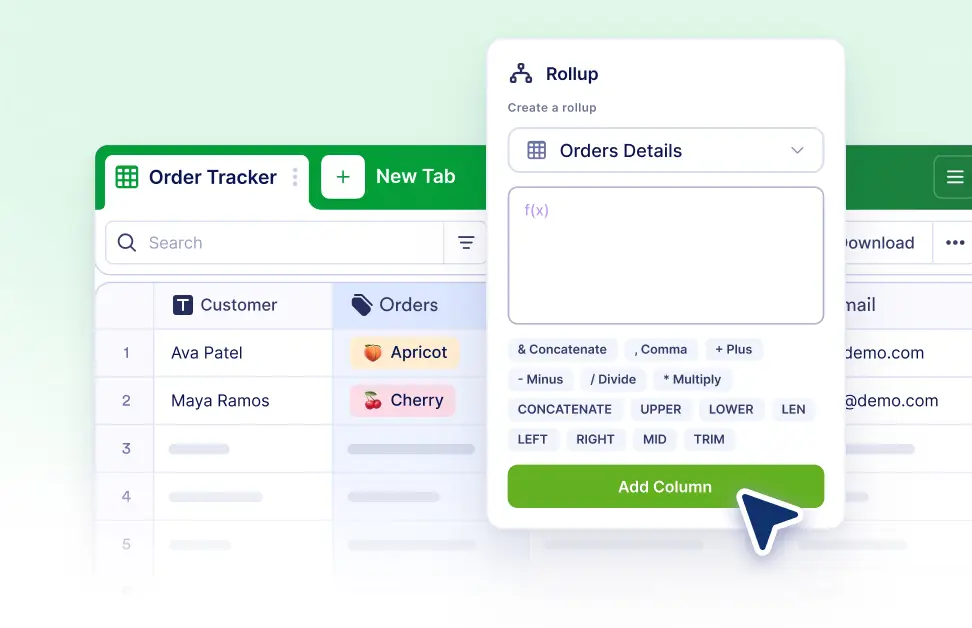
Turn connected table data into useful insights with Rollup formulas. Summarize values from related records, track key metrics, and keep calculations updated as your data changes.
Use Rollup formulas to reference values from connected tables and perform calculations. Combine related information to track totals, counts, and averages without manual updates.
Add a checkbox to each row and toggle it on or off with a single click. Easily flag entries, mark completed tasks, or track progress directly in your table.
Rollup formulas use values from connected records to keep calculations current as related data changes. Track important metrics across tables without manually updating results.
A Rollup column uses connected records from another table to perform calculations and summarize data. It's useful for tracking totals, averages, counts, and other metrics across related tables.
Yes. Rollup formulas rely on a connected column that links your current table to another table. Once records are connected, you can use their values in Rollup calculations.
Yes. Rollup calculations update as the values in connected records change, helping keep your summaries accurate without manually recalculating results.