
Known for its beautiful, responsive templates, Squarespace is a popular website-building option among those looking to maximize their site’s aesthetics. But when you’re trying to welcome users of all backgrounds to your online store or site, you need more than just style.
Users with disabilities need the option to turn off or adjust features that make their experience difficult — an option Squarespace currently lacks. But just because Squarespace doesn’t offer a native, user-facing accessibility toggle menu doesn’t mean you can’t add one yourself (without breaking the bank on monthly fees).
Using free website widgets like those from Jotform turns making a website accessible for all users into a simple three-step process. Adding this free accessibility plugin for Squarespace can make all the difference in your user experience (UX), improve Squarespace ADA compliance, and set you apart from the competition.
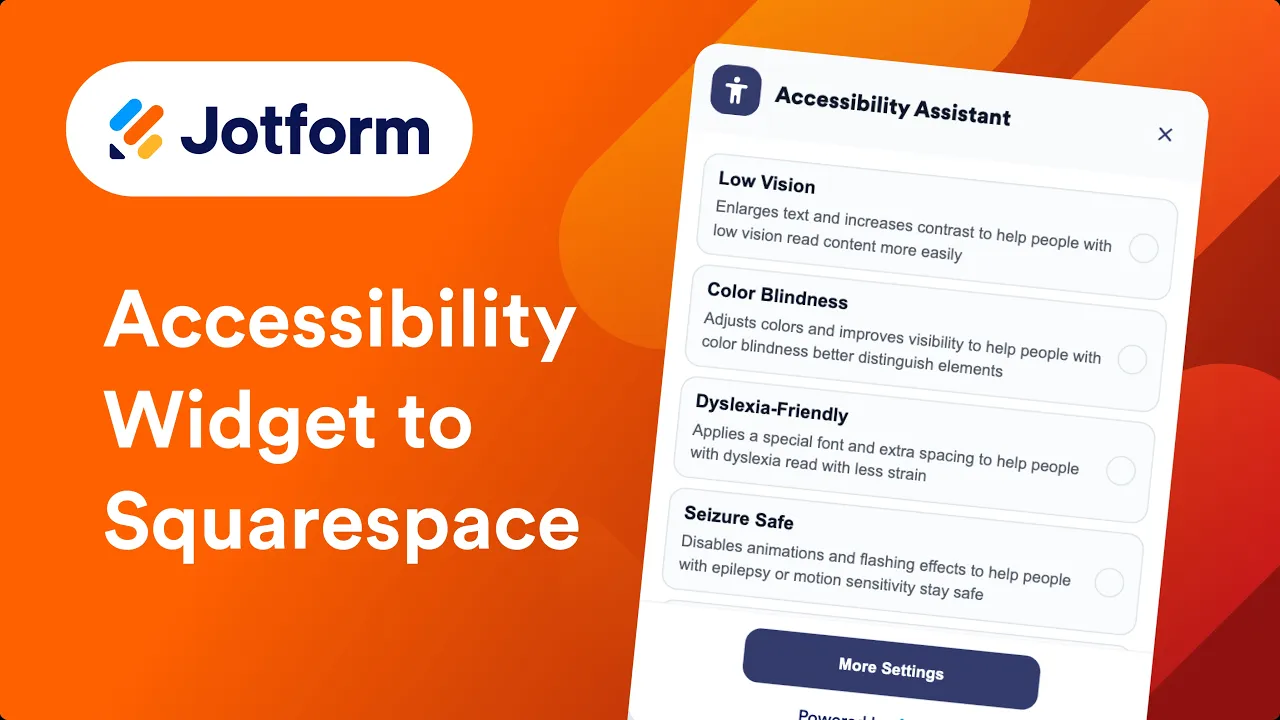

Add a free, customizable accessibility widget in 3 steps
Putting the power of accessibility in the palm of your users’ hands is simple with Jotform Accessibility Widget. This pre-made, customizable WCAG widget for Squarespace can be added to any website in just a few clicks.
Here’s how to add an accessibility menu to Squarespace for free:
- Open the Jotform Accessibility Widget for Websites page and click Get Started in the top-right corner.
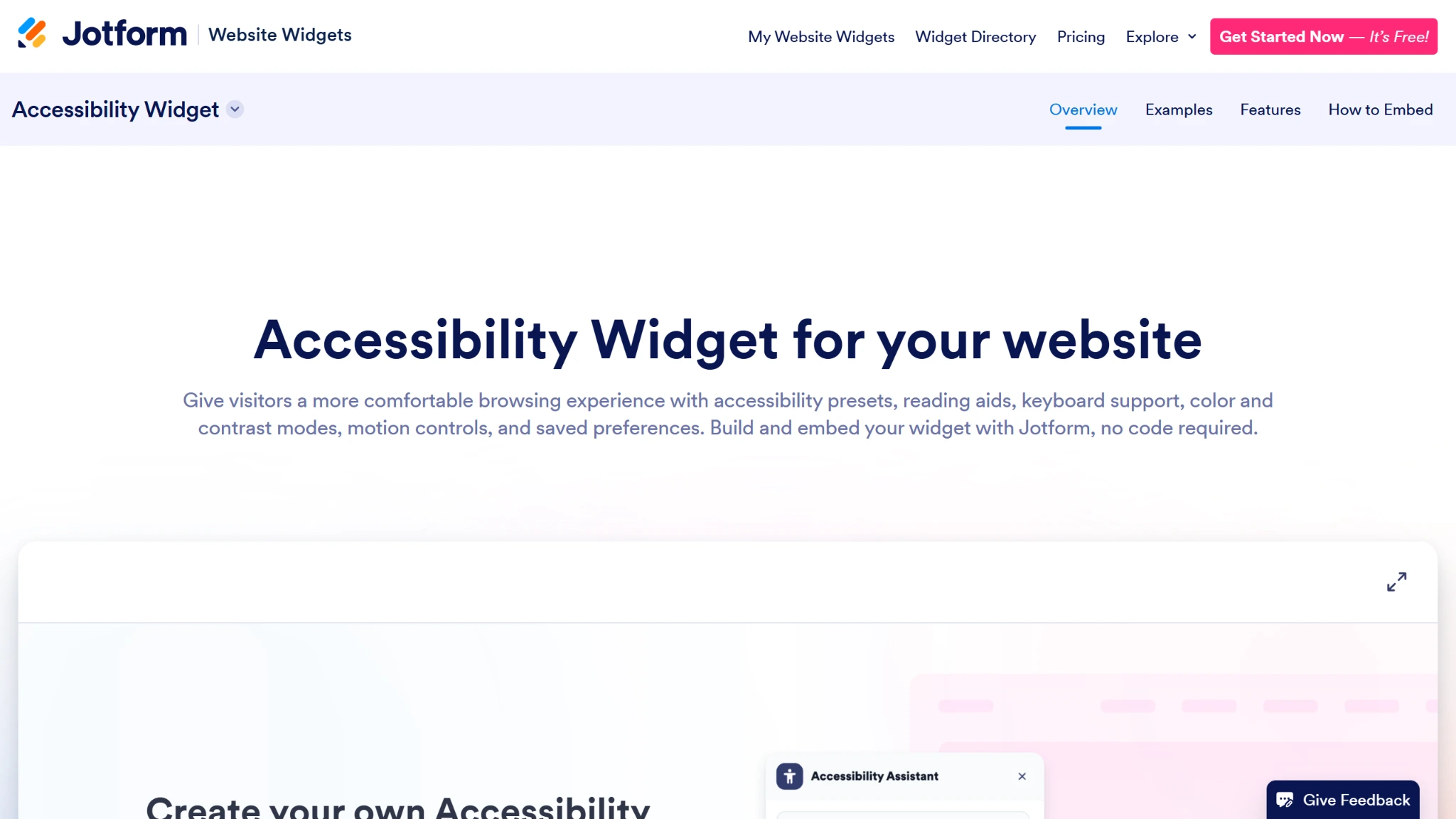
- Update your settings in the Widget properties menu, including tools, style, language, and layout.
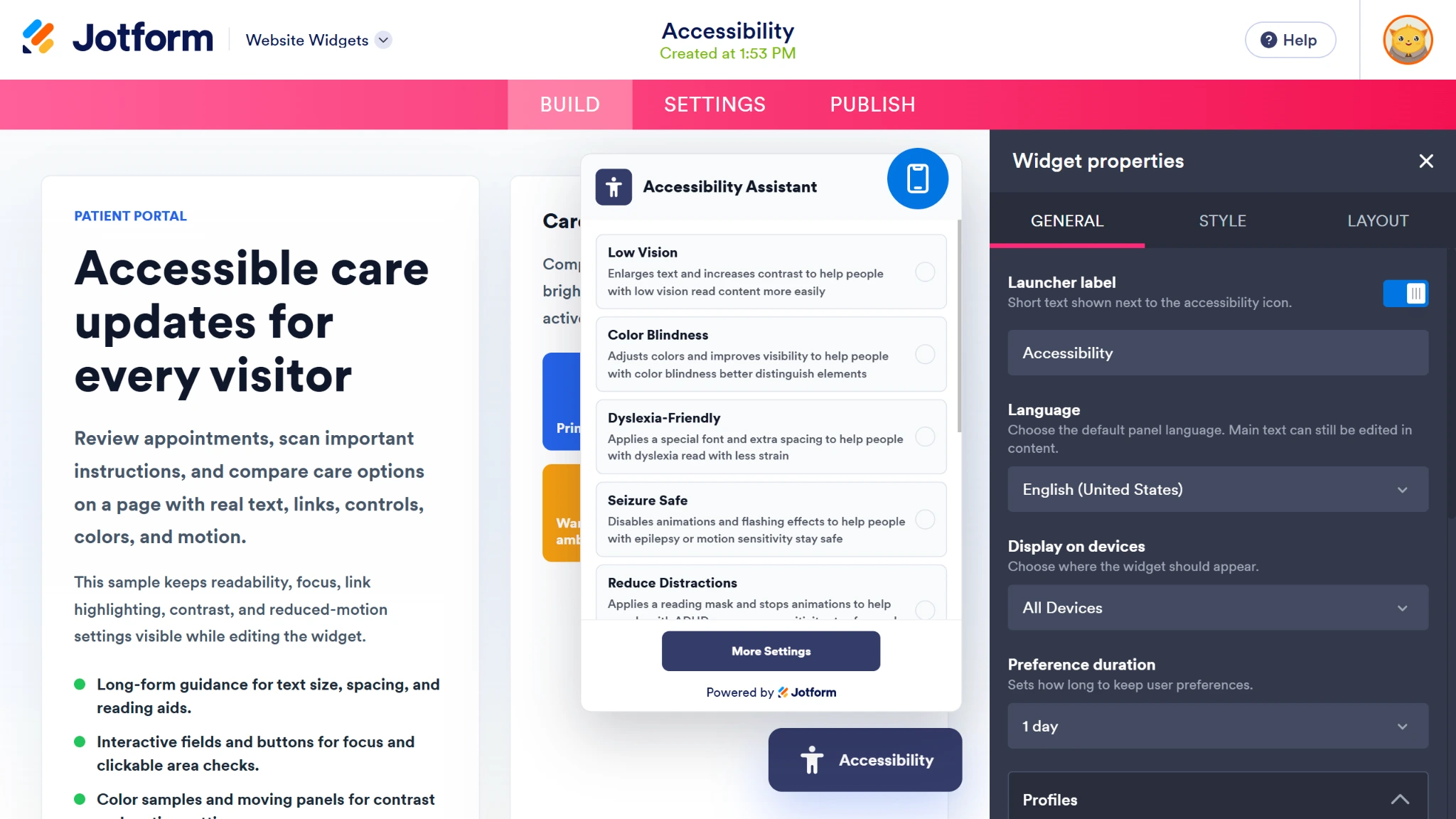
- Click the Publish button when your widget is ready and click the Copy Code button to get your embed code.
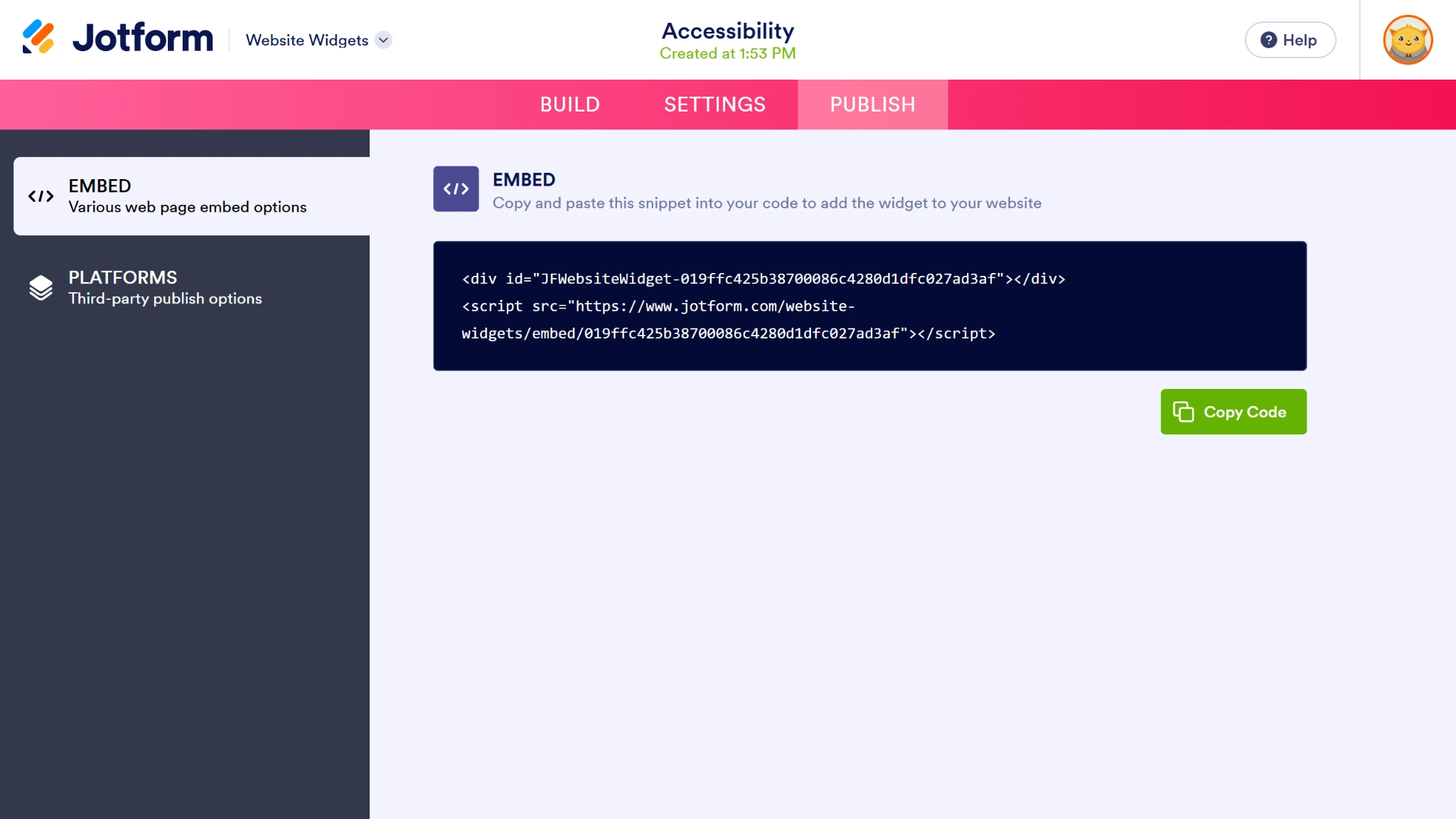
- Open the editing interface on your Squarespace site’s homepage and scroll down to your global footer. Create a new code block in your footer, add your embed code, and click the Save button.
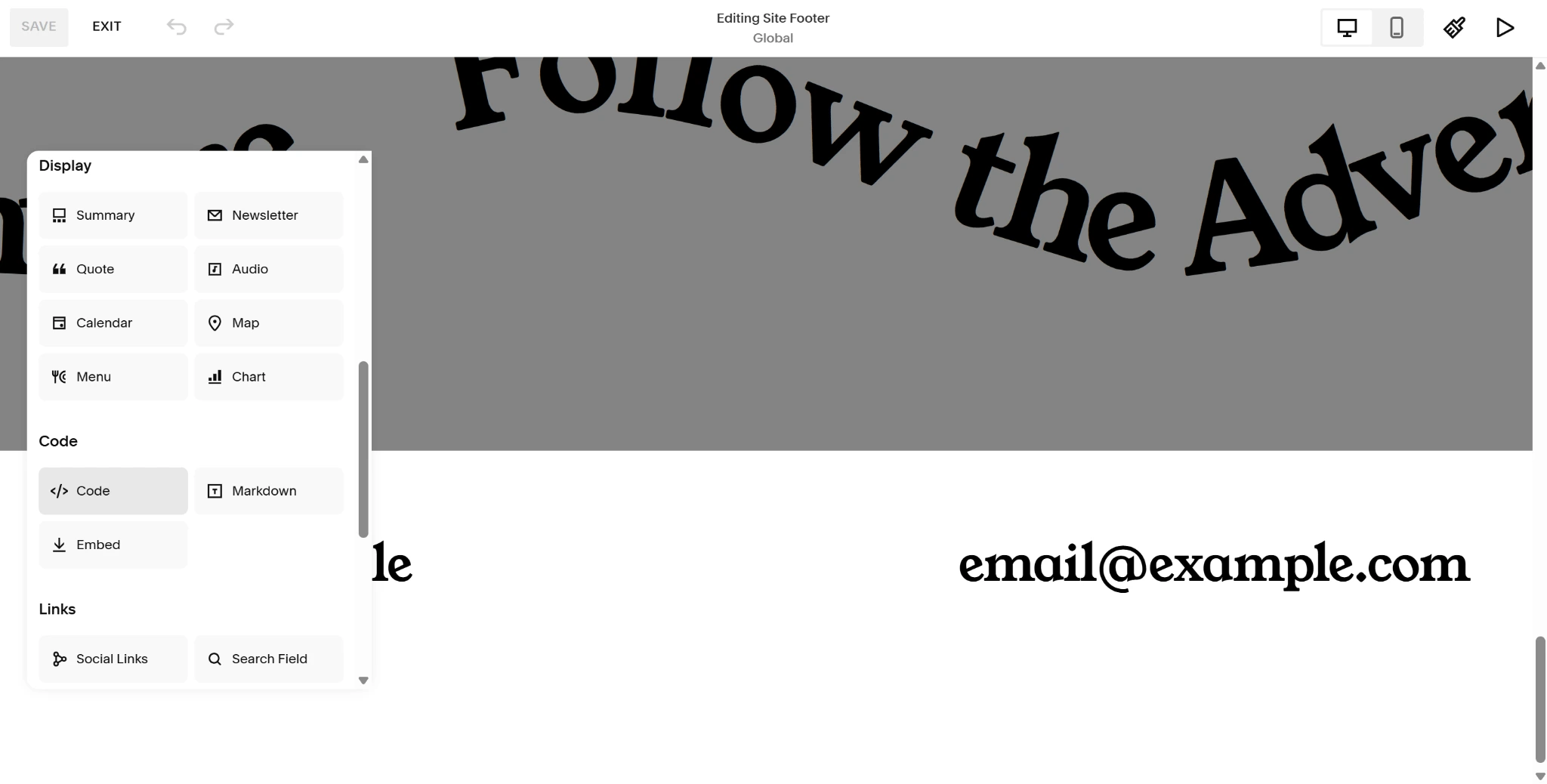
This will add your new widget across your site.
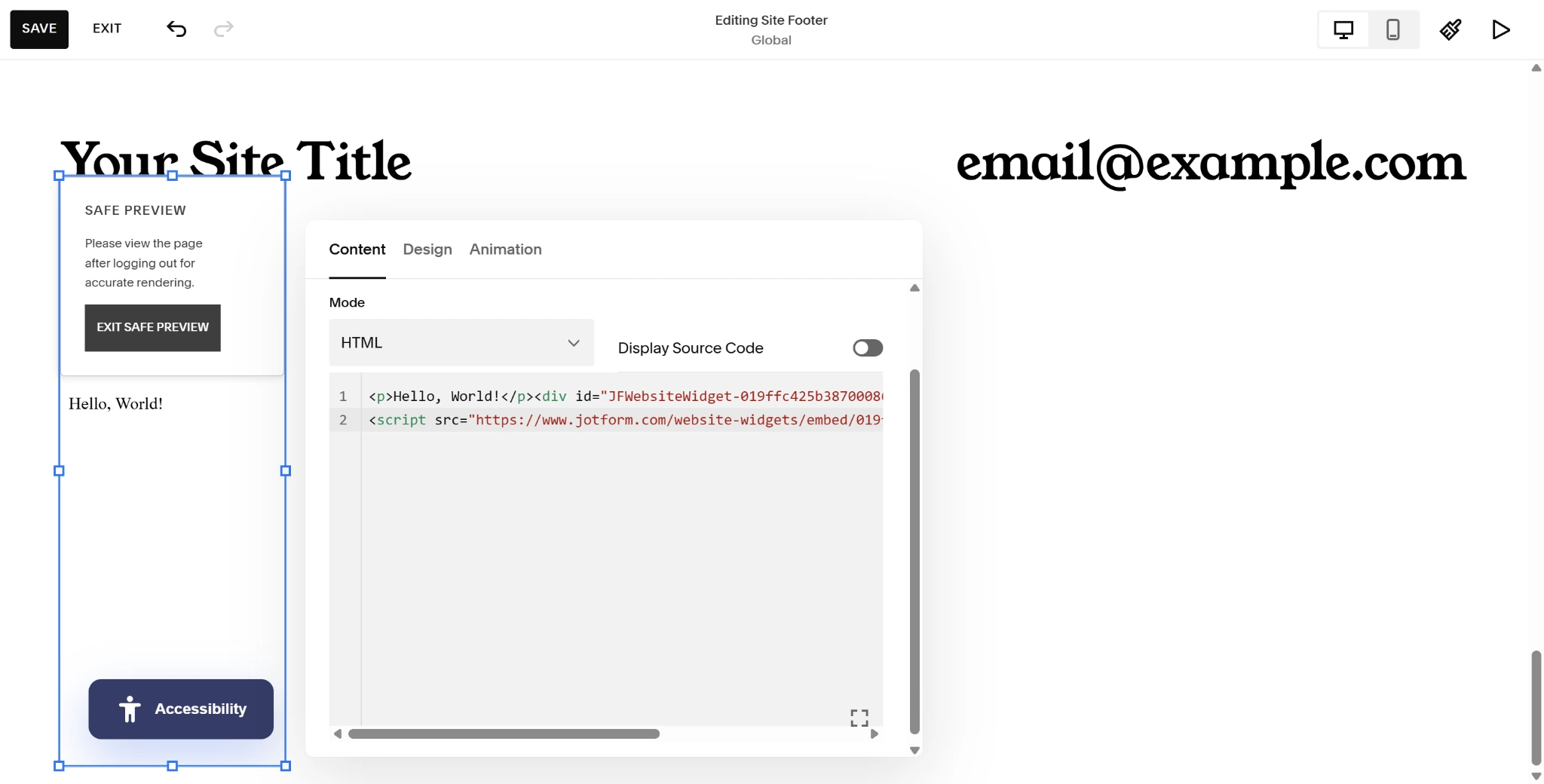
Integrating this no-code, lightweight Squarespace accessibility widget into your website’s user interface can make all the difference in the way users with disabilities experience your content. Users gain access to inclusivity features, such as a
- Squarespace text resizer
- High-contrast color inverter
- Link highlighter
- Dyslexia-friendly font
- Keyboard focus indicator
With a straightforward, toggle-style interface, users can turn these features on and off as they please. They can even use disability-specific presets to toggle multiple options at once — all without slowing down your Squarespace site.
This widget can be configured in the Jotform Widget Builder to match the features your site visitors need and can even be adjusted to match your website’s brand identity.
Pro Tip
Reduce the headache of juggling multiple individual online tools. Integrate your online forms directly into your Squarespace interface using the Jotform-Squarespace integration and streamline your website management.
Supercharge your Squarespace UX with smart, serverless widgets
The Jotform Accessibility Widget is only the start of Jotform’s extensive free widget library. With more than 150 available widgets, you can elevate your Squarespace site using popular features like
- Countdown timers for events or drops
- FAQs for quick answers to customer questions
- Google Reviews to highlight customer satisfaction and support
- A Back to Top button for a smoother user experience
- QR codes for easy access to key documents
These features can be easily combined to create a more user-friendly, welcoming, and dynamic overall experience for customers. The added bonus? You don’t have to waste any of your hard-earned profit paying for third-party widgets that only provide basic functionality.
Instead of spending your time managing and configuring your Squarespace site’s back end, focus on building content that wows customers with these plug-and-play widget solutions.
This article is for Squarespace site owners, web designers, and digital agencies who want to provide an inclusive, user-friendly browsing experience and boost their SEO without paying for expensive monthly AI overlay plugins.










































Send Comment: