
How to add a Wix accessibility widget
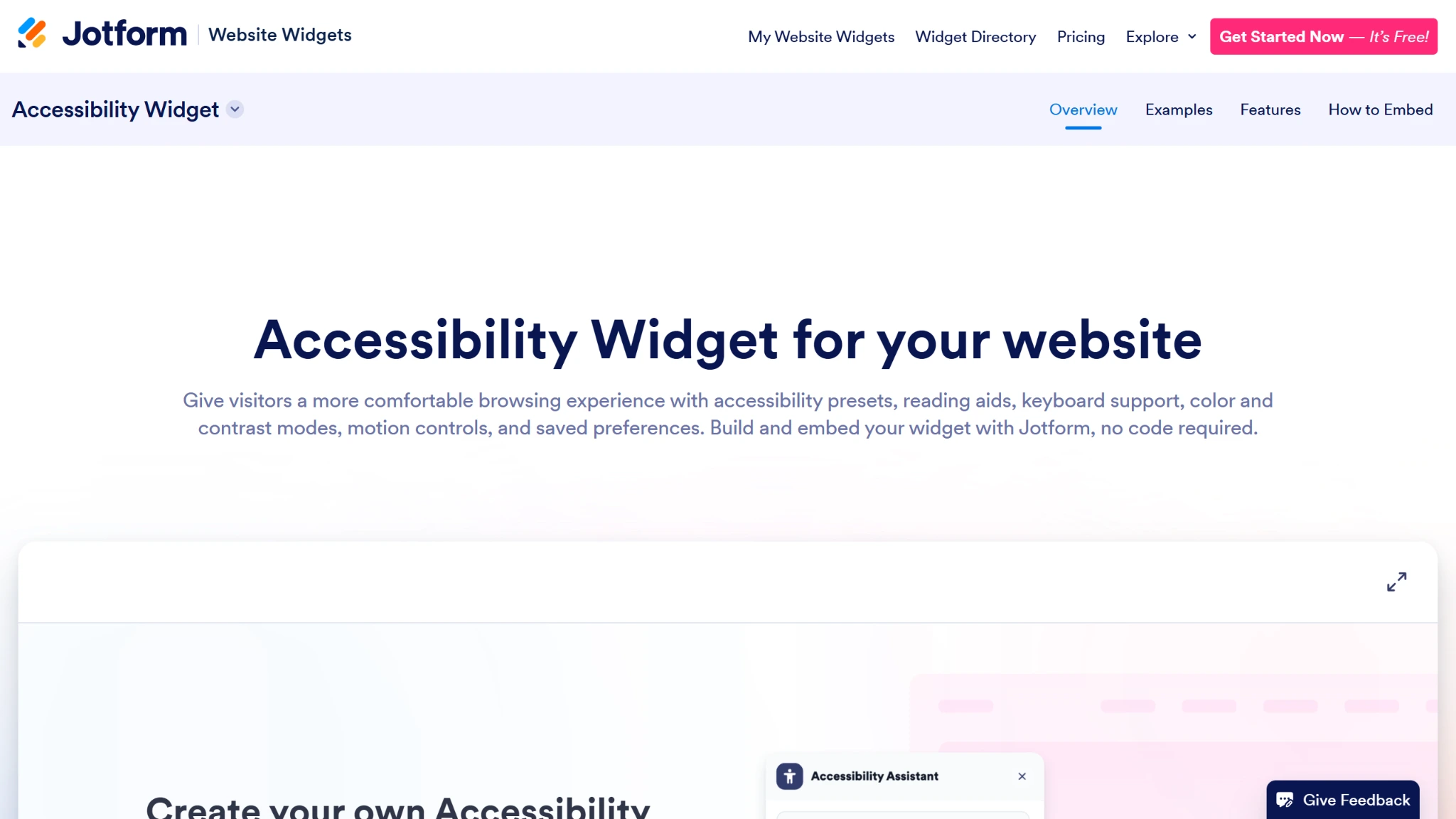
- Open the Jotform Accessibility Widget page and click Get Started in the top-right corner.
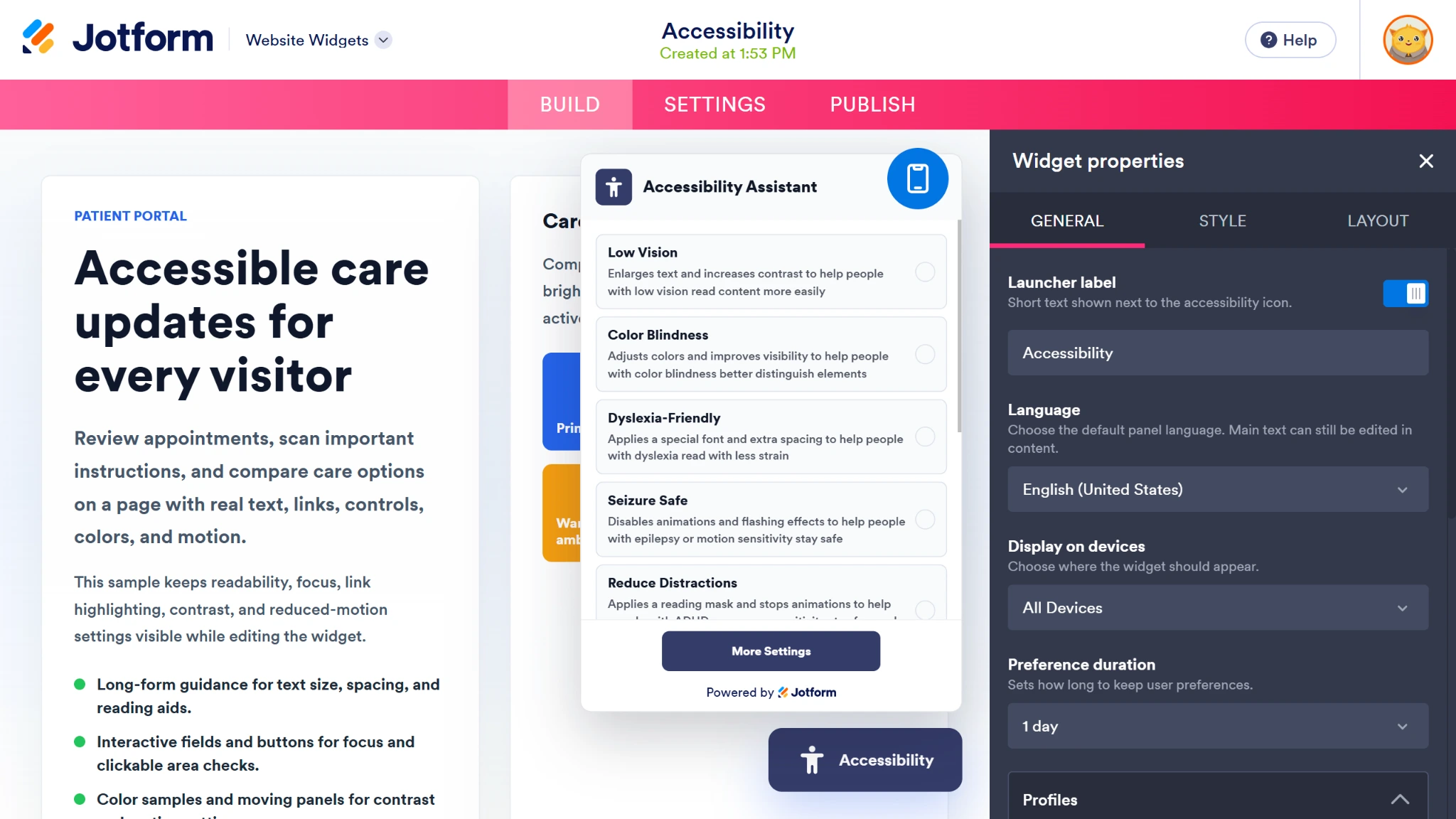
- Update your widget properties in the dedicated right-hand menu, including tools, style, language, and layout.
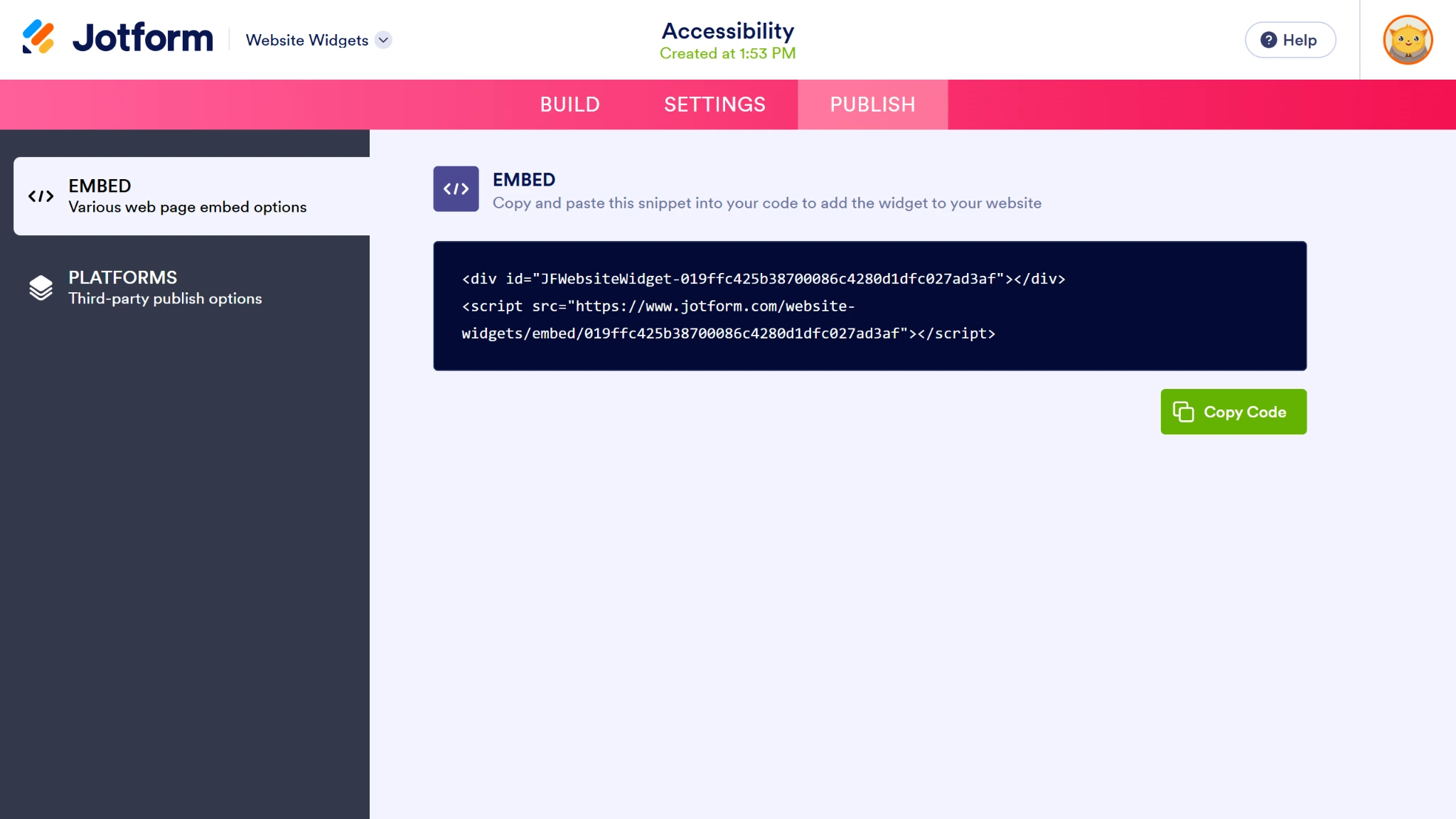
- Click the Publish button when you’re finished and click the Copy Code button.
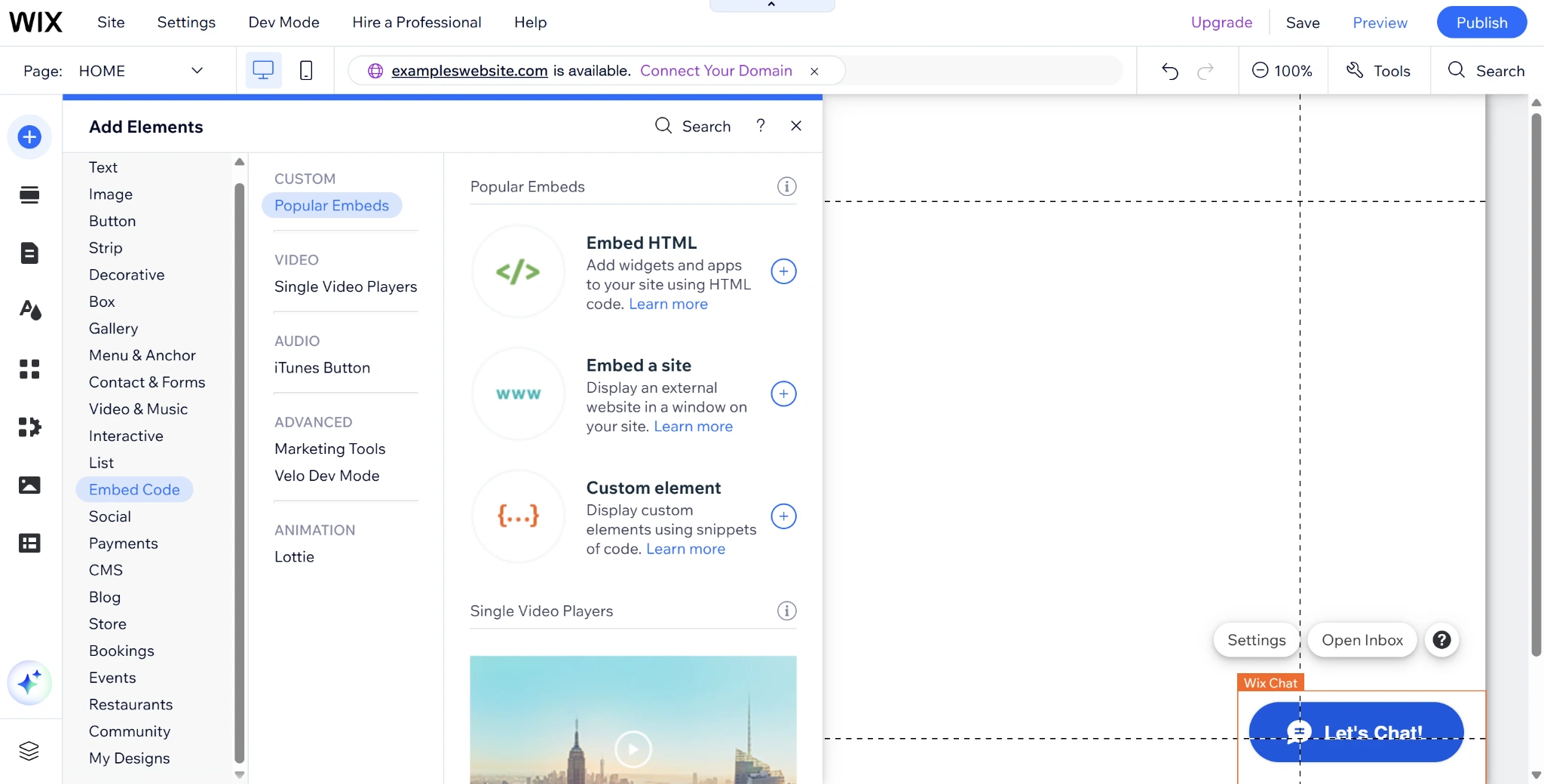
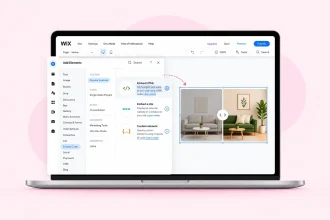
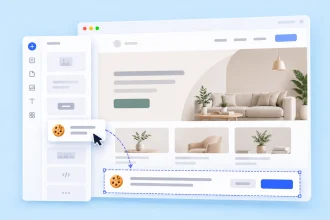
- Open your Wix website editor and click the Add Elements button on the left.
- Then click on the Embed code menu option and select Embed HTML.
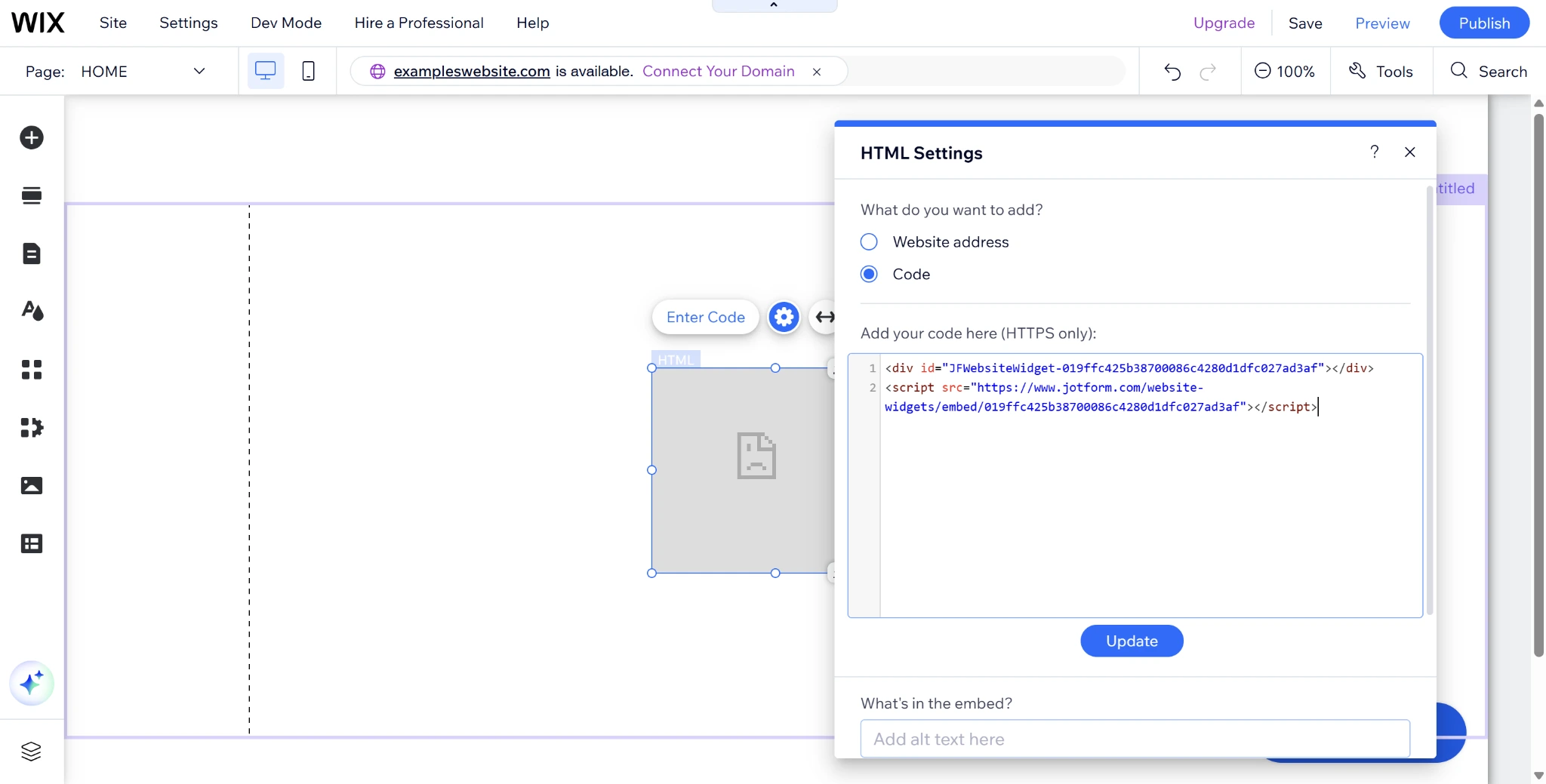
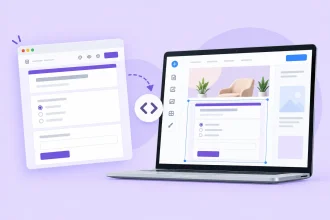
- Paste your widget code into the code text box and click Update to add the widget to your site.
Your website should be a space made for everyone, which is why Wix offers an Accessibility Wizard tool for site owners concerned about accessibility. But this tool doesn’t let your users choose which features best suit their unique needs. Instead, it offers generic suggestions that you can implement in the back end of your Wix website builder.
The problem is that users with disabilities have different needs that may be difficult for you to accommodate with basic accessibility changes, and some third-party inclusivity tools in the Wix App Market charge an arm and a leg for premium add-ons. But these aren’t your only options.
Using Jotform’s free website widgets, you can easily integrate powerful, user-facing accessibility features into your Wix interface within minutes, changing how your users experience your content.
Embed a free, zero-code accessibility widget in 3 steps
Jotform Accessibility Widget gives your users total control over which accessibility features affect their online experience, rather than having to work around the accessibility changes you made in the back end.
Integrate this Wix accessibility widget into your website in three easy steps:
- Open the Jotform Accessibility Widget page and click Get Started in the top-right corner.
- Update your widget properties in the dedicated right-hand menu, including tools, style, language, and layout.
- Click the Publish button when you’re finished and click the Copy Code button to copy the embed code to your clipboard.
- Open your Wix website editor and click the Add Elements button on the left. Then click on the Embed code menu option and select Embed HTML.
- Paste your widget code into the code text box and click Update to add your accessibility menu to Wix.
When you add a WCAG widget for Wix, users with disabilities have the freedom to turn features on and off as they please, including
- Resizing text
- Inverting colors for high contrast
- Highlighting links
- Switching to a dyslexia-friendly font
- Enabling keyboard focus
Pro Tip
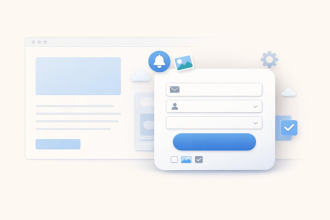
Accessibility should extend to every interaction on your Wix site, including the forms visitors use. With the Jotform Wix App, you can add customizable contact, registration, feedback, or booking forms and adapt their content and appearance to your audience. Add Jotform Wix App to your site.
For an even easier experience, users can also select disability-specific presets to toggle multiple options on at once.
If you feel certain features will better suit your site’s design or target audience, you can configure this free accessibility app for Wix in the Jotform Widget Builder. You can also adjust the interface to match your website’s brand identity without impacting your Wix site’s loading speed.
Pro Tip
Tired of manual data transfer? Create a cohesive website management experience by seamlessly connecting your online forms with your Wix site’s back end through the Jotform-Wix integration.
Supercharge your Wix UX with smart, serverless widgets
Jotform Accessibility Widget makes it easier than ever to improve Wix inclusive design. But this isn’t the only feature you can streamline with Jotform. Among its more than 150 free website widgets are a variety of solutions that can transform your Wix site from ordinary to industry-leading, including
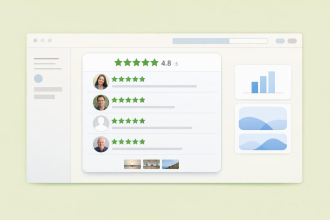
- Google Reviews Widget for highlighting customer satisfaction
- Countdown Widget for events, updates, or drops
- FAQ Widget for answers to top customer questions
- Back to Top Widget for smooth user interactions
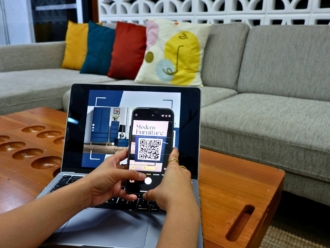
- QR Code Widget for one-touch access to key documents
Not only are these tools essential for enhancing your customer experience, but they also reduce your monthly costs. Each time you add a free widget from Jotform, you can cut out a costly third-party app that offers a fraction of the capabilities.
Your website is your brand’s digital first impression — lead with the tools necessary to set you apart by trying one of Jotform’s free website widgets today. Discover why these solutions are a game-changer for Wix users looking to level up their online reputation.
This article is for Wix site owners, web designers, and small businesses who want to provide an inclusive, user-friendly browsing experience without paying for expensive monthly subscriptions in the Wix App Market.















Send Comment: