


Age Verification Widget for your website
Gate age-restricted pages with a clean verification popup visitors can understand in seconds. Jotform's Age Verification widget lets you set the required age, choose how visitors confirm eligibility, customize the message and style, remember approved visitors, and embed the result without code.
How to add an Age Verification widget
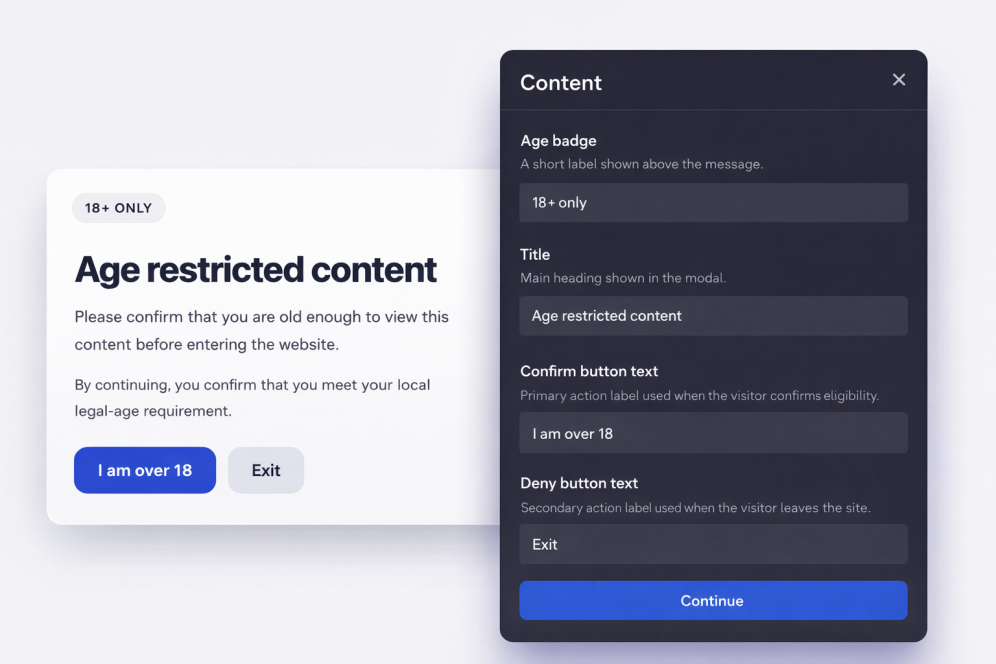
Customize the gate
Write your message, set the confirmation CTA, and style the modal so it matches your brand.
Set visitor behavior
Choose whether approved visitors should be remembered and how long the approval should be stored.
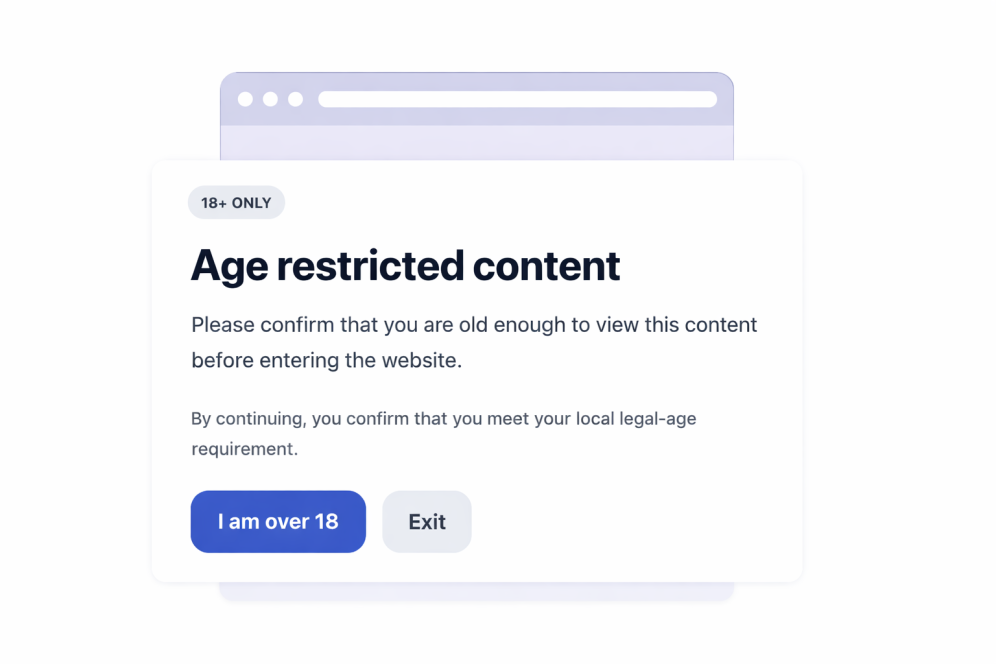
Embed it anywhere
Publish the widget, copy the embed code, and place it on any page that needs an age check.
Confirm visitor eligibility before restricted content is shown
Ask visitors to confirm their age
Add a direct age gate before visitors continue to restricted products, events, communities, or media content.

Choose the verification method
Use simple yes/no buttons, birth year entry, or full date of birth entry depending on how much confirmation your page needs.

Customize the full popup experience
Edit the message, caption, button text, legal note, colors, popup width, corner radius, and optional media.

Remember approved visitors
Store approved choices for the current session, a day, a week, a month, six months, or a year so returning visitors are not interrupted every time.

Why Jotform Widgets stand out
Jotform’s widgets make your website more interactive and conversion-ready. From star ratings and testimonial sliders to social proof pop-ups and media embeds, you can combine tools inside your forms or landing pages to collect data, display proof, and capture leads without writing code.
Explore all Jotform WidgetsWhere to use your Age Verification widget
Place the widget anywhere visitors should confirm they meet an age requirement before viewing your content or continuing through a flow.
Alcohol and beverage stores that need an age gate before product browsing or checkout.
Vape and tobacco websites where visitors should confirm eligibility before viewing products.
Event and nightlife pages that promote age-restricted venues, ticketing, or registrations.
Membership communities where mature or regulated content should be gated before entry.
Media and entertainment pages with content that requires a visitor age confirmation.
Legal notice pages where visitors should acknowledge local age requirements before continuing.
Convert leads into paying customers with Jotform Form Builder
Turn engagement into action with Jotform. Create powerful forms that capture leads, collect payments, and automate responses, all in one place. Every submission lands in your Jotform Inbox, ready to follow up or connect with your favorite apps.
Get Started - It’s Free!
FAQ
What is an Age Verification widget?
An Age Verification widget displays a popup that asks visitors to confirm they meet a minimum age requirement before they can continue to your website content.
Can I change the minimum age?
Which verification methods are available?
Can I customize the text shown in the popup?
What happens when a visitor is underage?
Can approved visitors be remembered?
Can I control which pages show the widget?
Do I need to write code?