


FAQ Widget for your website
Answer common visitor questions with a searchable FAQ accordion that you can customize without code. Add questions, choose accordion or list layouts, and include links, images, or videos in answers.
How to add a FAQ widget
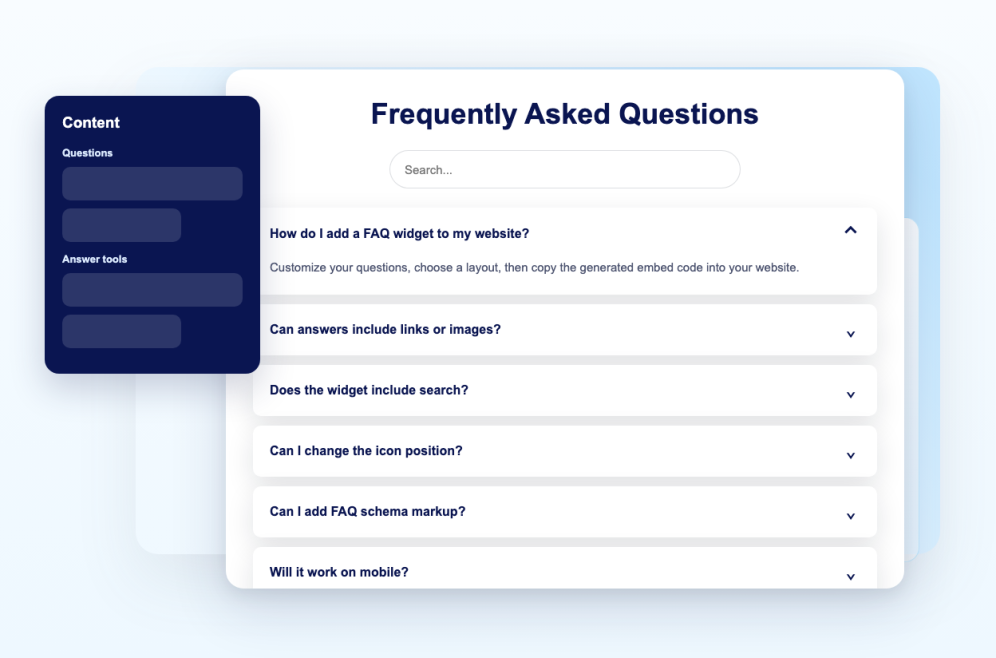
Add your questions
Write answers, add links or images, reorder questions, and keep support, pricing, product, or policy topics easy to scan.
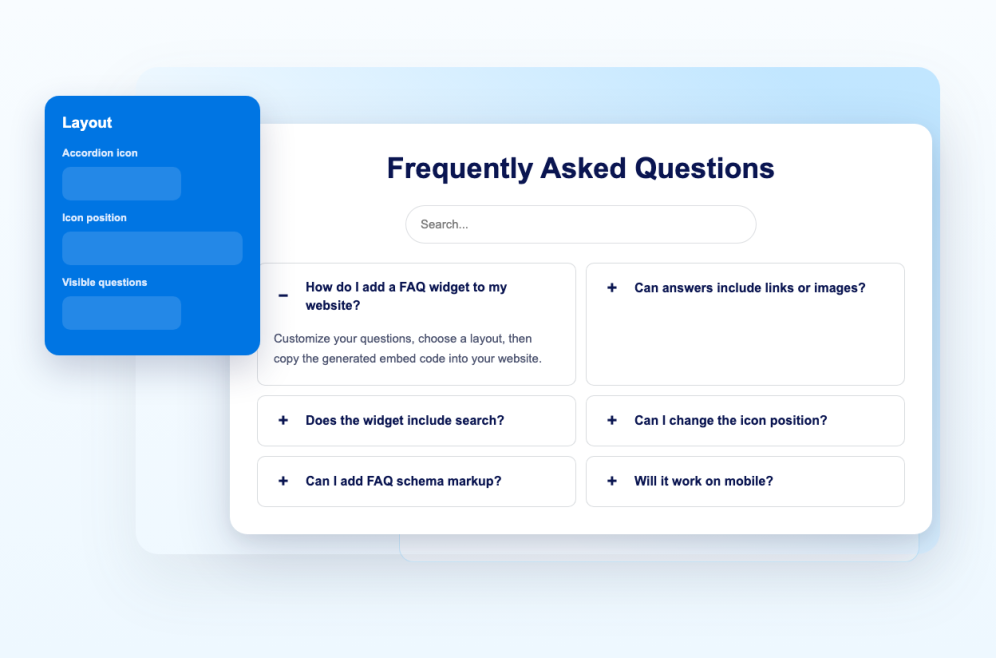
Customize layout and style
Choose accordion, list, or multicolumn layouts, then adjust colors, icon position, search, spacing, and custom CSS.
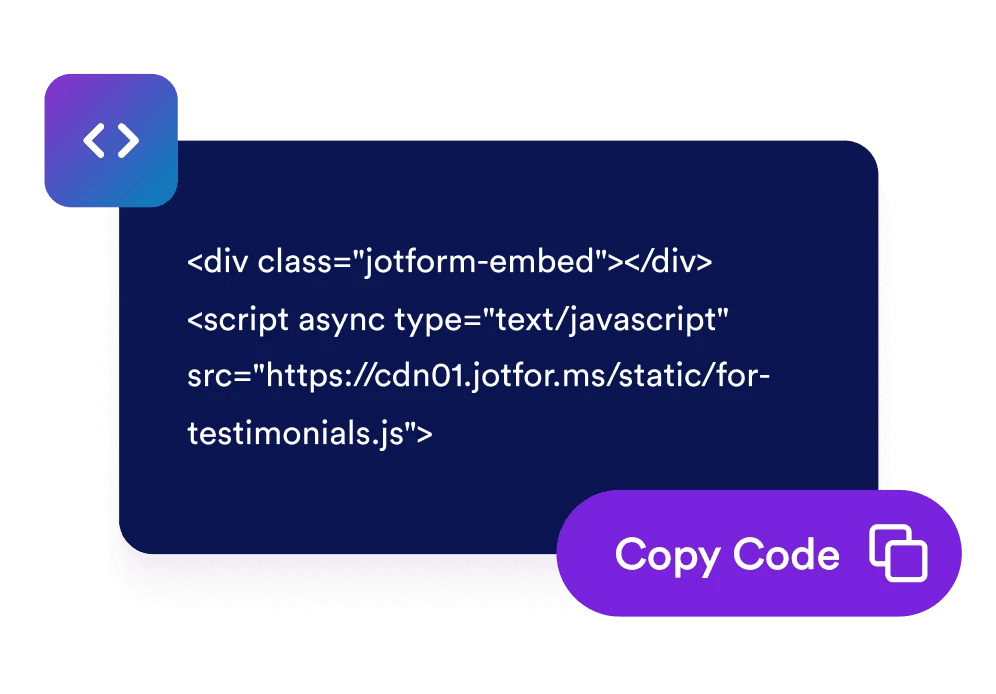
Embed it on your website
Preview the FAQ, copy the embed code, and add it to any page where visitors need fast answers.
Help visitors find answers before they ask
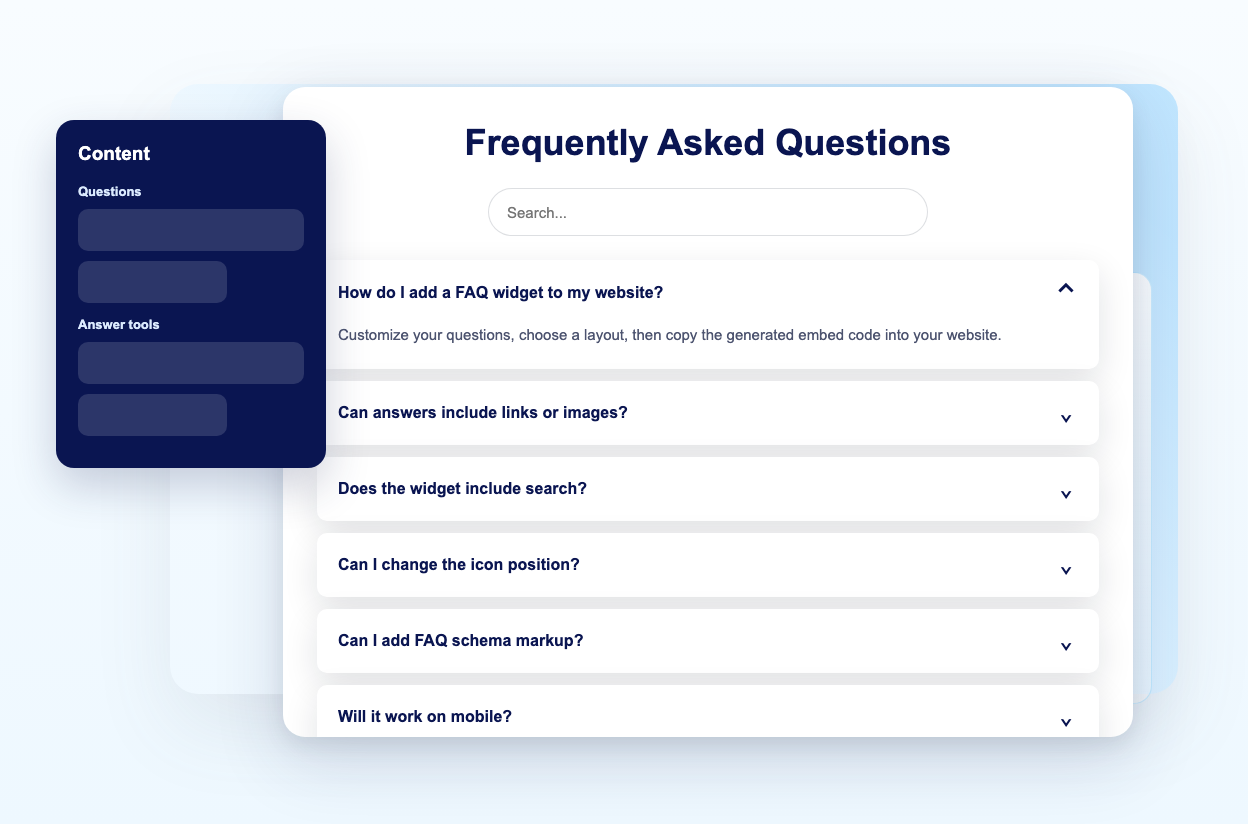
Manage questions visually
Add, duplicate, reorder, and remove answers for product details, billing, shipping, onboarding, support, or any other topic.
Choose accordion, list, or multicolumn layouts
Use a compact accordion for long pages, a list for always-visible answers, or a multicolumn view for broader FAQ sections.
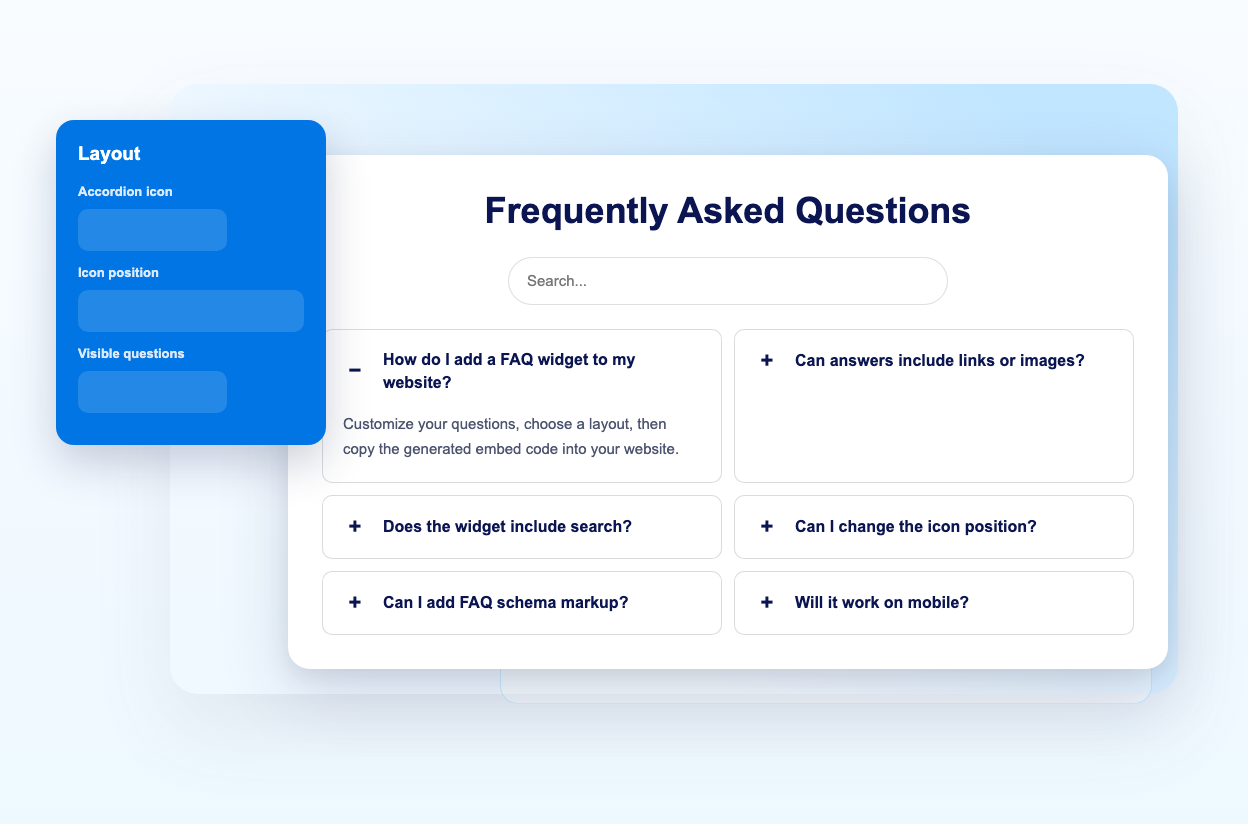
Add search for longer FAQs
Turn on the search bar so visitors can filter questions by keyword instead of scrolling through every answer.
Use rich answers with links and media
Add helpful links, images, and supported video URLs so answers can explain policies, steps, or product details clearly.
Why Jotform Widgets stand out
Jotform’s widgets make your website more interactive and conversion-ready. From star ratings and testimonial sliders to social proof pop-ups and media embeds, you can combine tools inside your forms or landing pages to collect data, display proof, and capture leads without writing code.
Explore all Jotform WidgetsWhere to use your FAQ widget
Add an FAQ widget wherever clear answers can reduce friction, improve trust, and keep visitors moving toward the next step.
Product pages to answer feature, setup, sizing, compatibility, and delivery questions near purchase decisions.
Pricing pages to clarify plans, trials, discounts, billing cycles, cancellations, and upgrades.
Help centers to organize support topics without building a full documentation system.
Booking and event pages to explain schedules, refunds, location details, requirements, and what visitors should expect.
Course and membership pages to answer access, curriculum, certificate, payment, and support questions.
Landing pages to remove objections before visitors submit a form, book a call, or complete checkout.
Convert leads into paying customers with Jotform Form Builder
Turn engagement into action with Jotform. Create powerful forms that capture leads, collect payments, and automate responses, all in one place. Every submission lands in your Jotform Inbox, ready to follow up or connect with your favorite apps.
Get Started - It’s Free!
FAQ
What is a FAQ widget?
A FAQ widget is an embeddable question-and-answer section for your website. It helps visitors find answers quickly without leaving the page.
Can I add as many FAQ items as I need?
Does the FAQ widget include search?
Can I choose different layouts?
Can answers include images or videos?
Can I customize the design?
Can answers include links and media?
Do I need to write code?
Will it work on mobile?