It’s easy to get confused when choosing between Freshdesk and Freshservice. Both tools come from Freshworks, and both appear to be help desk software. The confusion is understandable and common: Search “Freshdesk vs Freshservice” on Reddit, and you’ll find plenty of threads from buyers who assumed the two were interchangeable.
These tools, however, are different.
If you’re comparing Freshdesk vs Freshservice, you’re probably wondering which one you need. The answer depends on whom you’re supporting. Freshdesk is built for external customer service, such as managing inbound support tickets from paying customers across email, chat, phone, and social media. Freshservice is built for the work of internal IT teams, such as handling employee requests and incidents.
In this guide, I’m cutting through the Freshdesk vs Freshservice confusion. I define what each tool does and compare their key features, AI capabilities, and pricing side by side. I also give you a clear framework for choosing the right one.
As a bonus, I also look at how Jotform enhances whichever tool you choose and how it’s helpful if you’re using Freshdesk and need more flexibility with forms, feedback, and automation.
First, here’s an at-a-glance comparison table.
 Jotform |  Freshdesk |  Freshservice | |
|---|---|---|---|
| Best for | Form-based data collection, AI agents, and customer feedback | External customer support across multiple channels | Internal IT service management and employee requests |
| Who should use it? | Customer service teams, IT departments, and any team needing flexible intake forms, feedback collection, or AI-powered support agents | Customer support teams, e-commerce businesses, SaaS companies, and service businesses managing inbound customer tickets | IT departments, help desk teams, and organizations needing IT infrastructure library (ITIL)-aligned service management |
| Unique features | AI Agents across chat, phone, WhatsApp, SMS, and Instagram, with 7,000+ agent templates and 2,600+ feedback form templates | Omnichannel shared inbox, collision detection, and a free plan for up to two agents | Full ITIL life cycle management, configuration management database (CMDB)-backed asset tracking, and Freddy AI embedded in Slack and Microsoft Teams |
| Pricing | Free plan available; paid plans from $34/month | Free plan available; paid plans from $19/agent/month | No free tier; plans from $19/agent/month |
| AI capabilities | AI Agents handling 24/7 customer queries across multiple channels, with no coding required | Freddy AI for customer-facing chatbot and agent copilot (response drafting, ticket summarization) | Freddy AI Agent in Slack and Microsoft Teams for employee self-service; Freddy AI Copilot for IT agents |
| Integrations | 100+ integrations, including native Freshdesk integration, Salesforce, and Google Sheets | Freshworks ecosystem (Freshcaller, Freshsales), plus native Freshdesk integration with Jotform and 1,000+ third-party apps | Freshworks ecosystem, Slack, Teams, and enterprise tools |
| Reporting | Report Builder to generate visual reports from form submissions, tracking service issues and resolution trends | Service-level agreement (SLA) reports, customer satisfaction tracking, and ticket analytics | ITIL-aligned service reports, asset reports, and change management analytics |
| Workflow configuration | Conditional logic, automated notifications, and multistep form workflows | Automation rules, SLA policies, and ticket routing | No-code workflow builder for approvals, change management, and ITIL process automation |
What is Freshdesk?
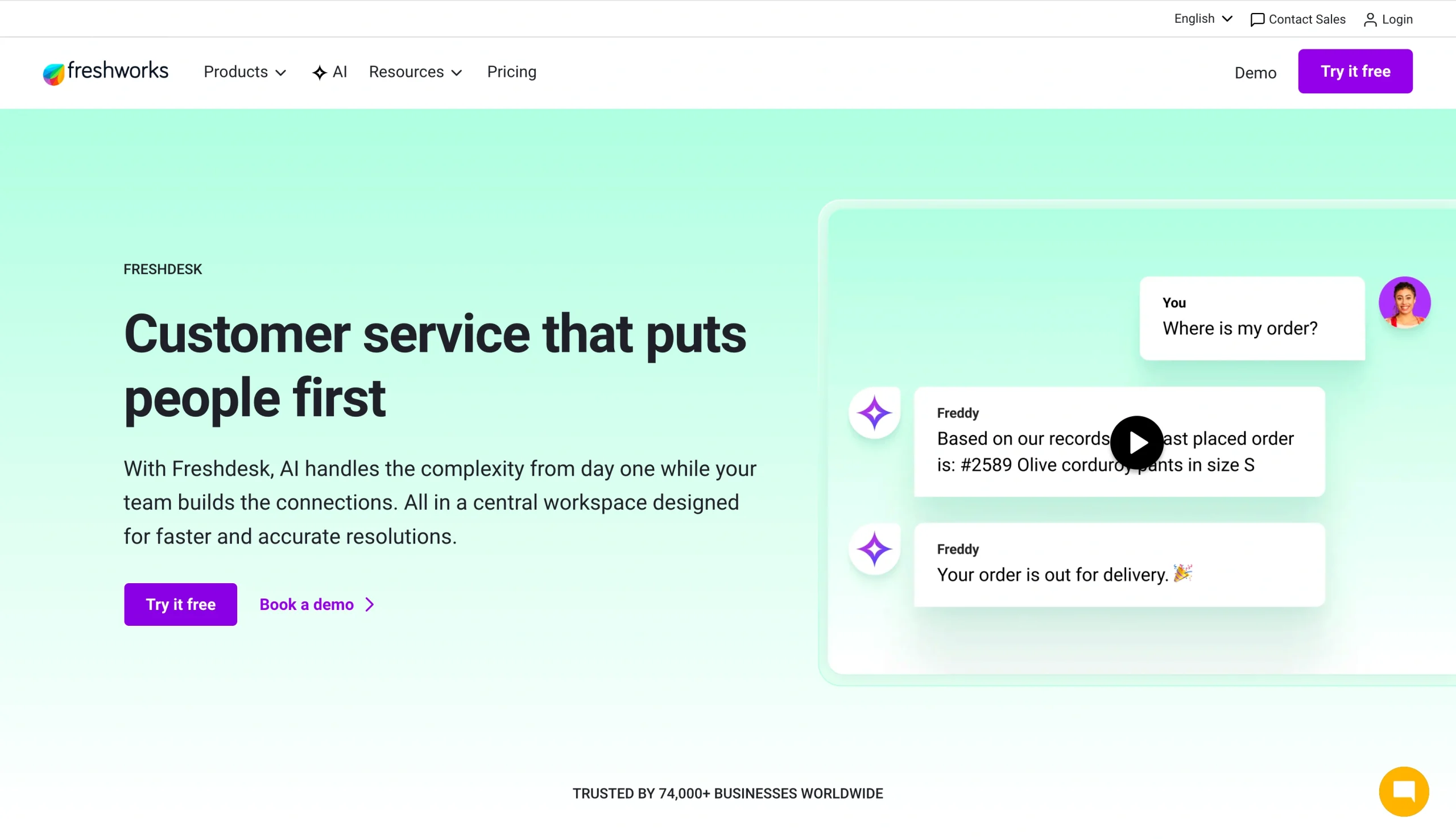
Freshdesk is a customer-facing help desk platform designed to manage external support tickets across email, chat, phone, and social media. It’s part of the broader Freshworks ecosystem, along with complementary tools such as Freshcaller (cloud-based call center software) and Freshsales Customer Relationship Management, making it a good fit for businesses that want their support, sales, and phone operations running on a connected platform. Its core strength is its omnichannel inbox, which pulls customer conversations from email, live chat, phone, WhatsApp, and social media into one workspace, so agents never have to jump between platforms to stay on top of incoming requests.
What makes Freshdesk unique?
While plenty of help desk tools offer solid ticketing, Freshdesk has multiple features that set it apart:
- Omnichannel inbox: Freshdesk brings email, live chat, phone, social media, and WhatsApp into a single inbox. Agents handle every channel from one workspace without switching tabs or losing context.
- Collaboration and visibility: Features such as collision detection alert agents when someone else is already working on a ticket, preventing duplicate responses and keeping the customer service process clean and coordinated across the whole team.
- Scalability without complexity: Freshdesk scales without requiring heavy technical configuration, making it one of the more accessible options.
- Freddy AI: Freshdesk’s built-in AI handles ticket categorization, priority assignment, and agent assistance. The AI can draft responses, summarize ticket history, and identify relevant knowledge base articles. The AI reduces repetitive workloads and helps agents resolve tickets faster without sacrificing response quality.
- Self-service knowledge base and community forums: Freshdesk lets you build out a branded help center where customers can find answers independently, reducing inbound ticket volume. Community forums add a peer-support layer on top of that.
- A genuine free plan: Freshdesk offers a free tier for up to two agents, available for the first six months. This is a real differentiator in any Freshworks help desk comparison, considering Freshservice has no free plan. For small teams or early-stage businesses, it’s a low-risk way to get started.
What is Freshservice?
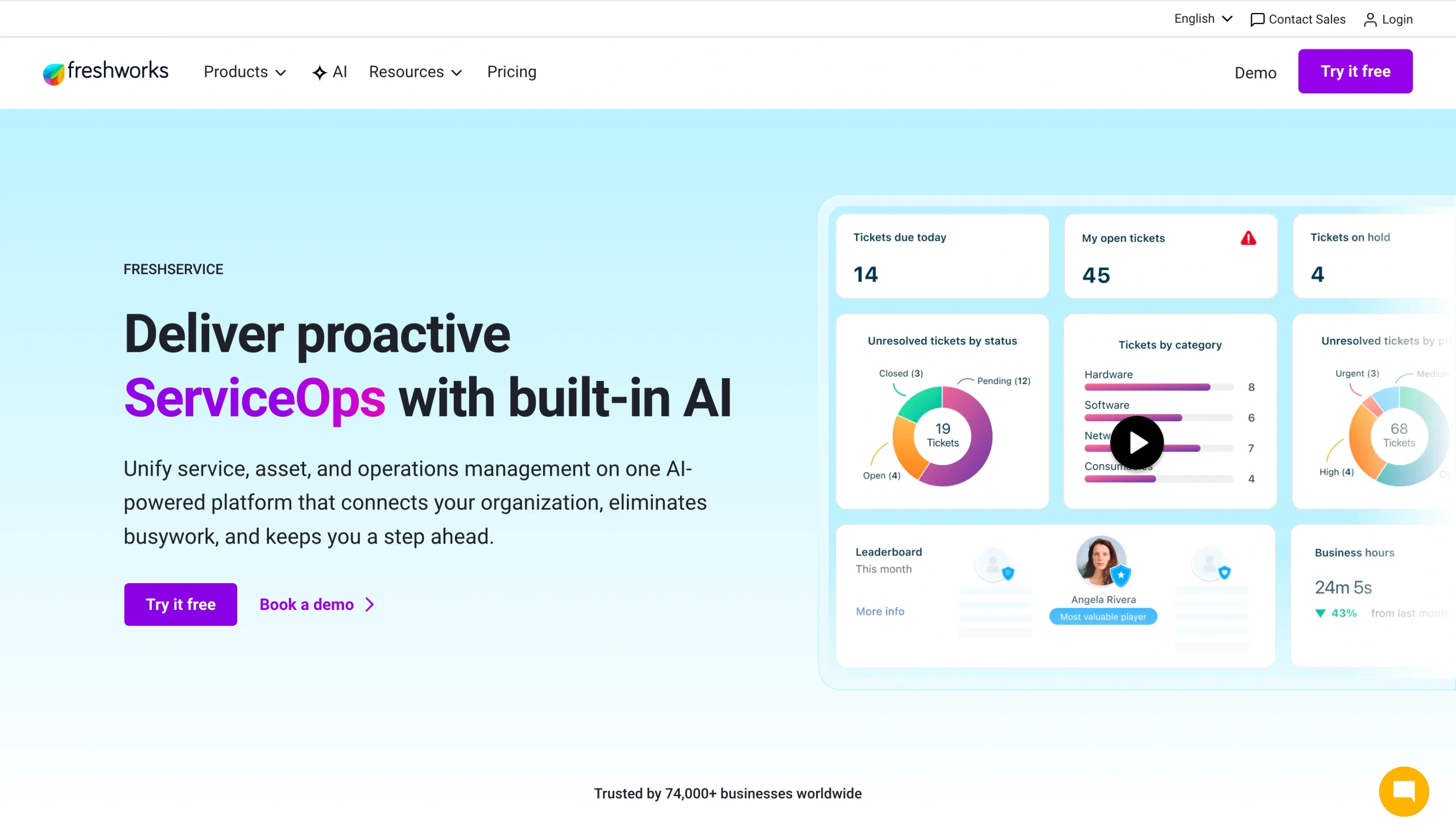
Freshservice is an ITIL-aligned service management platform designed for internal IT teams. Its purpose is to manage employee requests, IT incidents, assets, and change and release cycles within your organization. If you’ve been evaluating Freshservice vs Freshdesk IT service management (ITSM) capabilities, this is the fundamental distinction: Freshservice is not an external customer support tool.
For midsize organizations that need serious ITSM functions without the cost and complexity of enterprise platforms such as ServiceNow, Freshservice is a suitable middle ground: structured and ITIL-compliant but without expensive implementation bills.
What makes Freshservice unique?
Freshservice goes beyond standard ITSM ticketing in a few meaningful ways:
- Full ITIL life cycle coverage: Freshservice manages the complete ITIL service life cycle, including incident, problem, change, release, and asset management, giving IT teams a single platform for every stage.
- CMDB-backed asset discovery and tracking: Freshservice includes a CMDB that automatically discovers and tracks hardware, software licenses, and infrastructure dependencies, something Freshdesk doesn’t have.
- No-code workflow builder: Teams can build approval flows and automations without touching a line of code, making it straightforward to standardize IT processes across the organization.
- Freddy AI embedded in Slack and Microsoft Teams: Unlike Freshdesk’s customer-facing AI, Freshservice’s Freddy AI Agent lives inside the tools employees already use. Staff can log incidents, check request status, and get answers without ever opening the Freshservice interface directly.
- Enterprise service management: Freshservice extends beyond IT to support HR, finance, legal, and facilities teams, all running their own service desks from the same platform. For organizations looking to standardize internal customer service technology across departments, this is a significant advantage.
- Change and release management: Freshservice includes dedicated modules for planning, approving, and tracking changes to IT infrastructure, a level of governance well outside the scope of anything Freshdesk offers.
Freshdesk vs Freshservice in 2026: Head-to-head comparison
On the surface, Freshdesk vs Freshservice can feel like a close call: Both tools use Freddy AI, they have similar user interfaces, and they’re both under the Freshworks umbrella. But they’re optimized for entirely different workflows, user bases, and operational goals.
Use cases and target user profiles
The simplest Freshdesk vs Freshservice difference is this:
- Freshdesk faces outward. It’s for your customers.
- Freshservice faces inward. It’s for your team.
Freshdesk is built for external support teams handling customer inquiries. For example
- E-commerce businesses managing order issues
- SaaS companies fielding product questions
- Service businesses tracking complaints
Freshservice is built for internal IT teams managing employee requests, incidents, and infrastructure. The “customer” in this context is a colleague submitting a help desk ticket because their laptop won’t connect to the VPN, not a paying customer with a support case.
A company that buys Freshdesk expecting Freshservice IT service management capabilities will find no asset management, no CMDB, no change management workflows.
An IT team that picks up Freshservice hoping to run external customer support operations will find a tool that isn’t fit for purpose.
Do some companies need both? Yes. A midsize technology company might run Freshdesk for its customer support team while its internal IT department runs Freshservice independently.
Key features & ITSM capabilities
Freshdesk is built on ticketing, omnichannel support, SLA management, and customer satisfaction tracking. Its features are optimized for volume and speed, handling large numbers of inbound customer contacts efficiently, measuring response times against SLA targets, and tracking satisfaction scores to monitor support quality.
Users can also extend their customer service stack with Jotform by collecting requests, feedback, and complaints through customizable forms, then using the Jotform + Freshdesk integration to automatically create Freshdesk tickets from submissions.
Freshservice adds a layer of ITIL-specific structure that Freshdesk doesn’t have. Its dedicated modules for change management, problem management, and release management, along with its full-service catalog, reflect the needs of IT operations rather than customer support. These aren’t add-ons for a generic help desk; they’re core to the Freshservice architecture.
Freshservice includes hardware tracking, software license management, and a full CMDB with automated asset discovery.
Freshdesk has no equivalent. If asset tracking is part of your requirements, then you need Freshservice.
AI capabilities (Freddy AI)
Both platforms run on Freddy AI, but the implementation differs significantly. This distinction matters when comparing Freshservice vs Freshdesk ITSM.
In Freshdesk, Freddy AI operates on two fronts:
- A customer-facing chatbot that handles inbound queries before they reach an agent
- An agent copilot that assists with response drafting, ticket summarization, and suggested replies
In Freshdesk, Freddy AI reduces handle time and deflects routine customer questions.
In Freshservice, Freddy AI Agent lives inside Slack and Microsoft Teams, giving employees a self-service interface without leaving the tools they already use. Meanwhile, Freddy AI Copilot supports IT agents directly within Freshservice, summarizing incidents, suggesting resolutions, and assisting with knowledge base creation.
One pricing detail worth flagging: Freshdesk’s AI sessions are allocated monthly, with no rollover; unused sessions expire at the end of each billing period. Freshservice, on the other hand, allocates AI sessions annually, which gives IT teams more flexibility in how they distribute AI capacity throughout the year.
Freshdesk vs Freshservice: Pricing
Freshdesk | Freshservice | |
|---|---|---|
| Free/Trial | 14-day free trial | 14-day free trial |
| Starter/Growth | $19/agent/month, billed annually | $19/agent/month, billed annually |
| Pro | $55/agent/month, billed annually | $49/agent/month, billed annually |
| Enterprise | $89/agent/month, billed annually | $99/agent/month, billed annually |
When comparing Freshdesk vs Freshservice, pricing can make Freshdesk look more appealing. But, the price doesn’t matter if you’re the right target audience for Freshservice.
Freshdesk pricing: Freshdesk has a more flexible entry point, with free plans for Freshcaller and Freshchat.
Freshservice pricing: Freshservice operates on a per-agent, per-month pricing model with no free tier, a key distinction in any Freshdesk vs Freshservice pricing conversation.
Did you know?
Freshservice handles internal IT requests well, but there’s a gap: Native request forms inside Freshservice are functional but limited in terms of design, logic, and the variety of form types. That’s where Jotform fits in.
Whether you’re capturing IT request forms, internal complaint forms, or onboarding submissions from new employees, Jotform’s drag-and-drop form builder gives you significantly more control over how intake data is collected and structured. You can use conditional logic to show or hide fields based on previous answers, keeping forms clean and relevant for whoever is filling them out, and set up automatic email notifications the moment a submission lands.
Freshdesk or Freshservice: Which should you choose?
Rest assured that both Freshdesk and Freshservice are solid choices. They’re polished, capable platforms for any organization. The decision on which to choose comes down to whom you’re serving and what you’re managing.
Here’s a straightforward way to think about it.
Choose Freshdesk if
- You’re running an external customer support operation: If your team’s primary job is responding to paying customers across email, chat, phone, and social media, Freshdesk is built precisely for that workflow.
- You need omnichannel coverage without heavy IT infrastructure: Freshdesk is relatively quick to set up and doesn’t require ITIL expertise or a dedicated IT team to run effectively.
- You’re an early-stage business or small team watching your budget: Freshdesk’s free plan (up to two agents for six months) gives smaller operations a genuine on-ramp that Freshservice doesn’t offer.
Choose Freshservice if
- You’re managing internal IT operations: If your team handles employee requests, IT incidents, infrastructure changes, and asset tracking, Freshservice is your solution.
- You need ITIL compliance and structured change management: Organizations in regulated industries or those with mature IT governance requirements need the full ITIL life cycle, including incident, problem, change, release, and asset management. That structure is native to Freshservice.
- You want to extend service management beyond IT: Freshservice’s enterprise service management capabilities mean HR, finance, legal, and facilities teams can all run their own service desks from the same platform.
Freshdesk is great, but have you tried Jotform?
Freshdesk is a strong platform for managing external customer service, but Jotform makes it even better.
There are things Freshdesk can’t do that Jotform can. For example, Freshdesk doesn’t build advanced intake forms, run AI Agents across WhatsApp and SMS, or generate visual reports from form submissions.
The Jotform help desk integration fills that gap as a customer service enhancement layer that sits alongside Freshdesk, extending what your support operation can do without replacing the tools already working for you.
Jotform AI Agents allow you to build and deploy AI-powered agents that handle customer service needs 24/7 across multiple channels, including chat, phone, WhatsApp, SMS, and Instagram.
Agents can answer queries, guide customers through processes, trigger workflows, and escalate to humans when needed. And there’s no coding required. You can start working from one of 7,000-plus ready-to-use agent templates and 2,600-plus feedback form templates (including customer service, support request, and complaint-handling forms).
In addition to using the AI Agents
- You can register new customers, give discounts to customers, collect feedback from users, or use any form to reach your customers. You can collect important feedback via Jotform’s easy-to-use Net Promoter Score survey builder and get responses from any device.
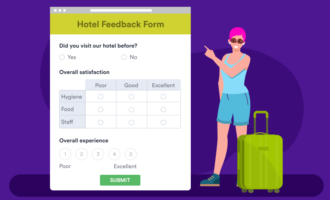
- You can create feedback forms to find out what your customers think about your services and products.
- You can use conditional logic to trigger surveys after specific customer service interactions, automatically sending them to customers.
- You can set up automatic email notifications when a customer submits a service request or complaint.
- With Jotform Report Builder, you can generate reports from submitted forms to analyze common service issues, monitor resolution times, and improve service offerings.
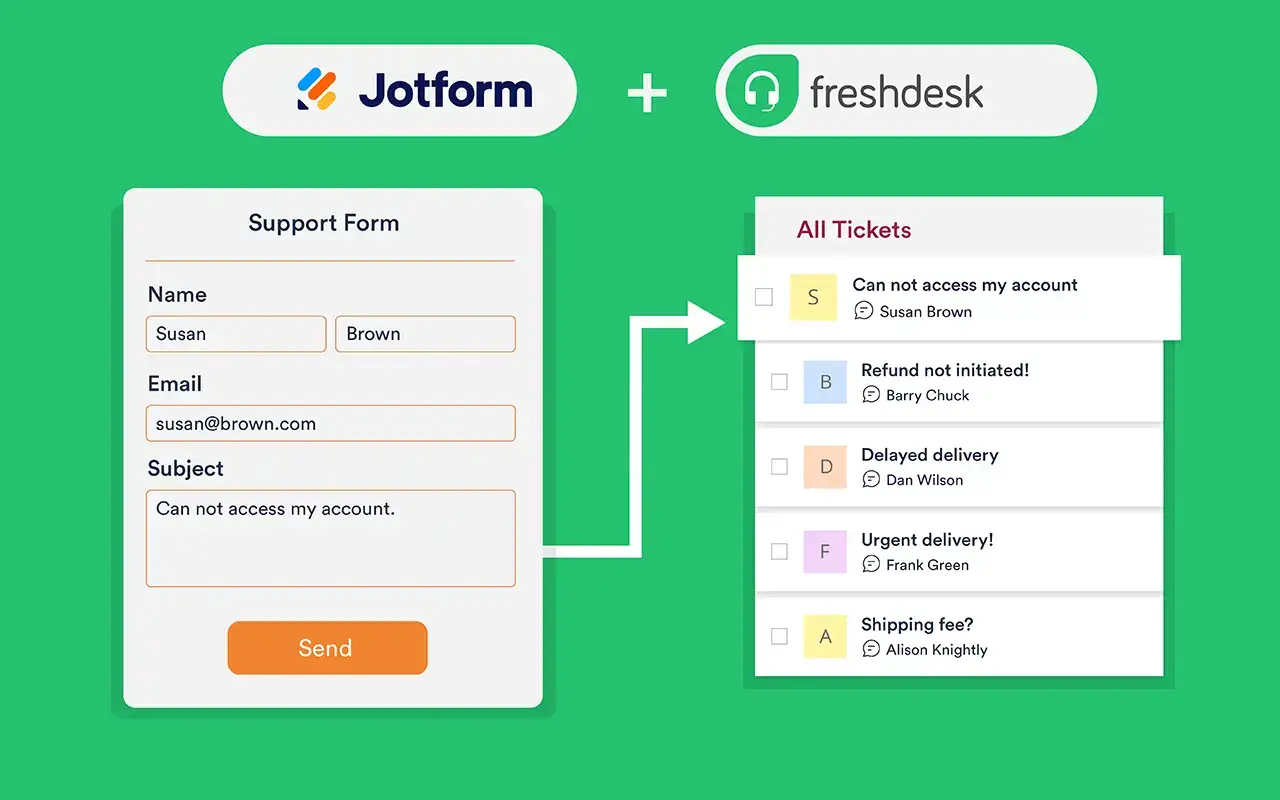
All of these features become even more powerful when connected directly to your help desk. With Jotform’s native Freshdesk integration, every form submission can auto-generate a new ticket in Freshdesk. Your team works the tickets as normal, while Jotform handles the intake layer in front of it.
This article is for IT managers, support team leads, and business decision-makers evaluating help desk software — specifically those trying to understand whether they need an external customer support tool (Freshdesk) or an internal IT service management solution (Freshservice), or both.
























































Send Comment: