

Writing a cover letter has never been simple, but lately it’s become one of the most frustrating parts of the job search. Applicants know they’re supposed to stand out, but they’re rarely told how. Applicants also are increasingly writing for automated screening systems as well as human recruiters.
While some employers have moved away from cover letters, others still consider them essential. In fact, a recent Forbes analysis of hiring experts who say cover letters still matter found many recruiters still rely on them to understand a candidate’s motivation, communication skills, and personality — in other words, things a resume alone can’t fully convey. Even critics generally agree on one point: A thoughtful, well-written cover letter can differentiate a candidate in a crowded field.
If cover letters still matter, but most job seekers struggle to write them quickly, clearly, and consistently, then the process needs to change. Therefore, more applicants are turning to AI tools. The right tool doesn’t replace your voice. Rather, it makes the process manageable by helping you write a cover letter that positions you as the perfect candidate for the job you’re seeking.
In this guide, I’ll explain why AI cover letter generators have become one of the most practical job search tools in 2026 and how they can actually improve your chances of getting an interview. Then I’ll share my top seven AI cover letter generators for 2026, as well as how to choose the right tool for your needs and get the most out of it.
Why you should use AI cover letter generators in 2026
Many companies now use AI-assisted tools to scan applications for relevance, keywords, clarity, and role-specific skills. For job seekers, this creates a new challenge: You’re expected to tailor every application, but the time and mental bandwidth it takes to rewrite a strong cover letter from scratch for each role can be overwhelming.
AI cover letter generators let you quickly adapt your experience to different job descriptions, so you can create multiple targeted applications without sacrificing quality in a reasonable amount of time. Used correctly, AI doesn’t replace your voice. It helps you express that voice and your qualifications clearly and consistently.
The biggest advantage AI cover letter generators offer is speed without the loss of personalization. A good AI tool helps you highlight the most relevant skills for each job, adjust tone and structure automatically. It also reduces the risk of sending a generic letter that gets ignored. For anyone applying to multiple roles, the combination of accuracy, efficiency, and consistency makes a real difference in whether your application actually gets seen.
7 best AI cover letter generators in 2026
The good news is there are several good cover letter generators you can choose from. The not-so-good news is that it can be a little overwhelming to choose the right tool for your needs. To help you make that choice, I’ve tested several tools and evaluated them here. You can also refer to the quick-view table below.
| Tool | Resume Integration | Download Options | Pricing |
|---|---|---|---|
 Jotform AI Cover Letter Generator |
|
|
|
 Kickresume |
|
|
|
 ChatGPT |
|
|
|
 Grammarly |
|
|
|
 Resume.io |
|
|
|
 Teal |
|
|
|
 Enhancv |
|
|
|
1. Jotform AI Cover Letter Generator
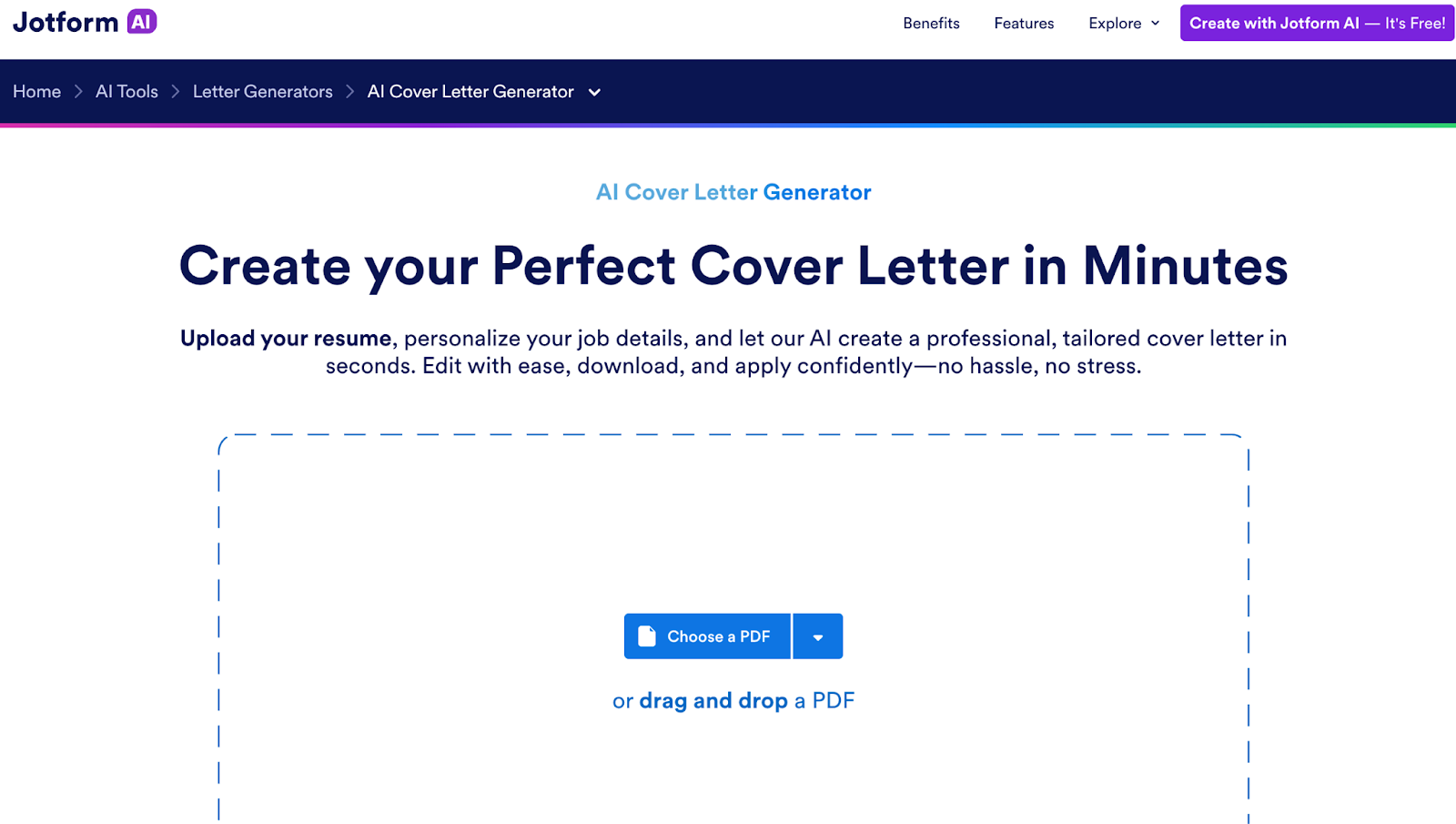
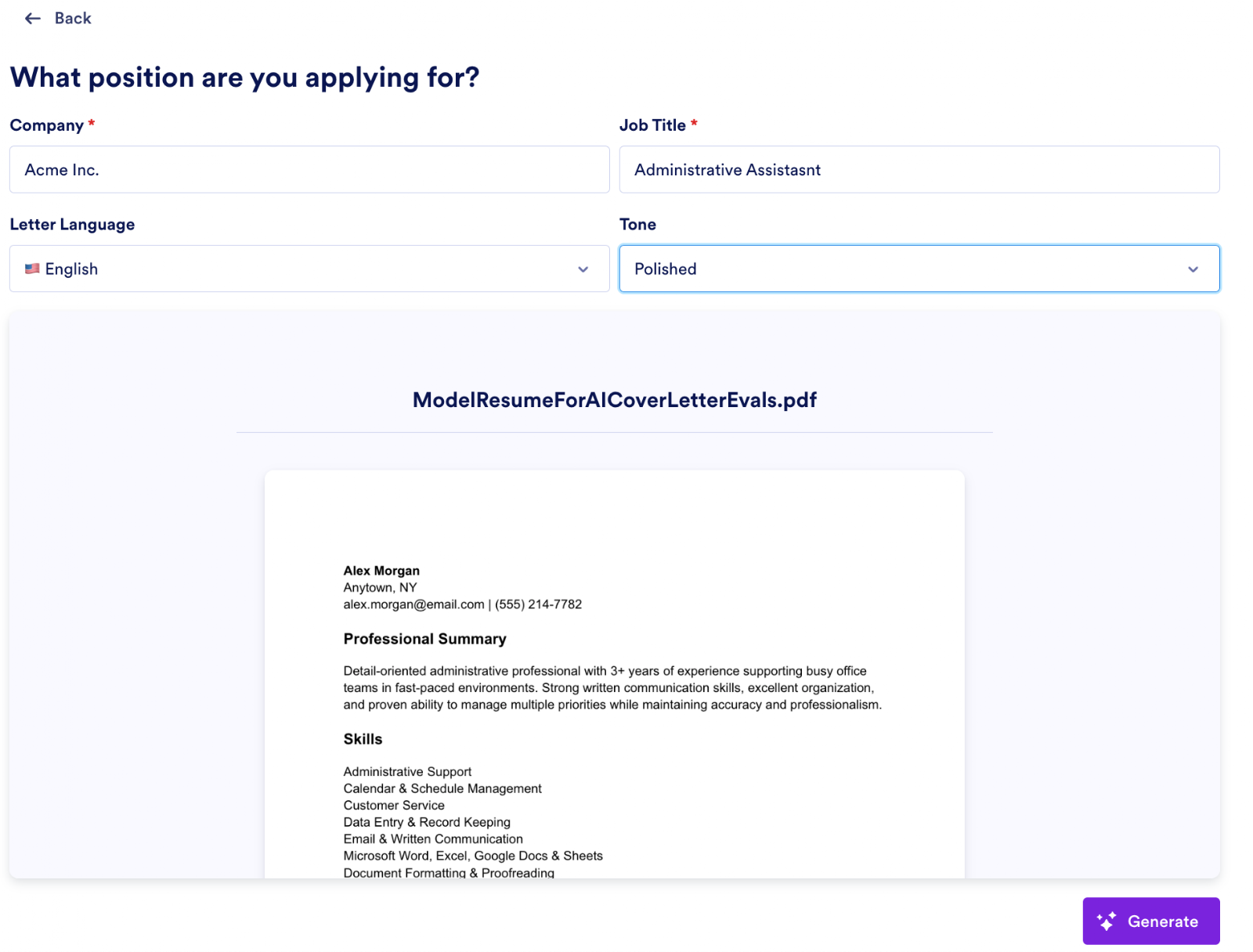
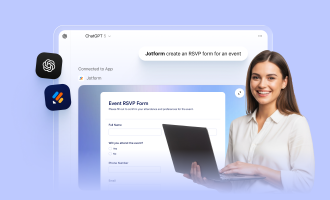
Jotform’s AI Cover Letter Generator is designed as a fast, lightweight tool rather than a full job search platform. Simply upload your resume as a PDF and provide key details about the company and role. Next, select a tone for your cover letter; options include professional, polished, confident, persuasive, and more. When you’ve selected your parameters, click Generate to get a cover letter immediately.
If you need help with the resume, you should also take a look at Jotform Resume Generator. Also, don’t neglect Jotform’s PDF cover letter template for a more professional, tailored look to your cover letter, which will make your application stand out even more.
I found the process simple and straightforward, with fairly robust tone of voice controls.
No signup or credit card number is required, as this is a free tool. Your formatting options are a bit limited, but you can either copy and paste into your preferred word processing software or download as a PDF. You’ll also be able to edit the letter to make it more personalized directly in the output window.
- Best for: Quick, no login cover letter drafts
- Key features
- Instant AI-generated cover letter from user inputs
- No complex setup process
- Designed for quick copy-and-paste use
- Pros
- Very fast to use
- No learning curve
- Good for creating a first draft quickly
- Cons
- Limited customization compared to full resume platforms
- Fewer formatting/template options
2. Kickresume AI Cover Letter Generator
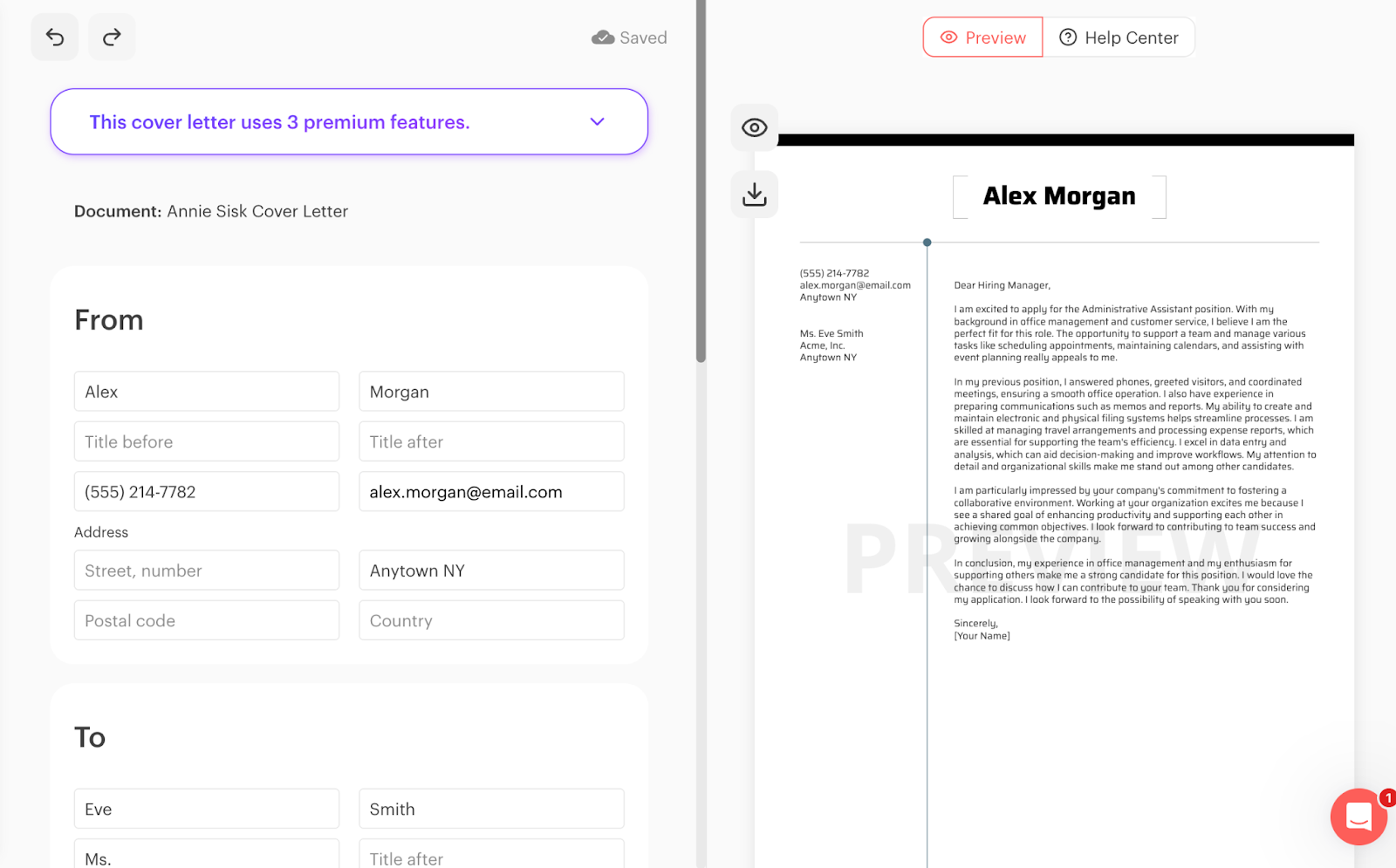
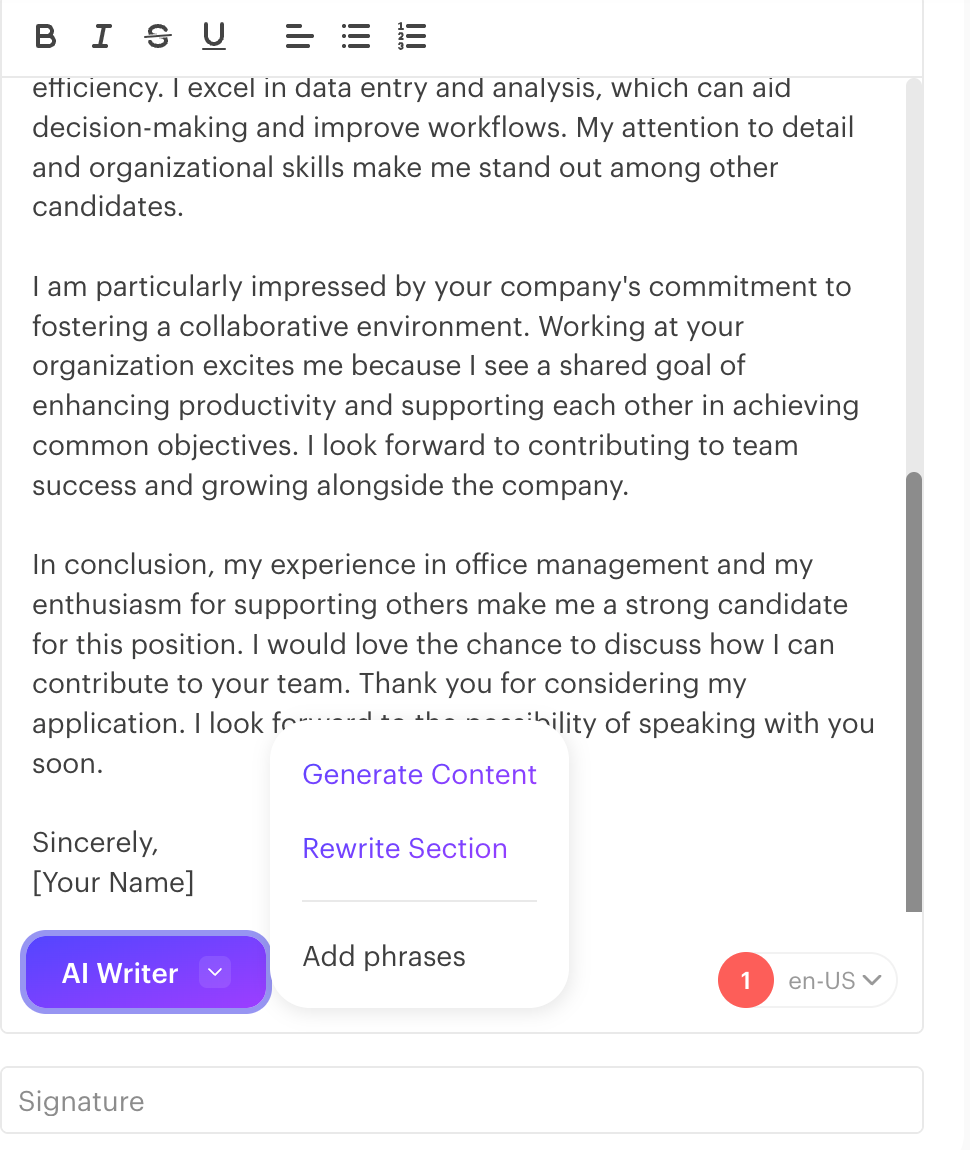
Kickresume’s AI Cover Letter Generator is built around the idea that a cover letter should match a resume, so the tool focuses heavily on resume integration. Because it’s part of a full resume building platform, the process takes slightly longer than simpler tools. The results are usually more structured and professional-looking, but you’ll need to pay for a premium plan to take advantage of advanced features.
Kickresume is a fully featured job application tool suite, and some of my frustration in using it is probably due to that fact, plus the limitations of a free account. Premium users who take full advantage of both resume and cover letter generating tools may have a smoother and faster experience. As it was, I had to manually enter more information than with Jotform or other tools before I could see the resulting letter. The tool doesn’t appear to include tone setting controls, but there is a simple WYSIWYG editor you can use to personalize your letter outputs.
- Best for: Resume-based personalization
- Key features
- Generates a cover letter from an uploaded resume
- Tailors the letter to a specific job
- Matching resume and cover letter templates
- Pros
- Strong personalization based on resume content
- Professional formatting and templates
- Designed to work as part of a full job application workflow
- Cons
- Requires more setup than simpler tools
- Some features locked behind paid plans
3. ChatGPT
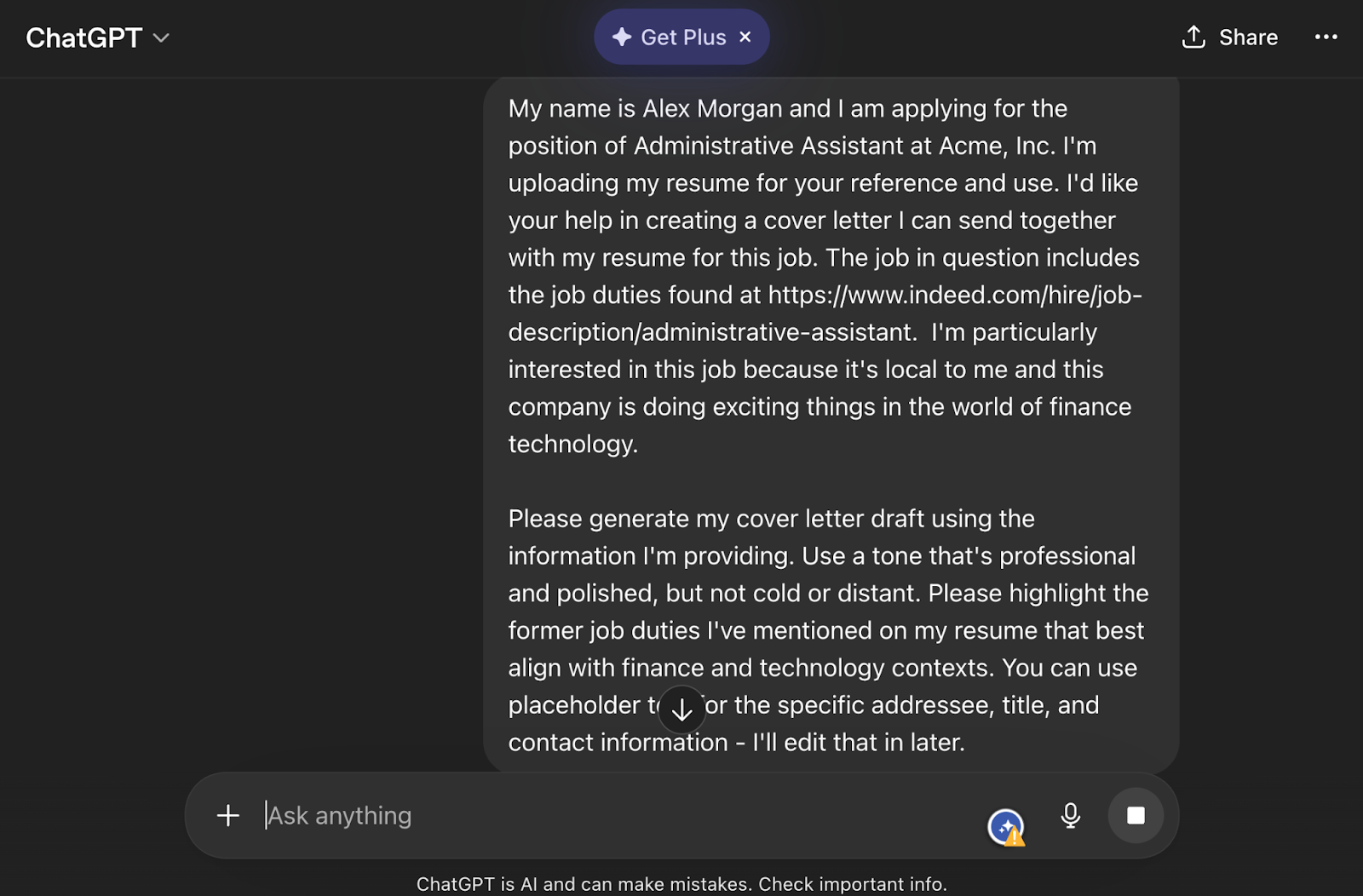
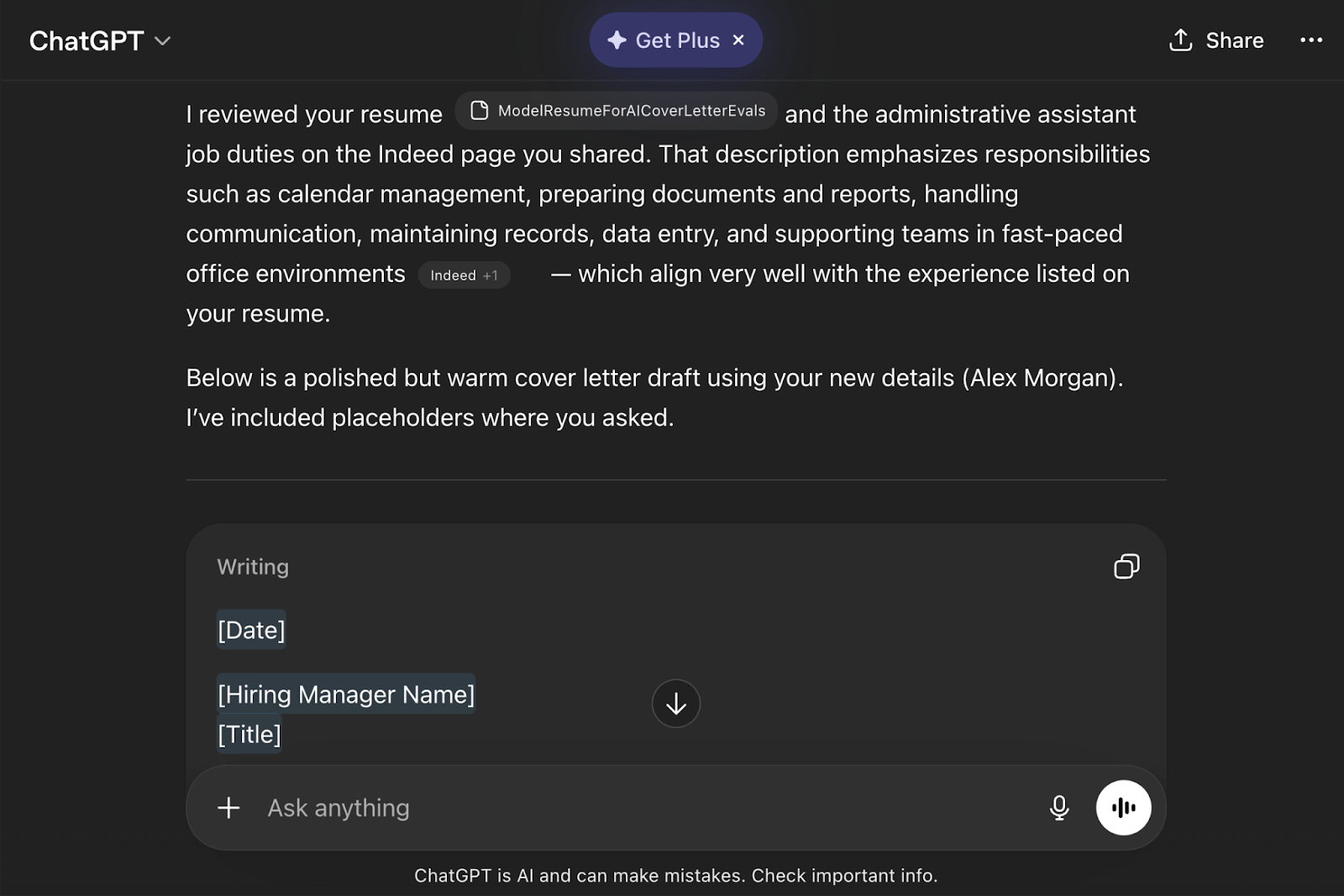
Unlike the other tools on this list, ChatGPT isn’t a dedicated cover letter generator. Rather, it’s a general AI writing tool. That actually makes it one of the most flexible options. Instead of relying on templates, you paste your resume, along with the job description, and ask for multiple variations until the tone and structure feel right. The downside is it requires more effort and clearer prompts than tools designed specifically for job applications.
You can add as many instructions as you like to your prompt, and ChatGPT incorporates them into the draft. This gives you much more flexibility than some other tools, but does require more effort upfront. Another feature I find very useful with ChatGPT is you can ask it to generate two or more alternate drafts for your consideration, so you can pick and choose the best elements when you revise.
- Best for: Fully customizable cover letters
- Key features
- Fully customizable prompts
- Can generate multiple versions instantly
- Works with pasted resumes and job descriptions
- Pros
- Maximum flexibility and control
- Can refine and rewrite instantly
- Useful for editing as well as writing
- Cons
- No built-in templates or formatting
- Requires more user input than most tools
4. Grammarly AI Cover Letter Generator
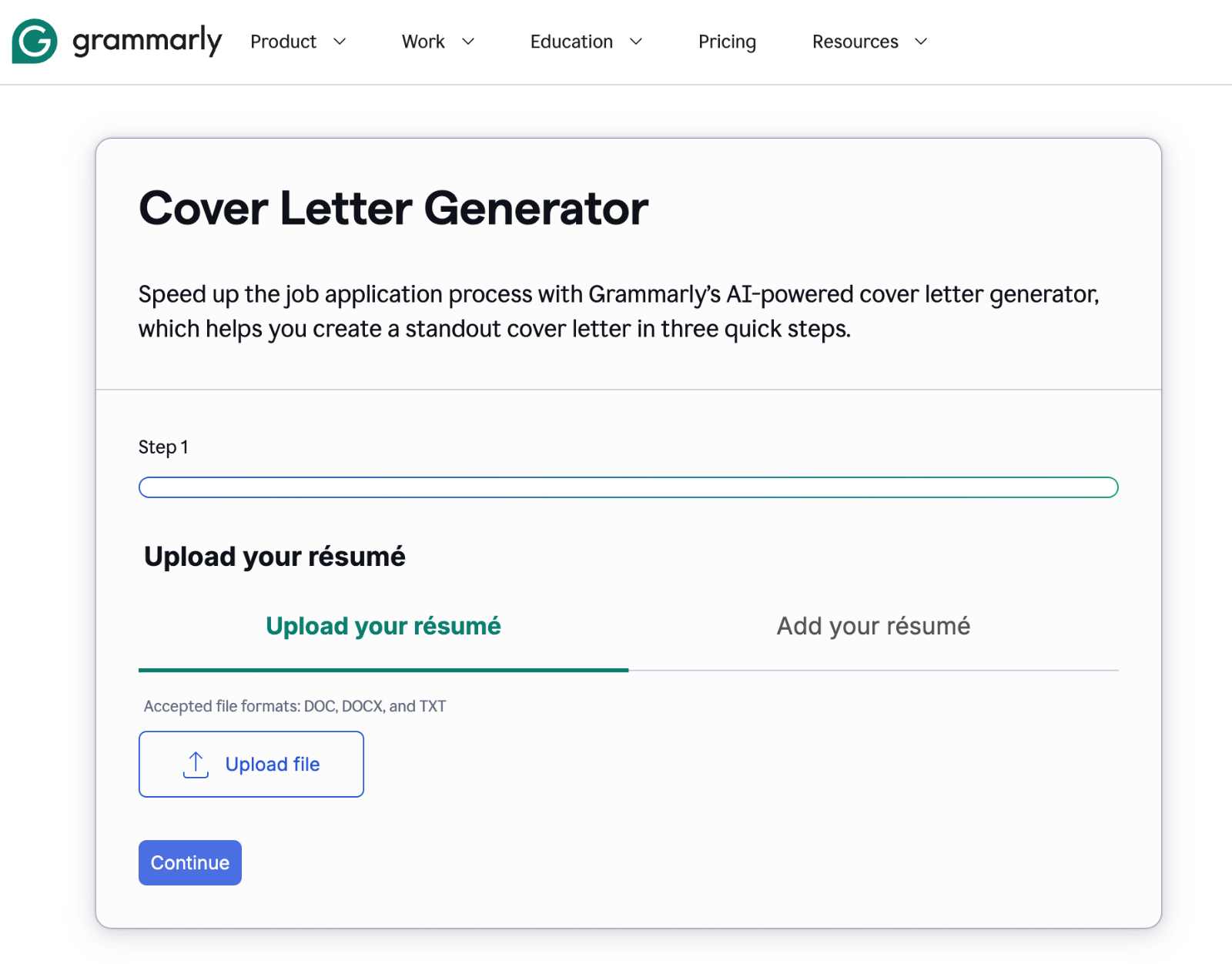
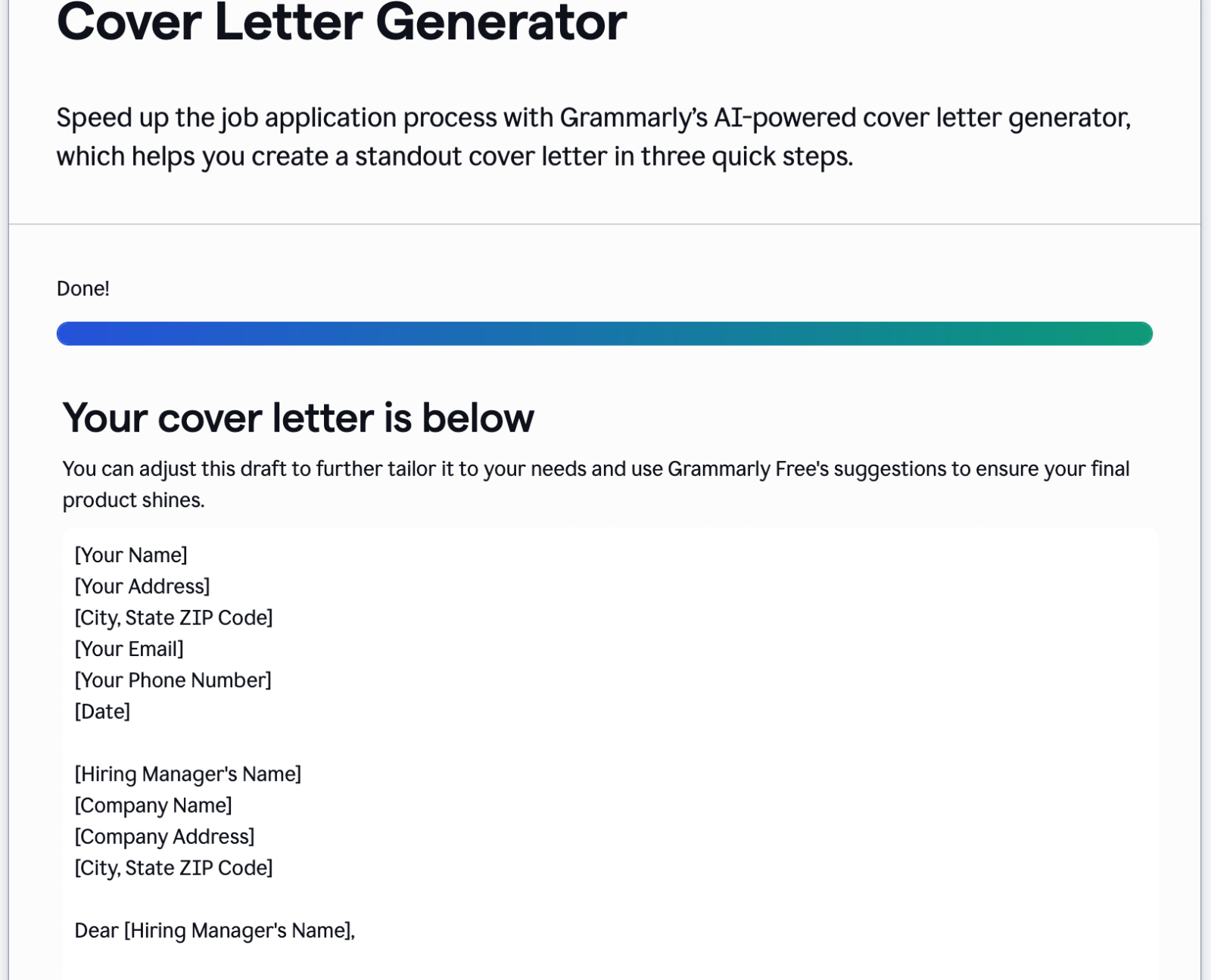
Grammarly’s AI Cover Letter Generator focuses primarily on writing quality rather than templates or formatting. The tool is designed to help users produce professional, clear writing quickly, with AI-generated drafts you can then edit using Grammarly’s grammar and tone tools. This makes it especially useful for users who struggle with writing but still want a polished result.
You’ll need to upload your resume in DOC, DOCX, or TXT format. While you can use the free version to get a fast initial draft for your review and editing, you can also sign up for a premium plan to gain access to tone controls and more advanced features. Of course, other tools provide access to tone controls for free, but some users may prefer Grammarly’s reputation for polishing and perfecting written documents.
- Best for: Grammar-focused, polished writing
- Key features
- Quickly generated drafts
- Built-in grammar and clarity suggestions
- Simple editing interface
- Pros
- Very polished writing output
- Strong grammar and clarity tools
- Easy to edit and refine
- Cons
- Limited customization compared to resume-focused tools
- Fewer formatting or template features
5. Resume.io
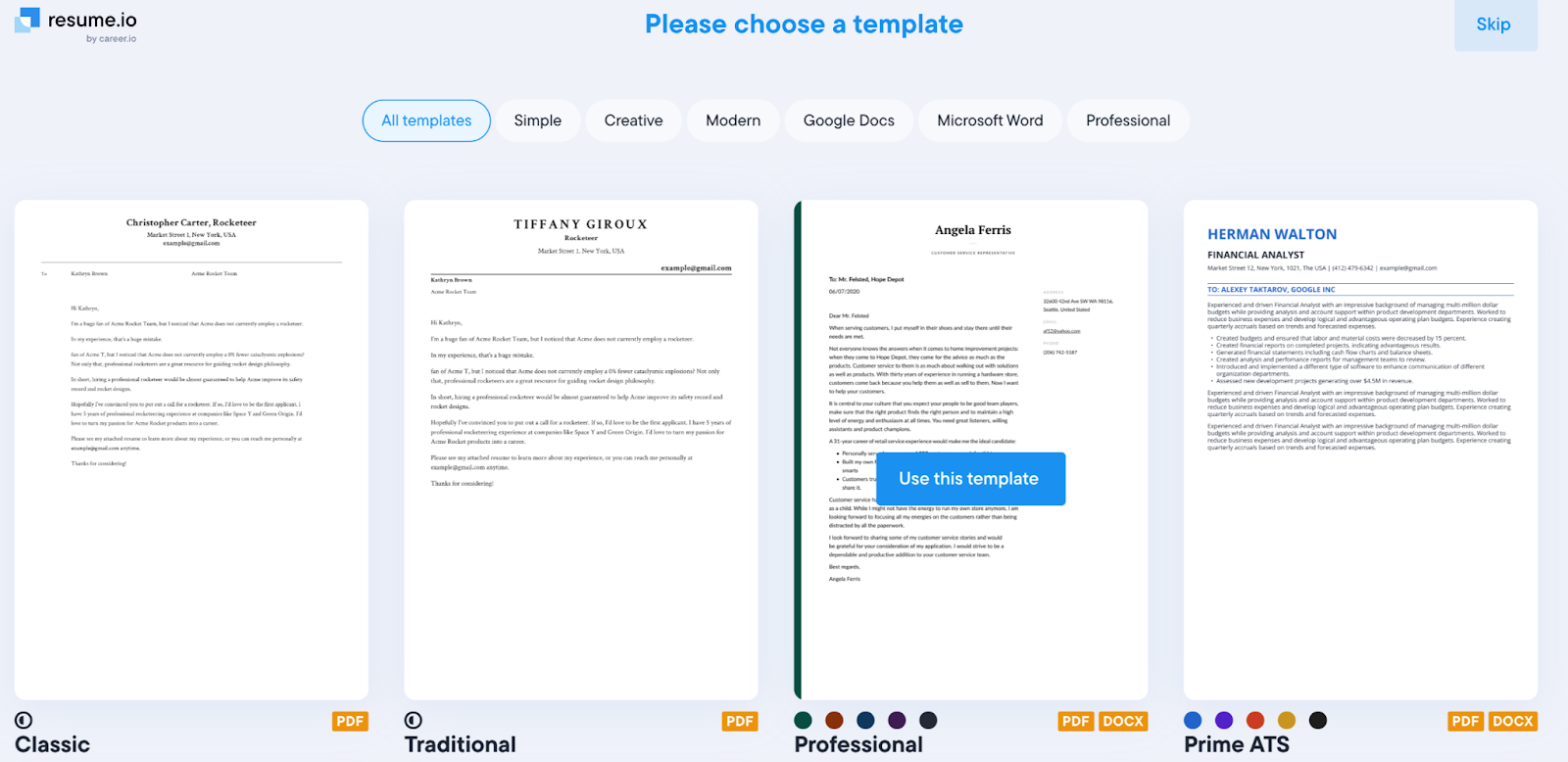
Resume.io combines AI writing with a large library of professionally designed templates. The platform emphasizes ease of use and fast creation, with users able to generate a cover letter in minutes and apply a template immediately. The official site also highlights ATS-focused templates and downloadable formats, which makes it practical for job seekers applying through company career portals.
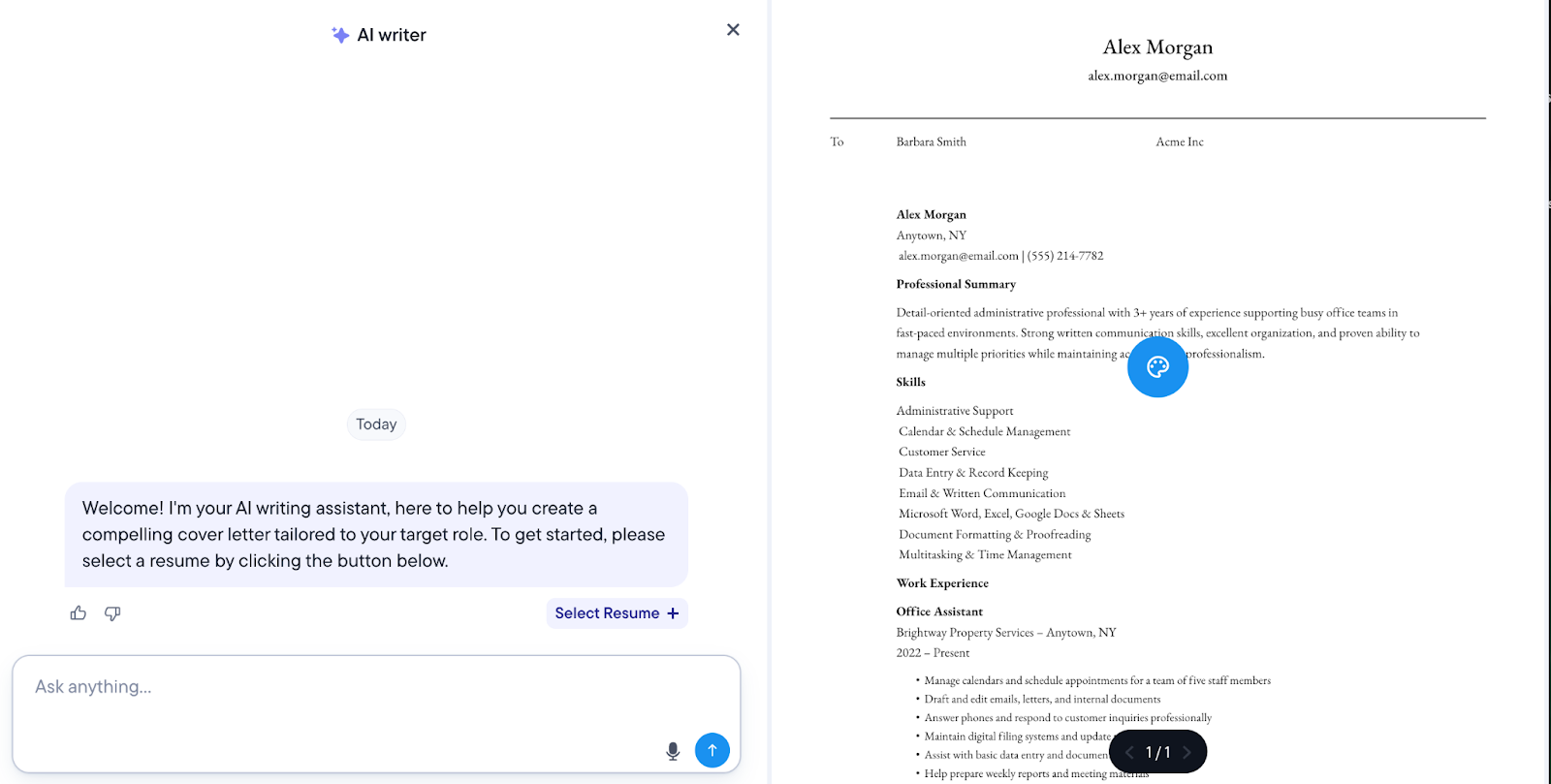
However, I found this tool difficult to test without an account. It also seemed to insist on redirecting me to the resume building portion of its site. It asked me to input three or four paragraphs explaining why I was the right person for the job, which is exactly what I was expecting the tool to do for me. If what you need is simple guidance on revisions and templates to use, Resume.io is a good choice.
- Best for: Templates and formatting
- Key features
- Built-in cover letter templates
- AI-assisted writing tools
- Multiple design and formatting options
- Pros
- Strong template selection
- Professional-looking formatting
- Easy to use for beginners
- Cons
- Less flexible than prompt-based tools
- Some downloads require a paid plan
6. Teal Cover Letter Generator
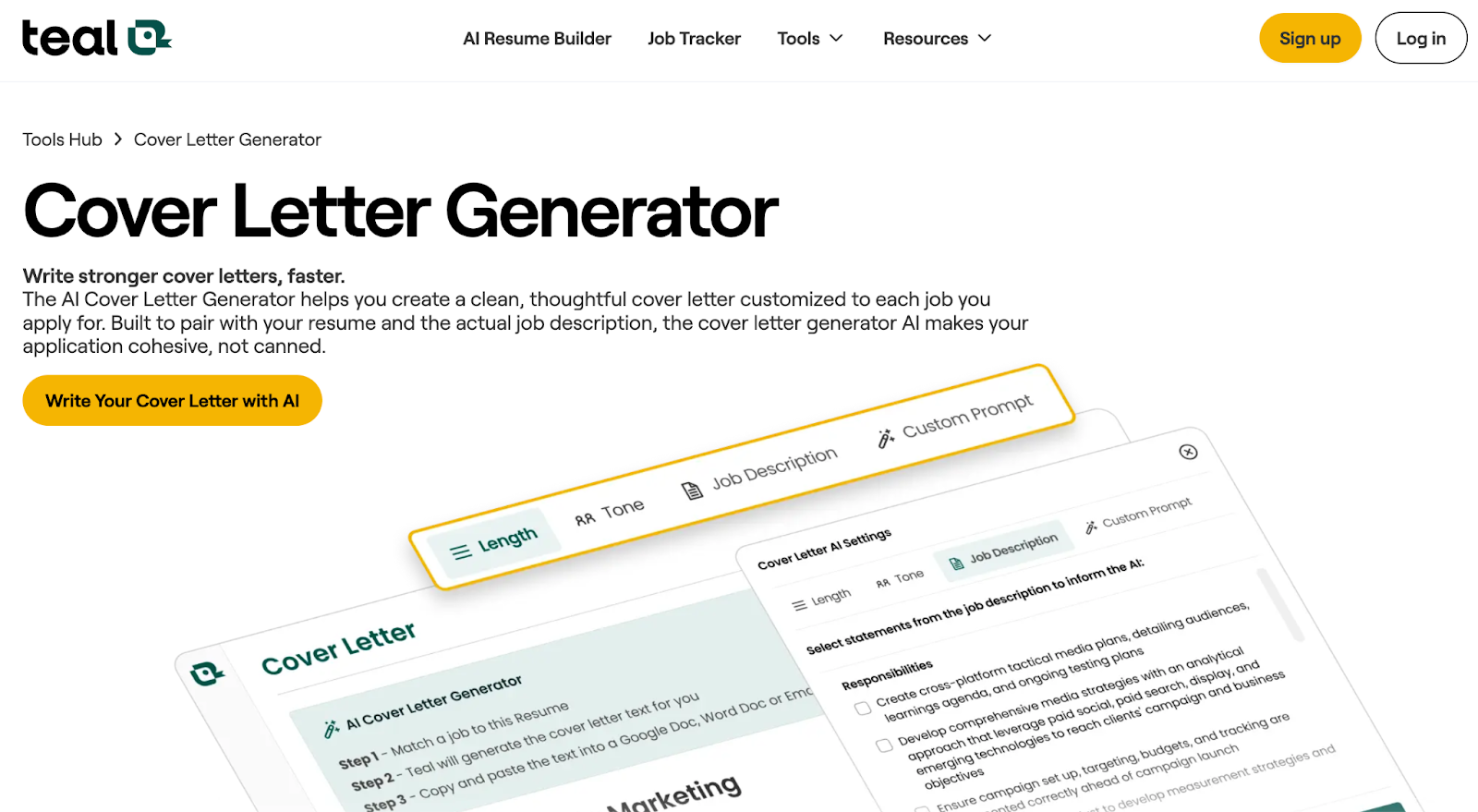
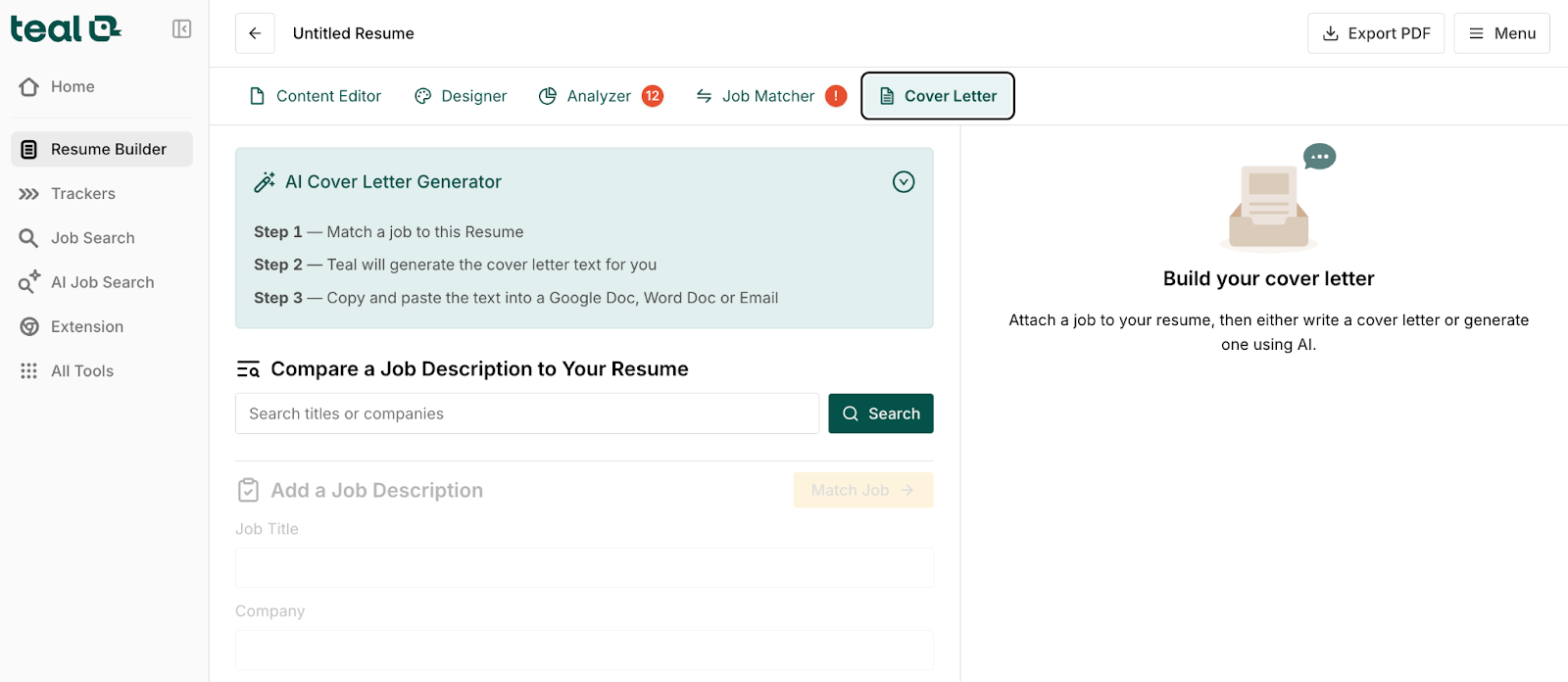
Teal’s Cover Letter Generator is designed specifically for people applying to multiple jobs. Instead of generating a generic letter, the tool connects your resume with a specific job listing and generates a tailored cover letter from both. The official tool page specifically highlights resume upload and job description matching as the core features.
It took me several pages to get back to the generator, as Teal wanted me to answer several questions and then route me through job search tools first. Next, you have to choose a specific company’s job listing and attach it to your resume. Overall, I found Teal’s generator unwieldy, although for job hunters willing to pay for a tool to manage all aspects of the application process, it’s a solid and well-reviewed choice.
- Best for: Job-specific personalization
- Key features
- Resume upload and job description matching
- AI-generated personalized cover letters
- Designed to work with multiple applications
- Pros
- Strong personalization based on the job
- Built specifically for active job seekers
- Designed for repeated use
- Cons
- Slightly more complex than simpler tools
- Requires more setup than quick-draft generators
7. Enhancv AI Cover Letter Generator
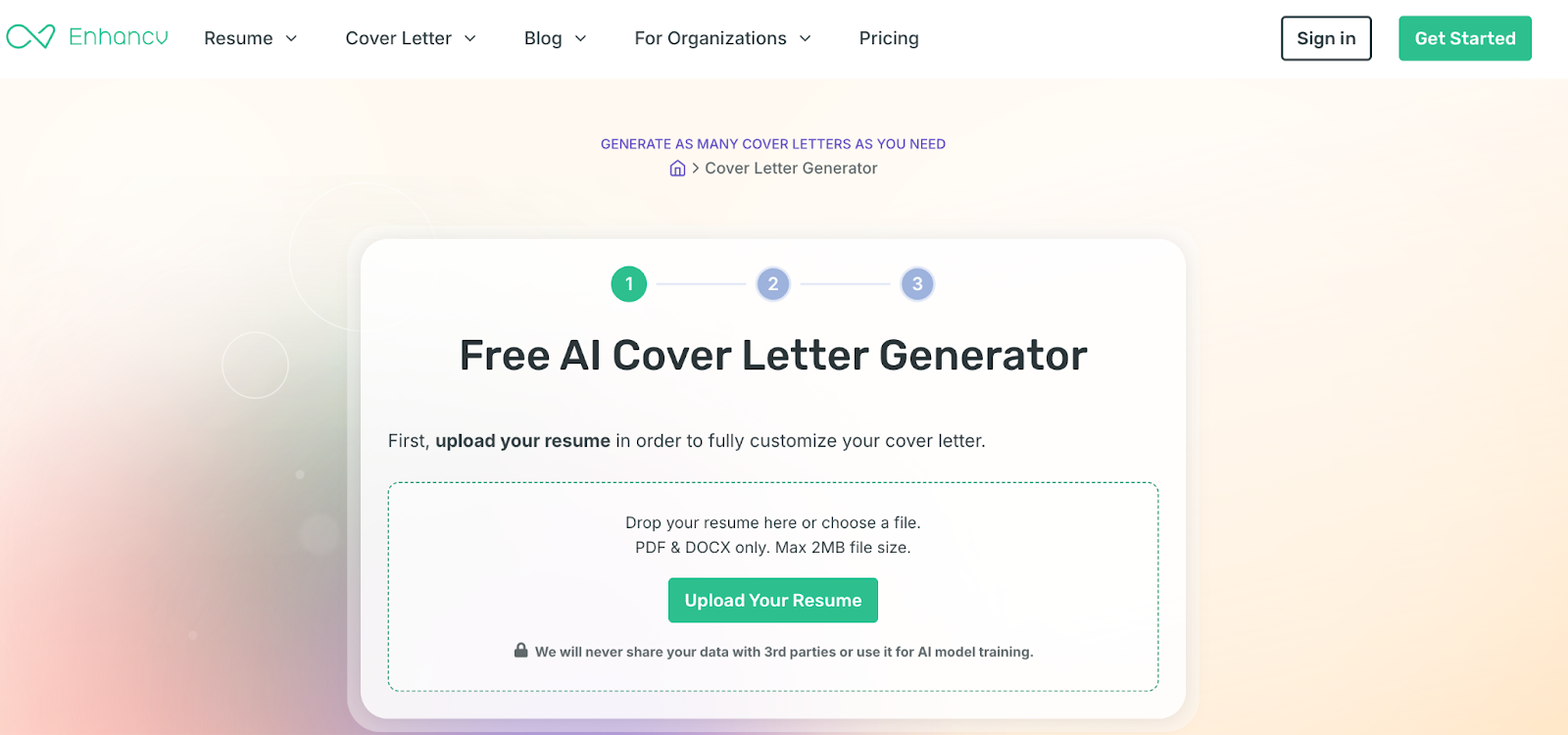
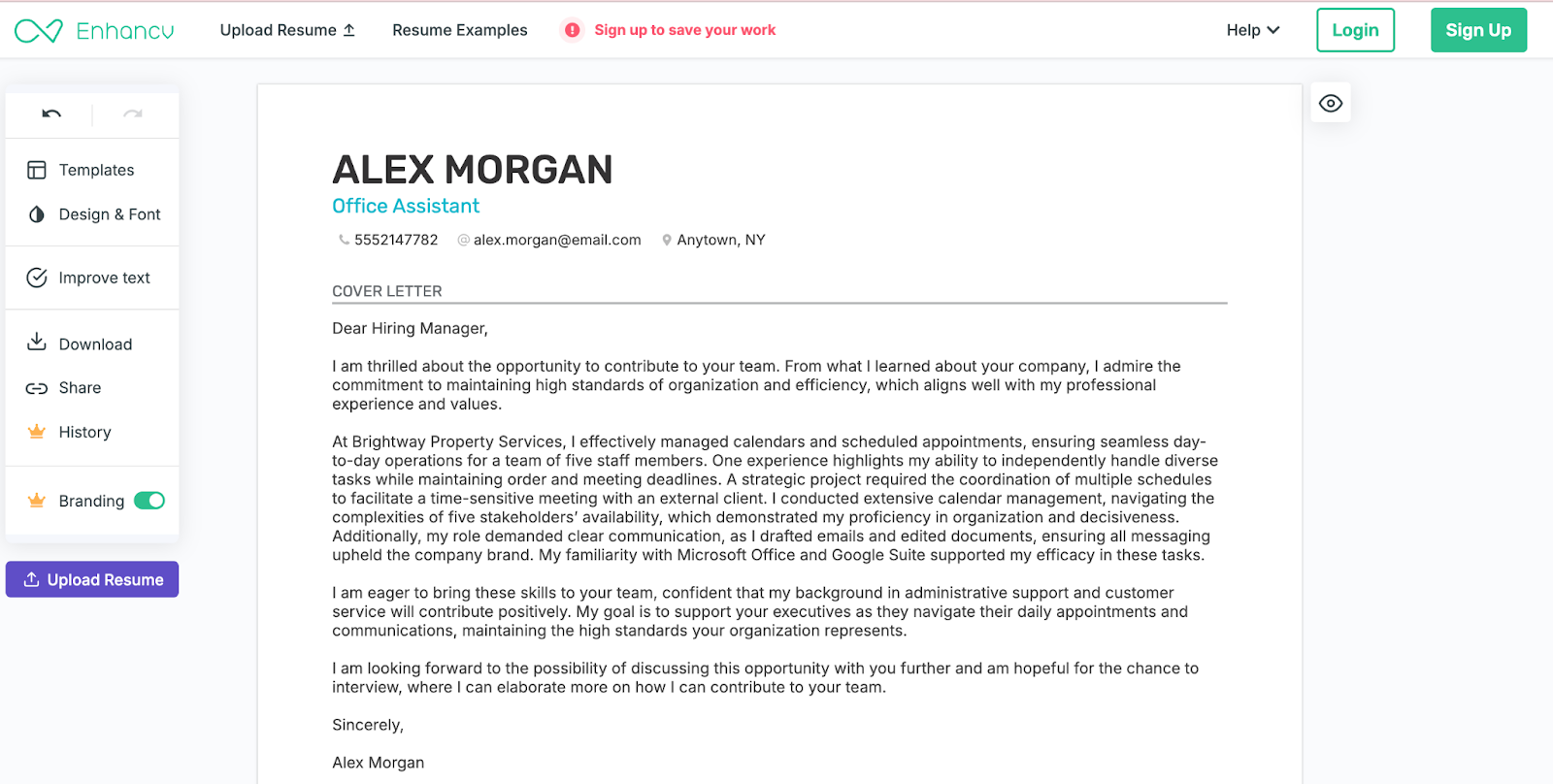
Enhancv’s Cover Letter Generator focuses on speed and simplicity while using resume-based personalization. According to the official page, users can upload a resume (in PDF or DOCX format), paste a job description, and generate a tailored cover letter immediately. The tool also emphasizes it’s free to use and doesn’t require complicated setup, which makes it one of the easiest tools to test side by side with others. You don’t even need to input your email address.
Use Settings to set your preferred tone (I chose Professional) and choose a basic template for your letter. This is a great option for folks who just want some help getting started with a cover letter and would prefer a tool that doesn’t require much personal data or premium payments.
- Best for: Fast AI generation with resume upload
- Key features
- Resume upload for personalization
- Tailoring based on job description
- Free AI cover letter generator
- Pros
- Very fast to use
- Resume-based personalization
- Simple, clean interface
- Cons
- Limited advanced customization
- Less control over tone than prompt-based tools
How I tested and ranked each tool
I chose the AI-powered cover letter generators discussed above by evaluating several independent review articles that included multiple tools in each. I focused on the tools most frequently recommended, as well as tools offering free plans or trials, since job hunters want and perhaps need to be highly budget-conscious.
To make sure my analysis was as equitable as possible, I used the same inputs and the same general process for each tool, wherever possible. I started with a single resume created for a job seeker in a nontechnical field, then used that same resume each time I was prompted to add a resume. This made it easier to see how each tool interpreted the same experience rather than comparing different outputs.
I also evaluated how each tool responded to the same job scenario — again, where allowed. Instead of using multiple types of roles, I focused on one realistic position so the comparison would stay consistent. That allowed me to compare not only the final cover letters, but also the writing process itself, such as how easy the tool was to use, how quickly it generated a usable draft, and how well it personalized the content based on the role.
Each platform was further evaluated based on practical factors that matter to real job seekers. These included ease of use, speed, level of personalization, overall professionalism of the output, editing flexibility, and whether the tool felt genuinely helpful rather than time-consuming. I also paid attention to whether the results sounded natural and job-appropriate rather than overly generic or obviously AI-generated.
The goal wasn’t to find the smartest AI tool — it was to find the ones that actually make the job application process faster, easier, and more effective for someone applying to multiple roles.
Tips for using AI cover letter generators
AI tools can make cover letter writing much faster, but the results depend heavily on how you use them. Small changes in how you prompt, edit, and review the output make the difference between a generic letter and one that actually helps you get interviews.
- Use specific, structured prompts. Instead of asking the tool to write a cover letter, include the job title, company name, industry, and the three or four skills you want emphasized. The more structured your prompt is, the more targeted the result will be.
- Provide detailed inputs. Paste your resume, relevant achievements, and the job description into the tool whenever possible. AI works best when it has real information to work with, rather than trying to guess your experience.
- Optimize for ATS keywords. Many employers now use automated screening tools to scan applications. Make sure the letter includes key skills, tools, and job-specific language from the job description so it aligns with what hiring systems are looking for.
- Personalize and humanize the content. Don’t submit the first version you get. Add a sentence about why you want that specific role or company, and adjust the tone so it sounds like you. Even small edits make the letter feel far more authentic.
- Proofread and fact-check carefully. AI tools make mistakes, especially with company names, job titles, and achievements. Always double-check dates, metrics, and claims before sending anything to an employer.
- Edit for clarity and length. AI sometimes writes more than you need. Trim repetitive phrases, shorten long sentences, and keep the final version focused on the most relevant experience for that role.
- Reuse what works. If a letter works well for one role, save the structure and tone you used. You can reuse the framework and simply adjust the details for similar applications, which saves time without sacrificing quality.
How to choose the best AI cover letter generator
Not all AI cover letter tools work the same way, and the best option isn’t necessarily the one that produces the most polished-sounding text. The most useful tools are the ones that actually adapt to your experience and the specific position you’re applying for.
Start with resume integration. A good AI generator should allow you to upload your resume or paste the text, then use that information to generate a draft of the cover letter. By the same token, evaluate how well the tool responds to job descriptions. The best platforms don’t just rewrite generic content; they adjust language, skills, and examples based on the role so each letter feels relevant, not recycled.
Customization matters just as much as accuracy. Look for tools that let you control tone (formal, conversational, confident), length, and structure. The ability to edit freely is also critical. You should be able to rewrite sections, swap out examples, and adjust the voice so the final version sounds like you, not a template. Tools offering multiple templates can help you tailor your letter to different industries without starting from scratch each time.
Practical features are just as important as writing quality. Check whether the tool lets you download your cover letter as a PDF or DOCX file, especially if you’re applying through company career portals. It’s worth seeing whether there’s a free version or trial so you can test how well it works before committing.
Finally, think about usability. If you’re applying to multiple jobs, you need something fast, intuitive, and ATS (Applicant Tracking System)-friendly. The best AI cover letter generators don’t just help you write one good letter. They make it easier to create several strong, tailored applications without wasting hours rewriting the same content.
A few final thoughts
From AI Agents (and especially Jotform AI Agents) to the best AI resume builders, the world of artificial intelligence has expanded rapidly in recent years, with new capabilities emerging at an impressive pace.
AI cover letter generators won’t replace strong job applications, but they can make the process faster, more focused, and far less frustrating. The key is choosing a tool that actually fits how you apply for jobs. If you’re sending out multiple applications, speed and resume integration matter most. If writing is your biggest challenge, a tool with strong editing and customization options make a bigger difference.
Either way, the goal isn’t to sound like AI. It’s to sound more confident, more relevant, and more professional in a shorter amount of time.
If you’re still unsure where to start or how these tools work, the answers below cover common questions job seekers have about using AI to write a cover letter.
FAQs about AI cover letter generators
Avoid generic phrases, exaggerations, and vague claims like “hardworking team player.” Keep your language professional but not overly formal, and avoid obvious AI wording that sounds robotic or doesn’t match the job description. If you’re not certain about your tone, read your letter aloud to make sure it sounds like you.
The rule of three refers to highlighting three specific strengths, achievements, or skills that directly match the job you want. It keeps the letter focused, easy to read, and memorable while proving you understand what the employer is looking for.
Absolutely — if used correctly, AI can quickly create a strong first draft. It works best when you provide the job description, your resume, and specific achievements. Of course, you’ll still need to edit it for accuracy, tone, and personalization so it sounds like you instead of a template.
This article is for job seekers searching for the best AI cover letter generator, best free AI cover letter generator, or guidance on how to write a cover letter using AI tools.




























































































Send Comment: