

Top 5 AI flashcard makers
If you’re trying to memorize science vocabulary or Civil War battle dates, flashcards can help you cement that information in your brain. These handy study tools strengthen active recall by testing your memory over and over.
However, creating flashcards can take up a lot of precious study time. You might spend hours scribbling key terms on index cards or typing them into an online study app. But with an AI flashcard generator, you can automate this process and skip right to studying.
AI flashcard creators allow you to paste your notes or upload a PDF, like a five-page review packet from your teacher. Then you can use a prompt to specify what you need. For example, if you’re taking an anatomy class, you might input, “Create 50 flashcards about the respiratory system.” The AI will generate a full deck of flashcards, and you’re reviewing in minutes. It’s every crammer’s dream.
Of course, not all AI tools are created equal. Some focus on building deep, long-term retention through spaced repetition. Others prioritize speed and simplicity or are designed for teachers creating classroom resources.
We’ve done the legwork to test the best AI flashcard makers. Here are our top five picks based on ease of use, AI quality, study features, and pricing.
Top 5 AI flashcard makers to try in 2026
| Tool | Best for | Study modes | Pricing |
|---|---|---|---|
 Jotform AI Flashcard Maker |
Generating cards from prompts, PDFs, and notes |
Flip cards, interactive study mode |
Free; paid from $34/month |
 Quizlet |
Gamifying study sessions |
Flip cards, learn mode, practice tests, several games |
Free; paid from $2.99/month |
 Knowt |
Studying for popular exams with premade flashcards |
Flip cards, practice tests, Jeopardy, racing game |
Free; paid from $12.49/month |
 Brainscape |
Learning through spaced repetition |
Flip cards |
Free; paid from $7.99/month |
 Anki |
Measuring learning with detailed statistics |
Flip cards, fill in the blank |
Free for Android and web; the iOS app costs $24.99 |
1. Jotform AI Flashcard Maker
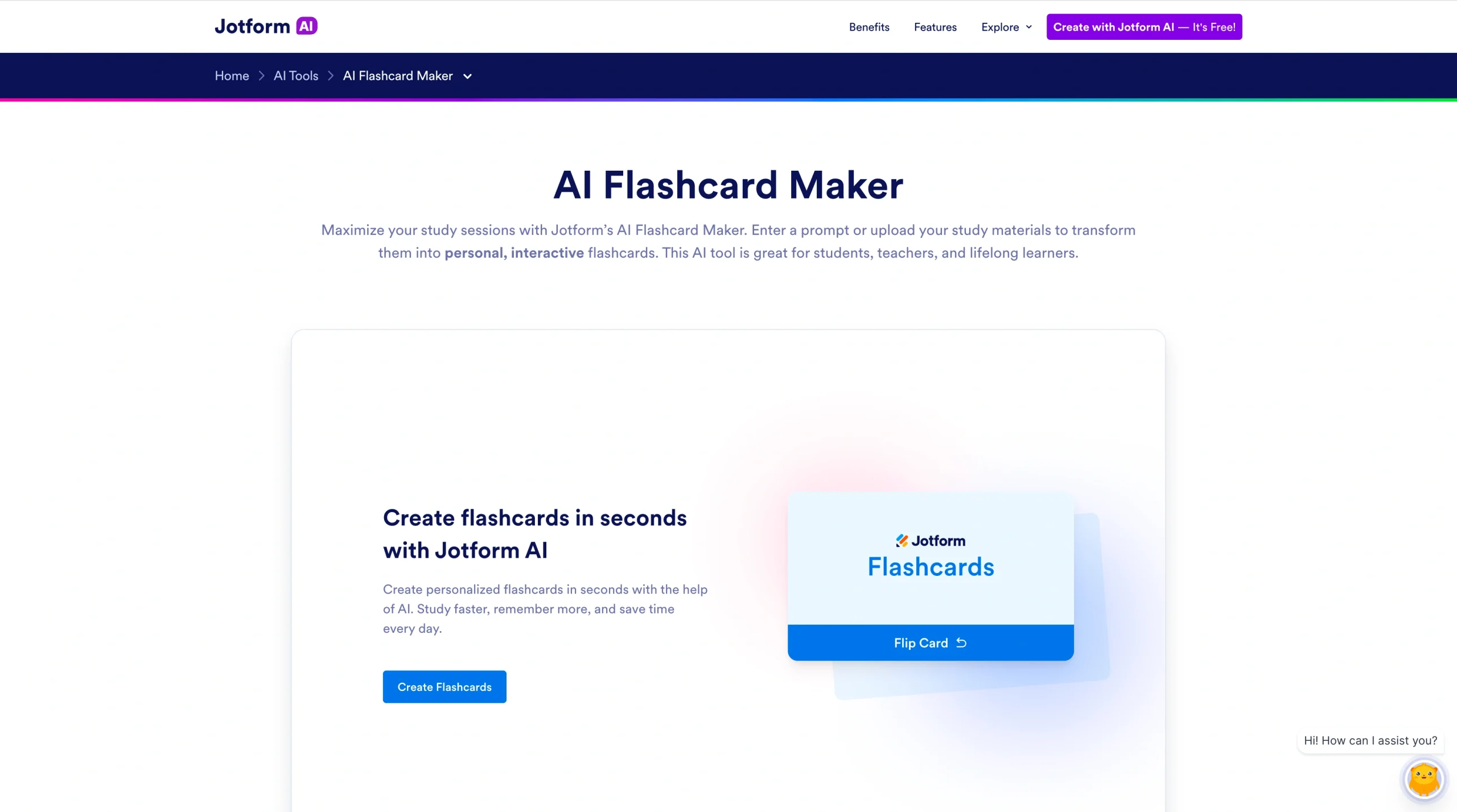
Make studying more interactive with the Jotform AI Flashcard Maker. It lets you generate AI study cards by typing a prompt describing what you want to study. You can also upload a PDF, DOC, DOCX, or TXT file. The AI scans the document and automatically extracts key terms, definitions, and questions.
Once the AI generates the flashcards, you can customize the content and appearance. For example, you may add a detail your teacher mentioned in class or delete that definition of mitochondria you can recite from memory. When your deck is perfect, start studying in an interactive flip mode or share it with your classmates or students. The smart results screen tracks what you get right, so you can see your progress.
This flashcard maker is part of Jotform’s broader AI ecosystem, which includes some of the best AI tools for education. As your confidence grows, test your knowledge by using your flashcards within the Jotform AI Quiz Generator. The AI bot will ask you how many questions you want and what type, so you can practice for the real thing.
If you want to share your knowledge with others, try the Jotform Presentation Agent. It turns flashcards and other study content into interactive, voice-guided presentations. The AI narrates slides and answers audience questions in real time. It’s a great end-to-end learning tool for corporate training or classroom instructors running review sessions with students.
- Best for: Students and educators who want to create interactive flashcards and track performance
- Key features
- Two simple ways to generate flashcards
- Easy customization
- Interactive study mode
- Pros
- Compatible with other Jotform AI education tools
- Progress tracking
- Shareable flashcards for group studying
- Cons
- Can’t upload certain file types
- Limited storage for free plans
- Pricing
- Free plan available
- Paid tiers start at $34 per month and offer more storage and advanced AI features
2. Quizlet
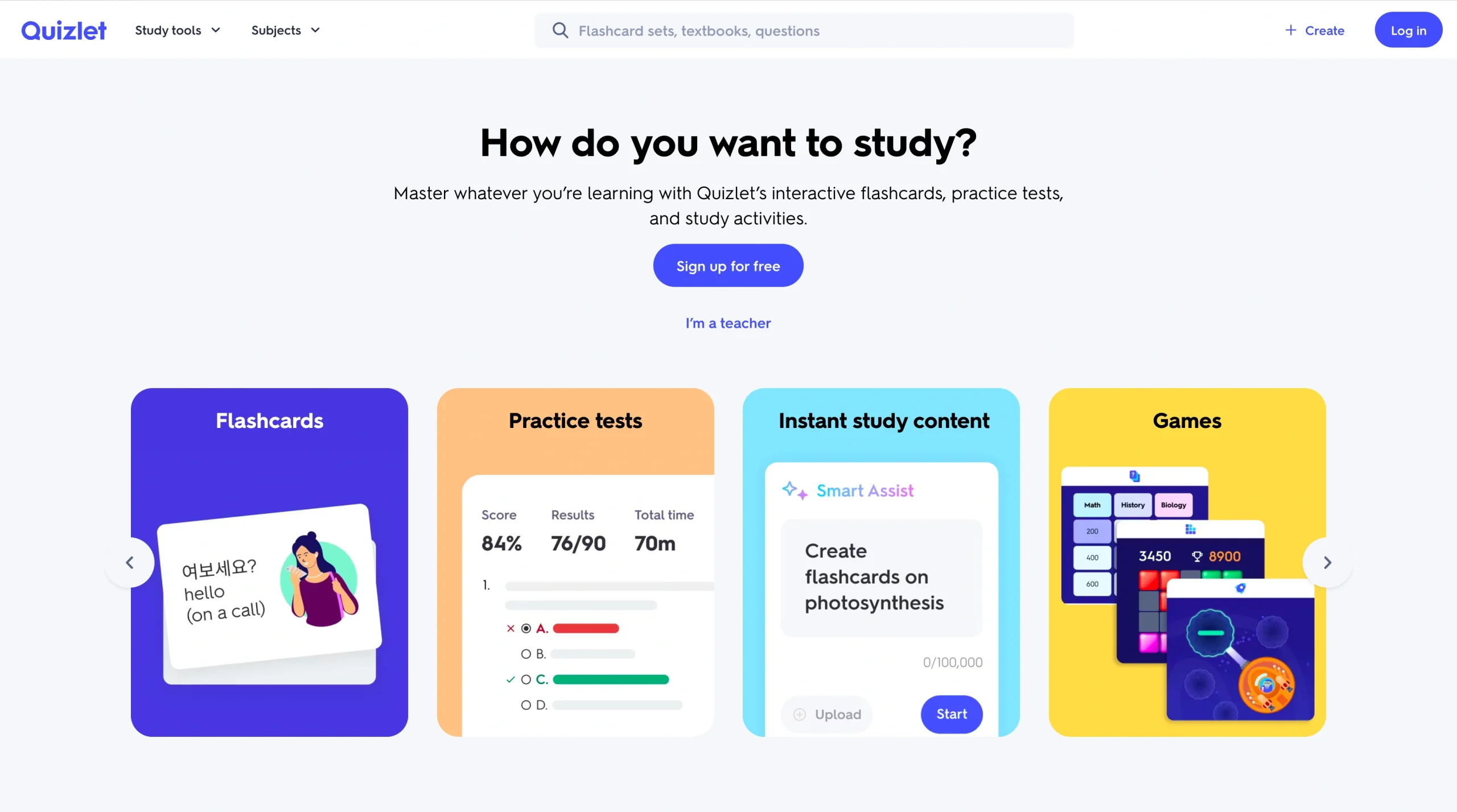
Quizlet makes studying feel like a game with interactive study modes and practice quizzes.
Generate flashcards from notes or documents up to 25 MB. You can also type a prompt to generate flashcards on any subject. However, the AI isn’t always accurate. For example, when asked to create 10 flashcards on Jeffrey Jerome Cohen’s seven monster theses, it invented three extra ones. Take the results with a grain of salt.
When you’re ready to study, choose from several modes, including a rocket-themed game called Blast, a matching game, and a basic flip mode. This variety makes studying more engaging and motivating. For more rigorous practice, Quizlet creates multiple-choice tests. It keeps track of which questions you get wrong and shows them to you again until you answer correctly. If you get stumped, click the “Explain this” button for an AI-generated explanation.
This platform also lets you browse other users’ flashcard sets and customize them. For example, you can search for physics flashcards and delete questions you haven’t covered in class.
- Best for: Gamifying studying with interactive flashcards
- Key features
- Tracks progress tracking
- Allows you to share resources with other learners
- Transforms flashbacks into fun games and practice tests
- Pros
- Automatically generates practice tests
- Retests weaker concepts until you master them
- Offers a variety of study modes
- Cons
- AI explanations and flashcards aren’t always correct.
- Flashcard appearance isn’t customizable.
- Pricing
- Free plan available with ads
- Paid plans start at $2.99 per month
3. Knowt
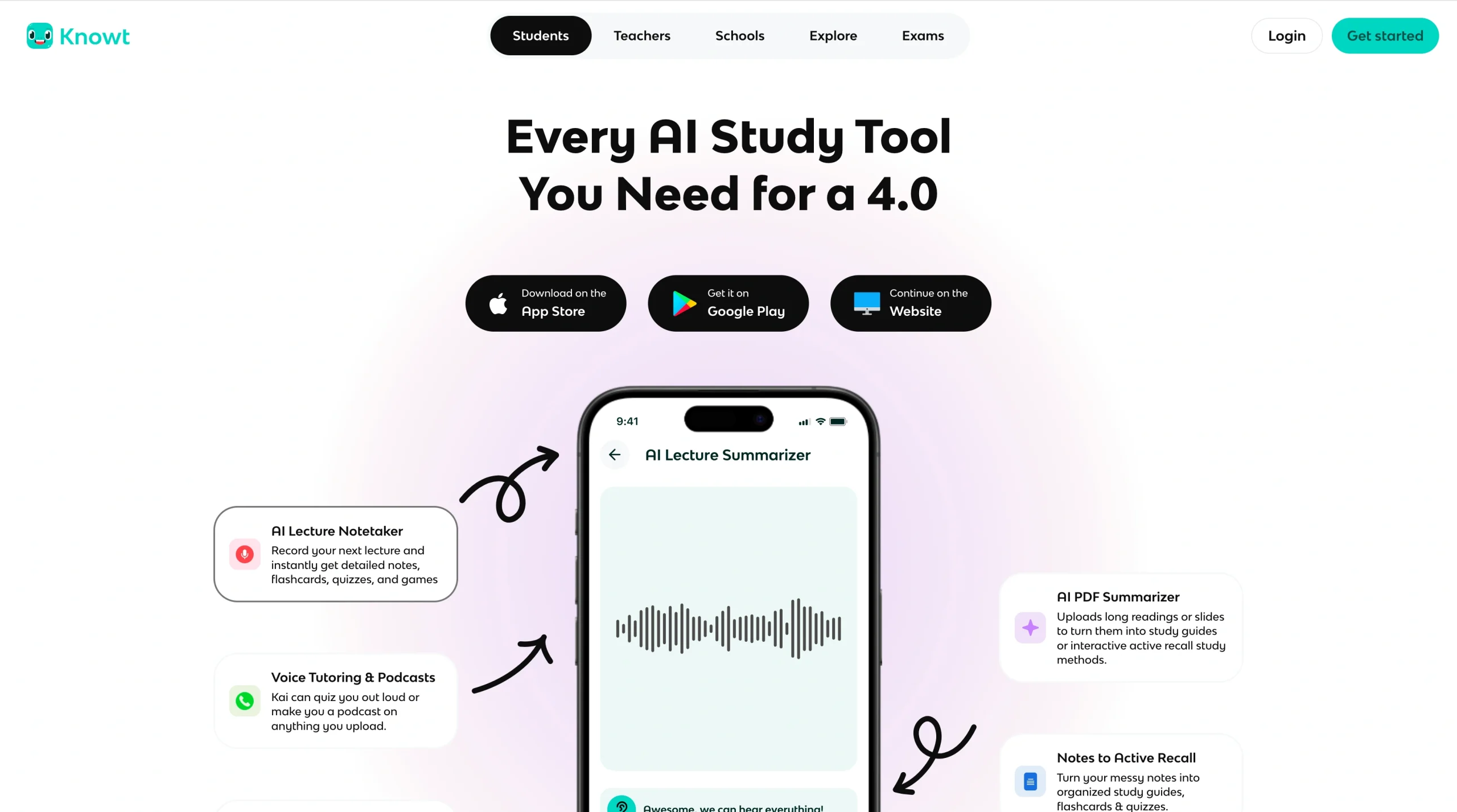
Knowt offers a suite of AI study tools for students and educators. Its AI assistant, Kai, creates flashcards, summarizes documents, and takes notes during lectures. It also offers flashcards and ready-made resources for many popular exams, including Advanced Placement (AP) tests.
You can use the free AI flashcard maker to turn your notes and lecture videos into study sets; however, the extraction can be hit or miss. The AI assistant sometimes misses critical details or creates flashcards from irrelevant information, like the date of the lecture on a PowerPoint slide. Expect to spend time customizing your flashcards to make them usable.
The platform lets you interact with your flashcards in several ways. Use spaced repetition to memorize concepts, or challenge your friends to a review game with Knowt Play. Other options include practice tests, matching games, and even AI-generated podcasts.
- Best for: Preparing for specific tests, such as AP or International Baccalaureate exams
- Key features
- Generates flashcards from live lectures, videos, written notes, and more
- Offers resource hubs for popular tests
- Turns flashcards into interactive games and podcasts
- Pros
- Multiplayer game
- Multiple study modes
- Progress tracking
- Cons
- AI quality is uneven
- Knowt doesn’t allow certain file types, including DOC and DOCX
- Pricing
- Free plan available
- Paid tiers start at $12.49 per month
4. Brainscape
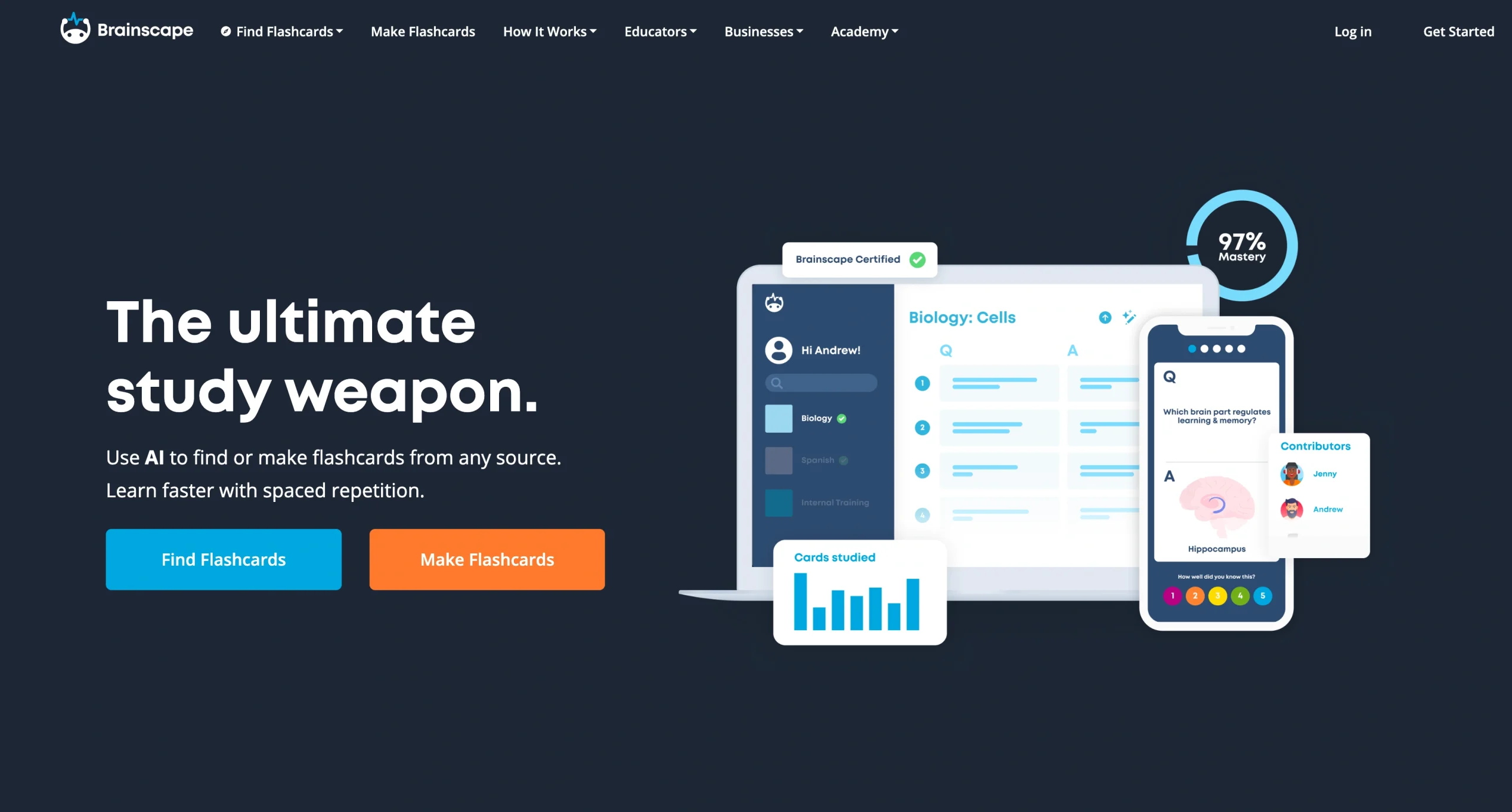
Drawing on principles from cognitive science, Brainscape uses spaced repetition to build long-term retention. It asks you to rate how confident you feel about each answer on a scale from 1 to 5. It uses these scores to dial in on your areas of weakness. It’s a great way to strengthen your memory quickly.
Jump-start your next study sessions by using Brainscape to make flashcards with AI. The AI assistant can summarize existing content or create flashcards based on prompts. The platform also offers premade, expert-certified flashcards for specific classes and topics. For instance, you can test your knowledge of world geography or prepare for the Graduate Record Examination (GRE). As your performance improves, you may even earn a spot on the leaderboards.
When it’s time to study, Brainscape sticks to a single, evidence-based mode. It presents you with each question by itself, then flips the card to reveal the answer and asks you to rate yourself. While this bare-bones method speeds learning, some users might prefer games and practice tests.
- Best for: Strengthening active recall through spaced repetition
- Key features
- Image capability for flashcards
- Expert-certified flashcard sets
- Metacognitive rating system
- Pros
- Design based on cognitive science research
- Leaderboards and rewards for motivation
- Flashcards prioritized based on your level of confidence
- Cons
- No gamification
- Only one study mode
- Pricing
- Free plan available with limited AI-generated flashcards
- Paid tiers start at $7.99 per month
5. Anki
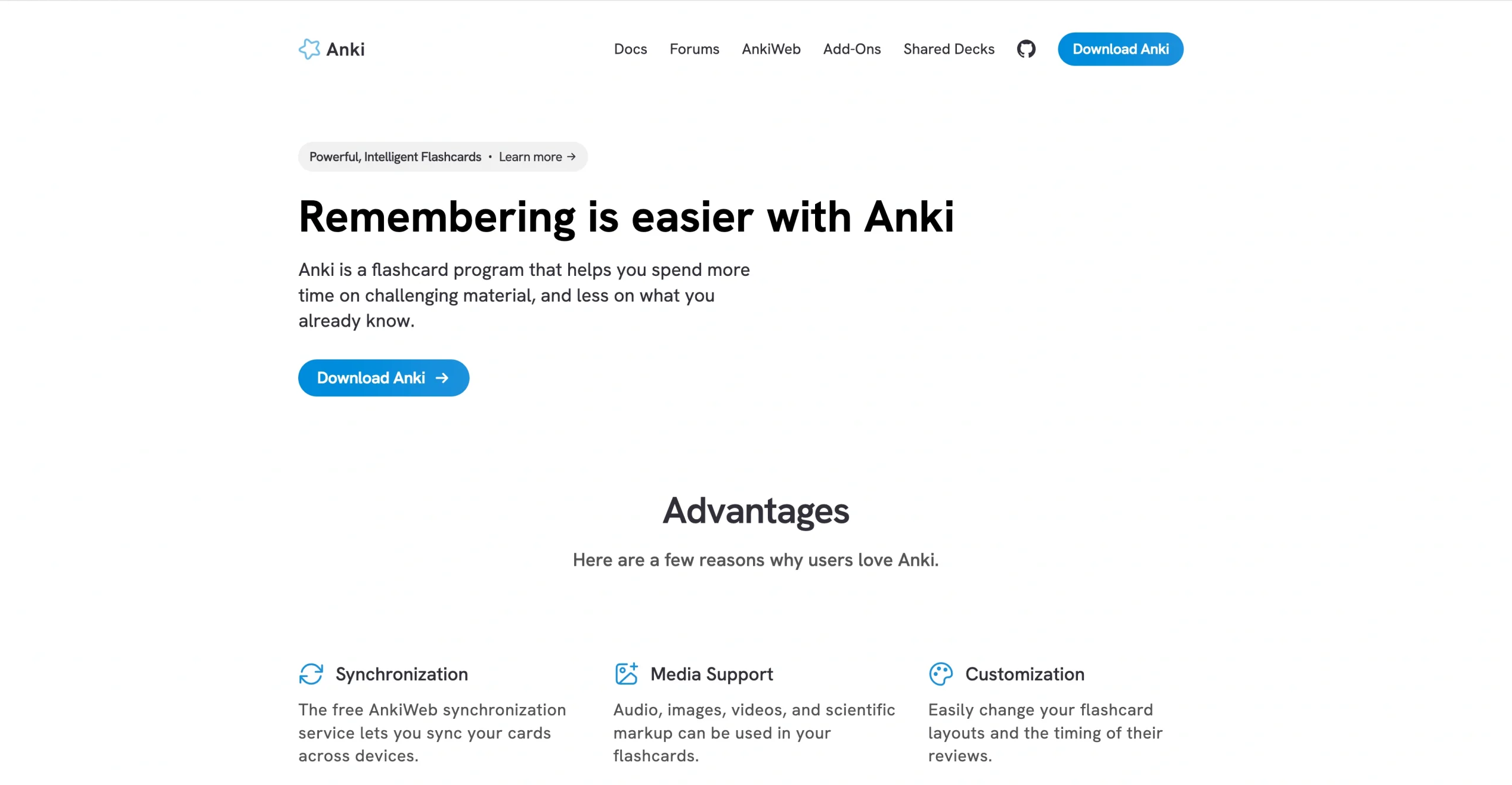
Anki is an open-source flashcard maker designed to help you get the most out of every study session. It uses rules-based algorithms to analyze your performance and sort cards into three categories: new, still learning, and due for review. This system is designed to minimize your study time while maximizing your learning.
Get started by downloading premade decks for any subject. To create your own flashcards, you’ll need to manually enter question-and-answer pairs. Anki doesn’t offer any built-in AI support for this process, so creating large decks can be tedious. However, the platform does integrate with third-party AI tools, including FlashCard GPT. This add-on uses ChatGPT to automatically generate flashcards from documents.
Anki stands out for its detailed statistics. It tracks everything from how many days you’ve studied to card counts per category. If you want an in-depth look at your performance, consider this tool.
- Best for: Tech-savvy users who don’t mind manually creating flashcards
- Key features
- Offers customizable layouts
- Supports audio, images, videos, and other types of media
- Syncs flashcards across devices
- Pros
- Active community forums
- Data analytics
- User-friendly mobile apps
- Cons
- Clunky web browser
- Steep learning curve for advanced features, including AI-powered add-ons
- Pricing
- Free computer version and Android app
- iOS app costs $24.99
How to choose the right AI flashcard maker for your needs
Early flashcard tools were basically the digital equivalent of index cards. You typed the flashcards yourself and flipped them to reveal the answer. While this simple method works, it often takes a lot of effort to just to set things up. Then you might need to flip through your flashcards dozens of times before you’re ready for a tricky exam.
By contrast, many modern flashcard platforms have expanded into full-blown study systems. They use AI to create the cards based on your prompts or notes, saving time. They also schedule the reviews, test your knowledge, and adapt to your performance automatically. These features help you get a lot more mileage out of your flashcards.
These considerations will help you find the best AI flashcard generator:
- AI quality: Some AI tools don’t accurately summarize notes, or they might generate incorrect information. Always check AI-generated content carefully to make sure you’re not studying the wrong thing.
- AI tutoring: Memorizing flashcards won’t help if you don’t understand why the answers are correct. Jotform’s AI Tutor for educators and students breaks down concepts and provides step-by-step assistance.
- Ease of use: The last thing you want to do is spend hours learning a new platform when you should be studying. Look for a user-friendly tool that you can start using quickly.
- Additional study tools: Many platforms offer extra resources to help you study more efficiently. For example, Jotform has one of the best AI quiz generators. Use it to automatically turn your flashcards into practice tests for you or your students.
- Pricing: Some platforms only offer AI tools with paid plans, so read the fine print.
- Progress tracking: It’s not always easy to tell how much you’ve learned. Tools with built-in metrics help you track your performance and see how far you have to go to master your flashcards.
Experiment with a few free plans or trials to see what works best for you. Ultimately, the best tool depends on how you prefer to study and how long you need the knowledge to stick.
For fast, no-friction AI generation, you can count on the Jotform AI Flashcard Maker. It doesn’t require any coding knowledge and has educator-friendly sharing, so you can share resources with the whole class. Sign up today and create a full deck in minutes.
FAQs
No, ChatGPT doesn’t have a built-in flashcard maker. However, it can summarize your content and suggest question-and-answer pairs that you can upload to another platform. If you’re already using an AI flashcard generator like Jotform, you can skip this extra step.
Absolutely! AI is an excellent tool for creating personalized flashcards quickly. However, you should always double-check the content carefully to make sure it’s accurate and relevant. Otherwise, you might memorize incorrect dates or concepts that aren’t relevant to the test you’re studying for.
This article is for students, teachers, and lifelong learners who want to stop making flashcards manually and use AI to generate study materials faster, from high schoolers and college students cramming for exams, to educators preparing classroom resources, to professionals studying for certifications.























































































Send Comment: