Company Communicator App is a pivotal app template designed to facilitate the dissemination of announcements, updates, and messages across entire organizations. Its purpose is to bolster clear, consistent communication, serving as a single source of truth for all corporate information. This digital hub is ideal for Businesses, HR teams, internal communications teams, and organizations aiming to streamline their internal communication processes. The app collects data such as company updates, HR announcements, and operational changes, providing a centralized, easy-to-access location for all critical communications. Its immediate value lies in its ability to foster clarity and consistency, effectively eliminating the complications associated with ad-hoc collection methods.
With Jotform’s intuitive, no-code app builder, your Company Communicator App can be tailored to reflect your brand identity. Adjust the layout, choose fonts and colors, and even upload your logo with a simple drag-and-drop action, no coding required. The resultant app is cross-platform compatible and can be downloaded onto any smartphone, tablet, or desktop via a shareable link. This ease of customization, coupled with the convenience of e-signature collection, make Jotform's Company Communicator App an integral part of your organization's operational workflows. Ready to use, this app template simplifies data collection, reports generation, and houses all your company communications in one place.
Related templates
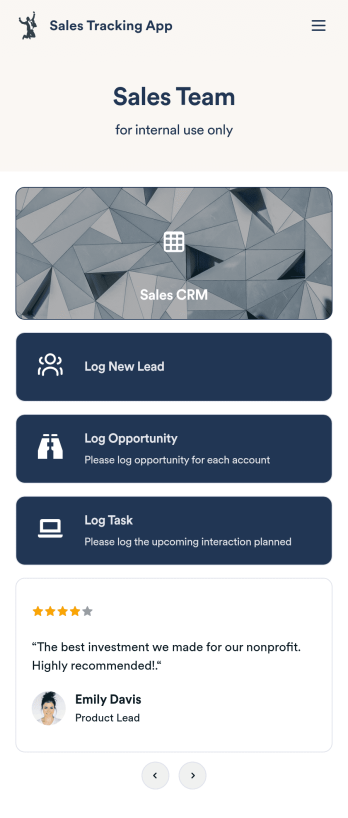
Customizable Sales Tracking App
A sales tracking app enables you to track your sales from any device. Get started with our free Sales Tracking App for businesses of all sizes. This ready-to-use app bundles multiple forms that you can sync to your CRM, so you can create a seamless workflow for generating leads and logging tasks. To get started, customize the template for your company using our drag-and-drop app builder. When you’re satisfied with the look and feel of your app, download it on your smartphone, tablet, or desktop computer, or share it with other members of your sales team to save onto their own devices.Customizing this Sales Tracking App for your sales team won’t require any coding. In just a few clicks, you can create new forms, integrate them with your CRM, embed links, add images and buttons, and change app settings such as name, icon, and splash screen for a fully-custom experience. To share it, just copy and paste the app link in emails or messages to your sales team members. Your Sales Tracking App will be easy to pull up on any device, so you can track and grow sales no matter where you are — even on the go.
Go to Category:Company Portal Apps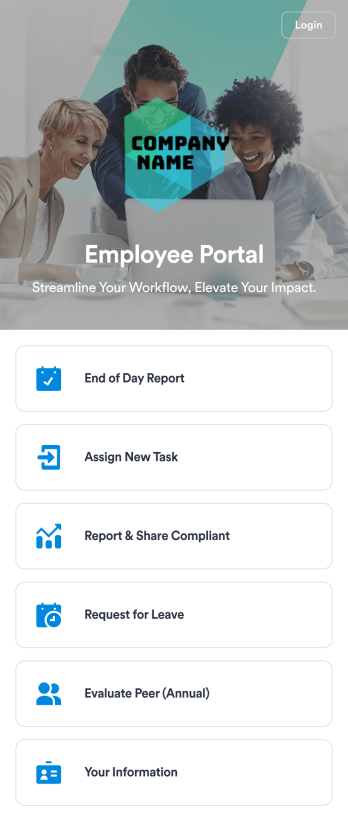
Employee Portal App
An employee portal app allows employees to access all internal company documents and links from any mobile device or computer. Create your own company portal in just a few clicks with Jotform’s free Employee Portal App. This customizable template includes a report form, task form, complaint form, leave request form, evaluation form, and employee information form all in one app. Employees will be able to fill out these forms from any smartphone, tablet, or computer, and submissions will be stored in your secure Jotform account.Customize this Employee Portal App to better meet your company’s needs. Without any coding, you can add forms, documents, links, images, buttons, videos, and much more to the template. You can also change the app icon and name and include your company branding in just a few clicks. When it’s ready to use, send email invites to employees directly or share the app link. With a fully-custom Employee Portal App for your company, your employees will enjoy more organized team collaboration and communication, no matter which device they prefer!
Go to Category:Company Portal Apps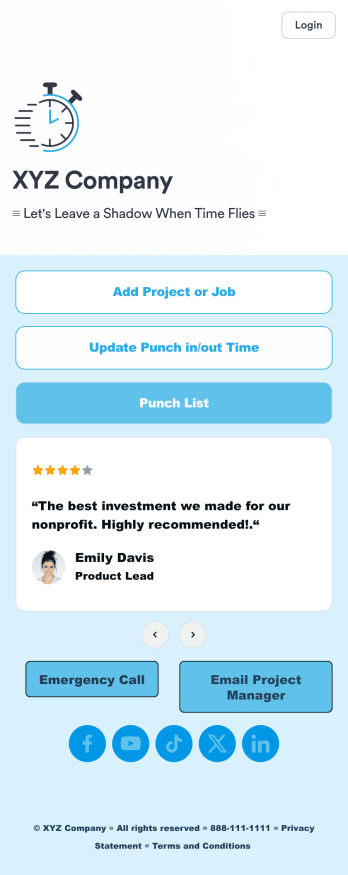
Customizable Punch In Out Timesheet App
Ditch paper timesheets with our free Punch In/Out Timesheet App! Employees can clock in or out for their shifts using the app on a company tablet or computer. As account owner, you’ll receive instant notifications for each new form submission, so you’ll know if any employee is late or leaving before their scheduled time. You can see all entries in spreadsheet, calendar, or card view using the attached Punch List Template for Jotform Tables.Customize your Punch In/Out Timesheet App in just a few minutes. Without any coding, you can use our drag-and-drop interface to add new forms, include a link to your timesheet, update the app text and design, embed links, and more. When your app is ready to use, keep it open on a company device for employees to use as they start their shift. Make employee management a breeze with a Punch In/Out Timesheet App for your company.
Go to Category:Company Portal Apps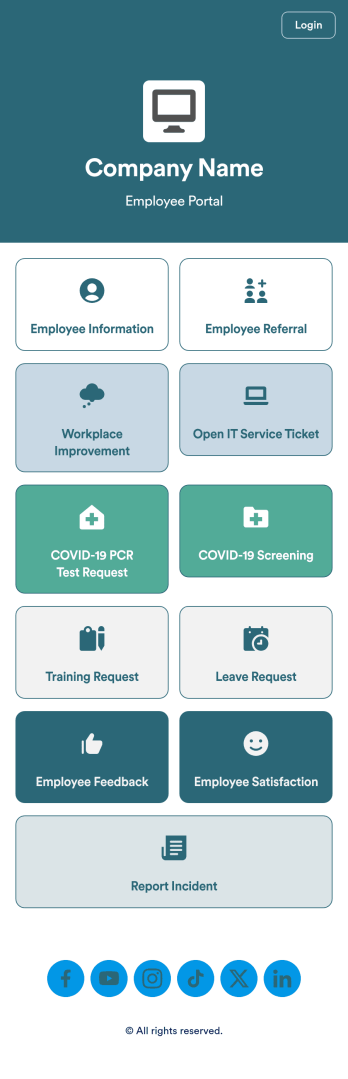
Intranet App
An Intranet App is used for consolidating company forms and documents in one convenient location. This Intranet App bundles nearly a dozen forms for employees to record general contact information, request training or time off, open IT service tickets, and fill out COVID-19 screening checklists. There are also several surveys for employees to submit workplace improvement suggestions and report incidents. Employee data and submissions are stored securely in your Jotform account, which managerial staff can access from any smartphone, tablet, or computer.Make this app template your own with Jotform’s no-code app builder. Just drag and drop to add or change forms, upload documents, create buttons, add external links, and more. You can also customize your splash screen to include your own branding and make company-wide announcements. When you’re finished, you can share your app with a link and employees can then access and download it on any device. Create a one-stop-shop for your company’s forms and documents with this free Intranet App from Jotform.
Go to Category:Company Portal Apps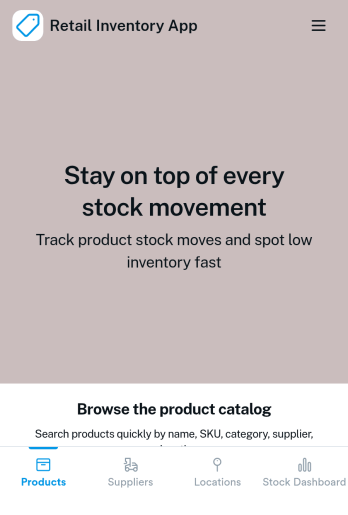
Retail Inventory App
A retail inventory app is used by retail store managers and employees for keeping records of product inventory. This free Retail Inventory App allows you to easily keep track of inventory by recording product name, inventory ID, stock location, unit price, quantity, and more through a Product Inventory Information Record Form. Product entries are stored securely in a Product Inventory Table in your account, which you can sort, filter, and search from any device. You can also share and export an inventory list with just a few clicks.If you’d like to personalize your app, just use our drag-and-drop form builder to add or change form elements, choose fonts and colors, and customize your icon and splash page—no coding required. With Jotform’s Role-based feature, you can control access so tutors, admins, and other users see only the parts of the app relevant to them. Afterwards, you can share your app with managers and employees using a link or embed it in an internal website. Start keeping detailed product inventory records with this customizable Retail Inventory app from Jotform.
Go to Category:Company Portal Apps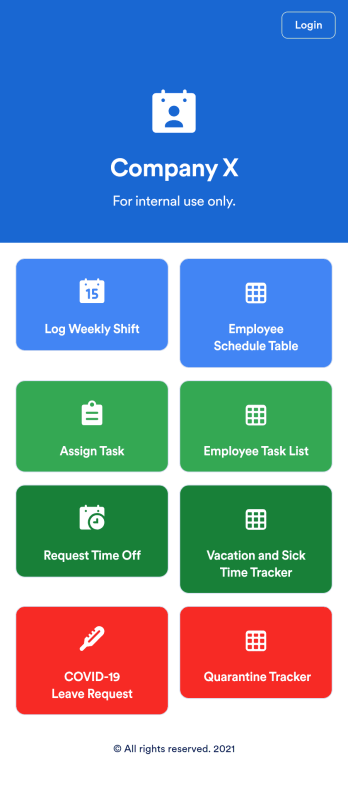
Employee Scheduling App
An employee scheduling app is used by company HR, department managers, and employees for keeping track of employee data. This Employee Scheduling App from Jotform comes bundled with four useful forms, allowing employees to log weekly shifts, view assigned tasks, manage leave requests easily with Leave Request Form, and take time off to quarantine from COVID-19 exposures. Each form includes a companion spreadsheet where employee data is stored — allowing managers to easily sort, filter, and search through entries from any smartphone, tablet, or desktop.Make this app template your own with Jotform’s intuitive app builder. Just drag and drop to add or change form elements, edit the content of individual forms, upload your company’s logo, and more — all without any coding. You can also use your app’s splash screen for things like company-wide announcements or listing HR contact information. Once you’re finished, share your app with employees by attaching a link to an onboarding email or embedding it in an employee portal. Streamline scheduling and time-off requests with this fully-customizable Employee Scheduling app that can be downloaded on any device.
Go to Category:Human Resources Apps