# Jotform Intranet App Builder: Elevate Workplace Connectivity

# Free Intranet App Builder

Revolutionize internal communication and streamline organizational processes for free with Jotform’s intranet app builder. Connect your entire workforce with a customized intranet app. Empower your team with a central source of information that they can access in the office or on the go.

Create Your Intranet App

![Image 1: Podo AI](https://www.jotform.com/p/ai/app-generator/assets/img-min/podo.png)

0/5000

Send

Healthcare App Education App Store App Event App

## Intranet App Templates

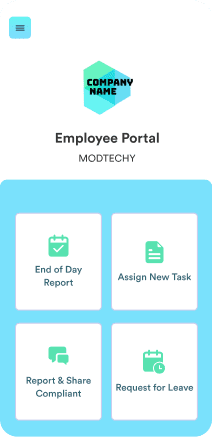
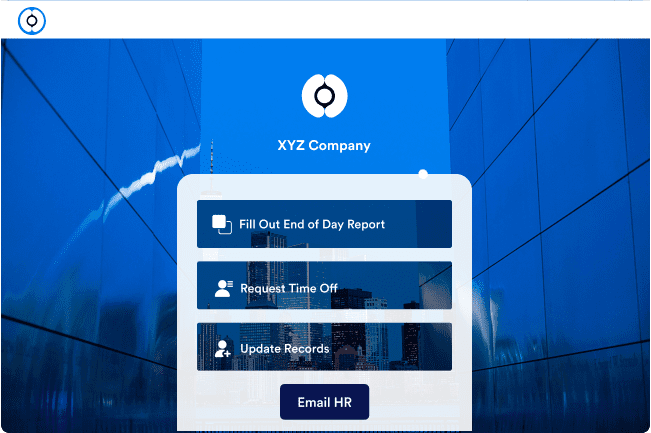
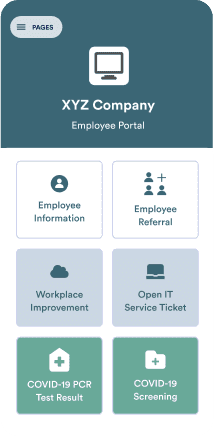
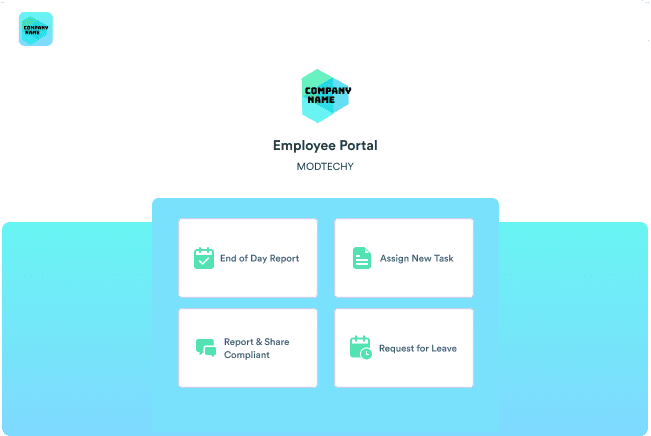
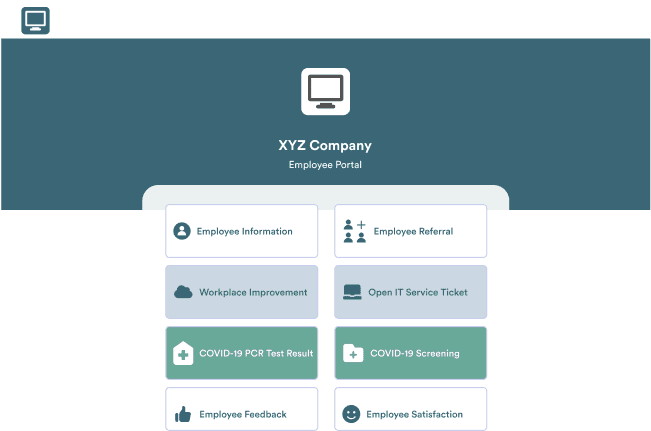
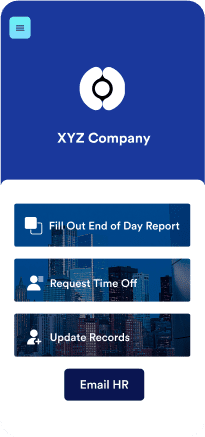
Not sure where to start? Don’t sweat it. Simply choose one of our ready-made templates and customize it in our drag-and-drop form builder in minutes. Match your branding with custom images, fonts, and colors!
[![Image 2: Intranet App Template](https://cdn.jotfor.ms/p/products/apps/assets/img-min/intranet-app-builder/templates/desktop01.png)](https://www.jotform.com/app-templates/intranet-app)[![Image 3: Staff App Template](https://cdn.jotfor.ms/p/products/apps/assets/img-min/intranet-app-builder/templates/mobile01.png)](https://www.jotform.com/app-templates/staff-app)[![Image 4: Employee Portal App Template](https://cdn.jotfor.ms/p/products/apps/assets/img-min/intranet-app-builder/templates/mobile02.png)](https://www.jotform.com/app-templates/employee-portal-app)[![Image 5: Staff App Template](https://cdn.jotfor.ms/p/products/apps/assets/img-min/intranet-app-builder/templates/desktop02.png)](https://www.jotform.com/app-templates/staff-app)[![Image 6: Intranet App Template](https://cdn.jotfor.ms/p/products/apps/assets/img-min/intranet-app-builder/templates/mobile03.png)](https://www.jotform.com/app-templates/intranet-app)[![Image 7: Employee Portal App Template](https://cdn.jotfor.ms/p/products/apps/assets/img-min/intranet-app-builder/templates/desktop03.png)](https://www.jotform.com/app-templates/employee-portal-app)[![Image 8: Intranet App Template](https://cdn.jotfor.ms/p/products/apps/assets/img-min/intranet-app-builder/templates/desktop01.png)](https://www.jotform.com/app-templates/intranet-app)[![Image 9: Staff App Template](https://cdn.jotfor.ms/p/products/apps/assets/img-min/intranet-app-builder/templates/mobile01.png)](https://www.jotform.com/app-templates/staff-app)[![Image 10: Employee Portal App Template](https://cdn.jotfor.ms/p/products/apps/assets/img-min/intranet-app-builder/templates/mobile02.png)](https://www.jotform.com/app-templates/employee-portal-app)[![Image 11: Staff App Template](https://cdn.jotfor.ms/p/products/apps/assets/img-min/intranet-app-builder/templates/desktop02.png)](https://www.jotform.com/app-templates/staff-app)[![Image 12: Intranet App Template](https://cdn.jotfor.ms/p/products/apps/assets/img-min/intranet-app-builder/templates/mobile03.png)](https://www.jotform.com/app-templates/intranet-app)[![Image 13: Employee Portal App Template](https://cdn.jotfor.ms/p/products/apps/assets/img-min/intranet-app-builder/templates/desktop03.png)](https://www.jotform.com/app-templates/employee-portal-app)[![Image 14: Employee Portal App Template](https://cdn.jotfor.ms/p/products/apps/assets/img-min/intranet-app-builder/templates/blank-desktop.png)](https://www.jotform.com/app-templates/intranet-app)[![Image 15: Intranet App Template](https://cdn.jotfor.ms/p/products/apps/assets/img-min/intranet-app-builder/templates/blank-mobile.png)](https://www.jotform.com/app-templates/staff-app)[![Image 16: Intranet App Template](https://cdn.jotfor.ms/p/products/apps/assets/img-min/intranet-app-builder/templates/blank-mobile.png)](https://www.jotform.com/app-templates/employee-portal-app)[![Image 17: Employee Portal App Template](https://cdn.jotfor.ms/p/products/apps/assets/img-min/intranet-app-builder/templates/blank-desktop.png)](https://www.jotform.com/app-templates/staff-app)[![Image 18: Intranet App Template](https://cdn.jotfor.ms/p/products/apps/assets/img-min/intranet-app-builder/templates/blank-mobile.png)](https://www.jotform.com/app-templates/intranet-app)[![Image 19: Employee Portal App Template](https://cdn.jotfor.ms/p/products/apps/assets/img-min/intranet-app-builder/templates/blank-desktop.png)](https://www.jotform.com/app-templates/employee-portal-app)

Instant Apps

## Transform your workplace with a Jotform intranet app
![Image 20: Drag and drop forms and features to your app.](https://cdn.jotfor.ms/p/products/apps/assets/img-min/intranet-app-builder/instant-app/foster.png)

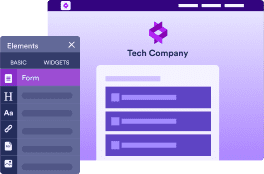
**Foster employee engagement**
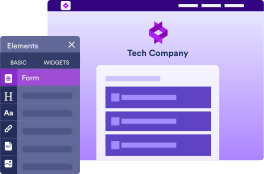
Build an intranet app that works for all your business or organization needs with Jotform’s drag-and-drop app builder. Customize your app to ensure a tailored experience. Encourage cooperation, idea-sharing, team-building, and more with our mobile-friendly app.
![Image 21: Customize your app to match your brand.](https://cdn.jotfor.ms/p/products/apps/assets/img-min/intranet-app-builder/instant-app/reach.png)

**Reach your entire workforce**
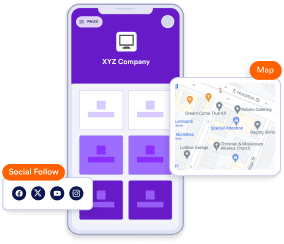
Empower your entire workforce by providing anytime, anywhere access to crucial information via your intranet app. Overcome challenges related to location or time zone differences, ensuring real-time communication and cooperation. In one click, users on all devices can effortlessly add your app directly to their home screen or desktop.
![Image 22: Drag and drop forms and features to your app.](https://cdn.jotfor.ms/p/products/apps/assets/img-min/intranet-app-builder/instant-app/elevate.png)

**Elevate efficiency**
Upgrade the way your organization operates with a custom intranet app from Jotform. Provide centralized access to the tools your team needs. Foster a highly collaborative and productive work environment with shared forms, approval workflows, and more. Integrate your app with 70+ of our useful widgets to meet your specific organizational needs.
![Image 23: Elevate Image](https://cdn.jotfor.ms/image/r/aHR0cHM6Ly9jZG4uam90Zm9yLm1zL3AvcHJvZHVjdHMvYXBwcy9hc3NldHMvaW1nLW1pbi9pbnRyYW5ldC1hcHAtYnVpbGRlci9pbnN0YW50LWFwcC9lbGV2YXRlLnBuZw==/elevate.png?w=40&t=1)

### Elevate efficiency

Upgrade the way your organization operates with a custom intranet app from Jotform. Provide centralized access to the tools your team needs. Foster a highly collaborative and productive work environment with shared forms, approval workflows, and more. Integrate your app with 70+ of our useful widgets to meet your specific organizational needs.

![Image 24: Foster Image](https://cdn.jotfor.ms/p/products/apps/assets/img-min/intranet-app-builder/instant-app/foster.svg)

### Foster employee engagement

Build an intranet app that works for all your business or organization needs with Jotform’s drag-and-drop app builder. Customize your app to ensure a tailored experience. Encourage cooperation, idea-sharing, team-building, and more with our mobile-friendly app.
![Image 25: Reach Image](https://cdn.jotfor.ms/p/products/apps/assets/img-min/intranet-app-builder/instant-app/reach.svg)

### Reach your entire workforce

Empower your entire workforce by providing anytime, anywhere access to crucial information via your intranet app. Overcome challenges related to location or time zone differences, ensuring real-time communication and cooperation. In one click, users on all devices can effortlessly add your app directly to their home screen or desktop.
![Image 26: Elevate Image](https://cdn.jotfor.ms/image/r/aHR0cHM6Ly9jZG4uam90Zm9yLm1zL3AvcHJvZHVjdHMvYXBwcy9hc3NldHMvaW1nLW1pbi9pbnRyYW5ldC1hcHAtYnVpbGRlci9pbnN0YW50LWFwcC9lbGV2YXRlLnBuZw==/elevate.png?w=40&t=1)

### Elevate efficiency

Upgrade the way your organization operates with a custom intranet app from Jotform. Provide centralized access to the tools your team needs. Foster a highly collaborative and productive work environment with shared forms, approval workflows, and more. Integrate your app with 70+ of our useful widgets to meet your specific organizational needs.

![Image 27: Foster Image](https://cdn.jotfor.ms/p/products/apps/assets/img-min/intranet-app-builder/instant-app/foster.svg)

### Foster employee engagement

Build an intranet app that works for all your business or organization needs with Jotform’s drag-and-drop app builder. Customize your app to ensure a tailored experience. Encourage cooperation, idea-sharing, team-building, and more with our mobile-friendly app.

## Jotform by the Numbers

Jotform Users

35M+

Users Created Apps

1.5M+

Languages Available

16

Form Submissions

2B+

## An all-in-one intranet solution with Jotform

Form Builder

## Optimize data collection

Create custom online forms with Jotform’s Form Builder and easily bundle them into an intranet app. Improve data collection and management through better accessibility and an enhanced user experience.
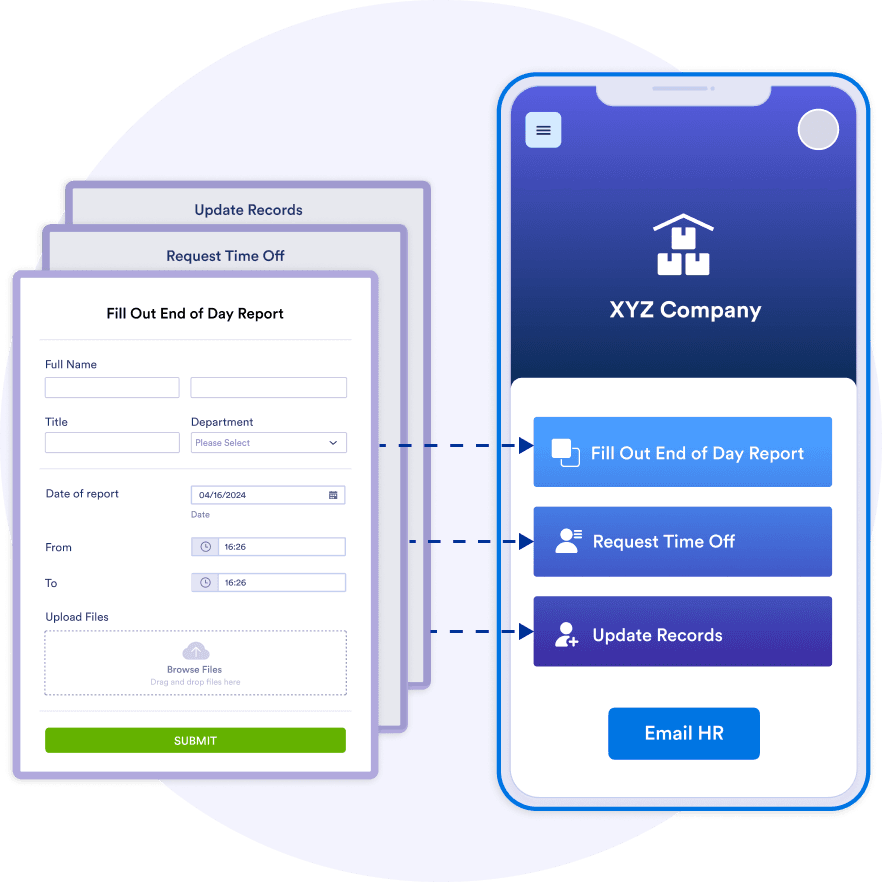
Create Your Intranet App

![Image 28: Form Builder Image](https://cdn.jotfor.ms/image/r/aHR0cHM6Ly9jZG4uam90Zm9yLm1zL3AvcHJvZHVjdHMvYXBwcy9hc3NldHMvaW1nLW1pbi9pbnRyYW5ldC1hcHAtYnVpbGRlci9mb3JtLWJ1aWxkZXIucG5n/form-builder.png?w=40&t=1)

Sign Document

## Revamp signature management

Use Jotform Sign to seamlessly gather employee and client signatures, set up a signing order, and oversee document workflows all from one central hub. You can make signing documents more efficient by embedding forms directly into your intranet app for instant access from any device.

Create Your Intranet App

Tables

## Enhance collaboration

Jotform empowers you to manage and track responses and user data within your intranet environment. Integrated data management tools help simplify data handling and boost productivity, while easy sharing features enhance collaboration with your colleagues.

Create Your Intranet App

Fillable PDFs

## Create interactive documents

Craft custom, interactive PDFs tailored to your business needs. Seamlessly integrate fillable form fields, embed PDF forms into your website, add signature fields, and access a range of customization options for a smooth and efficient form-filling experience.

Create Your Intranet App

Embedded PDFs

## Improve information sharing and transparency

Embed PDFs directly into your forms with Jotform’s handy PDF Embedder widget for better information sharing and transparency. Display terms and conditions, and more on your forms.

Create Your Intranet App

Approvals

## Streamline decision-making

Automate your approval processes. From maintenance requests and job applications, to IT tickets and beyond, you can set rules for each workflow, track activity, and send results from one convenient, easy-to-use platform.

Create Your Intranet App

Push Notifications

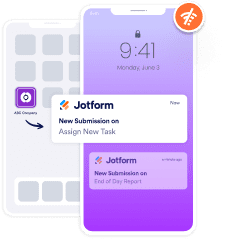
## Streamline internal communication with push notifications

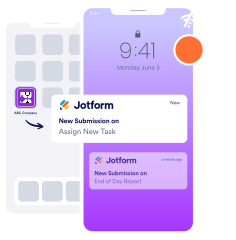
Enhance your intranet app with push notifications to deliver important updates, policy changes, or company news directly to your team. This ensures your employees stay informed and engaged with real-time notifications, improving productivity and communication within the organization.
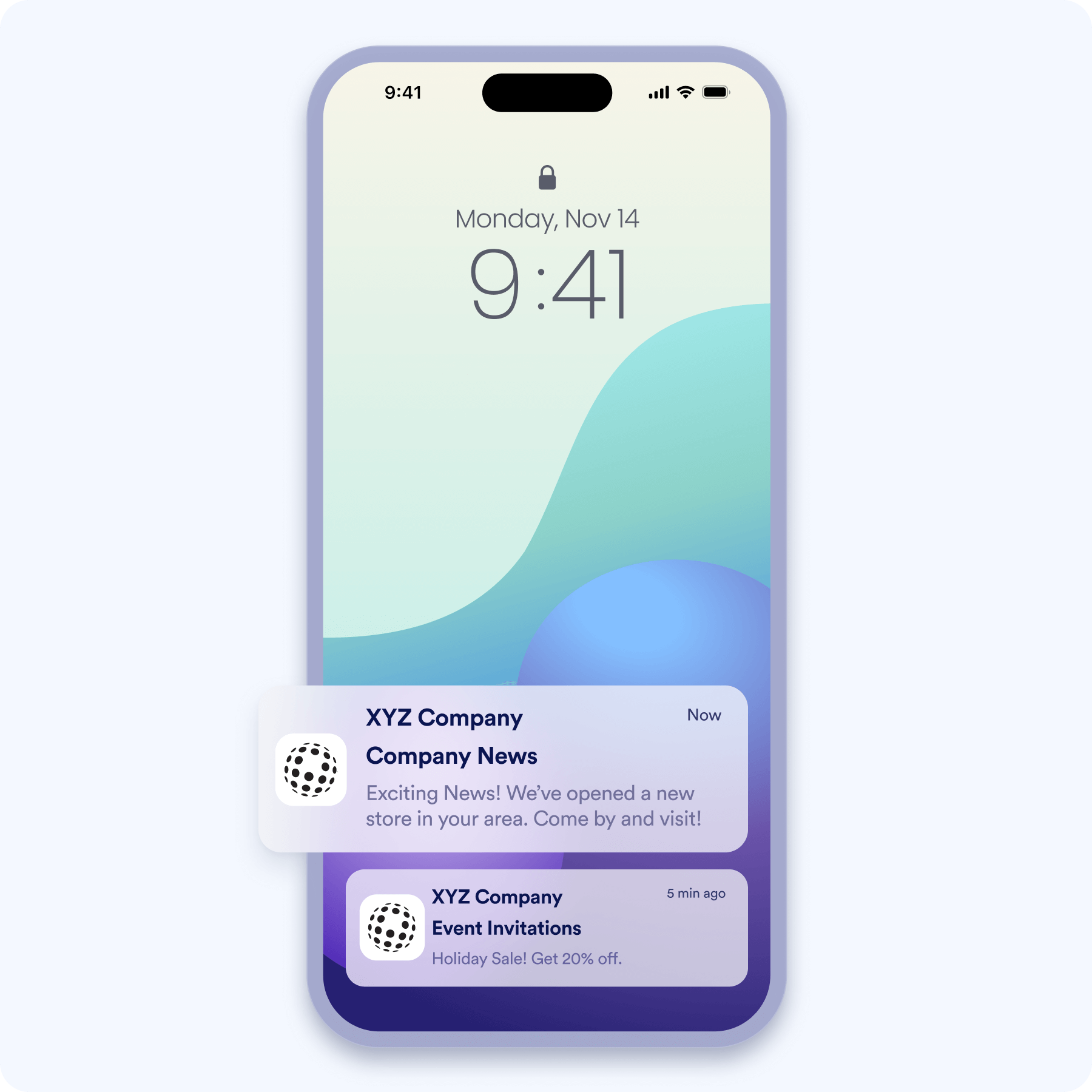
Create Your Intranet App

![Image 29: Streamline internal communication with push notifications](https://cdn.jotfor.ms/image/r/aHR0cHM6Ly9jZG4uam90Zm9yLm1zL3AvcHJvZHVjdHMvYXBwcy9hc3NldHMvaW1nLW1pbi9pbnRyYW5ldC1hcHAtYnVpbGRlci9wdXNoLW5vdGlmaWNhdGlvbi5wbmc=/push-notification.png?w=40&t=1)

### "Very time-efficient and practical"

Jotform is a cost effective tool for data collection. In my experiences it has primarily excelled in two areas for our organization filling a specific and valuable niche:getting a precise and customizable PDF output of data collected and the ease of the behind the scenes conditional logic. Additionally our organized has leveraged other Jotform tools like the ability to create an app that employees can find a repository of centralized information for employees to stay organized on tasks and links needed to perform their job functions.Jotform is an ever evolving platform that can potentially solve a variety of your organization's data needs.

**Alex Dow**Data and Information Manager, Literacy Pittsburgh

### "Create engaging forms and apps"

Jotform is a great program for content creation, very user-friendly! We have been able to create engaging forms and apps for our internal business needs and our client-facing needs. The forms and App builder are customizable, thus supporting our transition to being Omnichannel for our clientele.

**Nicole Wreaks**Content Creation & Business Development, Ewyn Studios

## Learn More About Intranet App Builder

All your questions about Intranet App Builder — answered. Check out our FAQs for answers to common questions.

*    
### What is Jotform's intranet app builder? Jotform’s intranet app builder is a no-code, drag-and-drop app builder that allows anyone to swiftly build an app from scratch — from beginners to seasoned app creators. With Jotform’s intranet app builder, you can combine online forms with widgets and integrations to create a smooth intranet experience for everyone in your organization.   
*    
### How does the centralized access feature benefit my organization? Jotform’s intranet app serves as a central hub for organizations to host forms, collect data, track tasks, and so much more. Your team members can find and fill out all the forms they need in one centralized location. Not only does a Jotform intranet app provide a convenient place to store important forms and collect responses securely, it’s also cost-effective and requires no coding knowledge to build.   
*    
### How do I set an app to be accessible only to members of my organization? You can make your app accessible to only members of your organization by changing the access settings. To do this, open your app in the app builder, click on Publish, and then click Public Access next to Your App Link. Next, click on Company Access and enter your company’s email domain. With Jotform Enterprise, you can also control access through single sign-on.   
*    
### Can you pre-populate some fields for users logged in to an intranet? Yes, you can pre-populate some fields for users logged into your intranet app. To do so, prefill user data to your forms manually, via Jotform Tables, by importing Excel and CSV files, or by integrating with tools like HubSpot or Salesforce. You can also pre-populate form fields with data from your single sign-on (SSO) provider — though note that this feature is only available for Jotform Enterprise accounts.   
*    
### Can I create an approval flow in Jotform’s intranet app solution? Yes, you can create an approval flow in Jotform’s intranet app builder. Start by opening the form you want to build an approval flow for in our Form Builder. Under the Settings tab, select Approval Flows on the left, then Create an approval flow. This will open the Jotform Approvals builder with a basic, one-step approval workflow. Drag and drop to add approval steps, e-signature documents, and more. You can also create a more customized approval flow by going to My Approvals and selecting Create Approval in the upper-left corner. Next, choose an approval flow template to get started or build your own.   

View More