
Custom Computer Sales App gives computer retailers, independent builders, and sales teams a customer-friendly place to present available systems and collect tailored build requests. Shoppers can browse computer models, review key specifications such as processors, memory, and storage, and request a selected computer through a connected form. They can also ask for a custom configuration or contact the sales team for model guidance. This app template helps businesses organize product discovery and sales inquiries in one experience, making it easier to support customers who need a ready-made system or personalized recommendations for work, gaming, creative projects, or everyday use.
Jotform Apps helps businesses turn product information and sales workflows into polished, mobile-friendly experiences without writing code. Start with this option from Jotform’s App Templates, then use the no-code App Builder and drag-and-drop interface to update pages, product cards, navigation, forms, colors, fonts, and visual elements. Connected forms support data collection for computer requests and customer questions, while organized navigation encourages self-service browsing. Once the Custom Computer Sales App matches your business, publish it with a shareable link or QR code so prospects and sales representatives can access it from nearly any device.
Related templates
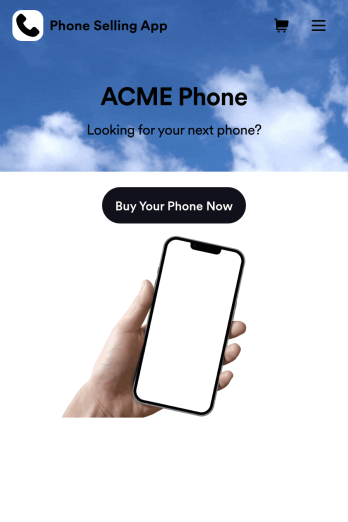
Phone Selling App
Need to sell phones online? Whether you own a cell phone store or refurbish old phones in your home, Jotform’s free Phone Selling App lets you list your products in a mobile app that your customers can download onto their iOS or Android devices. All responses through the app are stored in your secure Jotform account, so you can instantly view customer information and get started on orders.Make as many changes as you’d like to this Phone Selling App’s design with a no-code drag-and-drop builder. Add your branding, products, images, descriptions, and pricing in a few quick clicks — and connect your app with 30+ payment form integrations to get paid via PayPal, Square, Stripe, and more. No more wondering how to sell phones online — do it easily with Jotform’s powerful Phone Selling App.
Go to Category:Electronics Selling App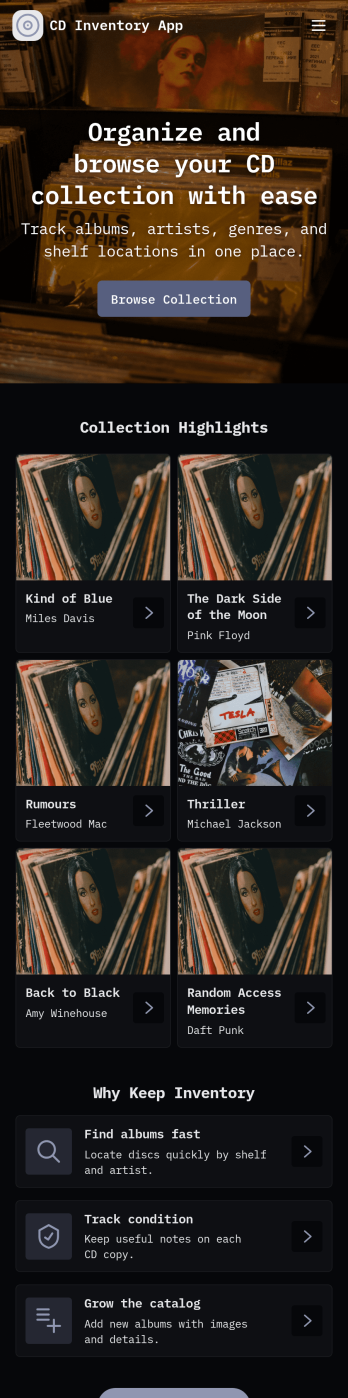
CD Inventory App
CD Inventory App helps collectors, record shops, libraries, and music departments keep a clear, searchable catalog of CDs and track what is currently in stock. Use it to browse your catalog in one place, open individual album pages for quick reference, and add new CDs as your collection grows. It works well for small teams that need a shared view of what’s available, what’s been added recently, and which titles need restocking or reordering.With Jotform, you can turn your CD catalog into a mobile-friendly self-service experience using App Templates and a no-code app builder with a drag-and-drop interface. Connect your app to a form for consistent data collection, then publish updates fast as inventory changes. Jotform makes it easy to organize a simple workflow for adding items, viewing stock, and keeping your catalog accurate without relying on spreadsheets.
Go to Category:Inventory Apps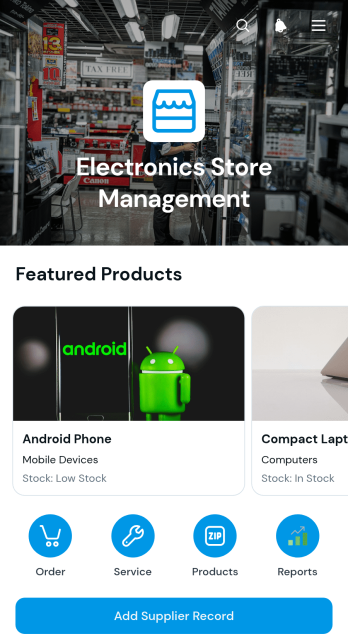
Electronics Store Management App
The Electronics Store Management App gives electronics retailers a central place to organize products, monitor stock status, maintain supplier records, and receive product orders. Store owners, purchasing teams, sales staff, and inventory managers can use this app template to browse product information, review customer and requester records, and keep supplier contact details and notes accessible. It is particularly useful for independent stores, online electronics sellers, repair shops with retail inventory, and growing retail teams that need clearer oversight of merchandise and purchasing activity. By bringing ordering, inventory visibility, and supplier information together, the app reduces scattered records and helps staff respond to product demand with greater consistency.Jotform App Templates make it easy to adapt the Electronics Store Management App to existing retail operations without writing code. The no-code app builder offers a drag-and-drop interface for updating pages, navigation, buttons, images, and branded design elements. Teams can connect forms for data collection, route information into organized tables, add approval or payment steps, and support workflows for product requests and supplier updates. Once customized, the app can be published with a direct link or QR code for mobile-friendly access, giving employees a convenient self-service resource for daily store management.
Go to Category:Electronics Selling App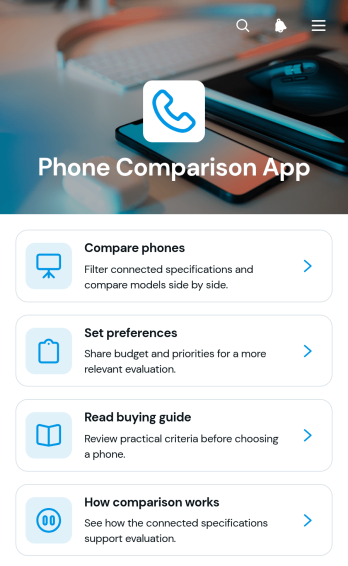
Phone Comparison App
The Phone Comparison App is an interactive resource for helping shoppers evaluate mobile devices according to the features that matter most to them. Electronics retailers, sales teams, product publishers, and consumer education groups can use it to support clearer purchasing decisions. Visitors can compare phone models, set priorities around camera quality, battery life, storage, connected data, and budget, and consult a buying guide that explains the evaluation process. A connected form also gathers model choices and user preferences, giving teams useful data while reducing repetitive product questions.Jotform makes this app template easy to adapt without coding. Using the drag-and-drop app builder, teams can update comparison content, reorganize navigation, apply their own visual style, and connect data collection to a practical workflow. The app can be shared through a direct link or QR code for convenient mobile access, making it suitable for online research, in-store assistance, sales consultations, or customer self-service. Start with Jotform App Templates, customize the experience, and publish a focused comparison resource in minutes.
Go to Category:Electronics Selling App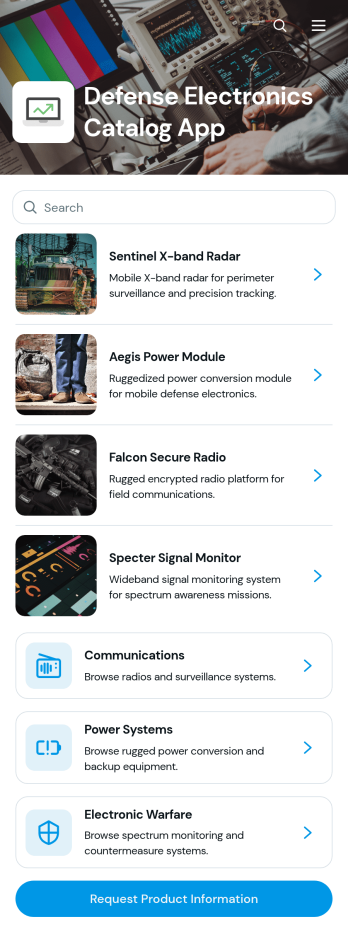
Defense Electronics Catalog App
The Defense Electronics Catalog App provides manufacturers, authorized distributors, engineering teams, and procurement professionals with a focused way to present and review specialized electronic products. Visitors can browse categories such as communications, power systems, and electronic warfare, open individual product pages, compare key specifications, and submit product information requests. It can support controlled sales inquiries, supplier presentations, industry events, and internal product reference needs while reducing reliance on scattered brochures, email attachments, and disconnected web pages.With Jotform Apps, organizations can adapt this app template using a no-code app builder and an intuitive drag-and-drop interface. Teams can update catalog content, apply their branding, connect forms to data collection and workflow processes, and organize resources for convenient self-service access. The finished app can be shared through a direct link or QR code and opened on phones, tablets, and computers, giving prospective buyers and internal stakeholders a consistent way to find product details and request further information.
Go to Category:Electronics Selling App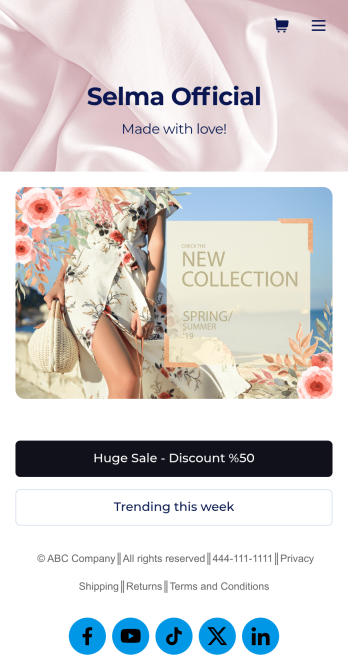
Ecommerce App Template
An e-commerce app is used by stores to sell e-commerce products online. This ready-made E-commerce App allows customers to purchase products from your catalog, input their shipping and billing information, and pay either by card or through PayPal. There is a separate form for showcasing weekly sales and marked-down goods. Orders and payments are instantly synced to your secure Jotform account, and can be accessed from any device.Want to personalize this app template to match your store’s branding? No coding necessary — just use our drag-and-drop form builder to add or swap out form elements, choose fonts and colors, upload thumbnail images of your products, set prices and discounts, and more. You can also customize your splash page with images of your newest products. After you’re done, you can share your app on your website or social media with a link, where it can be downloaded on any smartphone, tablet, or desktop. Stop wondering how to sell e-commerce products online and start doing it today with this E-commerce App from Jotform.
Go to Category:Apparel Selling Apps