
Airtable and Notion are popular and powerful productivity tools, and they’re both ideal for many businesses and projects. The two platforms are often compared to each other because of their user-friendly interfaces and their ability to organize large amounts of information. But deciding which tool is best for your needs can be tricky. This guide will cover how Notion and Airtable work, the key differences between them, and how to choose which is best for your needs.
Airtable vs Notion: Key differences at a glance
 Airtable |  Notion | |
|---|---|---|
| Ease of use | A somewhat challenging learning curve, especially for users with limited database experience | Very user friendly, especially for new users |
| Best for | Organizing complex data | Brainstorming, creating content, collaborating |
| Collaboration features | Sync records; automate notifications, comments, and mentions | Edit, comment, and suggest in pages in real time |
| Database & note-taking capabilities | Numerous database tools and views for data review and analysis | Easy drag-and-drop interface to take notes and build pages, with many media types, like video and audio |
| Automation & integrations | More than 1,000 integrations | Integrations with Zapier, Slack, GitHub, Trello, and more |
| Pricing | Free plan; Team plan is $20/seat/month; Business plan is $45/seat/month | Free plan; Plus plan is $10/seat/month; Business plan is $15/seat/month |
What is Notion?

Notion is a versatile workspace that you can use to think, write, plan, and collaborate. It can function as a personal workspace to keep you organized and is highly customizable. But Notion’s project management, workflow, and collaborative tools make it ideal for running your business and managing teams. The platform can serve as a business wiki page, organizing essential resources (like brand guidelines and engineering processes), so your colleagues can access accurate, updated information.
How Notion works

Notion features pages, which are blank workspaces you can use to create text, images, databases, and other elements. Pages essentially constitute the foundation of any project or content on Notion, but you don’t have to start from scratch to create them. Notion offers more than 30,000 templates for personal planning, budgeting, project management, and more.
To build pages, you’ll use blocks, which are individual pieces of content, like text, videos, and images. It’s easy to add blocks, thanks to Notion’s drag-and-drop functionality, so you can customize the pages to suit your needs.
Once you’ve created multiple pages, you can organize them into databases, which are page collections. Databases help you keep your pages organized and easily accessible.
Use cases
Because Notion is so customizable, it can serve multiple purposes:
- Knowledge base: Store and organize your research, so you can easily access it in the future.
- Company wiki: Create documents about company essentials, like branding guides and style guides.
- Personal productivity workspace: Use Notion to create weekly planners, set productivity goals, and make checklists for yourself.
- Team collaboration area: Share pages with teams, brainstorm collectively, and track project management.
Key features
- Drag-and-drop document organization makes Notion user friendly and helps you easily find the documents you need.
- Customizable pages with rich media allow you to create engaging content that incorporates audio, video, images, and more.
- Collaborative editing and comment capabilities help you work with your team members and ensure everyone stays up-to-date.
- Notion AI generates new ideas for videos, posts, and other content.
What is Airtable?
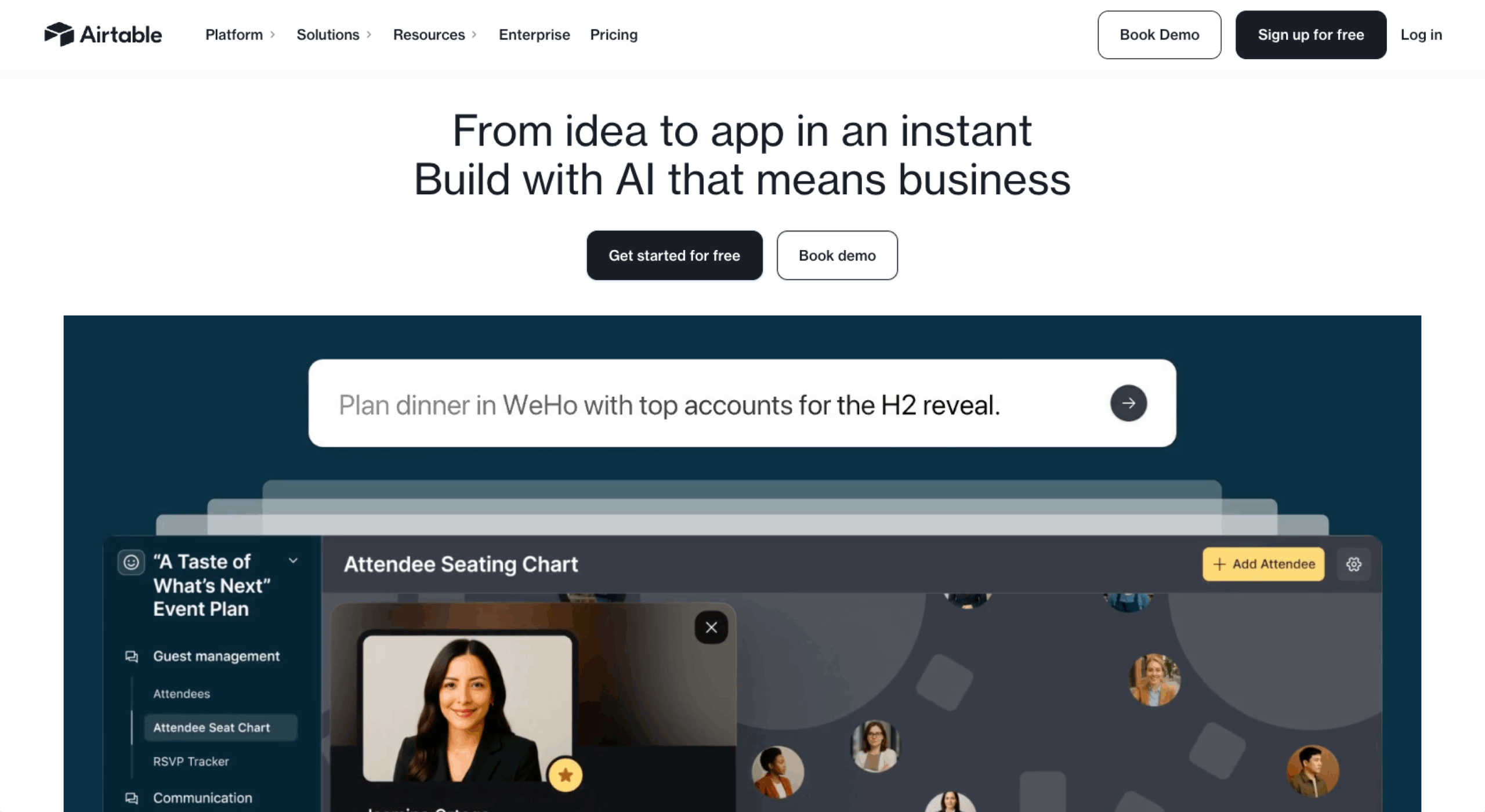
Airtable is a cloud-based platform that helps you organize, store, and manage information and data. It functions as a spreadsheet and database, so it’s easy to use to organize lists, manage projects, and create custom workflows. Airtable features multiple view options to aid in organization and data review. Unlike traditional spreadsheets, Airtable is highly customizable and incorporates automations to save time.
How Airtable works

This platform features tables that contain information about a single type of item. You can connect multiple tables with features like Lookups and Linked Records, helping you to organize and access information.
Each table features multiple fields arranged in vertical columns. The fields store one type of information, and you can customize their names and the type of content they hold. The tables also feature records, arranged in rows. Each row holds information relevant to its subject; for example, a row featuring a supplier would contain only information relevant to that supplier.
To review this information, you can choose different views. You can also hide, sort, and filter the information in a table for easier viewing.
Use cases
Airtable is ideal for situations requiring accuracy and effective data management. It can be used for project tracking, inventory management, CRM integration, content planning, and more.
Key features
- Relational databases with structured fields allow you to compare information easily across multiple databases.
- Customizable views (such as grid, kanban, calendar, and form views) are ideal for organizing and reviewing different types of information.
- Automation and integrations with external tools can streamline Airtable’s use and help minimize repetitive processes.
- AI-powered features can transform your data, provide predictive analyses, and deliver valuable data insights.
Ease of use: Which tool is more user friendly?
Neither Notion nor Airtable requires any coding, but they work differently and have a different learning curve. Notion is very user friendly, so you can get started with it easily. However, its complexity increases when you start to explore its advanced features. Airtable’s structured data format isn’t as user friendly when you’re just getting started, and its more advanced database functionality can be overwhelming if you haven’t worked with databases before.
Both tools are highly customizable, with Notion being slightly more versatile than Airtable. They also offer templates for creating a new project. To help you get started and learn more, both platforms feature articles and videos from the developers and independent experts.
Automation & integrations: Which one offers more?
Notion integrates with popular third-party platforms like Zapier, Slack, Trello, and GitHub, so it can be a natural addition to tools you’re already using. However, Airtable, which integrates with over 1,000 websites and apps, has more integrations than Notion.
Jotform has a native Airtable integration that allows you to sync your form submissions with Airtable. That syncing creates a seamless process in which your form submissions will be uploaded and stored in your Airtable database.
Jotform also integrates with Notion via Zapier. When you log in to your Zapier account, you can create a Zap, choose Jotform as your trigger app, and elect to have a new form submission trigger an action (it’s like creating a database item or updating a page in Notion). The integration saves time you’d spend reviewing and manually entering form submissions.
Collaboration features: How do teams work in Notion vs Airtable?
Notion and Airtable both have robust collaboration features. Notion allows for real-time editing of pages, and your team can make edits and comments in automatically synced pages.
With Airtable, you can sync records across multiple users. You can also automate notifications for streamlined collaboration, and the platform’s comments and mention features update all collaborators on each document.
Both platforms give you control over user permissions, so you can limit document access to particular users.
AI features: Notion AI vs Airtable AI
Notion AI generates text, summaries, and meeting notes. It’s largely designed for content creation and is beneficial for writers, social media managers, and individuals who need help with ideas.
Airtable AI helps with automated data categorization and insights. It processes and analyzes data, saving you time while supporting data-driven decision-making.
The platforms’ use of AI is very different, so consider which is more practical for your needs.
Pricing & plans
Airtable plans start with a free plan that includes unlimited bases and 1,000 records per base. Its Team plan is $20 per seat, per month and helps teams that are building apps collaborate on shared workflows. The Business plan is $45 per seat, per month and perfect for teams that need more advanced features. An Enterprise plan is available, with custom pricing, for businesses that need to build complex apps.
Notion pricing is a bit more affordable. The free plan includes a collaborative workspace and is designed for individuals who want to use the platform for their personal projects. The Plus plan costs $10 per seat, per month and helps small teams and professionals. The Business plan is $15 per seat, per month and is suitable for growing businesses that need collaborative tools to streamline their teamwork. An Enterprise plan is available for organizations.
Both Airtable and Notion provide solid value in their free plans, though the features are limited.
Which one should you choose?
Notion is best for individuals and businesses that need a flexible, text-focused tool. Notion excels at providing knowledge management and collaboration, and it’s ideal for teams creating content, like social media posts.
Airtable is a better choice if you need a structured database tool with powerful automation for data-heavy projects. Its analysis and reporting capabilities make it a helpful option for teams focused on data.
Jotform as an alternative to Notion & Airtable
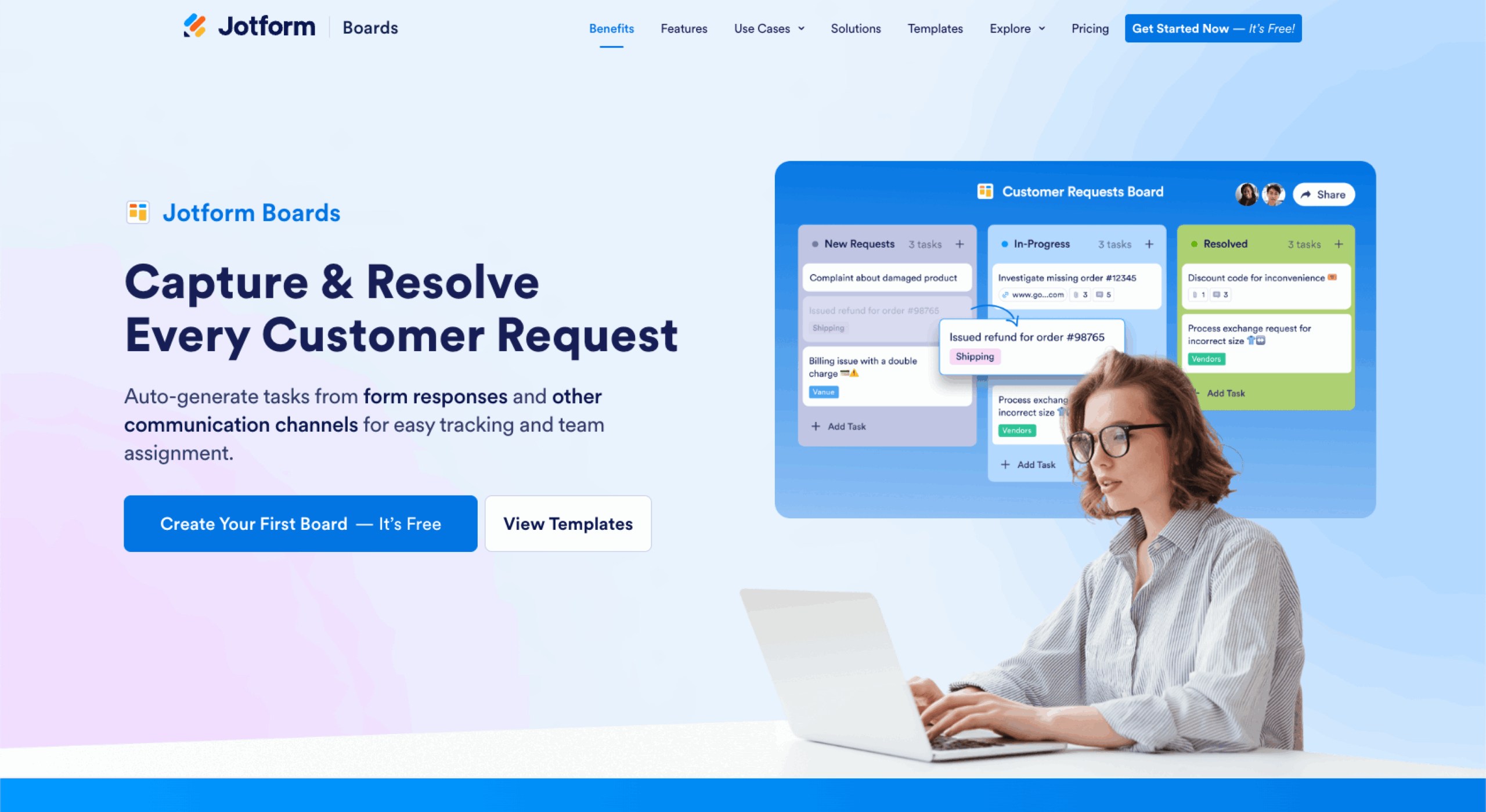
Jotform is a robust alternative to Airtable and Notion, and it functions as a task management and productivity solution. In many cases, Jotform can perform the same operations that Airtable and Notion offer, making it a practical, all-in-one solution that can support numerous businesses with different goals.
Task management with Jotform Boards
With Jotform Boards, you can create tasks manually or automate them from multiple sources. Jotform Boards features a kanban-style board with drag-and-drop functionality, so it’s easy to create tasks, move items, and keep your tasks organized.
Forms & automation
You can connect your forms to your boards for a seamless workflow, allowing you to skip repetitive data-entry tasks. With Jotform, you can also automatically turn your form submissions into tasks, eliminating data entry and enhancing the accuracy of your tasks.
AI-powered task management
Jotform AI Agents provide real-time assistance with customer service, and customers can have chat and voice conversations with the agents. By automatically creating tasks from the conversations with Jotform AI Agents, you can streamline task management for your customer service team. Your team can then follow up with customers to address any concerns or issues that the AI agents weren’t able to resolve.
Advanced customization & collaboration
A highly versatile tool, Jotform also supports advanced customization and collaboration. You can use custom fields, filters, and visual themes to tailor the platform to your needs. Jotform also features real-time team collaboration and communication via shared workspaces and real-time collaboration on forms, tables, and reports. You can share individual forms and add team members as sub-users.
Different tools for different needs
Notion and Airtable are both very powerful productivity tools, but they’re designed for different purposes. Notion excels in organizing information and helping with content generation, and Airtable is designed for data management and analysis. When deciding which platform is best, carefully consider your productivity needs and the type of work you do.
Jotform Boards is an excellent alternative if you’re looking for enhanced automation and flexibility. This versatile platform supports data collection and management, collaboration, task management, and more.
This article is for content strategists, CRM admins, digital transformation teams, and anyone who wants to explore real-world Salesforce chatbot examples that improve customer support, automate lead management, and integrate seamlessly with CRM workflows.



























Send Comment: