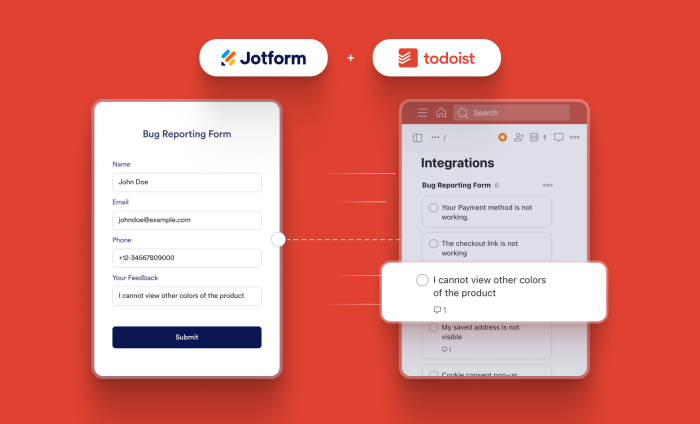
Efficiency isn’t just about getting things done. At Jotform, it’s about reducing friction, centralizing data, and ensuring that workflows move from a form submission to a finished task without a lot of manual intervention.
That’s why we’re excited to announce a new integration. Jotform now seamlessly integrates with Todoist, one of the leading task management platforms on the market.
This integration, available now within the Jotform Form Builder, allows you to automatically convert incoming Jotform submissions into actionable Todoist tasks. No more manual entry. No more copying details from one screen to another. Just streamlined workflows and instantly organized work.
How it works: Flexible mapping for control
This integration doesn’t just add a Jotform link to a Todoist task. We’ve built in deep field-mapping capabilities so you can tailor exactly how data moves from your form to your project management workflow.
Here’s how it works.
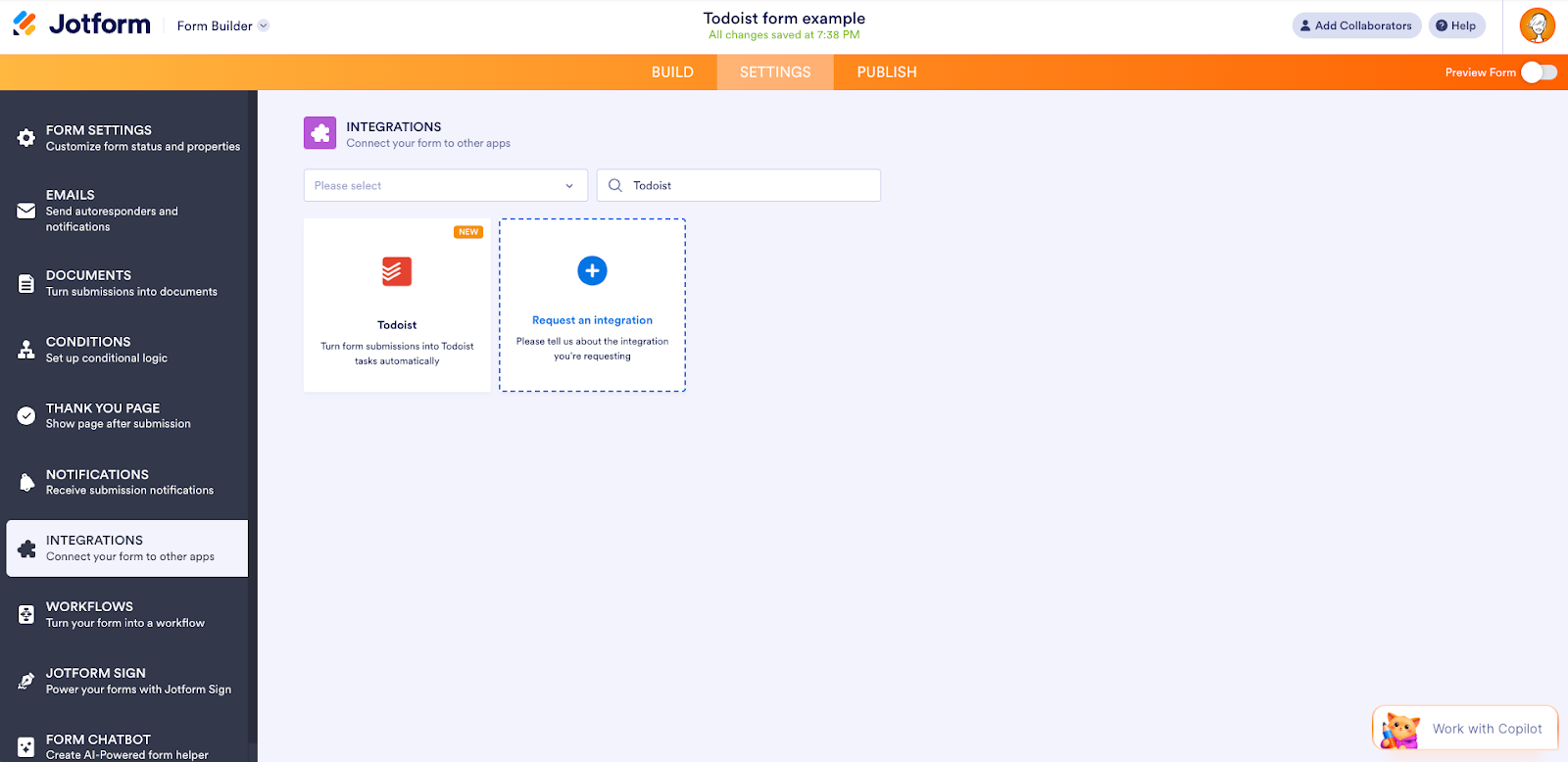
- In the Jotform Form Builder, in the navigation bar at the top of the page, click on Settings.
- In the menu on the left side of the page, click on Integrations.
- In the Integrations section in the main panel, search for Todoist and click on it.
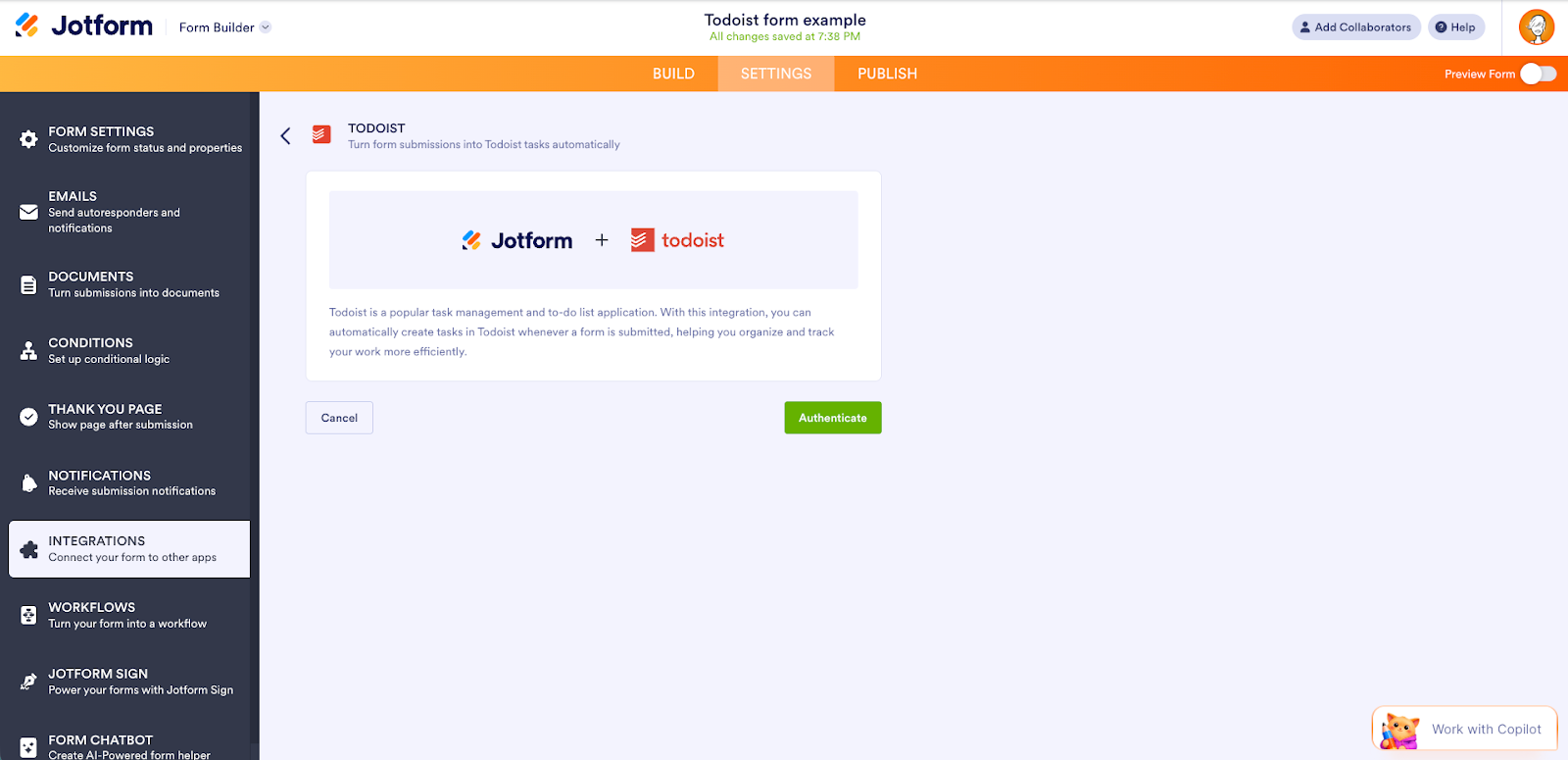
- Click on Authenticate.
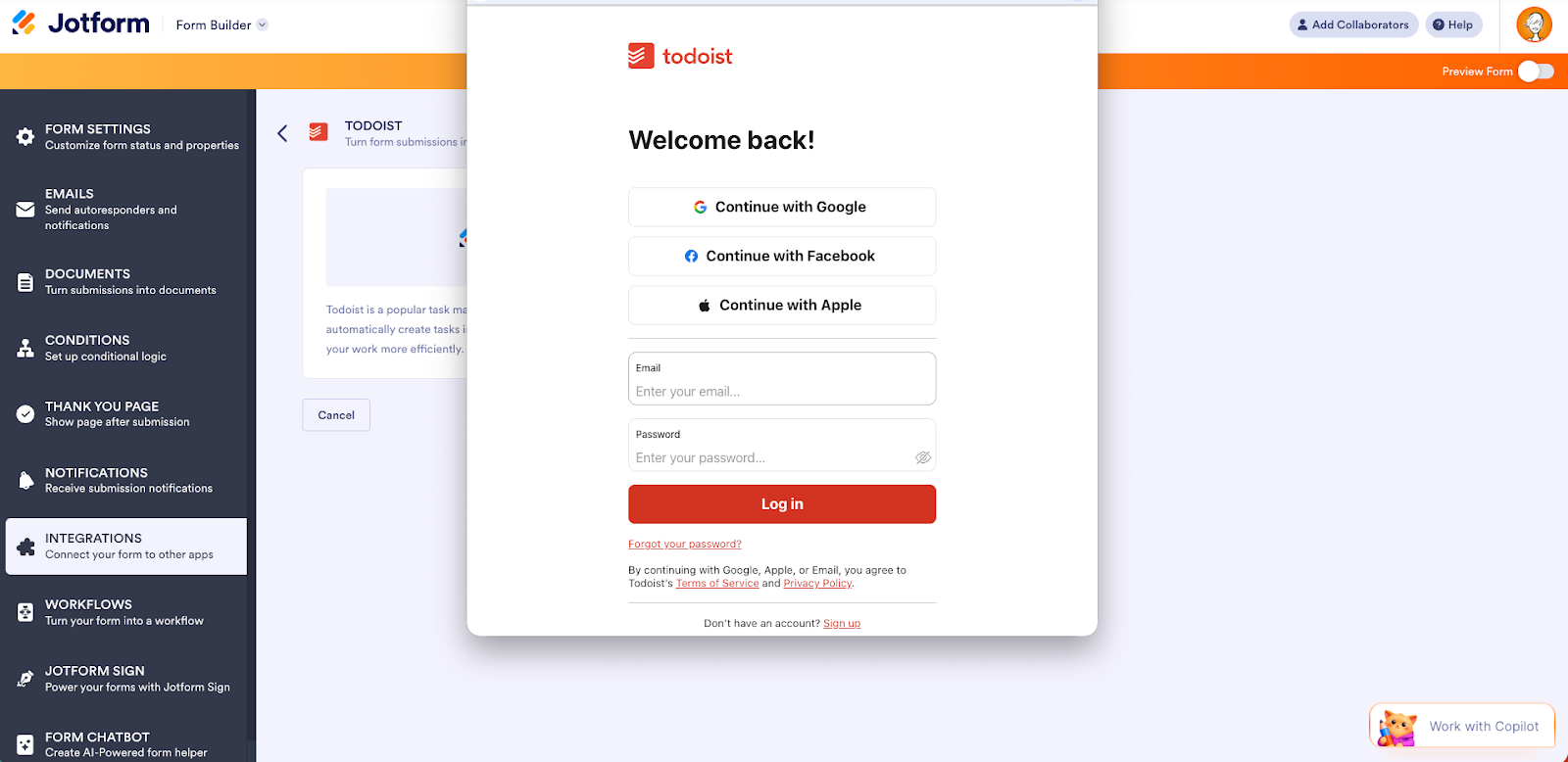
- In the Todoist login screen that pops up, log in to your Todoist account and grant access. If you’ve logged in before, just pick your Todoist account from the dropdown and click on Authenticate. To use a different account, click on the Use another account link.
- Once you’ve connected Jotform with Todoist, set up the following:
- Projects. Choose the Todoist project where the task will be created. This determines where the task lives and which project settings, workflows, and permissions apply.
- Task fields. Pick the Todoist fields on the left and match them with your form fields on the right. To add more, click on Add Field.
- Click Save, and you’re all set.
When someone submits a form response, the integration triggers the Create Task action in Todoist, transferring the precise details to your needs. You can map Jotform fields directly to Todoist task properties:
- Content: Define the task title using data from the form.
- Description: Move complex details, explanations, or customer notes directly into the task body.
- Project selection: Route submissions to specific, predefined Todoist projects.
- Priority: Map priority level dropdowns in Jotform to Todoist’s priority settings.
- Due date: Automatically schedule tasks based on deadline fields.
- Labels: Categorize incoming work for filtering and cross-project reporting.
- Responsible user: Assign the task to a specific team member immediately upon submission.
Real-world impact: 4 use cases for you
This integration bridges the gap between data collection and actionable execution. Here are some examples of how you can use this new powerful combination to maximize efficiency.
1. Centralized task capture and daily planning
The biggest challenge in daily planning is triaging incoming requests. If you are managing an internal support queue or a marketing requests inbox, Jotform becomes the digital front door for collecting task data.
- The scenario: A high-traffic IT helpdesk form.
- The workflow: When a user submits an issue, the “Issue Summary” field is mapped to the Todoist Content, or task title. The “Requested Deadline” field is mapped to the Due Date.
- The result: The helpdesk lead starts their day with a pre-populated, prioritized “Today” view in Todoist, rather than digging through an overloaded email inbox, allowing for immediate, data-driven daily planning.
2. Streamlined recurring compliance and reminders
For teams managing regulatory compliance, security audits, or equipment checks, the challenge is remembering when to do the task again.
- The scenario: A mandatory monthly safety inspection.
- The workflow: A facilities manager completes an inspection and submits an inspection form. The next inspection is automatically scheduled.
- The mapping: The form submission is mapped to a #Compliance Label in Todoist. A hidden field in Jotform (like “Next Review Date”) automatically maps to the Due Date field in Todoist.
- The result: The act of completing the current task via Jotform automatically schedules the next inspection in Todoist, ensuring you never miss a compliance window.
3. Accelerated project and goal management
Mapping new work requests to strategic organizational projects is essential for hitting quarterly goals.
- The scenario: A “New Client Kickoff” form used by the sales team.
- The workflow: As soon as a client completes the form, the submission is routed to a dedicated “Client Onboarding” Project in Todoist.
- The mapping: Strategic details from a field like “Client Goal Summary” are mapped to the Description, while a “Contract Value” dropdown can map to priority Labels (e.g., #Tier1Client).
- The result: Project managers immediately see new initiatives land in the correct project, fully contextualized and ready for high-level goal planning.
4. Seamless collaboration and visualizing productivity
Workflow management fails when tasks aren’t assigned or ownership is unclear. The Jotform + Todoist integration helps remove that ambiguity about assignments.
- The scenario: A department-wide request form for creative assets.
- The workflow: When a marketing manager requests an asset, they use a form that includes a “Designate Designer” dropdown.
- The mapping: That dropdown is mapped directly to the Responsible User in Todoist.
- The result: The specific creative team member is notified instantly in Todoist that a new task has landed in their queue. Managers can then use Todoist’s board view to visualize the production pipeline and balance team workload based on live form data.
Try it today
The Jotform + Todoist integration is live in the Form Builder for our Bronze, Silver, and Gold users. Start connecting your data streams directly to your workflow and experience true efficiency.















Send Comment: