

Equipment Request Forms

Materialanforderungsformular
Erfassen Sie Materialanforderungen mit dem Materialanforderungsformular für Teams in Betrieb und Verwaltung, inklusive klarer Zuordnung und schneller Weiterleitung, und nutzen Sie dafür eine passende Formularvorlage in den Formularvorlagen von Jotform.
Zur Kategorie:Equipment Request Forms
Ausstattungsbeschaffungsformular
Das Ausrüstungsbeschaffungsformular erleichtert die interne Datenerfassung für Ausrüstungsanfragen, damit Abteilungen Bedarf, Priorität und Terminwünsche transparent an Einkauf oder Verwaltung übermitteln können.
Zur Kategorie:Equipment Request Forms
Geräteanforderungsformular
Geräteanforderungsformular für interne Bestellungen, das Teams bei der Datenerfassung, Priorisierung und Freigabe von Arbeitsgeräten unterstützt und jede Formular-Antwort in Jotform übersichtlich dokumentiert.
Zur Kategorie:Equipment Request Forms
Vorlage Kalibrierauftrag
Ein Formular für alle Geräte, die zur Kalibrierung müssen: Kalibrierart, Justierung, Abholung und Termin auf einen Schlag geklärt.
Zur Kategorie:Geschäftsformulare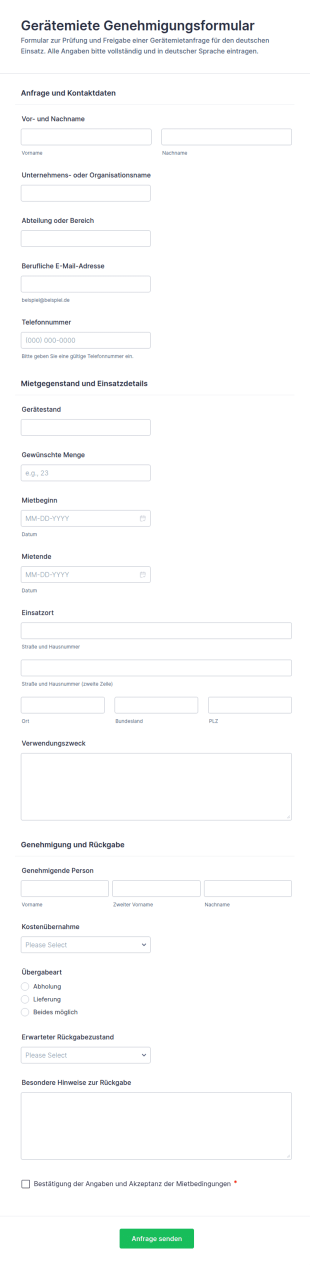
Genehmigung Zur Anmietung Von Geräten Formular
Gerätemiete-Genehmigungsformular erleichtert die interne Freigabe von Mietanfragen für Geräte und unterstützt Teams bei Planung, Datenerfassung und Verwaltung jeder Formularantwort mit Jotform.
Zur Kategorie:Genehmigungsformulare
Anfrage Zur IT Geräteaktualisierung
IT-Ausstattungsaufrüstungsformular bündelt interne Anfragen zu Geräte-Upgrades, erleichtert Priorisierung und Genehmigung und unterstützt IT-Teams bei der planbaren Bearbeitung der Datenerfassung mit Jotform.
Zur Kategorie:IT-Formulare
Geräteausleihformular
Dokumentieren Sie mit dem Geräteausleihformular die Ausgabe und Rückgabe von Geräten, erfassen Sie Verantwortliche, Zeiträume und Gerätezustand und behalten Sie in Unternehmen, Schulen oder Vereinen den Überblick über Ihr Equipment.
Zur Kategorie:Geräteverwaltungsformulare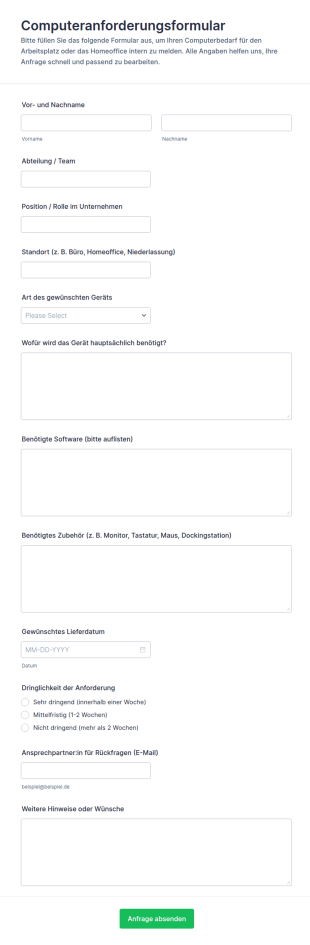
Computeranfrage Formular
Computeranforderungsformular erleichtert Unternehmen die interne Gerätebeschaffung, indem Anfragen aus Teams und Standorten zentral gesammelt, priorisiert und als Formularantwort für die weitere Bearbeitung bereitgestellt werden.
Zur Kategorie:Anfrageformulare für IT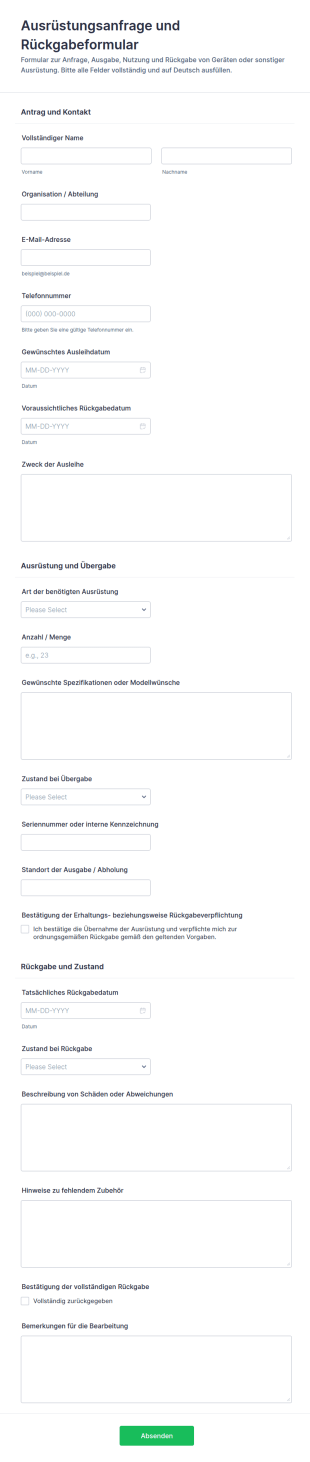
Ausstattungsanfrage Und Freigabeformular
Ausrüstungsanfrage- und Rückgabeformular erleichtert die Datenaufnahme für Ausleihen, Übergaben und Rücknahmen in Organisationen und sorgt mit Jotform für übersichtliche Formularantworten und klare Abläufe.
Zur Kategorie:Equipment Request Forms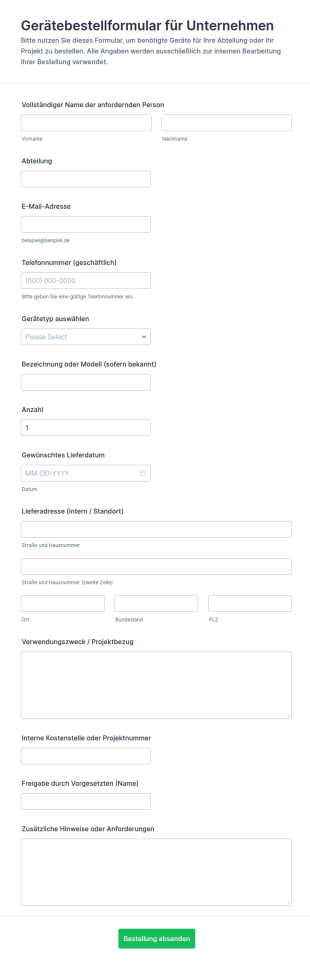
Ausrüstungsbestellformular
Gerätebestellformular für Unternehmen unterstützt IT, Einkauf und Fachabteilungen bei der schnellen Anforderung von Hardware und Arbeitsmitteln inklusive interner Freigabe, damit Bestellungen standortübergreifend sauber koordiniert werden.
Zur Kategorie:Bestellformulare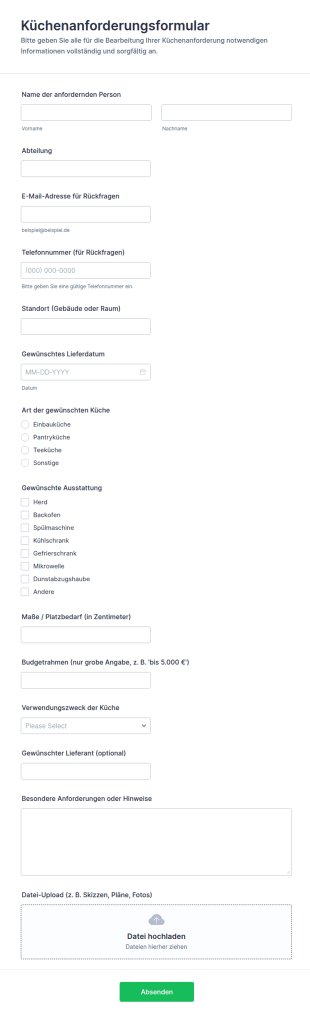
Küchenbedarf Anforderungsformular
Erfassen Sie Küchenanforderungen für Büro, Schule oder Einrichtung inklusive Planung und Abstimmung und bündeln Sie die Datenerfassung samt Formularantworten in Jotform mit einer passenden Formularvorlage aus den Formularvorlagen.
Zur Kategorie:Equipment Request Forms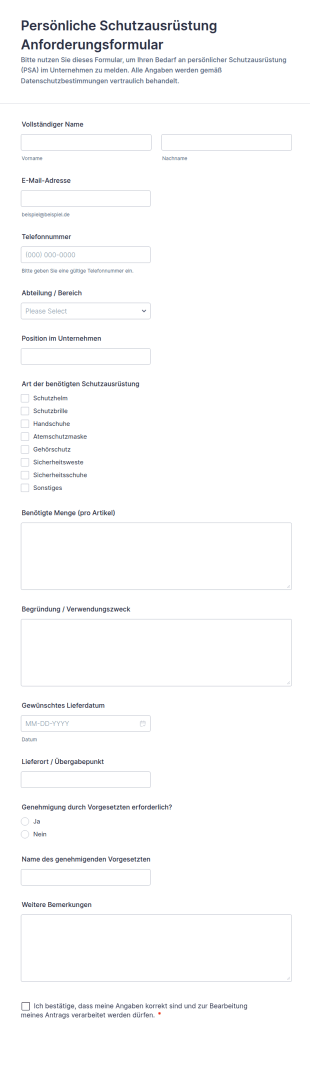
Persönliche Schutzausrüstung Anforderungsformular
Erfassen Sie PSA-Anfragen im Unternehmen zentral mit dem Anforderungsformular für persönliche Schutzausrüstung von Jotform und vereinfachen Sie Datenerfassung, interne Freigaben und die koordinierte Ausgabe an Teams und Standorte.
Zur Kategorie:Bestellformulare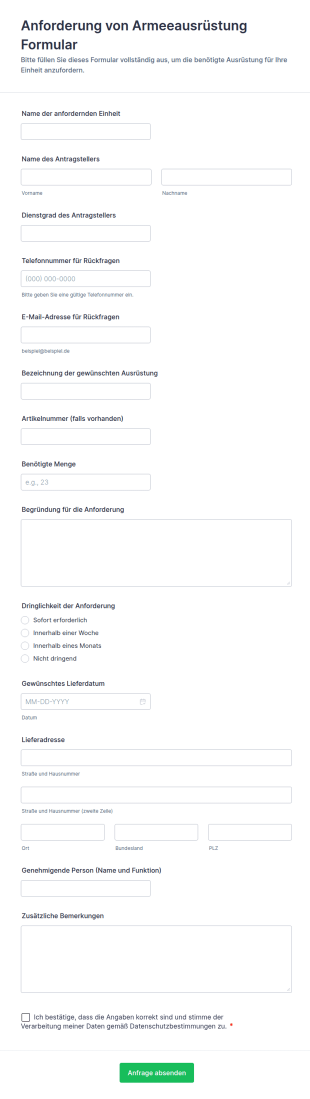
Anforderung Von Armeeausrüstung Formular
Dokumentieren und koordinieren Sie Materialanforderungen mit dem Formular zur Anforderung von Armeeausrüstung in Jotform, damit Einheiten, Logistik und Genehmigende Daten einheitlich erfassen und Formularantworten zentral verwalten können.
Zur Kategorie:Equipment Request Forms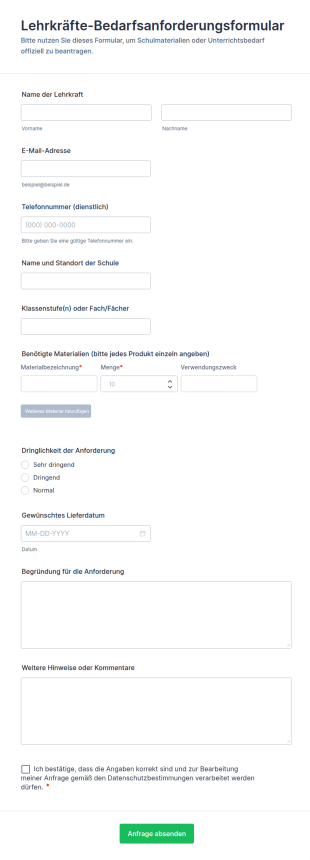
Lehrkräfte Bedarfsanforderungsformular
Lehrkräfte-Bedarfsanforderungsformular erleichtert Schulen die digitale Datenerfassung von Materialanforderungen, Prioritäten und Lieferterminen, damit Verwaltung und Materialverantwortliche Anfragen schneller prüfen und koordinieren können.
Zur Kategorie:Formulare für BildungseinrichtungenÜber Equipment Request Forms
Equipment request forms are structured documents used to request new equipment, replacements, upgrades, or temporary equipment access in a standardized way. They help organizations collect consistent details about what is needed, why it is needed, when it is needed, and how it should be approved and fulfilled. Equipment request forms are commonly used in offices, schools, healthcare facilities, labs, construction teams, and IT departments for items like laptops, monitors, tools, lab devices, safety equipment, and specialized gear. By formalizing requests, these forms reduce back-and-forth, support budget control, and improve tracking from request to delivery.
With Jotform, equipment request forms can be created quickly using a no-code, drag-and-drop Form Builder and customized to match internal procurement or asset policies. Conditional logic can show different fields based on equipment type, urgency, or cost level, while file upload fields can collect quotes or supporting justification documents. Submissions are stored in Jotform Tables, making it easy to track request status, approvals, and fulfillment details. Automated notifications can route requests to managers or procurement teams and keep requesters updated throughout the process.
Use Cases of Equipment Request Forms
Equipment request forms support purchasing, allocation, and temporary access workflows. Below are common ways these forms are used and the challenges they help solve.
Mögliche Anwendungsfälle:
- Anträge auf Anschaffung neuer Geräte
- Anfragen zum Austausch defekter oder veralteter Geräte
- Anfragen zur vorübergehenden Ausleihe von Geräten (kurzfristige Nutzung)
- Projektbezogene Ausrüstungsanfragen für bestimmte Teams
- Anfragen zu IT-Hardware und Zubehör
- Anfragen zu IT-Hardware und Zubehör
Lösungsansätze:
- Beschaffungsanfragen standardisieren und unvollständige Einreichungen verringern
- Bessere Budgetkontrolle durch klare Begründungen und Prüfungen
- Schnellere Abwicklung des Fulfillments durch vorab erfasste erforderliche Angaben
- Eine nachvollziehbare Aufzeichnung von Geräteanfragen und Entscheidungen erstellen
Mögliche Eigentümer und Nutzer:
- Mitarbeitende, Studierende oder Angestellte, die Anträge einreichen
- Manager, die den Gerätebedarf genehmigen
- Beschaffungs- und Einkaufsteams
- IT- und Asset-Management-Teams
- Finanzteams, die Budgets prüfen
Unterschiede der Erstellungsmethoden:
- Die Antragsformulare für die Anschaffung neuer Geräte fragen die Gerätespezifikationen, die Menge, die geschäftliche Begründung, den Budgetrahmen und die nötigen Genehmigungen ab.
- Formulare für Ersatz- oder Reparaturanfragen legen den Schwerpunkt auf die aktuelle Asset-ID, die Beschreibung des Problems, die Dringlichkeit und die Frage, ob eine Reparatur oder ein Ersatz bevorzugt wird.
- Antragsformulare für vorübergehende Geräteleihgaben legen den Schwerpunkt auf Abhol- und Rückgabedaten, Verwendungszweck, Bestätigungen der Verantwortung des Entleihers und Schritte zur Verfügbarkeitsbestätigung.
How to Create an Equipment Request Form
Creating an equipment request form with Jotform helps you manage equipment demand transparently and route requests through the right approval workflow.
1. Wählen Sie eine Vorlage oder beginnen Sie komplett neu
Klicken Sie in „Mein Workspace“ auf „Erstellen“ und wählen Sie „Formular“. Starten Sie mit einer Anforderungsvorlage und passen Sie sie für Geräte-Workflows an.
2. Add Requester and Department Details
Erfassen Sie den Namen, die Rolle, die Abteilung und die Kontaktdaten der anfragenden Person, damit wir Anfragen richtig weiterleiten und bearbeiten können.
3. Collect Equipment Details and Justification
Fragen Sie nach Art des Artikels, Spezifikationen, Menge, Dringlichkeit und Grund für die Anschaffung. Fügen Sie Budgetfelder hinzu, wenn die Genehmigung von den Kosten abhängt.
4. Use Conditional Logic for Request Type
Zeigen Sie je nach Anfrage – Neukauf, Ersatzkauf oder Darlehensantrag – unterschiedliche Fragen an. Fügen Sie bei Bedarf Upload-Felder für Angebote oder Begleitdokumente hinzu.
5. Benachrichtigungen und Genehmigungen einrichten
Benachrichtigen Sie Manager und Beschaffungsteams automatisch. Senden Sie den Anforderern Bestätigungs-E-Mails mit Statusinformationen.
6. Track Requests in Jotform Tables
Speichern Sie Antworten in Tabellen, damit Teams nach Anfragetyp, Priorität, Status und Abteilung filtern und Berichte exportieren können.
Häufig gestellte Fragen
1. What are equipment request forms?
Equipment request forms are documents or online forms used to request new equipment, replacements, upgrades, or temporary equipment access.
2. Why are equipment request forms important?
They standardize requests, improve budget control, speed up approvals, and create clear records of equipment needs and decisions.
3. What information is typically included in equipment request forms?
Common fields include requester details, equipment type/specs, quantity, justification, urgency, budget considerations, and approval confirmations.
4. Who uses equipment request forms?
Employees or staff submit requests, while managers, procurement, IT, and finance teams review and fulfill them.
5. Are equipment request forms only for buying new equipment?
No. They can also be used for replacements, repairs, upgrades, and temporary equipment loans.
6. Can equipment request forms include quotes or attachments?
Yes. Jotform file upload fields can collect quotes, product links, or supporting documents for approval.
7. How do equipment request forms speed up approvals?
They collect required details upfront and route requests to the correct approvers using notifications or approval workflows.
8. Can equipment request forms be customized by equipment type?
Yes. Conditional logic and custom fields can tailor the form for IT hardware, tools, lab devices, safety equipment, and more.