

Equipment Tracking Forms

Geräte Rückgabeformular
Dokumentieren Sie Gerätewechsel und Rückgaben im Unternehmen mit dem Geräte-Rückgabeformular von Jotform, damit IT, Büromanagement und Führungskräfte Übergaben nachvollziehbar erfassen und intern besser nachverfolgen können.
Zur Kategorie:IT-Formulare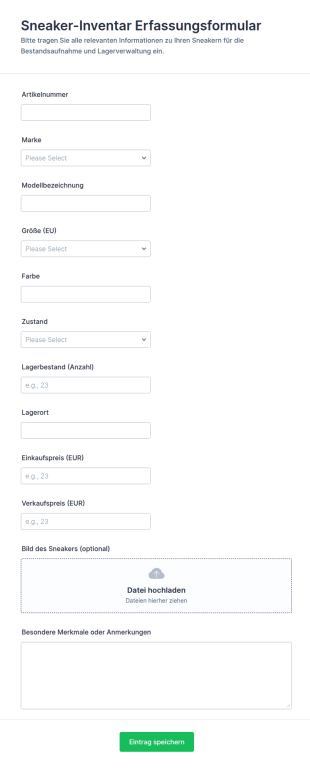
Sneaker Bestandserfassung Formular
Erfassen und pflegen Sie Sneaker-Bestände mit dem Sneaker-Bestandserfassung Formular in Jotform, ideal für Sammlungen, Reseller und Shops, die Datenaufnahme vereinheitlichen und Formularantworten zentral verwalten möchten.
Zur Kategorie:Equipment Tracking Forms
Bestandsaufnahme Für Netzwerkinfrastruktur Geräte
Dokumentieren Sie Netzwerkgeräte standortübergreifend mit dem Netzwerkgeräte-Inventarformular und vereinfachen Sie die Datenerhebung für Inventarisierung, Wartungsplanung und Zuständigkeiten in IT-Teams mit Jotform.
Zur Kategorie:IT-Formulare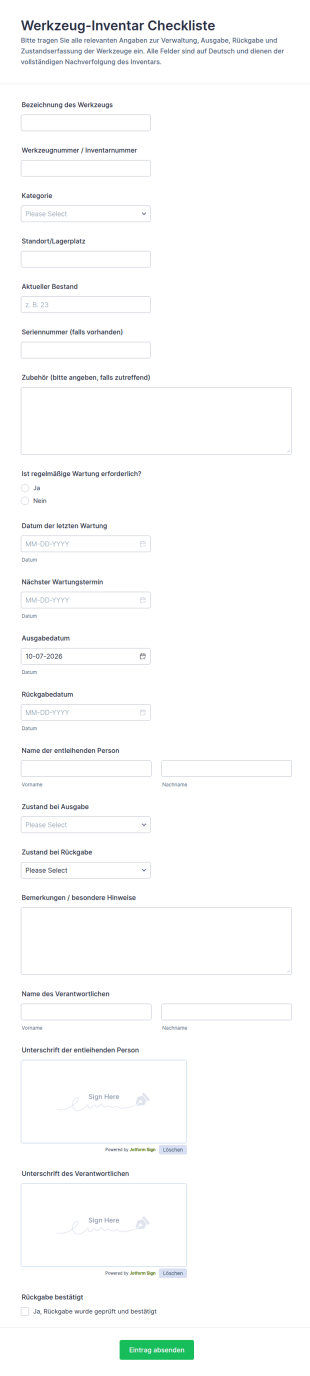
Werkzeugbestands Checkliste
Dokumentieren Sie Ausgabe, Rückgabe, Zustand und Wartung von Werkzeugen mit dem Werkzeug-Inventar-Checklistenformular und vereinfachen Sie die Datenerfassung für Werkstatt, Lager und Baustelle in Jotform.
Zur Kategorie:Checklisten-Formulare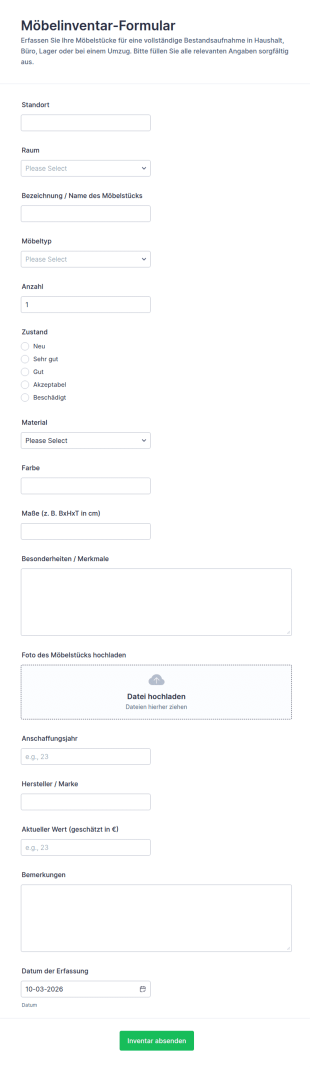
Möbelbestandsaufnahme Formular
Das Möbelinventar-Formular erleichtert die digitale Bestandsaufnahme von Möbeln für Haushalt, Büro, Lager und Umzüge, damit Teams und Privatpersonen die Datenerfassung vereinheitlichen und jede Formularantwort zentral verwalten können.
Zur Kategorie:Equipment Tracking Forms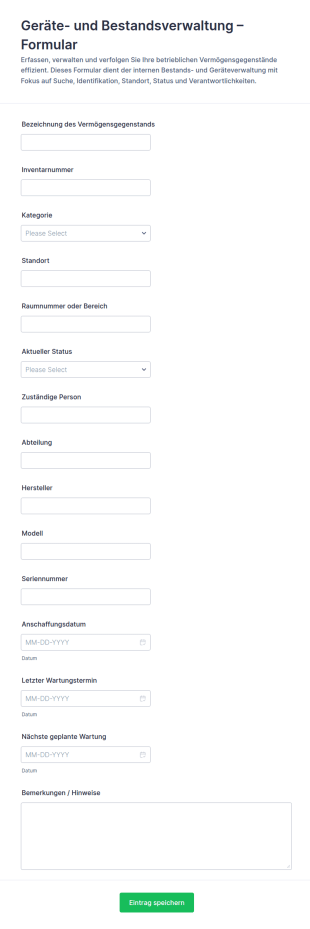
Anlagenverfolgungsformular
Geräte- und Bestandsverwaltungsformular unterstützt Teams bei der Datenerfassung zu Inventar und Arbeitsmitteln, damit Standorte, Zuständigkeiten und Wartungsstände im Unternehmen nachvollziehbar bleiben.
Zur Kategorie:Geräteverwaltungsformulare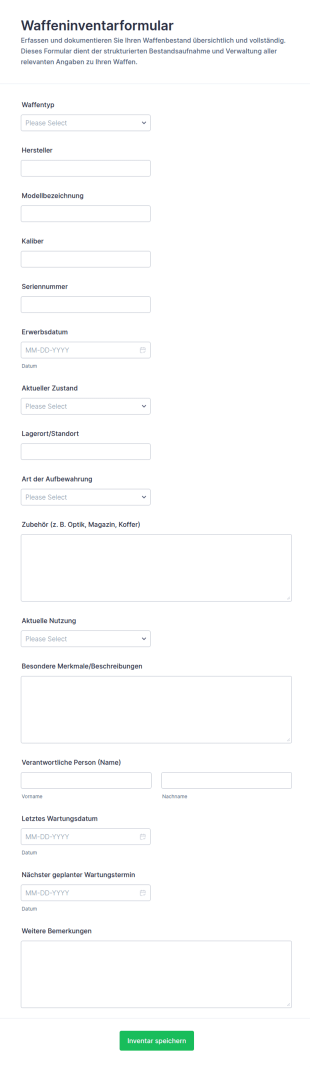
Waffenbestandsformular
Das Waffeninventarformular erleichtert die Datenerfassung und Pflege von Waffenbeständen für Vereine, Sammler und Betriebe, damit Angaben zentral dokumentiert und Formularantworten übersichtlich verwaltet werden können.
Zur Kategorie:Asset-Tracking-Formulare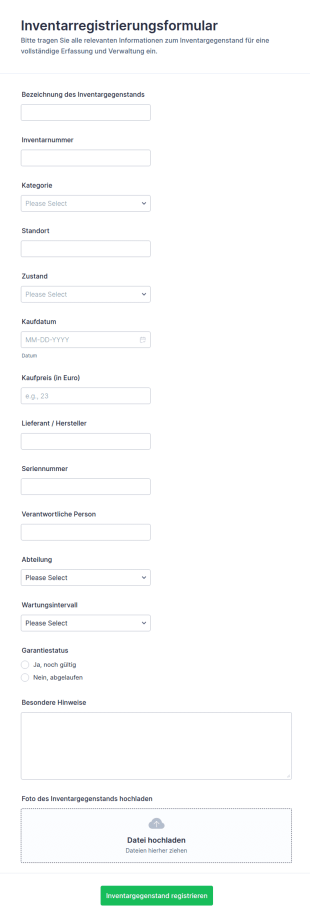
Registrierung Von Inventarartikeln Formular
Erfassen Sie Inventargegenstände wie Geräte, Werkzeuge oder Möbel zentral mit dem Inventarregistrierungsformular in Jotform und vereinfachen Sie die Datenerfassung für Verwaltung, Lager und IT inklusive klarer Zuordnung und Dokumentation.
Zur Kategorie:Verwaltungsformulare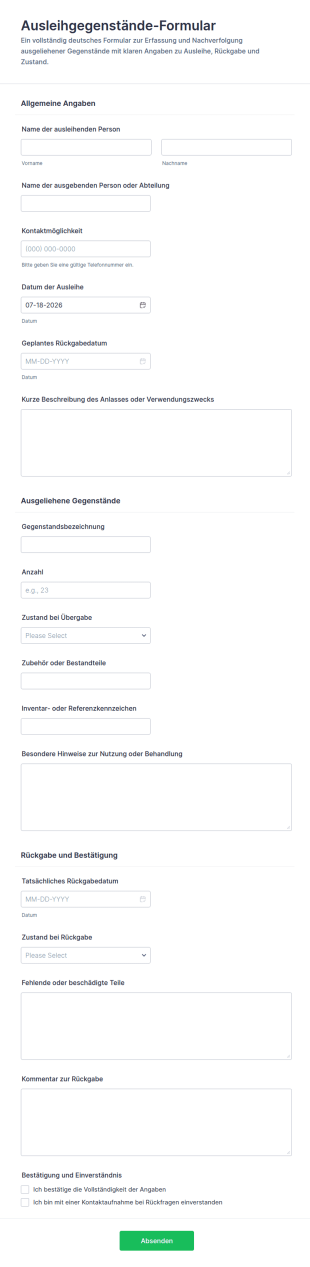
Leihgegenstände Rückgabeformular
Dokumentieren Sie Ausleihe und Rückgabe von Gegenständen mit dem Ausleihgegenstände-Formular und sorgen Sie für klare Verantwortlichkeiten in Büro, Lager, Schule oder Verein mit einer anpassbaren Formularvorlage in Jotform.
Zur Kategorie:Equipment Tracking Forms
Ausrüstungsauschussformular
Geräteentsorgungsformular erleichtert die Erfassung und Koordination von Geräteaussonderungen in Unternehmen, damit Abteilungen Anfragen zentral bündeln, Weitergabe oder Entsorgung planen und Formularantworten übersichtlich verwalten können.
Zur Kategorie:IT-Formulare
Geräteausleihformular
Dokumentieren Sie mit dem Geräteausleihformular die Ausgabe und Rückgabe von Geräten, erfassen Sie Verantwortliche, Zeiträume und Gerätezustand und behalten Sie in Unternehmen, Schulen oder Vereinen den Überblick über Ihr Equipment.
Zur Kategorie:Geräteverwaltungsformulare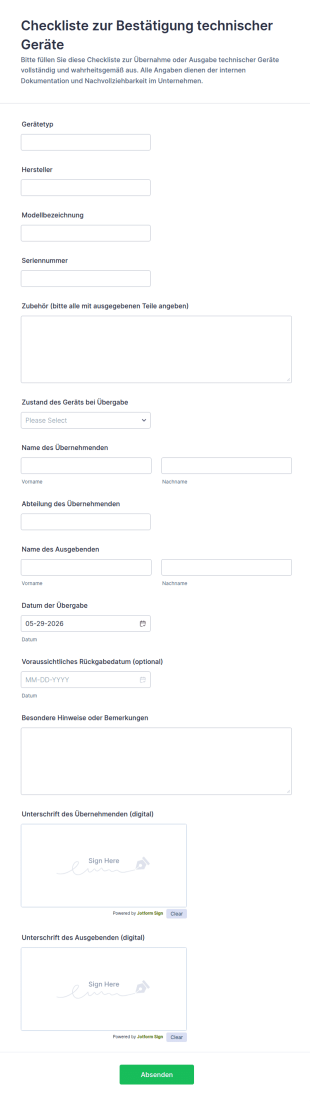
Technische Gerätebestätigung Formular
Das Checkliste zur Bestätigung technischer Geräte Formular hilft IT, Verwaltung und Lagerteams, Geräteübergaben und Rückgaben digital zu dokumentieren, inklusive Unterschriften, und Formularantworten für die Datenerfassung zentral zu speichern.
Zur Kategorie:Checklisten-Formulare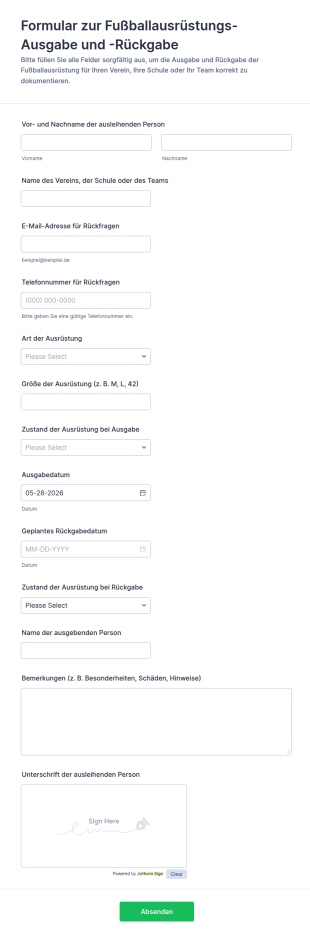
Fußballausrüstungsproblem Fragebogen
Dokumentieren Sie mit dem Formular zur Ausgabe und Rückgabe von Fußballausrüstung Ausleihen im Verein oder an der Schule, inklusive Zustandsprüfung und Rückgabeterminen, und verwalten Sie jede Formularantwort zentral in Jotform.
Zur Kategorie:Geräteverwaltungsformulare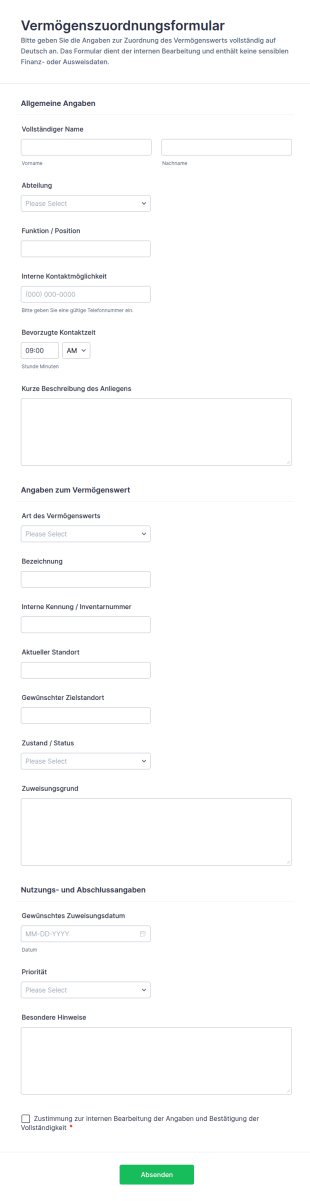
Vermögensaufteilungsformular
Vermögenszuordnungsformular für die interne Datenerfassung rund um Zuweisung, Standortwechsel und Priorisierung von Vermögenswerten, ideal für Verwaltung, IT, Facility und Lager in Unternehmen.
Zur Kategorie:Asset-Tracking-Formulare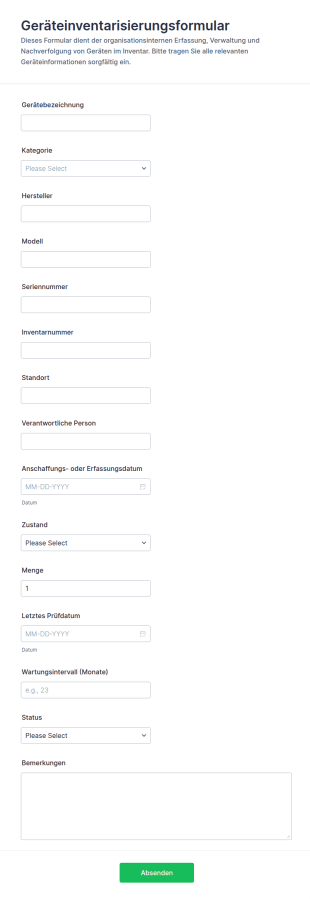
Ausrüstungsinventarformular
Erfassen und verwalten Sie Unternehmensgeräte mit dem Geräteinventarisierungsformular für IT, Verwaltung und Lager, inklusive schneller Datensammlung, klarer Zuordnung und übersichtlicher Formularantworten in Jotform.
Zur Kategorie:Asset-Tracking-Formulare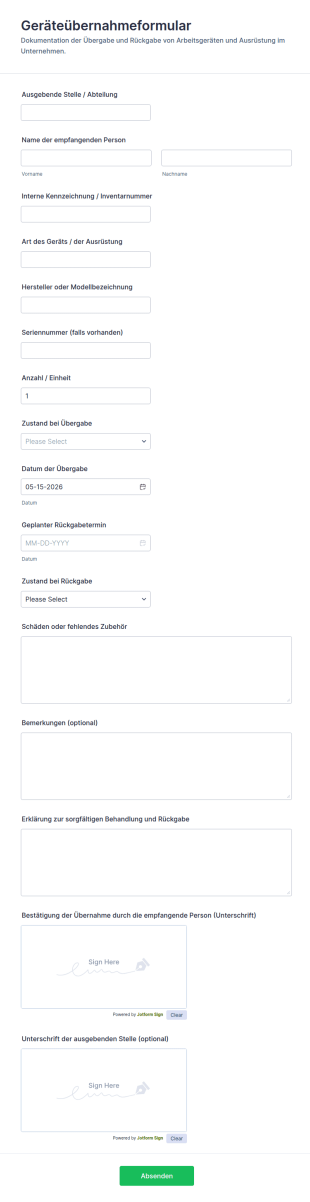
Ausrüstungsempfangsformular
Geräteübernahmeformular für die dokumentierte Ausgabe und Rückgabe von Geräten im Unternehmen, ideal für IT, Lager und Verwaltung, inklusive digitaler Datenerfassung und nachvollziehbarer Formularantworten mit Jotform.
Zur Kategorie:Equipment Tracking Forms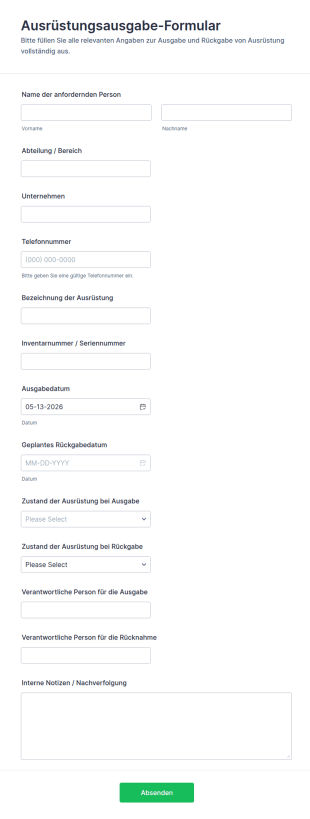
Ausrüstungsabholformular
Dokumentieren Sie Ausgabe und Rücknahme von Arbeitsmitteln mit dem Ausrüstungsausgabe-Formular in Jotform, damit Teams die Datenerfassung vereinheitlichen, Formularantworten zentral verwalten und Bestände besser nachverfolgen können.
Zur Kategorie:Geräteverwaltungsformulare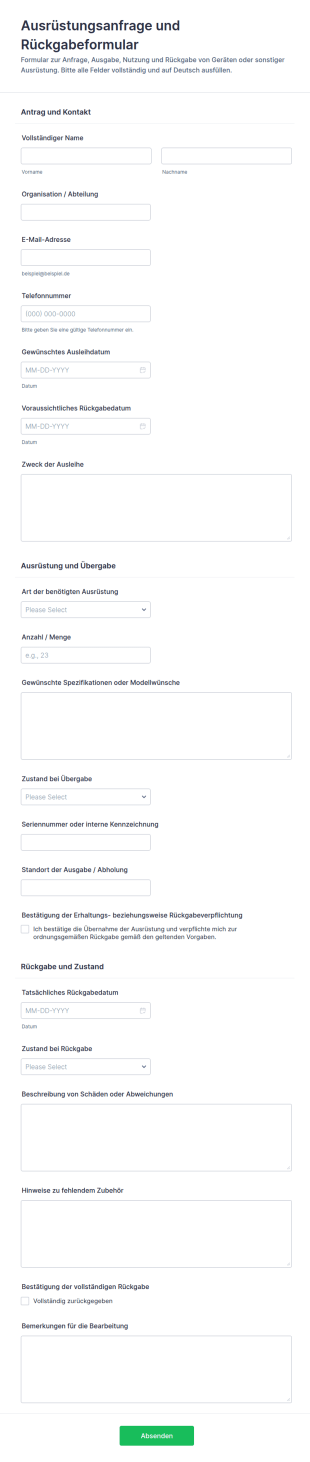
Ausstattungsanfrage Und Freigabeformular
Ausrüstungsanfrage- und Rückgabeformular erleichtert die Datenaufnahme für Ausleihen, Übergaben und Rücknahmen in Organisationen und sorgt mit Jotform für übersichtliche Formularantworten und klare Abläufe.
Zur Kategorie:Equipment Request Forms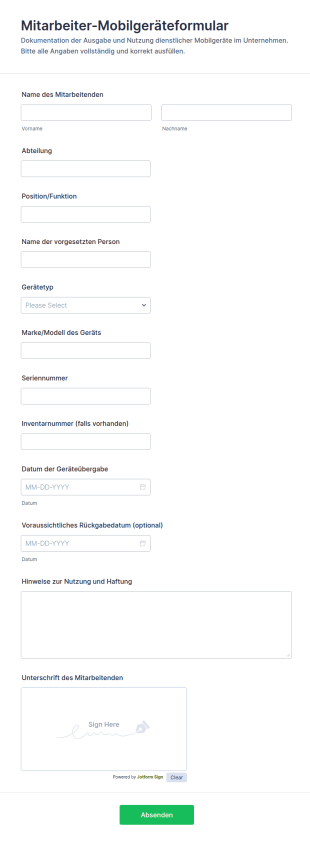
Mitarbeiter Mobilvereinbarungsformular
Erfassen Sie die Ausgabe und Rückgabe von mobilen Dienstgeräten mit dem Mitarbeiter-Mobilgeräteformular für IT-Teams und Büromanagement, inklusive nachvollziehbarer Datenerfassung und zentraler Verwaltung in Jotform.
Zur Kategorie:IT-Formulare
Ausrüstungs Haftungsformular
Gerätehaftungsformular vereinfacht die Dokumentation von Geräteausgabe und Rückgabe für Unternehmen und Organisationen und unterstützt eine klare Verantwortungszuordnung durch digitale Datenerfassung mit Jotform.
Zur Kategorie:Equipment Tracking Forms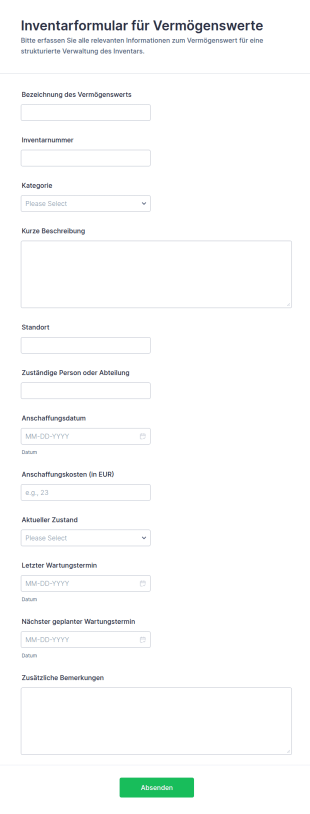
Vermögensinventar Registrierungsformular
Inventarformular für Vermögenswerte erleichtert die Datenerfassung und Verwaltung von Betriebsmitteln für Unternehmen, Schulen und Verwaltungen, indem Formularantworten zentral gesammelt und schnell weiterverarbeitet werden können.
Zur Kategorie:Asset-Tracking-Formulare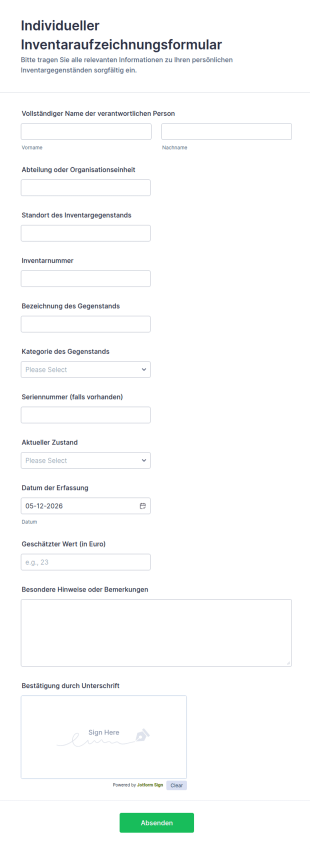
Individuelles Inventaraufnahme Formular
Das Individuelles Inventaraufzeichnungsformular erleichtert die Datenerfassung für Inventar und Betriebsmittel in Teams, Schulen und Organisationen und sorgt mit klaren Formularantworten für verlässliche Dokumentation und Bestandsübersicht in Jotform.
Zur Kategorie:Asset-Tracking-FormulareÜber Equipment Tracking Forms
Equipment tracking forms are structured documents used to record, monitor, and manage the movement, status, and assignment of equipment across teams, locations, or projects. They help organizations keep accurate records of where equipment is, who is using it, when it was checked out or returned, and what condition it is in. Equipment tracking forms are commonly used in offices, schools, healthcare facilities, warehouses, construction sites, labs, and field service operations to track laptops, tools, devices, instruments, and other shared assets. By standardizing tracking workflows, these forms reduce loss, improve accountability, and make it easier to plan equipment availability.
With Jotform, equipment tracking forms can be built quickly using a no-code, drag-and-drop Form Builder and optimized for fast, repeatable submissions. Conditional logic can adjust fields based on equipment type or action (check-out, transfer, return), and file upload fields can collect photos or condition notes when needed. Submissions are stored in Jotform Tables, making it easy to filter by asset ID, user, location, and status. Teams can also use automated notifications to confirm check-outs, alert managers about overdue returns, or flag damage reports.
Use Cases of Equipment Tracking Forms
Equipment tracking forms support asset accountability, availability planning, and condition reporting. Below are common ways these forms are used and the challenges they help solve.
Mögliche Anwendungsfälle:
- Ausgabe und Rückgabe von Ausrüstung protokollieren
- Übertragung von Ausrüstung zwischen Teams, Standorten oder Projekten
- Bestand aktualisieren und Standorte überprüfen
- Berichterstattung über den Zustand der Ausrüstung und Dokumentation von Schäden
- Verwaltung von Leihgeräten für Mitarbeiter und Studierende
- Bestätigungen zur Rückgabe von Offboarding-Ausrüstung
Lösungsansätze:
- Verhindern Sie Geräteverluste, indem Sie Zuweisungen und Standortänderungen dokumentieren
- Erfassen Sie Ein- und Auscheckzeiten mit Zeitstempel, um Prozesse nachvollziehbar zu machen
- Helfen Sie Teams, Verfügbarkeiten zu planen und Terminkonflikte zu verringern
- Erstellen Sie eine übersichtliche Historie der Gerätenutzung und Zustandsänderungen
Mögliche Eigentümer und Nutzer:
- Operations- und Facility-Teams
- IT- und Asset-Management-Teams
- Lager- und Logistikpersonal
- Teamleiter und Projektkoordinatoren
- Mitarbeiter, Studierende oder Techniker, die Geräte ein- oder auschecken
Unterschiede der Erstellungsmethoden:
- Formulare für die Ausleihe und Rückgabe von Geräten erfassen die Asset-Nummer, die Entleihenden, das Ausleihdatum, das geplante Rückgabedatum und die Rückgabebestätigung.
- Formulare zur Übertragung von Ausrüstung und zur Aktualisierung von Standorten erfassen den aktuellen Standort, den neuen Standort, Details zur Änderung der Verwahrung und die Bestätigung der empfangenden Person.
- Formulare zur Meldung von Gerätestatus und Schäden fokussieren sich auf den Zustand, die Beschreibung des Problems, Fotoanhänge und die Frage, ob ein Gerät außer Betrieb genommen werden muss.
How to Create an Equipment Tracking Form
Creating an equipment tracking form with Jotform helps you standardize asset tracking while keeping records searchable and easy to manage.
1. Wählen Sie eine Vorlage oder beginnen Sie komplett neu
Klicken Sie in „Mein Workspace“ auf „Erstellen“ und wählen Sie „Formular“. Starten Sie mit einer Vorlage für die Nachverfolgung oder mit einer Inventarvorlage und passen Sie sie an Ihren Geräte-Workflow an.
2. Add Equipment and User Identification Fields
Erfassen Sie die Asset-ID, den Namen oder Typ der Ausrüstung, die Seriennummer (falls erforderlich), den Benutzernamen, die Abteilung und den Standort. Dropdown-Menüs sorgen für konsistente Einträge.
3. Define the Tracking Action
Fügen Sie ein Feld hinzu, um die Art der Aktion auszuwählen, z. B. Auschecken, Rückgabe, Transfer oder eine Bestandsaktualisierung. Verwenden Sie bedingte Logik, damit nur die für diese Aktion nötigen Felder erscheinen.
4. Capture Timing and Accountability Details
Fügen Sie Felder für das Auscheckdatum, das voraussichtliche Rückgabedatum, den Zustand beim Auschecken und Checkboxen für die Bestätigung hinzu. Bei Transfers fügen Sie die Angaben zur empfangenden Person hinzu.
5. Add Attachments When Needed
Laden Sie Fotos des Zustands oder der Schäden über die Upload-Felder hoch und fügen Sie bei Bedarf Quittungen oder Unterlagen hinzu.
6. Publish and Track Submissions in Jotform Tables
Veröffentlichen und teilen Sie den Formularlink oder den QR-Code. Nutzen Sie Jotform Tabellen, um nach Gerät, Entleiher, Standort und Rückgabestatus zu filtern.
Häufig gestellte Fragen
1. What are equipment tracking forms?
Equipment tracking forms are documents or online forms used to record equipment assignments, location changes, check-outs, returns, and condition updates.
2. Why are equipment tracking forms important?
They reduce loss, improve accountability, and help teams maintain accurate equipment availability and usage records.
3. What information is typically included in equipment tracking forms?
Common fields include equipment ID, user details, location, action type (check-out/return/transfer), dates, and condition notes.
4. Who uses equipment tracking forms?
Operations teams, IT, warehouse staff, project coordinators, and anyone borrowing or managing shared equipment may use these forms.
5. Can equipment tracking forms include photos?
Yes. File upload fields can collect photos of equipment condition, damage, or proof of return.
6. Can equipment tracking forms be used for inventory audits?
Yes. Many teams use forms to verify asset locations and update inventory records during audits.
7. How do equipment tracking forms help with overdue returns?
They record expected return dates and can support follow-up workflows through notifications and tracking in Tables.
8. Can equipment tracking forms be customized for different asset types?
Yes. Conditional logic and custom fields can tailor the form for IT devices, tools, lab instruments, or specialized equipment.