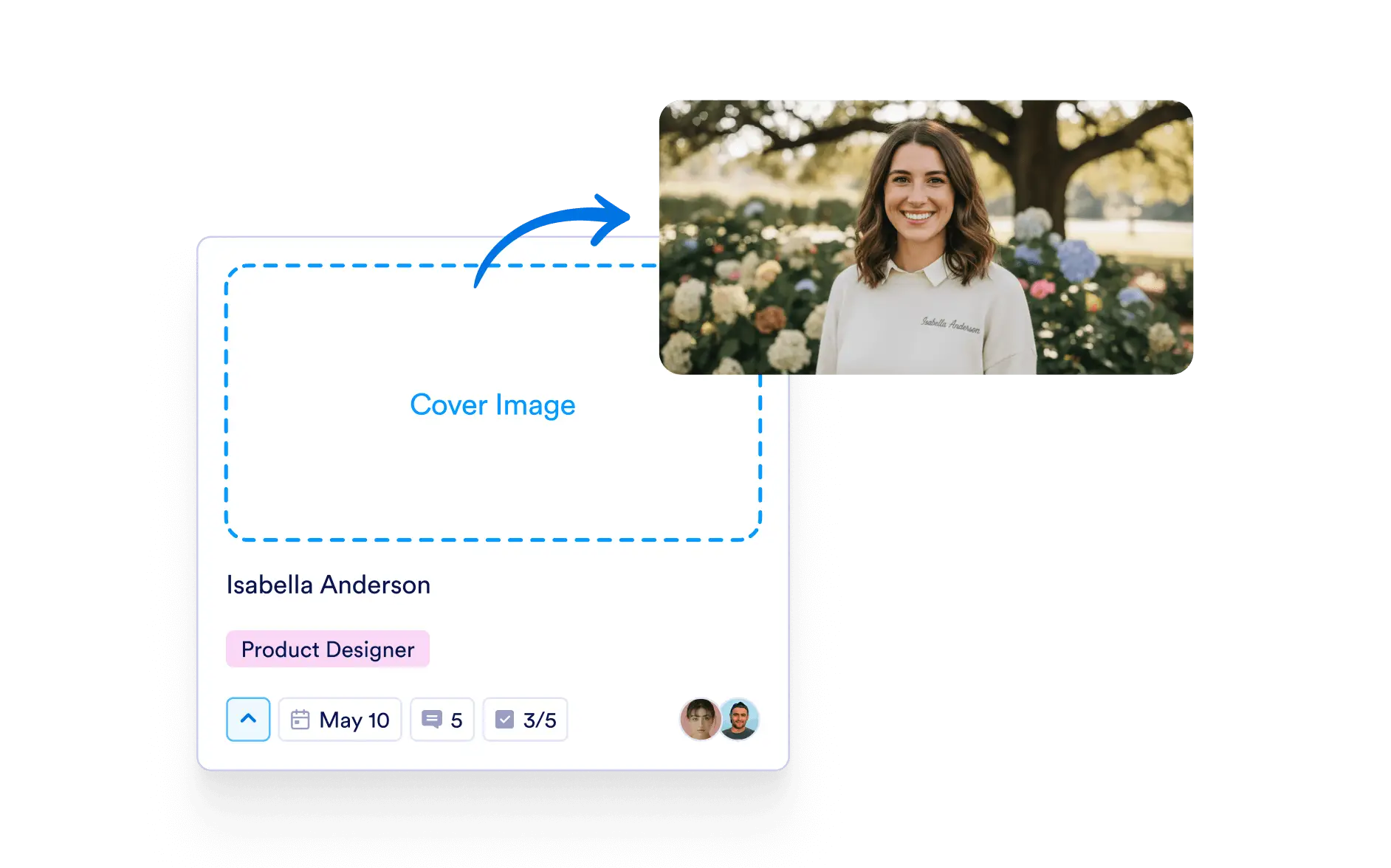


Add a Cover Image
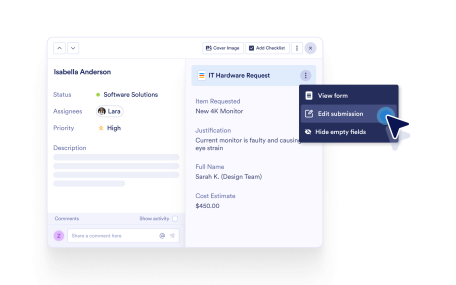
Add a cover image to each task to highlight what matters and give quick visual context.
Task Details
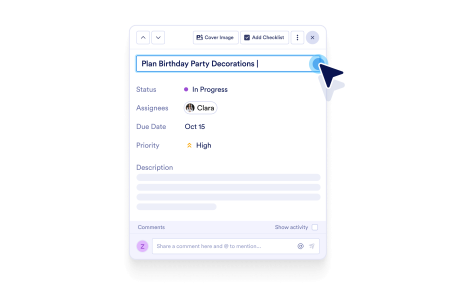
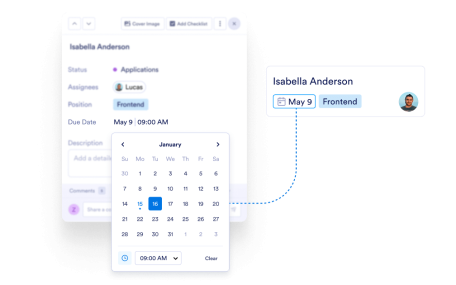
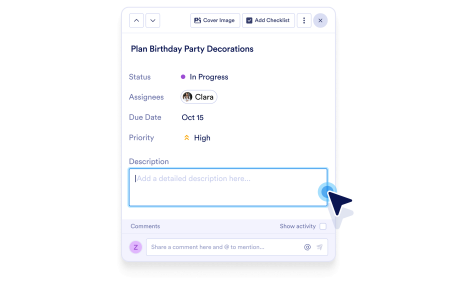
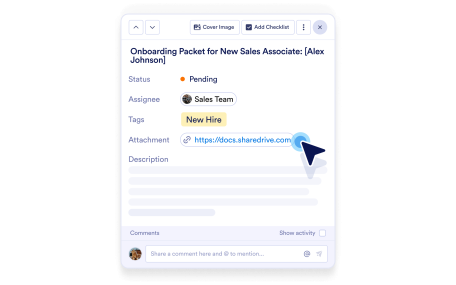
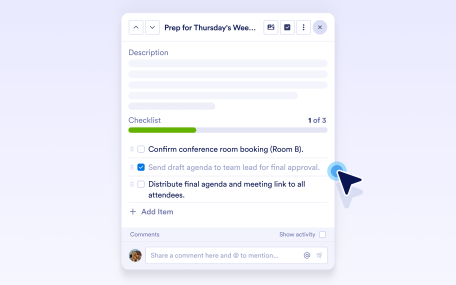
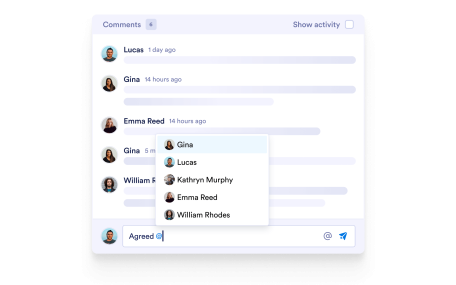
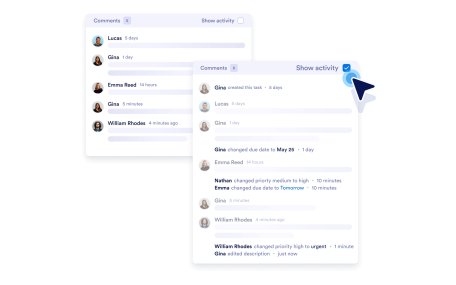
View and edit every important detail about a specific task easily within a single, convenient interface.
Enhance task clarity with visuals. Use cover images to convey key information upfront and keep your board visually organized and easy to scan.
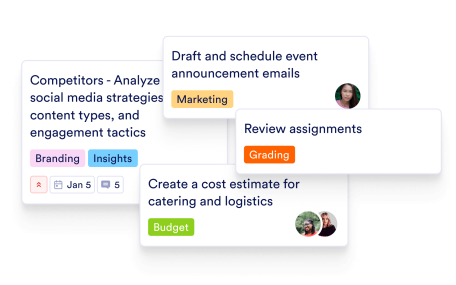
With images showing directly on task cards, your board becomes more intuitive and visually informative.
Cover images provide instant visual cues that help users identify task types, projects, or statuses without needing to open each task individually.
Visually-driven boards are easier to navigate, especially when managing many tasks. Cover images help you find what you’re looking for faster.
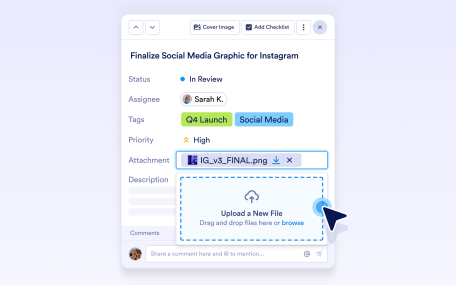
Upload any image that helps define or clarify the task—screenshots, thumbnails, mockups, or custom visuals.