Subdomains/Custom Domains
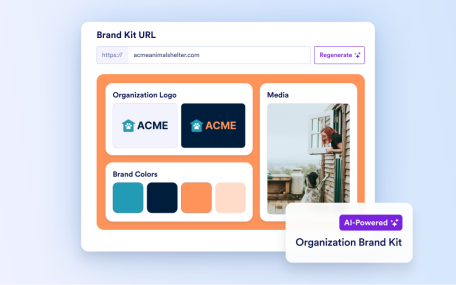
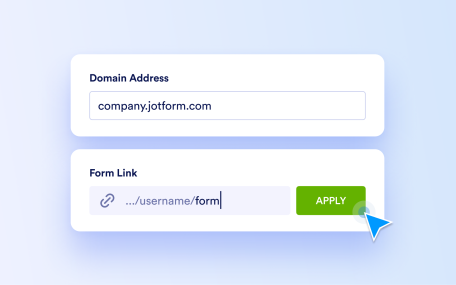
Create custom form URLs to match your company website and make your forms memorable
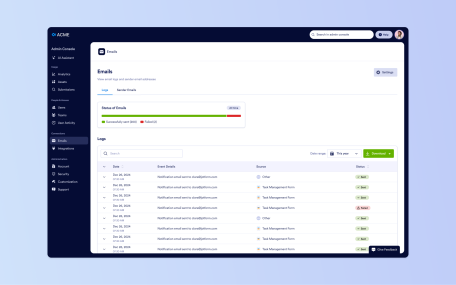
Admin Console
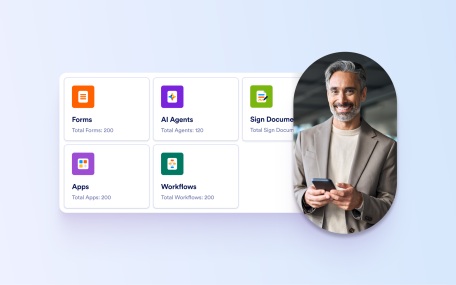
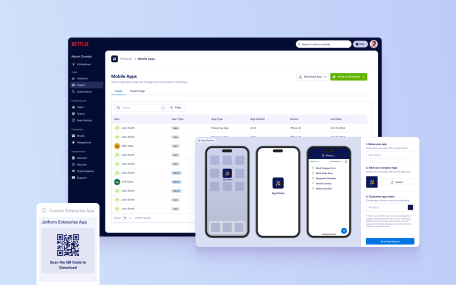
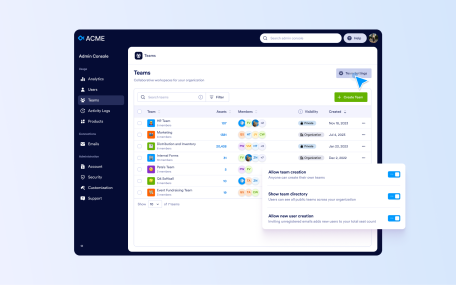
Allows administrators to manage system-level settings, users, permissions, and configurations while providing the tools needed to monitor, control, and maintain the platform efficiently.
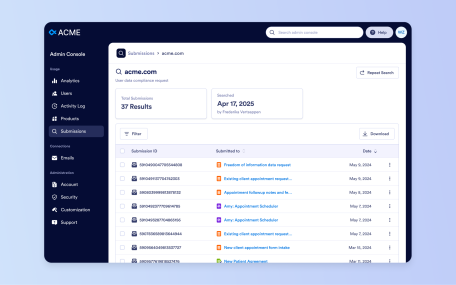
View and manage all form submissions across the organization from a single, centralized area in the Admin Console. This organization-wide visibility helps admins track activity, maintain compliance, and take action when needed.
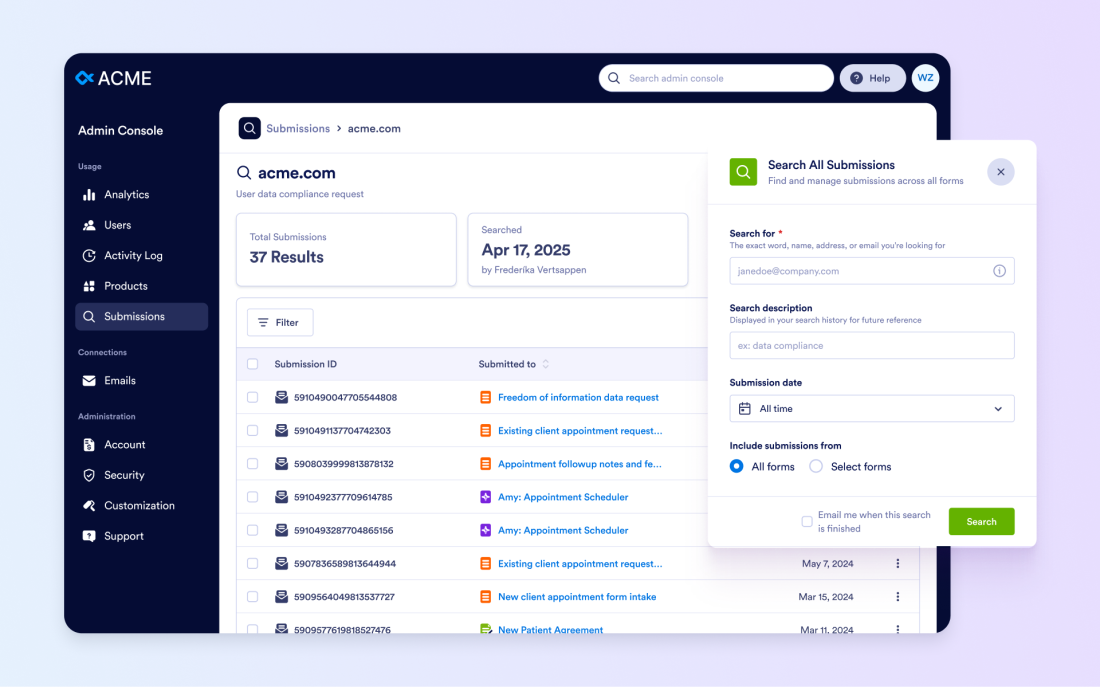
Easily track, manage, and act on all organization-wide form submissions from a single Admin Console, ensuring compliance, full visibility, and efficient workflow management.
Admins can search submissions by email, username, or keyword. Searches automatically scan all organizational submissions and collect matching results in a dedicated list, while clearly showing which asset each submission belongs to.
From the search results, admins can open submission details, access the related form for context, download or print submissions as PDFs, and delete individual or bulk submissions when required.
Admins can rerun saved searches to include newly added submissions and apply filters such as submission date, search owner, or creation date, ensuring an always up-to-date and organized view of form data.