Forms for Excel
Send submissions directly to Microsoft Excel
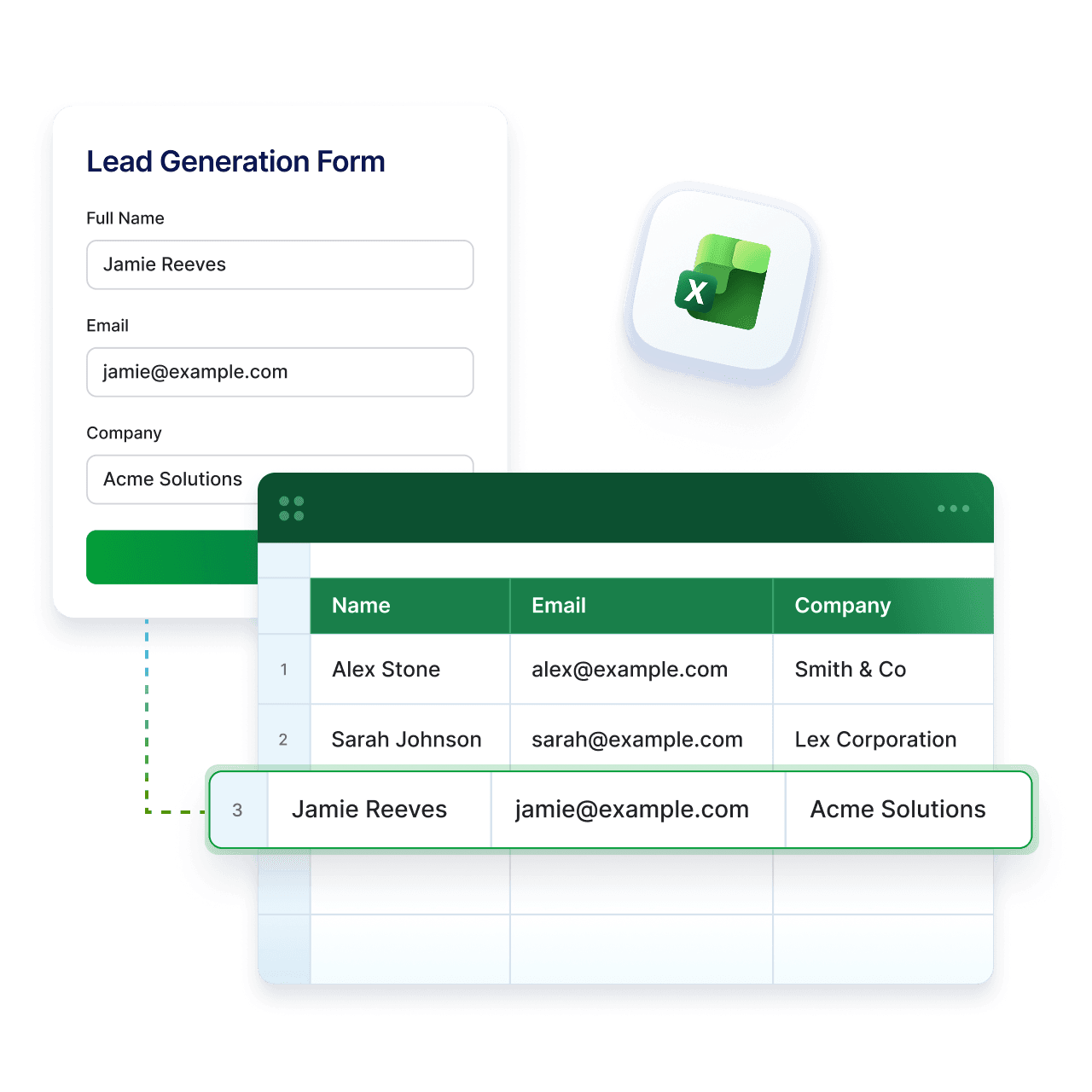
Jotform’s Microsoft Excel integration helps you keep your data up to date without extra steps. Collect data with Jotform and have every submission automatically added to your Excel workbook. No exports, no copy-and-paste. Just organized data where your team already works.
How it works

Choose Microsoft Excel in Integrations
Go to Jotform settings and select Microsoft Excel from the integrations list to start connecting your form.

Connect your Microsoft account
Sign in to your Microsoft account and give access so Jotform can send form submissions to your Excel files.
Set up and start collecting data
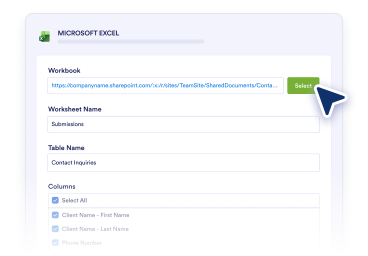
Pick your workbook or table, map your fields, and have every new submission added to Excel automatically.
Why use Jotform for Excel
Keep your Excel files up to date
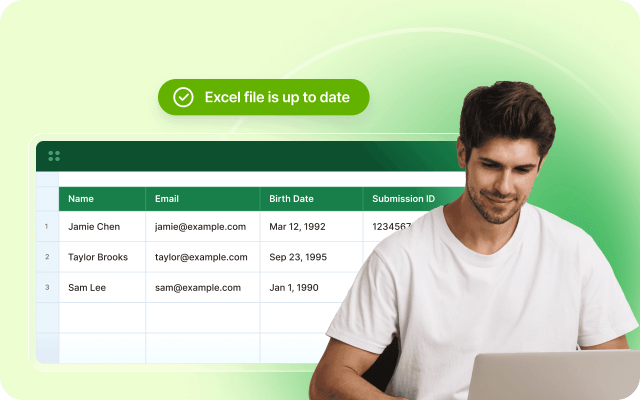
Every form submission is added as a new row in your workbook, so your data stays current without manual updates.
Skip manual exports
Avoid downloading and uploading files. Send form data to Excel automatically and reduce time spent on manual tasks.

Works with your existing setup
Connect to a new worksheet or an existing Excel table while keeping your current structure and workflow unchanged.

Easy field mapping
Quickly match form fields to Excel columns with a simple setup. No technical knowledge or complex steps needed.

Share and collaborate in Excel
Keep your team aligned with up to date data in shared Excel workbooks, ready for review, edits, and reporting.

Use Jotform with Excel and SharePoint
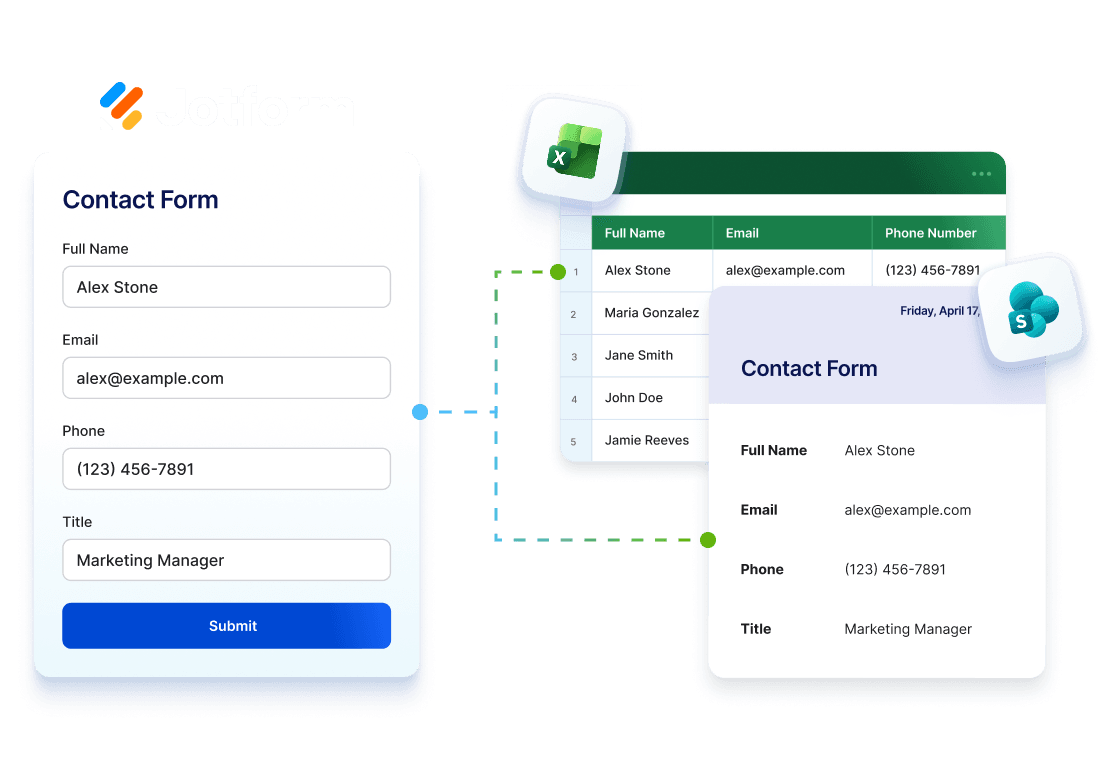
Collect data with Jotform, analyze it in Excel, and store files in SharePoint. Keep your workflow connected from submission to reporting and storage.
Explore SharePoint IntegrationTurn forms into organized Excel data
Collect data with Jotform and send it to Excel workbooks, where your team can track, analyze, and keep everything up to date in one place.
Operations teams
Use Jotform to collect requests or updates with structured forms, then send each submission to Excel automatically so your workflows stay organized and up to date.
Sales teams
Capture leads with Jotform and send them straight to Excel. Keep your pipeline organized while reducing manual entry and follow up faster.
Customer success teams
Collect support requests and feedback through Jotform and log them in Excel automatically, so your team always has the latest customer data.
Analysts and admins
Gather structured data with Jotform and send it to Excel for analysis. Use filters, formulas, and reports without extra steps or tools.
Enterprise teams using Microsoft tools
Create forms in Jotform and connect them to Excel in minutes. Keep data inside your Microsoft environment without complex setups or workarounds.
How to Integrate Jotform with Microsoft Excel

FAQ
Can I automatically send form submissions to Microsoft Excel?
Yes. The Microsoft Excel integration can automatically send form submissions to your Excel files, so your data stays organized and up to date without manual entry.
What are the benefits of sending form submissions to Microsoft Excel?
What actions are available in the Microsoft Excel integration?
What does Add Row to New Workbook do?
What does Add Row to Existing Workbook do?
What does Add Row to New Table do?
What does Add Row to Existing Table do?
Do I need an existing table to use Excel integration?
Can I use the integration with an existing workbook?
Can I create a new workbook or table during setup?
Can I send existing submissions to Microsoft Excel?
Do I need a Microsoft account to use the integration?
Where can I learn more about Microsoft Excel integration?
Start using forms for Excel today
Create your form, connect it to Excel, and keep your data organized without extra work.