InfoPath Forms
Jotform vs InfoPathIf your team still relies on InfoPath, now is the time to move to a more flexible way to collect and manage information. InfoPath 2013 reaches the end of its extended support period on July 14, 2026, and InfoPath Forms Services will be removed from SharePoint after that date. With Jotform, your team can replace legacy forms for online intake, approvals, signed documents, PDFs, and SharePoint-connected records.
Comparaison simultanée
| FONCTIONNALITÉS | Jotform | InfoPath |
|---|---|---|
| Prix de base | InfoPath Tarification individuelle indisponible : fourni avec SharePoint | |
| Templates | InfoPath 10+ | |
| Logique conditionnelle | InfoPath Oui | |
| Options de partage de formulaires | InfoPath 5+ | |
| Formulaires à code QR | InfoPath Non | |
| Email de réponse automatique | InfoPath Oui | |
| Personnalisation des emails | InfoPath Oui | |
| Email de rappel | InfoPath Non | |
| Traduction de formulaires | InfoPath Non | |
| Options intégrées | InfoPath via SharePoint | |
| Mise en forme de formulaires | InfoPath Oui | |
| Programmation de rendez-vous | InfoPath via intégrations | |
| Enregistrer et continuer plus tard | InfoPath Oui | |
| Page de remerciement | InfoPath Oui | |
| Appli mobile | InfoPath Non | |
| Mode hors ligne | InfoPath Oui | |
| Mode Kiosque | InfoPath via SharePoint ou Windows | |
| Widgets | Hundreds of Widgets | InfoPath Champs modifiables |
| Intégrations | InfoPath Intégrations SharePoint | |
| Gestion des soumissions de formulaires | InfoPath Bases de données ou bibliothèques SharePoint | |
| Exporter les données de soumission | InfoPath via PDF, Excel et XML | |
| Assistants IA | InfoPath Agents dans SharePoint | |
| Signature électronique | InfoPath Non | |
| Création PDF | InfoPath Oui | |
| Flux de travail | InfoPath Flux de travail SharePoint | |
| Résultat et analyse | InfoPath Limité | |
| Marque blanche | Available on Enterprise | InfoPath Limité |
| Payment Gateways | InfoPath 4+ | |
| Dons récurrents & abonnements | InfoPath Non | |
| Formulaires cryptés | InfoPath Oui | |
| Authentification à deux facteurs (2FA) | InfoPath via les paramètres de sécurité Microsoft | |
| reCAPTCHA | InfoPath Non | |
| PCI Compliance Features | InfoPath Disponible | |
| Fonctionnalités de compatibilité HIPAA | Disponible pour les comptes Or et Entreprise | InfoPath Disponible |
| SOC 2 Compliance Features | Disponible avec le forfait Entreprise | InfoPath Disponible |
| GDPR Compliance Features | Disponible | InfoPath Disponible |
Si vous constatez des informations incorrectes, incomplètes ou inexactes, veuillez demander une correction en remplissant le formulaire ci-dessous.
Demander une correctionReplace InfoPath before the 2026 deadline
InfoPath support ends on July 14, 2026, and InfoPath Forms Services will be removed from SharePoint after that date. Jotform helps teams move active forms to a modern workspace before legacy SharePoint form processes become at risk.

Keep SharePoint in the process
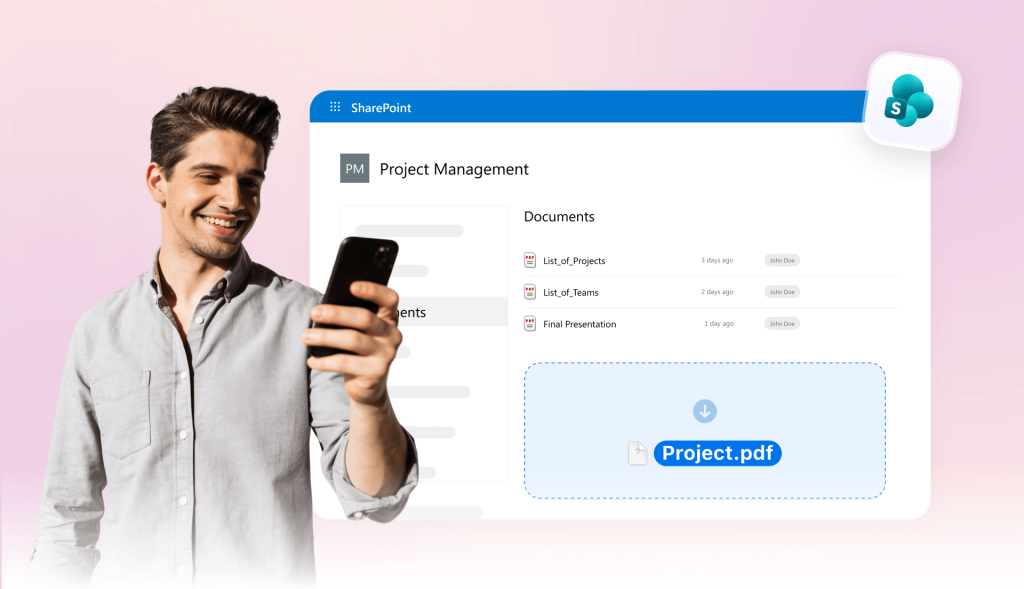
Jotform helps teams move away from InfoPath without abandoning SharePoint. Embed forms on SharePoint pages, send submissions to SharePoint lists, and upload files or generated PDFs to document libraries.
Replace approvals, signatures, and PDFs
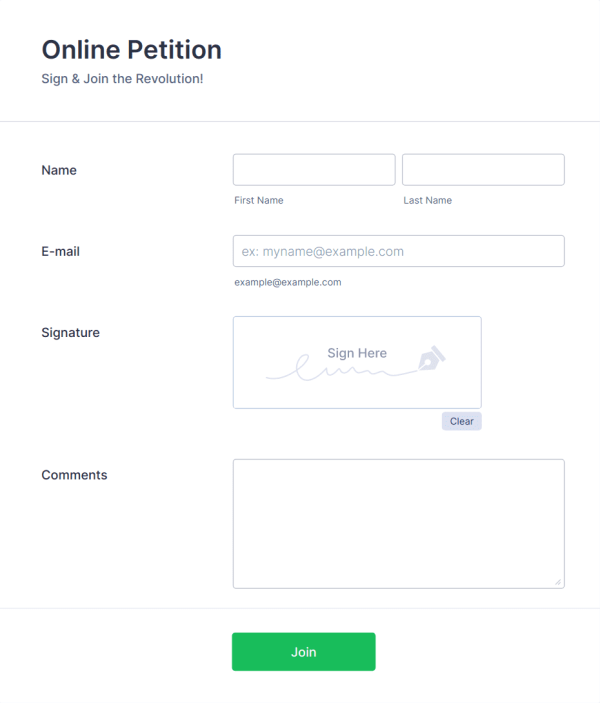
Many InfoPath forms are tied to manager reviews, acknowledgements, document packets, or records. With Jotform, teams can easily add approval flows, collect e-signatures, and turn submissions into completed PDFs.

Save time with 20,000+ templates
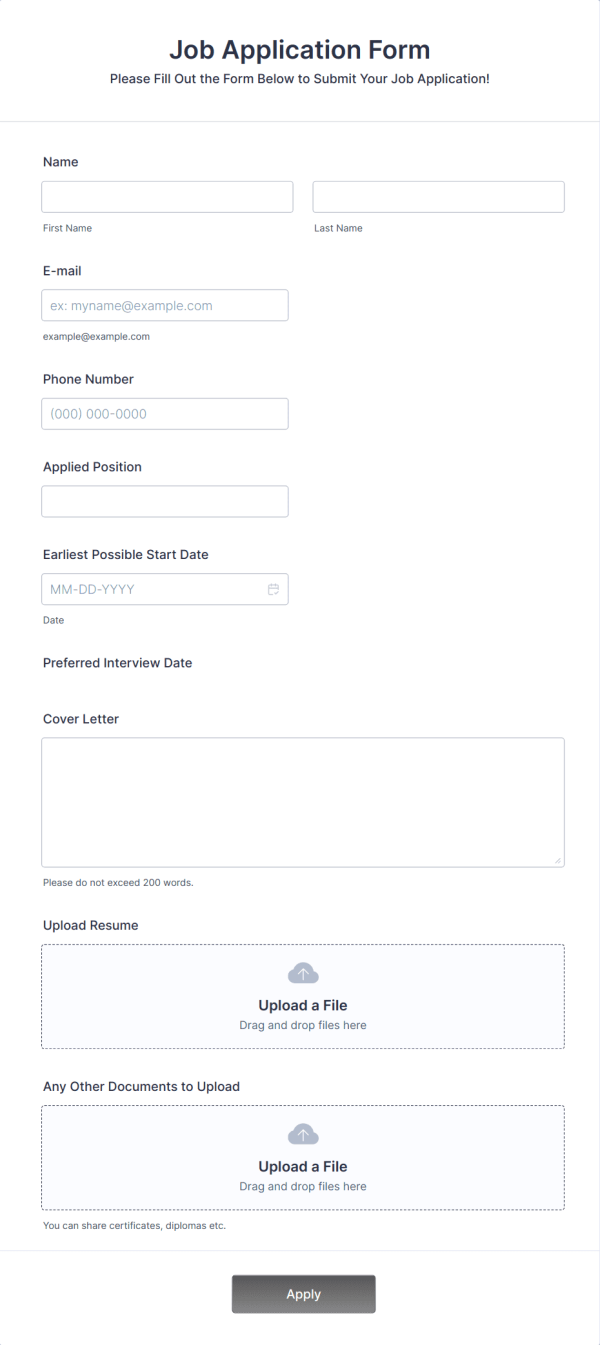
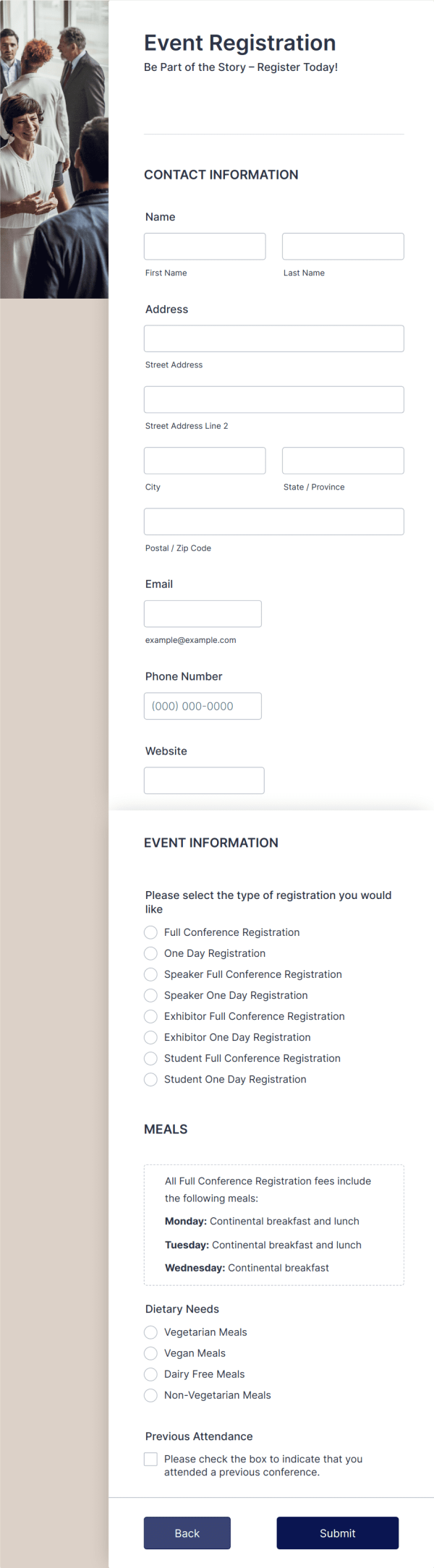
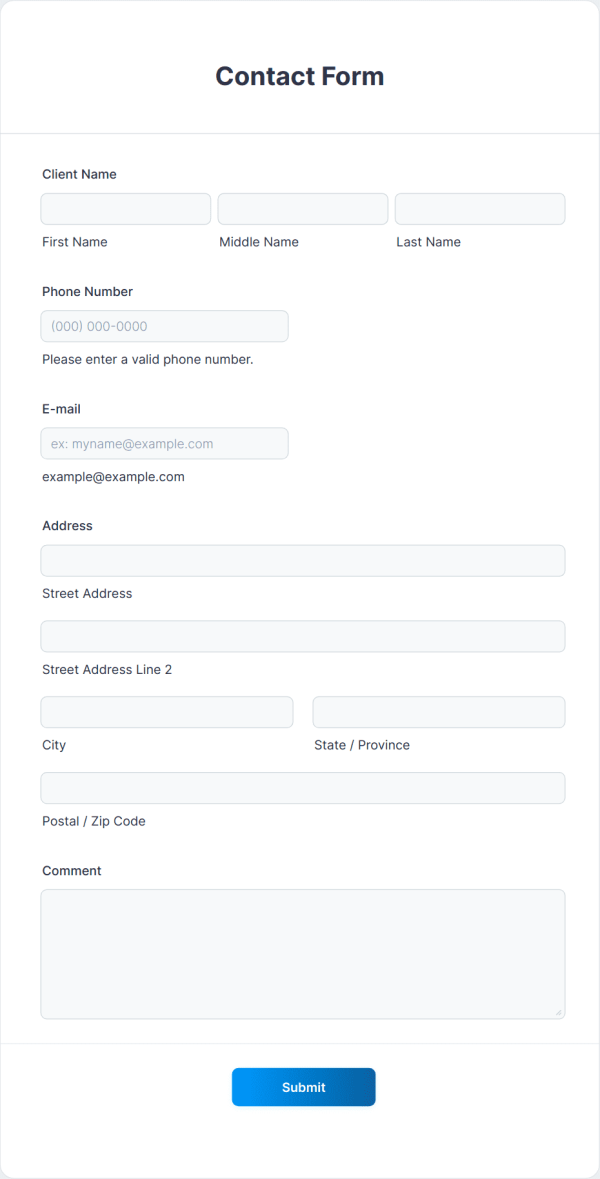
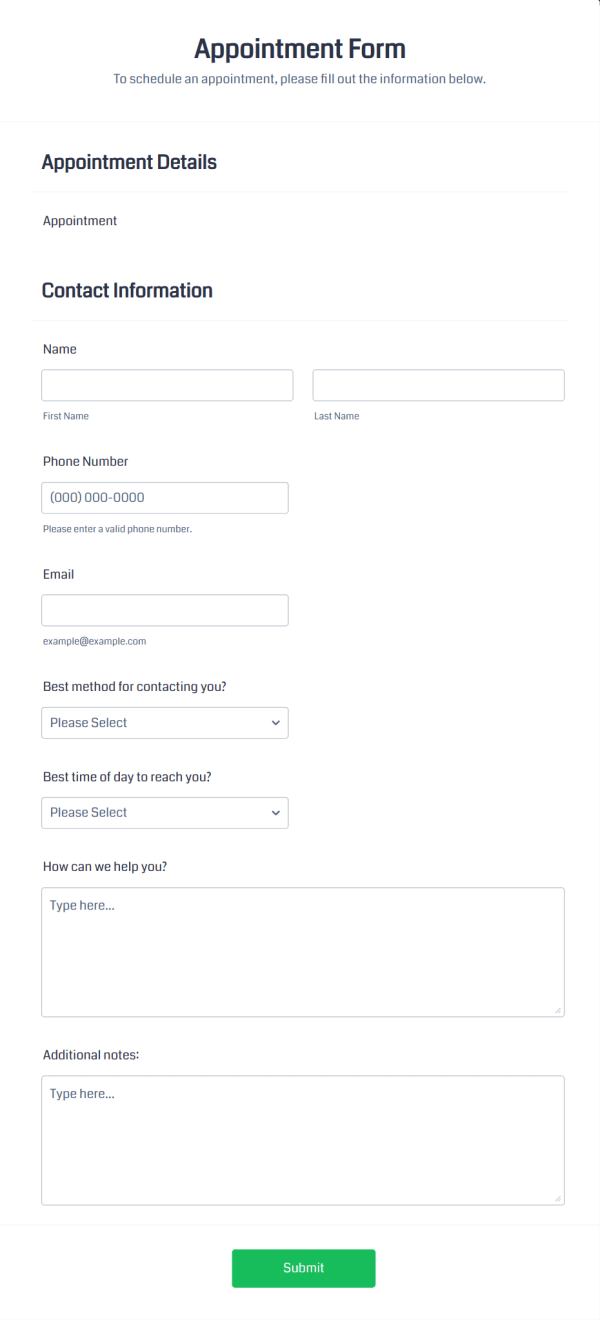
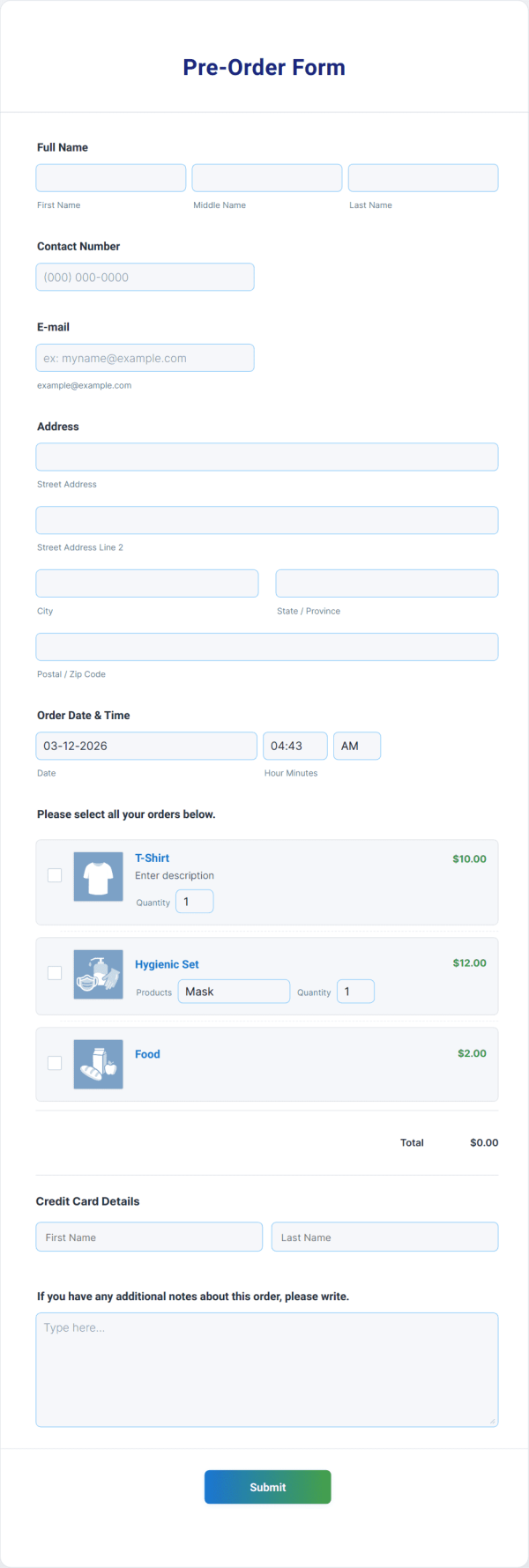
Jotform includes thousands of templates for common business cases. Start with a form that already fits your goal, then edit fields, update the design, and publish in minutes.
Jotform: The #1 InfoPath alternative
Easy form building for all teams
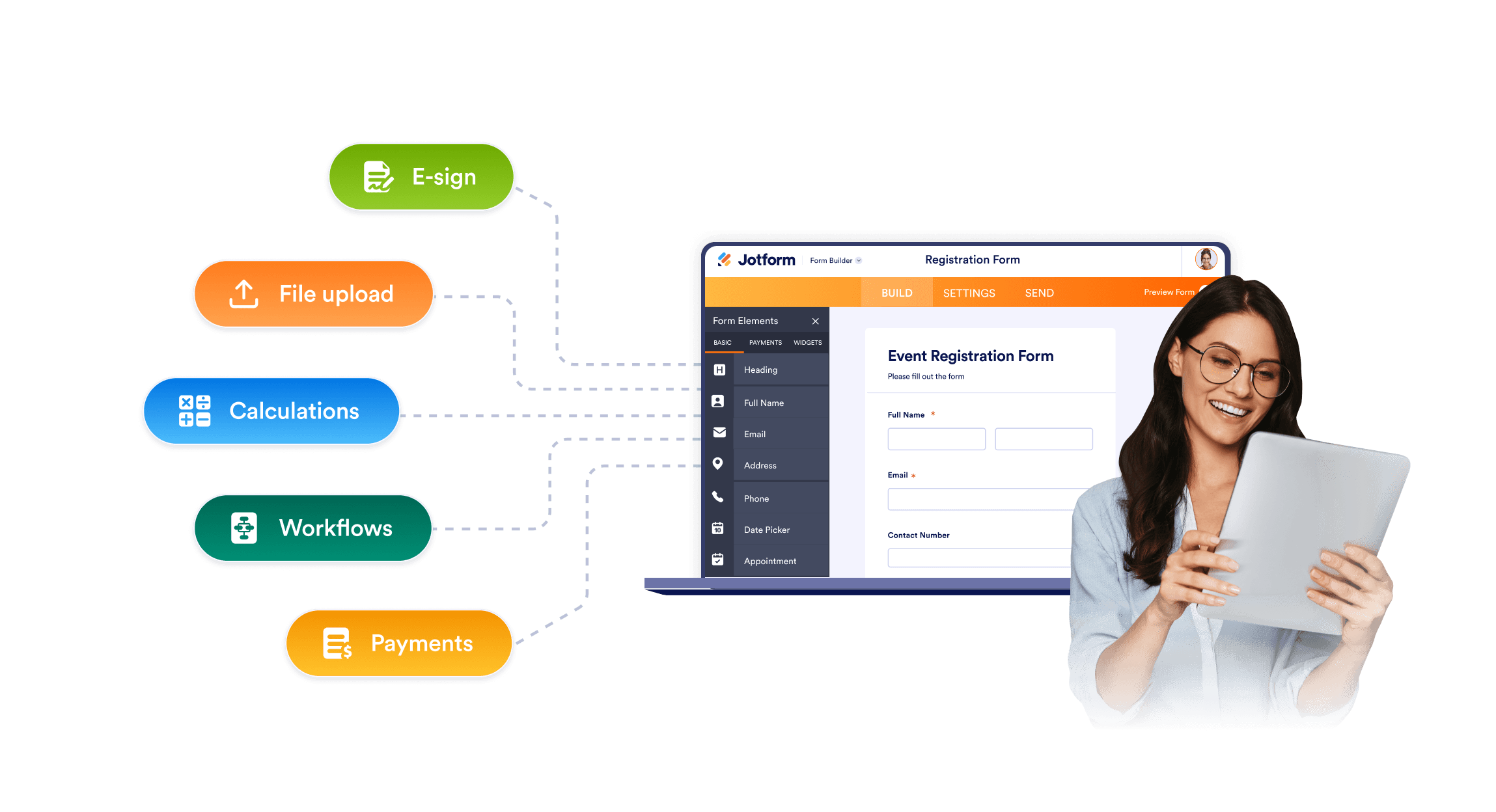
InfoPath often depends on older SharePoint patterns, legacy rules, and a desktop-based design. Jotform gives teams a no-code drag-and-drop form editor, ready-made fields, conditional logic, file uploads, and sharing options.
Forms to fit modern workflows
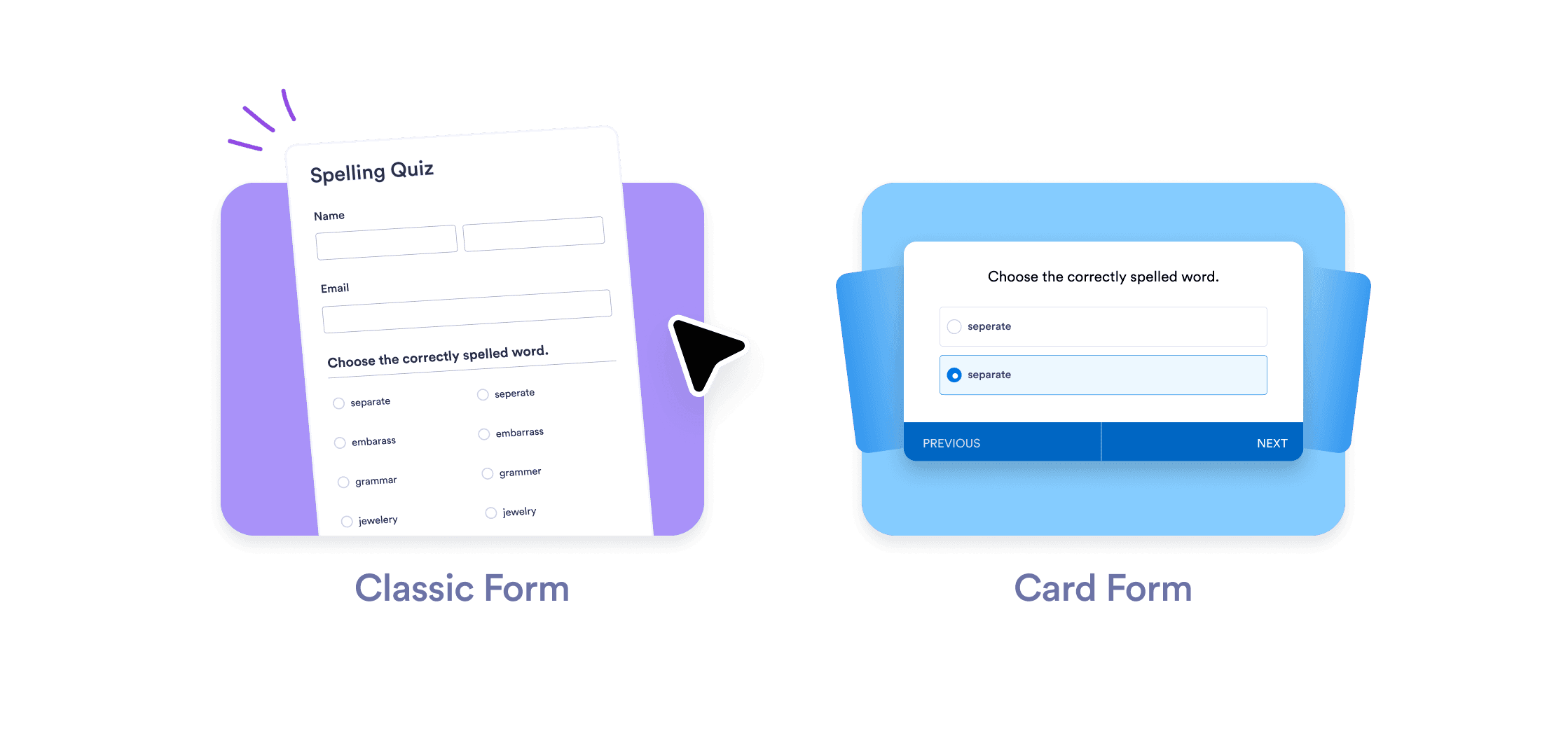
Share Jotform forms by link, embed them on internal or SharePoint pages, or open them on mobile devices. Teams can replace old InfoPath entry points with accessible forms that include custom branding, multipage layouts, required fields, and conditional logic.
Top-notch customer service with AI Agents
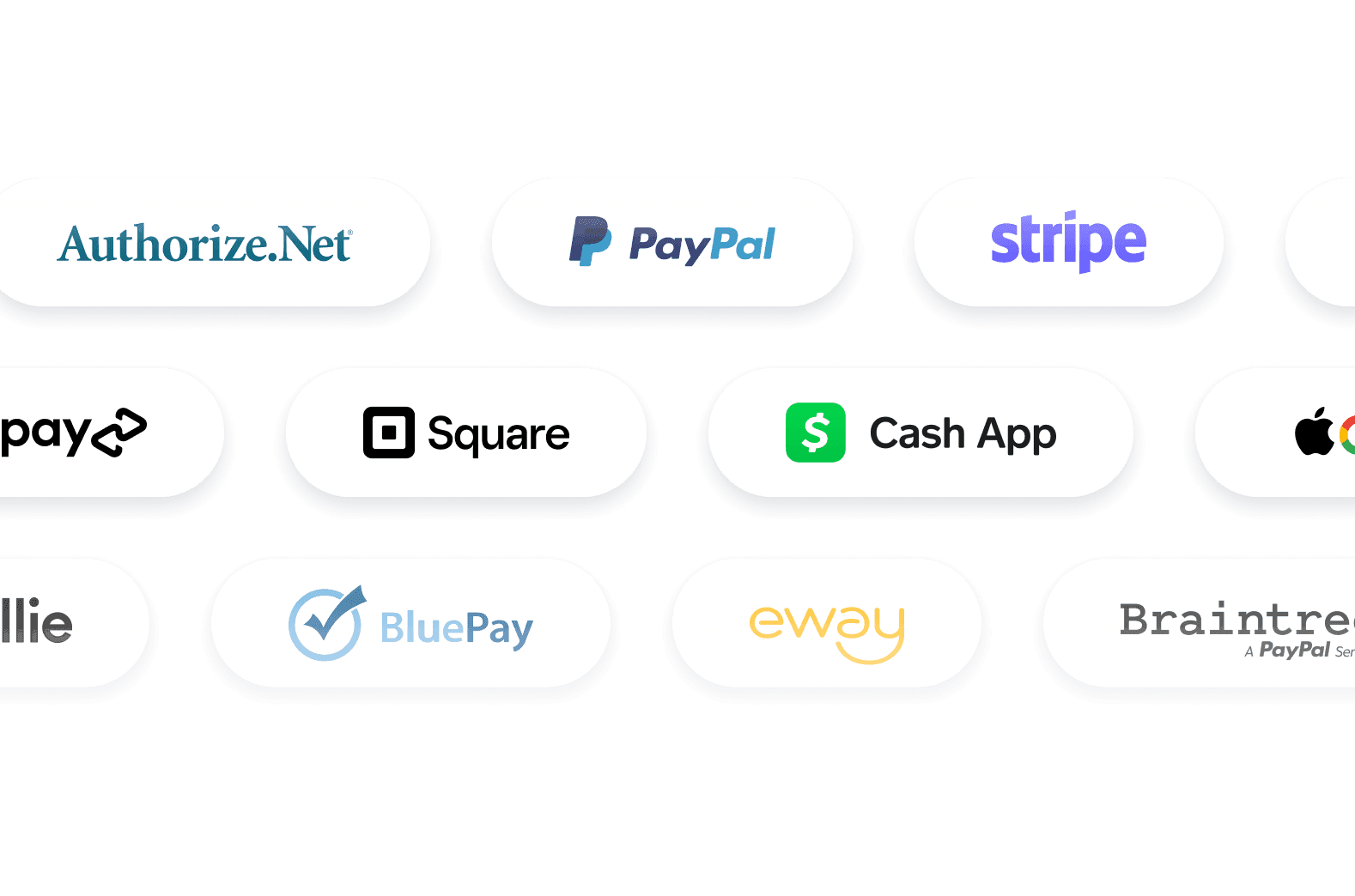
Jotform AI Agents guide your customers through form fields, answer questions, and collect information through chat, phone, SMS, WhatsApp, or QR codes interactions.
Expertly manage submissions
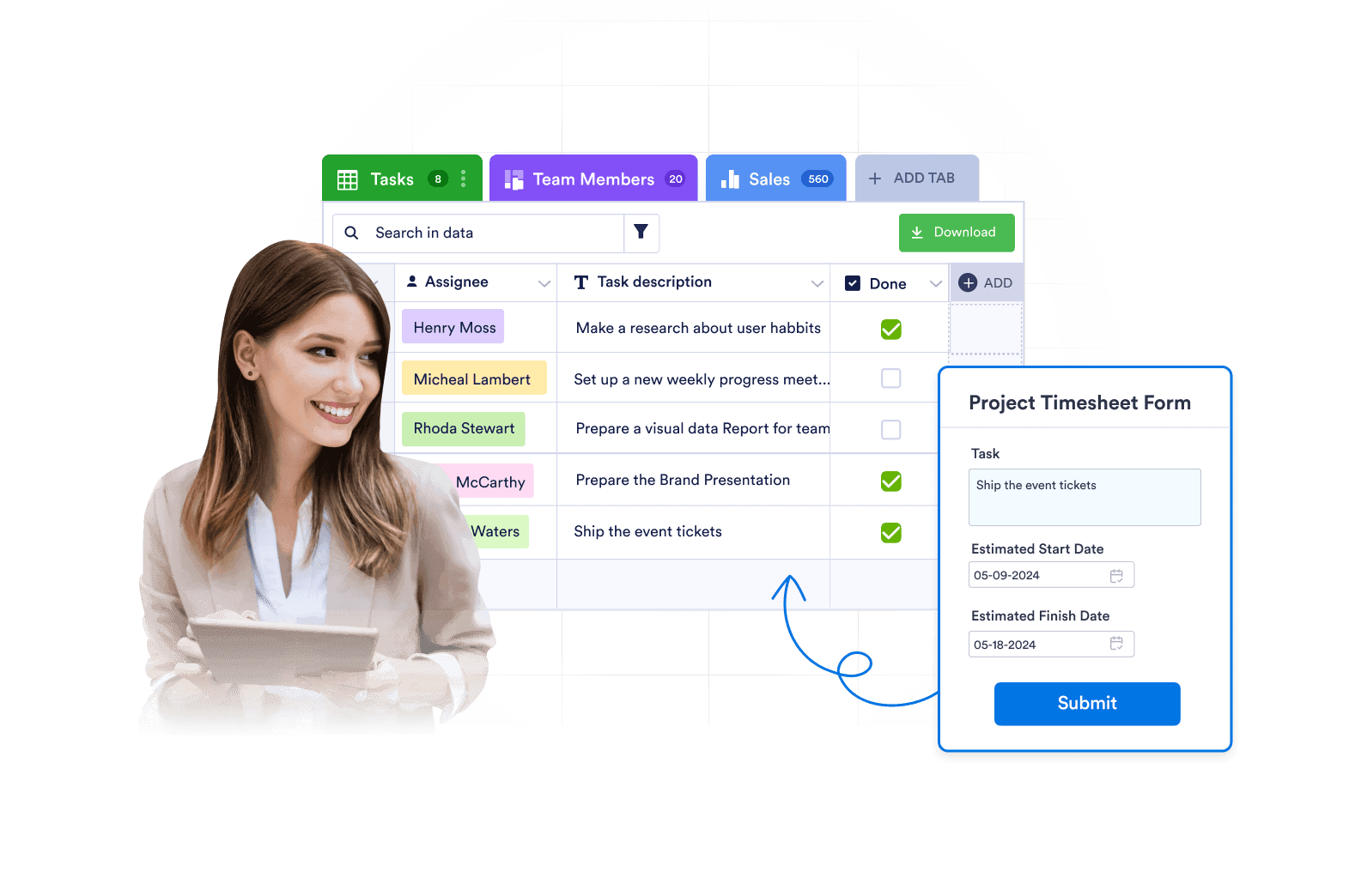
Jotform is more than just data collection. Review, search, filter, assign, and report on submissions with powerful features and data management tools.
Giving your IT team more confidence
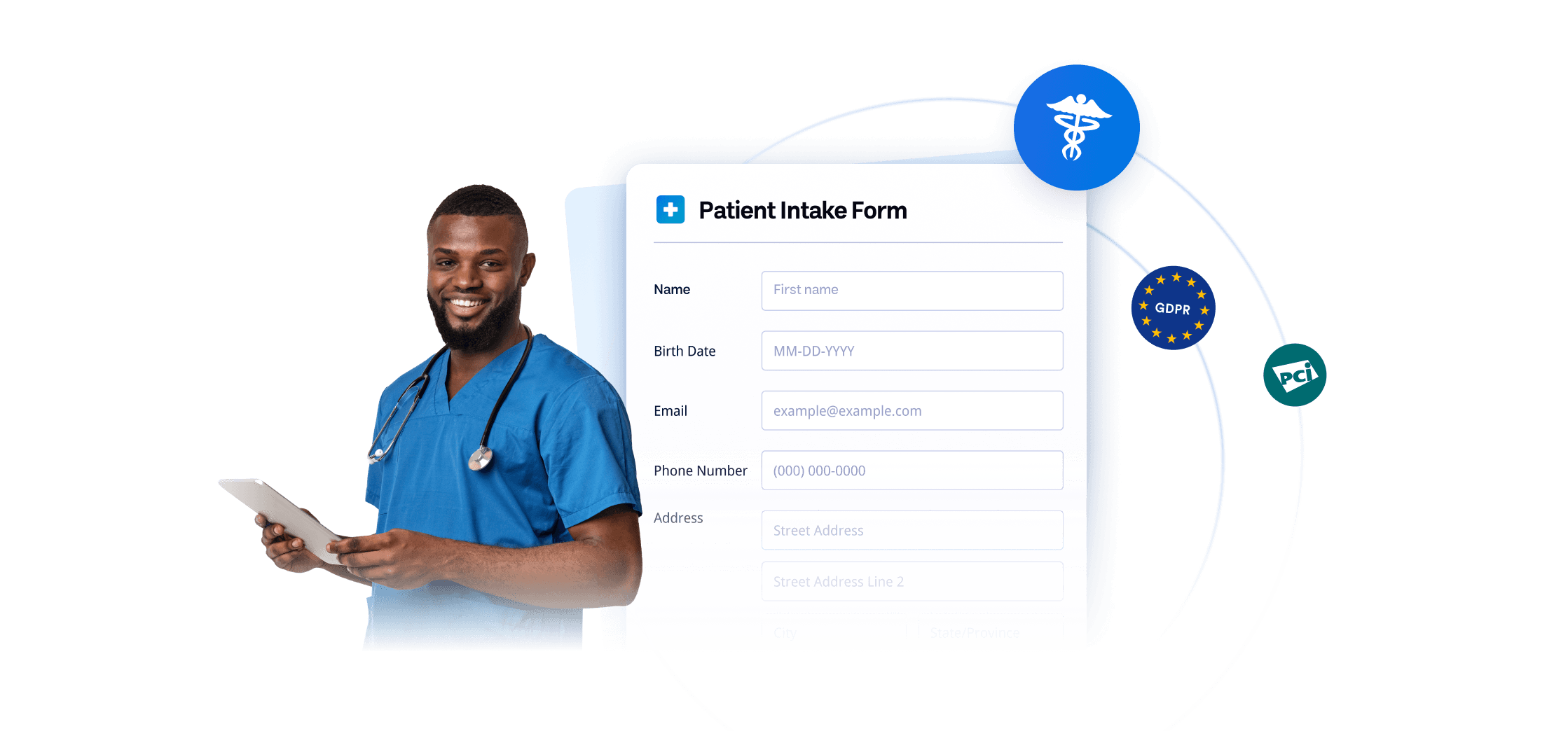
Keep data secure with industry-leading security and compliance needs, including GDPR, CCPA, SOC 2, and HIPAA-enabled forms, SOC 2. Jotform also offers option for two-factor authentication and Single Sign-On (SSO).
FAQ
L'utilisation de Jotform est-elle gratuite ?
Yes. Jotform offers a free plan, so you can build forms, automate approval flows, and access powerful data collection and management tools at no cost. If you need higher form limits or additional features, Jotform also offers a variety of paid plans.
What makes Jotform a strong alternative to InfoPath?
Is Jotform an automatic InfoPath converter?
When does InfoPath support end?
Can Jotform work with SharePoint?
Can Jotform send form data to SharePoint lists?
Can Jotform upload files to SharePoint document libraries?
Can Jotform replace InfoPath approval forms?
Can Jotform create PDF records from form submissions?
Can Jotform collect signatures?
Is Jotform safe for sensitive form data?
Prêt à migrer vos formulaires InfoPath vers Jotform ?
Convertissez vos fichiers .XSN en formulaires Jotform entièrement modifiables en quelques minutes, puis développez votre flux de travail complet avec l'automatisation des approbations, la génération de PDF, les signatures électroniques, le suivi des soumissions et l'intégration SharePoint.
Migrez vos formulaires vers Jotform.