Sometimes you want to create a clickable link in your email alert, or a custom Thank You message that will automatically prefill your other form. The problem is that certain fields, like the Long Text Entry (Text Area), do not format the content the same way you originally submitted it.
For example, you submitted the following text in the long text entry.
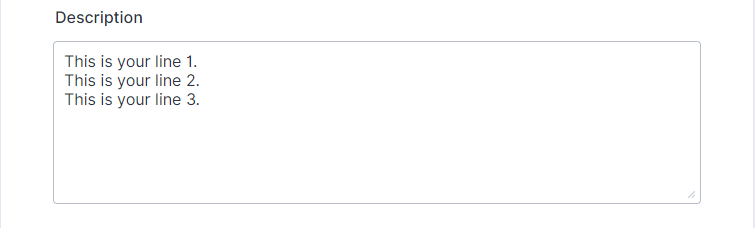
But your form prefills the second form with the following.
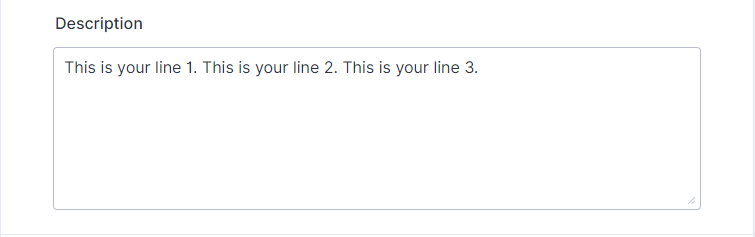
As you can see, the long text entry fetches the texts, but they’re not pasted into a new line. To fix this, add URLENCODE: inside the unique name of the field that you want to encode its value.
For example, the unique name of the Long Text Entry field in your form is {description}, update it to {URLENCODE:description}.
So if you are to pass a value to another form, you can insert this as URL parameters.
https://www.example.com/21307841590451?description={URLENCODE:description}
Send Comment: