The edit link in email alerts allows your recipients to modify their form submissions. When you send an email notification or autoresponder to users who have submitted a form, including this link enables them to access their submission and make changes if needed.
To add a custom edit link
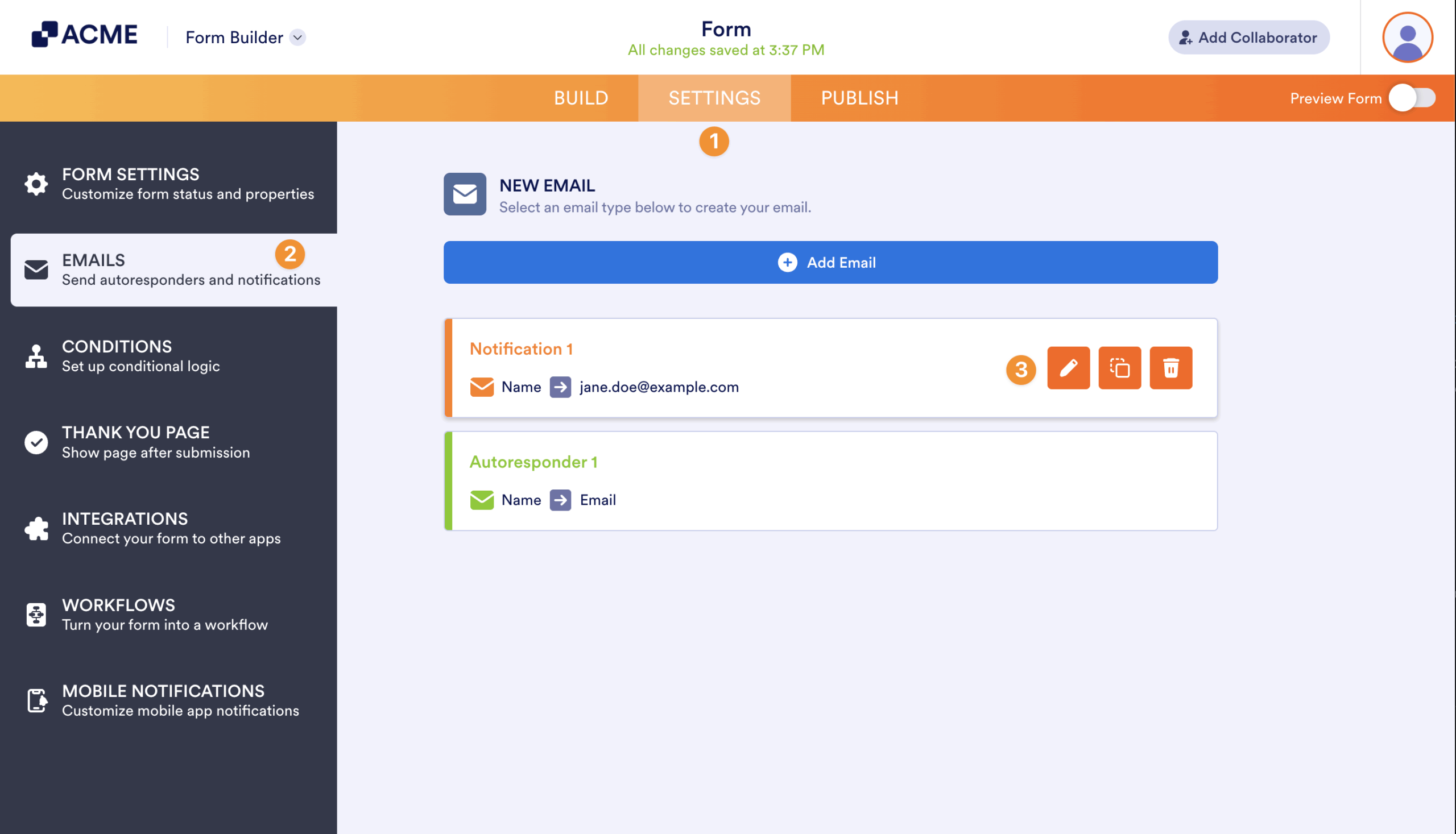
- In the Form Builder, go to Settings at the top.
- Select Emails on the left.
- Edit your existing email alert or create a new one.
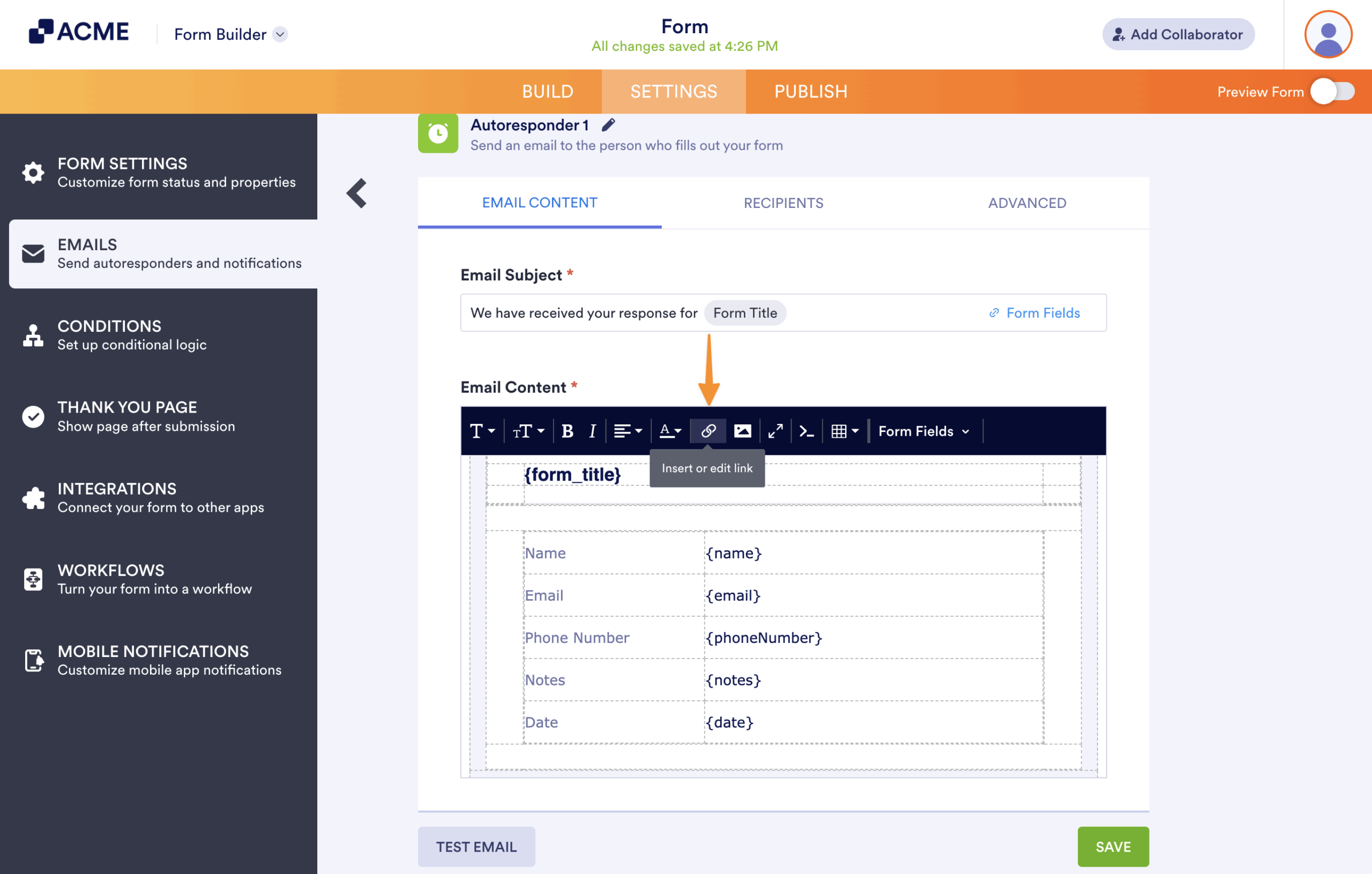
- Place your cursor in the editor, then select the link icon.
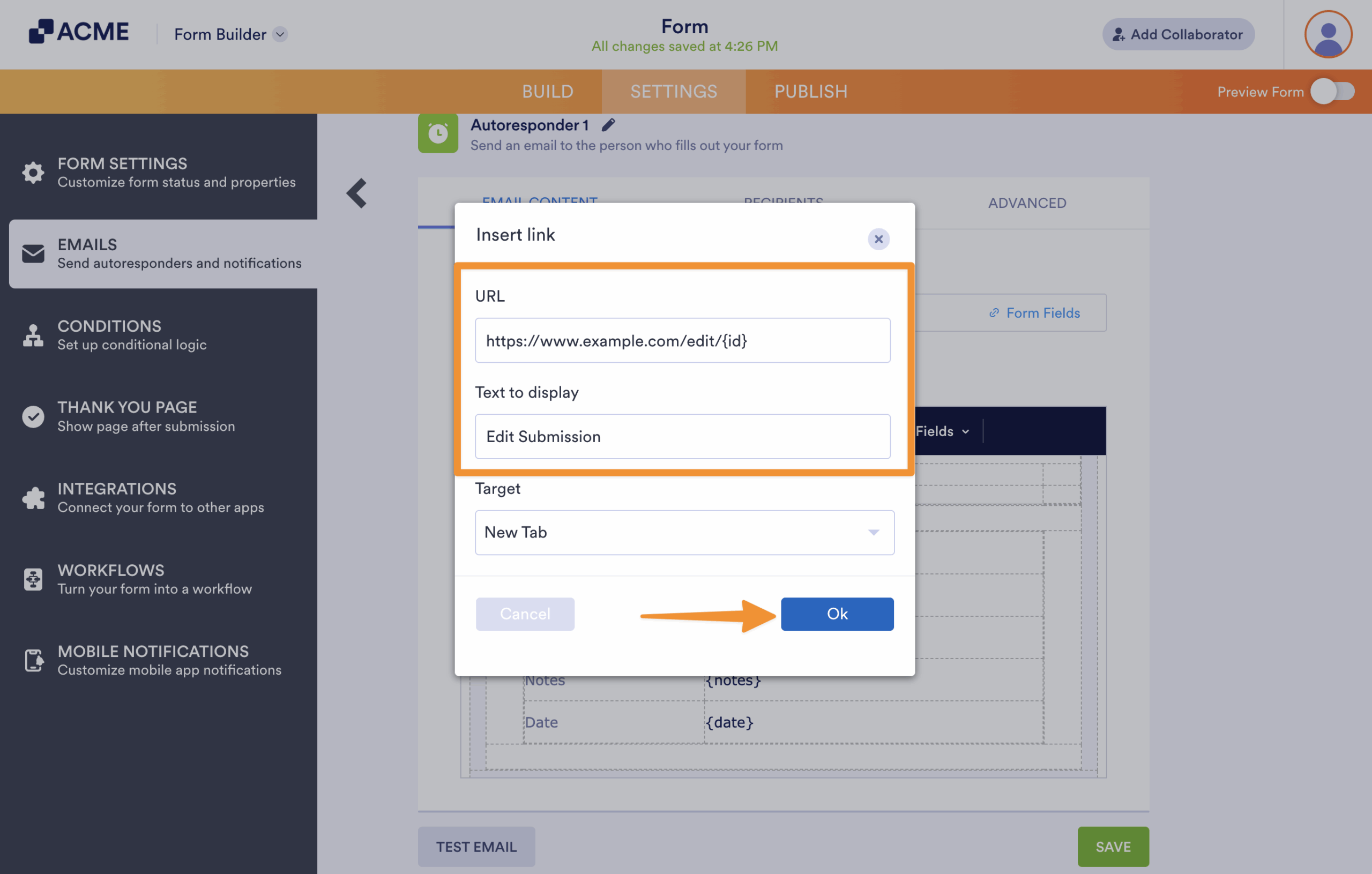
- In the Insert link dialog, enter the following under URL:
https://www.example.com/edit/{id} - Enter your desired text (e.g., Edit Submission) under Text to display.
- Select OK to close the dialog.
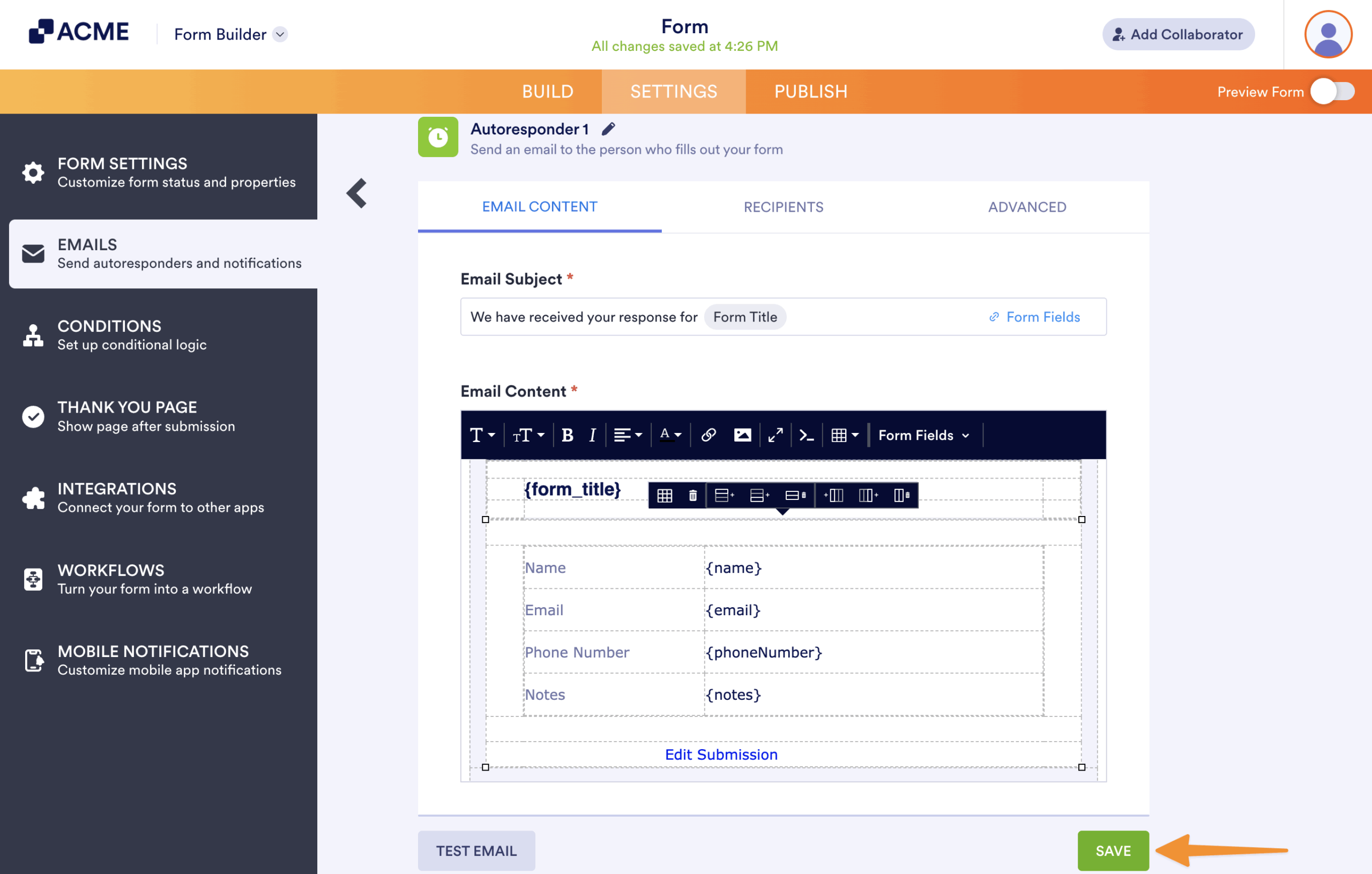
- Select Save at the bottom to save the changes.

Send Comment: