Insightly is a premier, easy-to-use service for project management and CRM. Insightly gives you the tools to build a complete view of your customers across the buying experience and deliver what they want.

With the Insightly integration, you can manage leads and contacts more efficiently. It will help you work easily with organizations, partners, suppliers, and vendors.
Connecting your form to Insightly is pretty easy. Let’s get started!
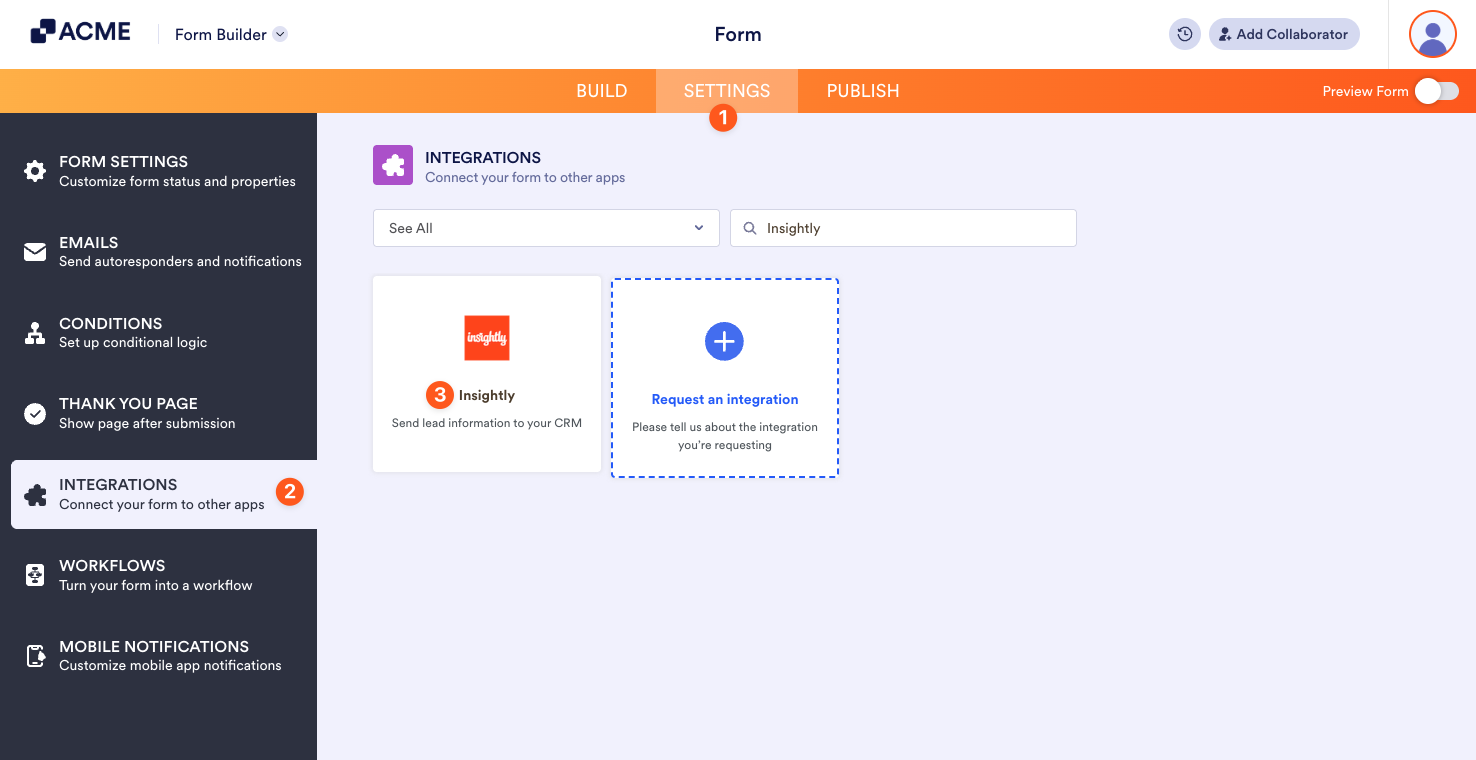
- In the Form Builder, go to the Settings tab.
- Click Integrations on the left panel.
- Search for Insightly, and click it.
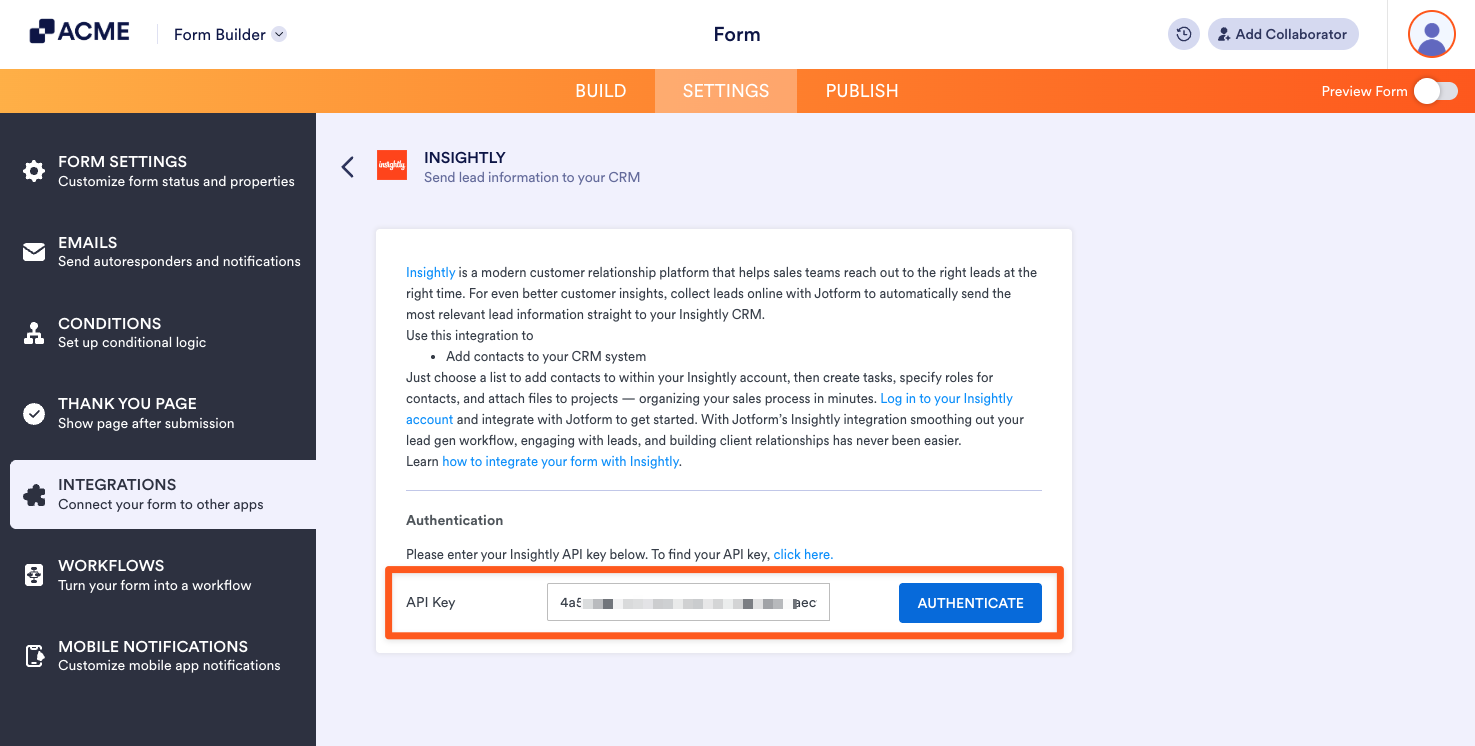
- Provide your Insightly API Key and click the Authenticate button.
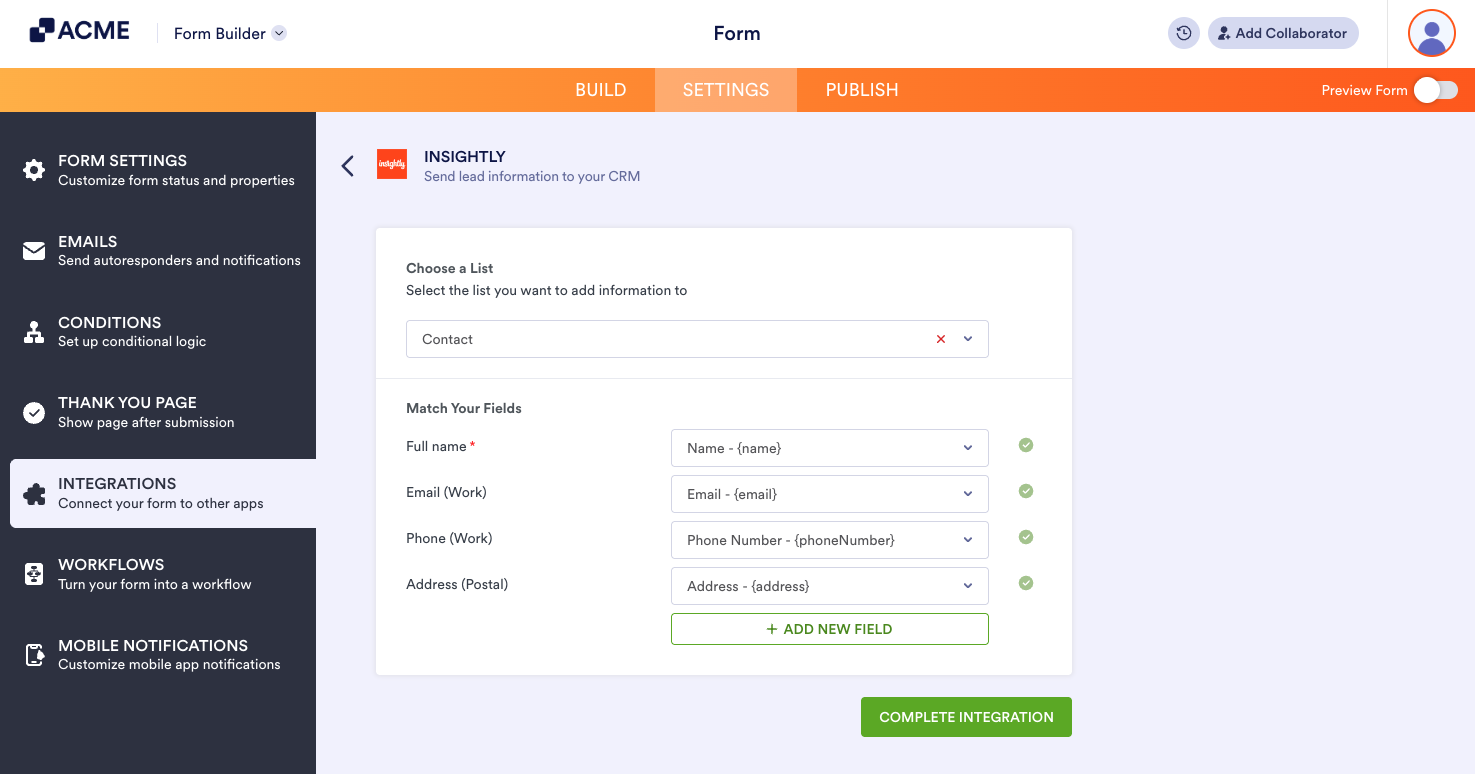
- Select your list from the first dropdown. With Insightly integration, you can select Contact, Lead, Organization, Project, and Opportunity.
- Next, match your form fields. The type of field you can select is based on the list you’ve selected. Here’s an example when you select Contact:
- Click the Complete Integration button to save your settings.
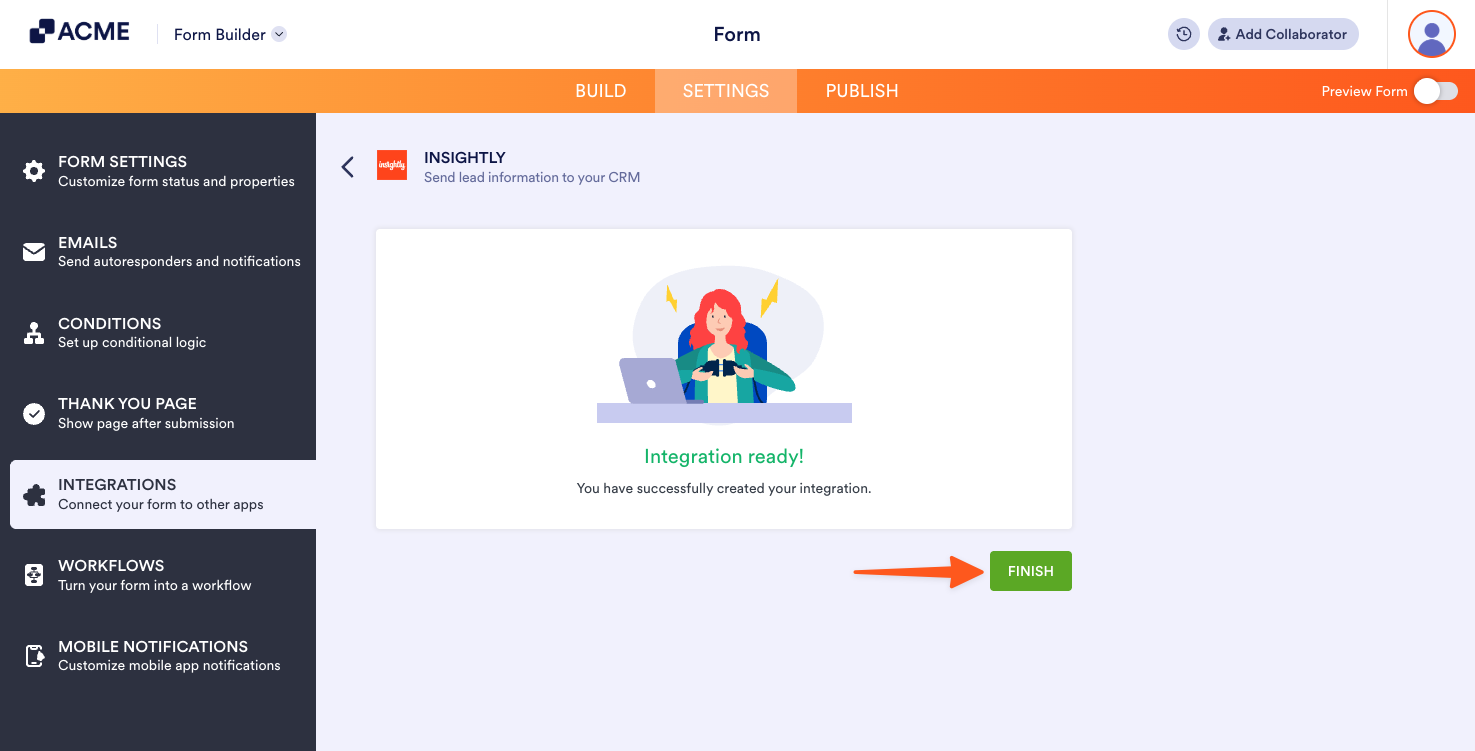
- Finally, click the Finish button at the end. Your integration is now ready.
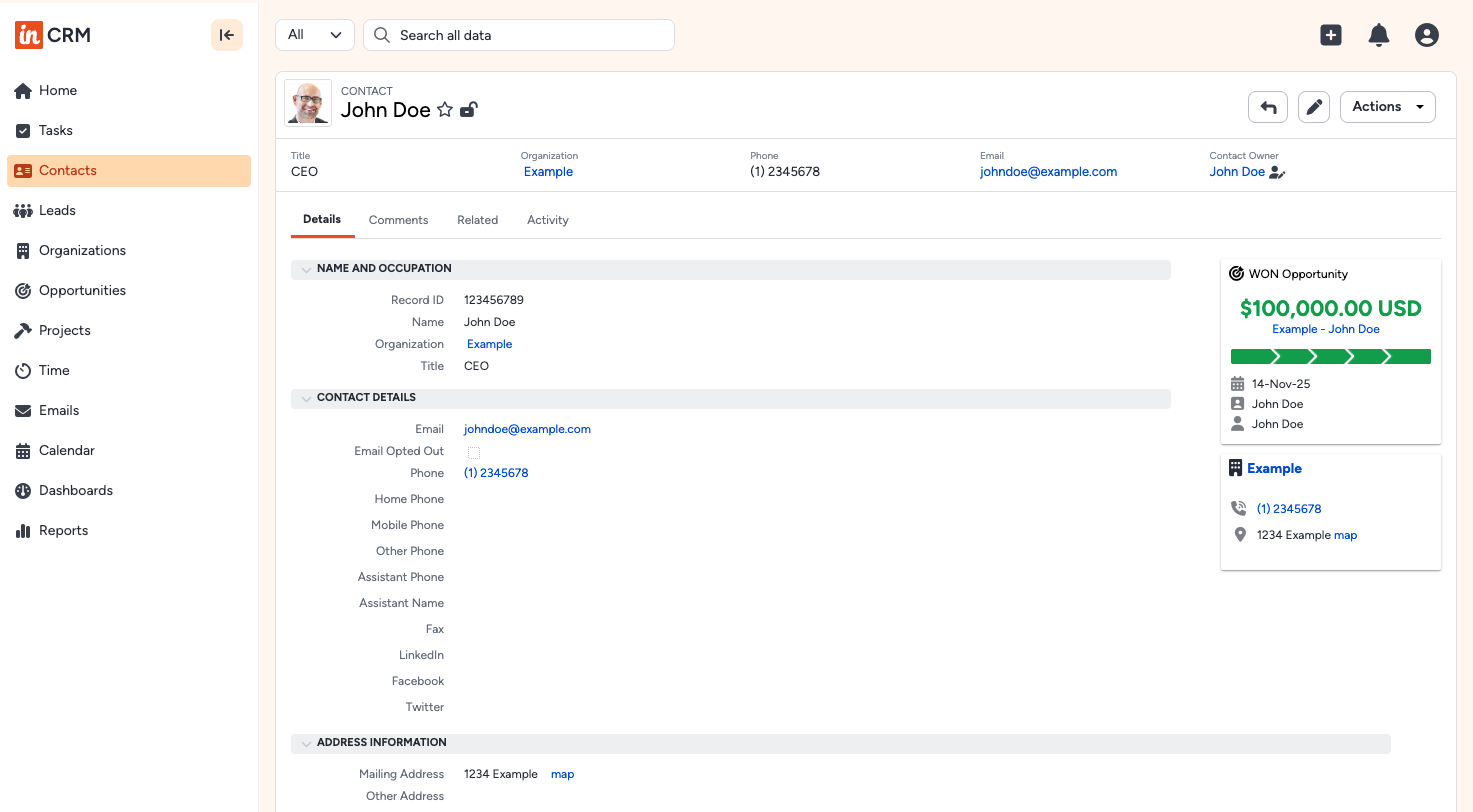
Below is an example of how Insightly records your data:

Send Comment: