iContact enables you to create, track, and send HTML-based emails and social media messages. iContact also allows you to create segments for targeting specific list of subscribers. To integrate form with iContact, simply follow the steps below.
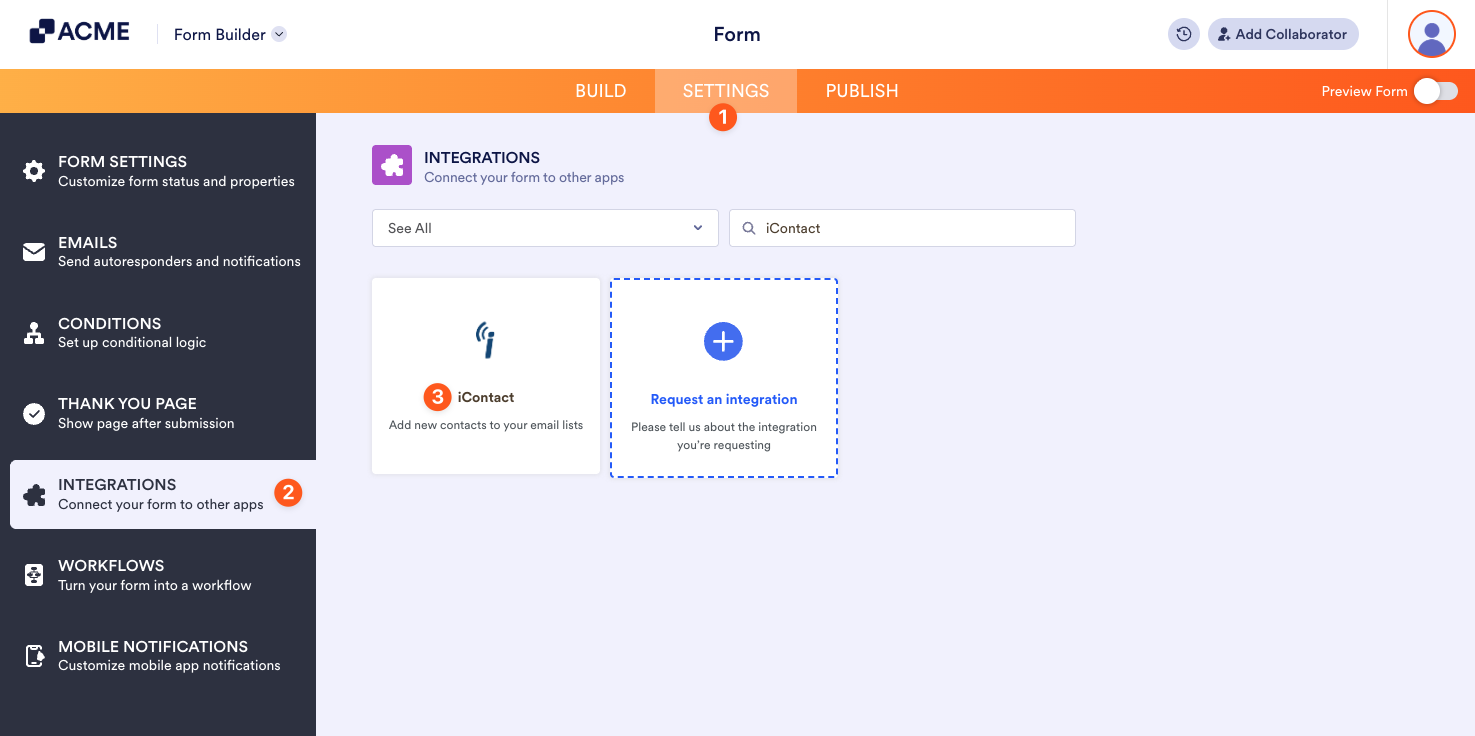
- In the Form Builder, click the Settings tab.
- Select Integrations from the left panel.
- Find iContact, and click it.
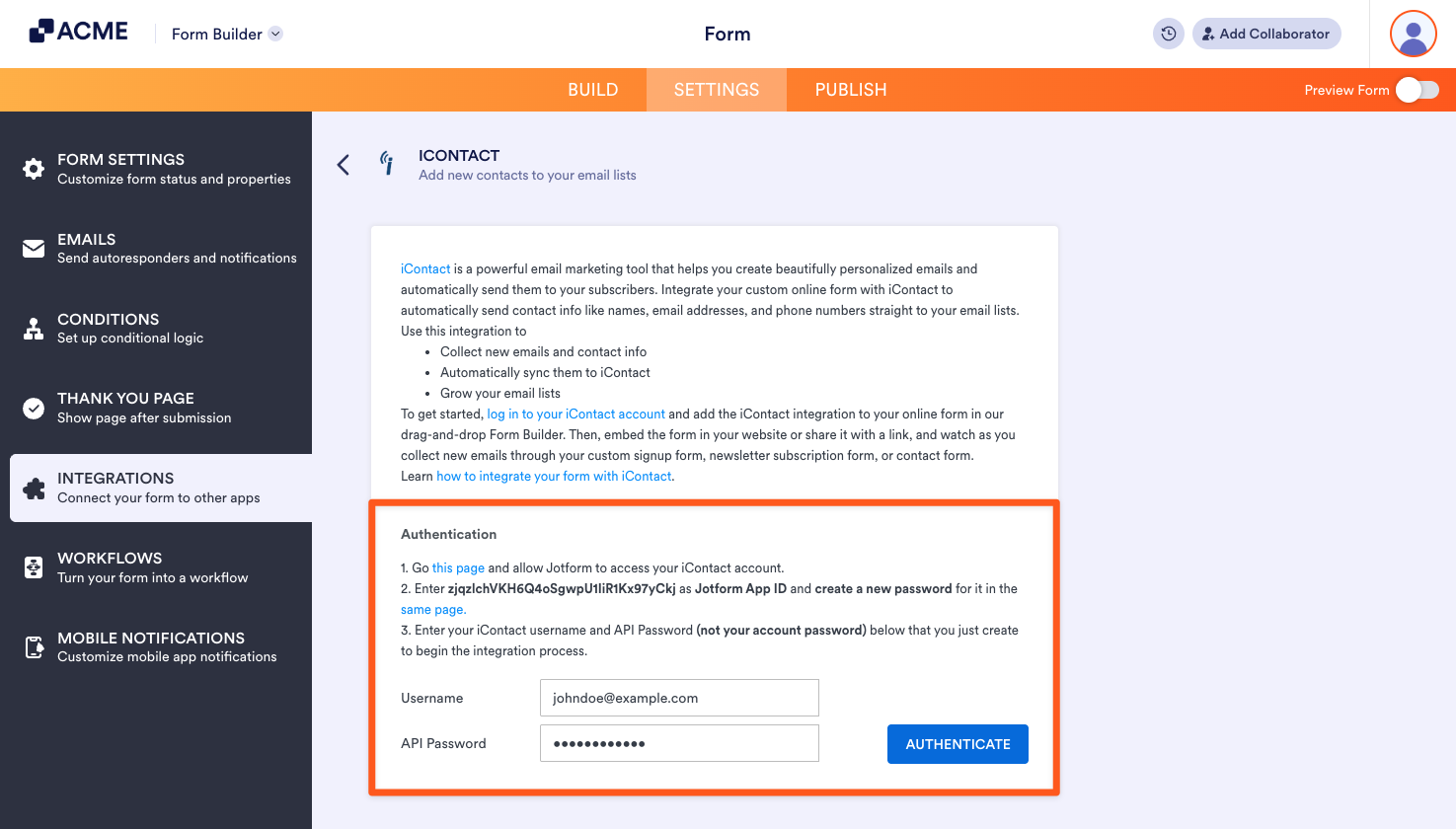
- You need to authenticate your iContact account by following the on-screen instructions.
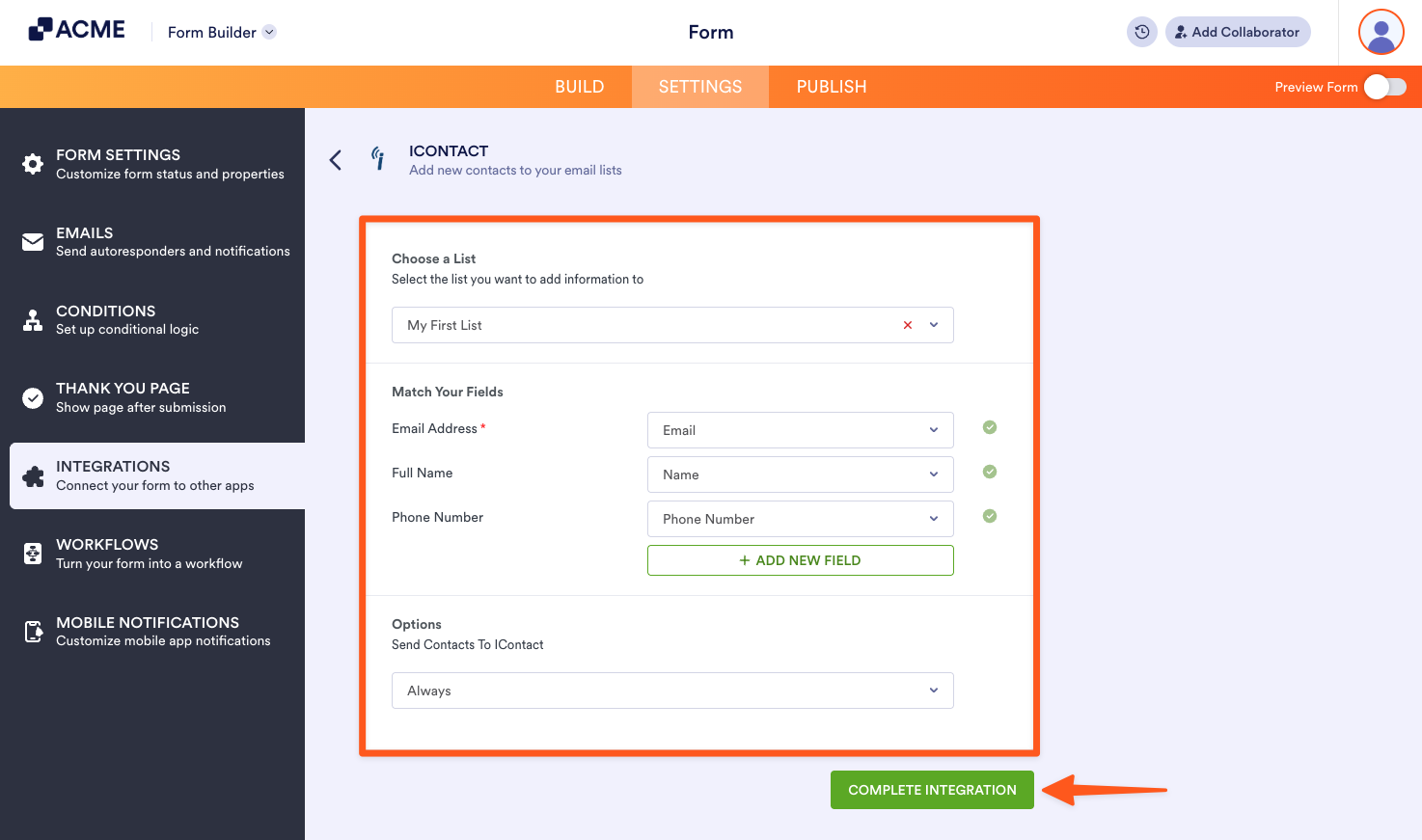
- Select your list and match your form fields. The email field maps automatically. Just click on the Add New Field button to map another field. After that, click on the Complete Integration button to finish your setup.
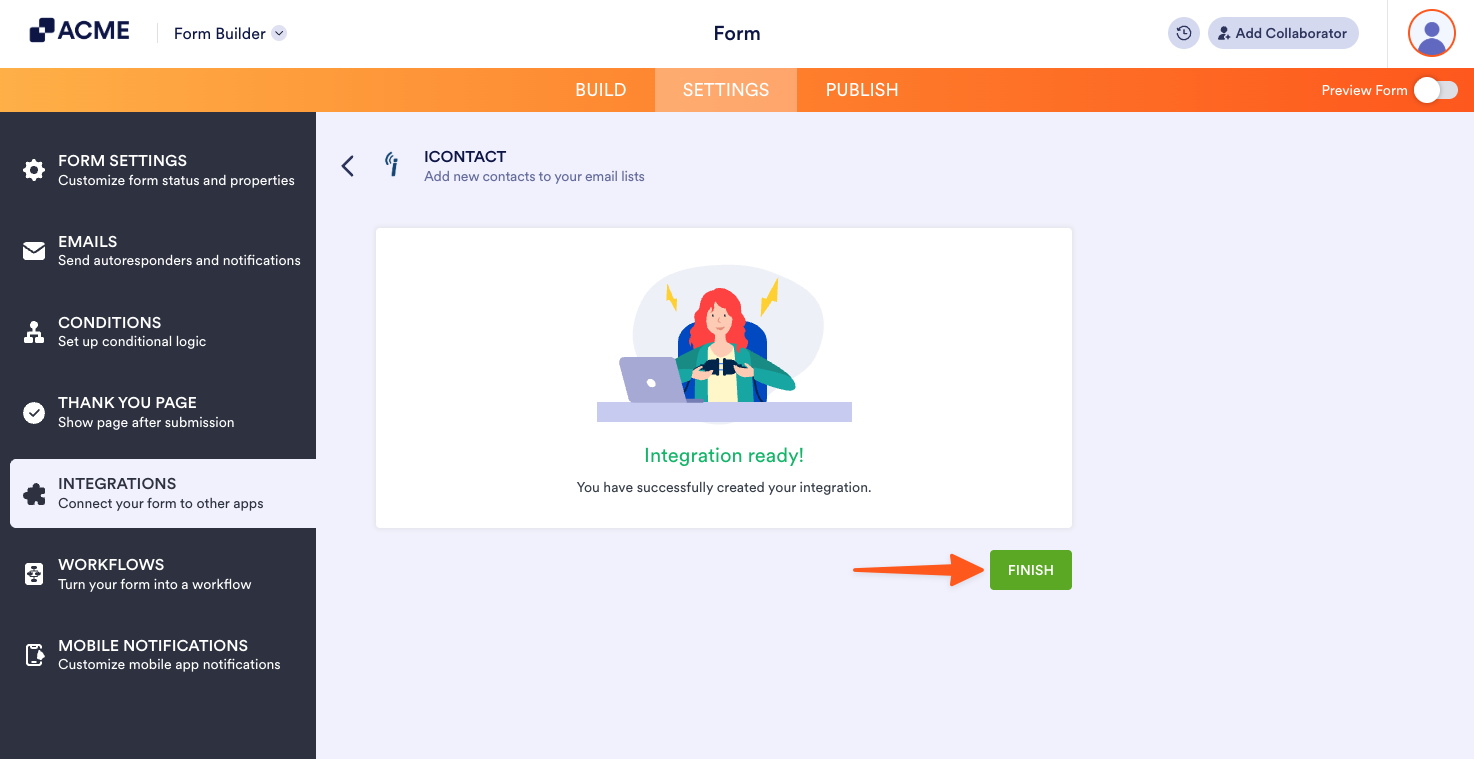
- That’s it! Your integration is now ready. Click on the Finish button to save the changes.

Send Comment: