VerticalResponse helps you grow your business and connect with your customers wherever they are. Their full suite of online tools lets you do all your marketing needs in one account.
To integrate VerticalResponse, follow the steps below.
- In the Form Builder, go to the Settings tab.
- Select Integrations from the left panel.
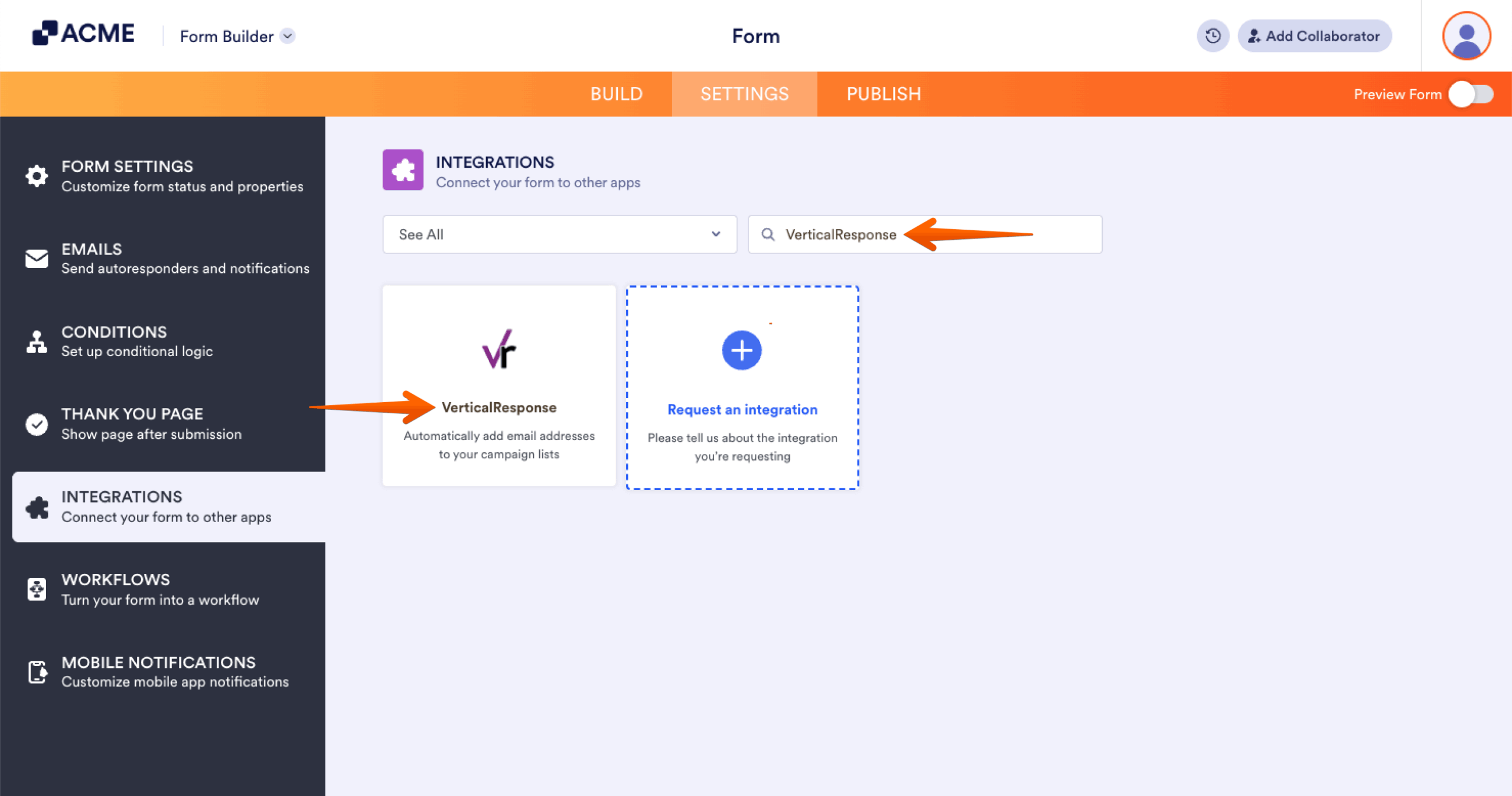
- Search for VerticalResponse and click it.
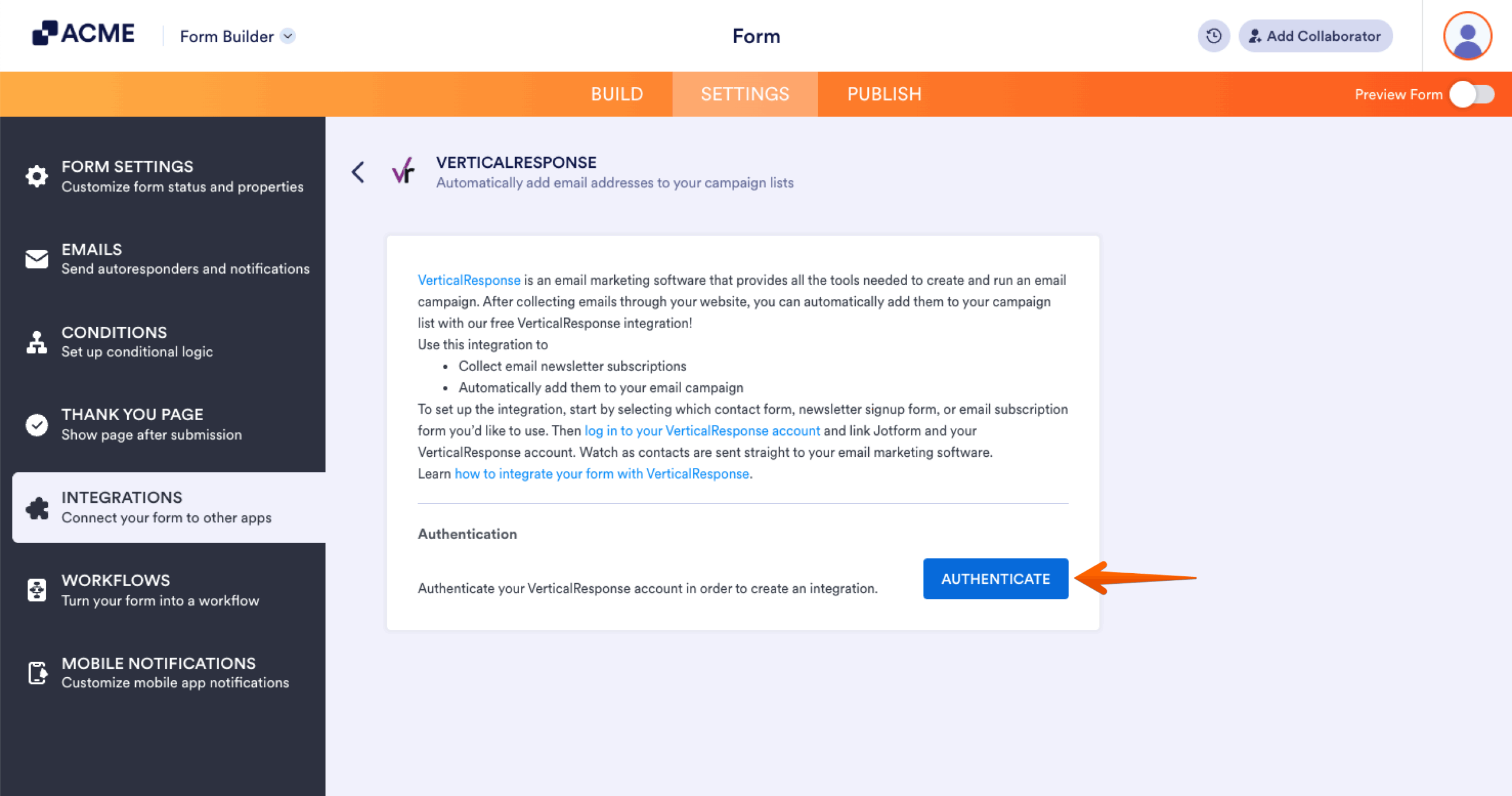
- Click the Authenticate button to connect your VerticalResponse account.
- Now, set the following accordingly:
- Choose a List — Select the list to which you want to add the contact.
- Match Your Fields — Match your fields from VertificationResponse to the form. Click the Add New Field to match additional fields.
- Add existing contacts to VerticalResponse — Check this box to add your existing submissions with the proper contact details to your VerticalResponse list.
Note: VerticalResponse supports the following fields only: Full Name, Email, Address, Phone Number, Website (Short Text), and Company (Short Text).
- Click the Complete Integration button to save the integration settings.
- Finally, click the Finish button to complete the integration.

Send Comment: