Pipedrive is a sales management tool designed to help small sales teams manage intricate or lengthy sales processes. By integrating your form with Pipedrive, you can create new deals, contacts, or activities in Pipedrive from submitted form data, ensuring that leads are quickly and accurately captured.
To integrate your form with Pipedrive
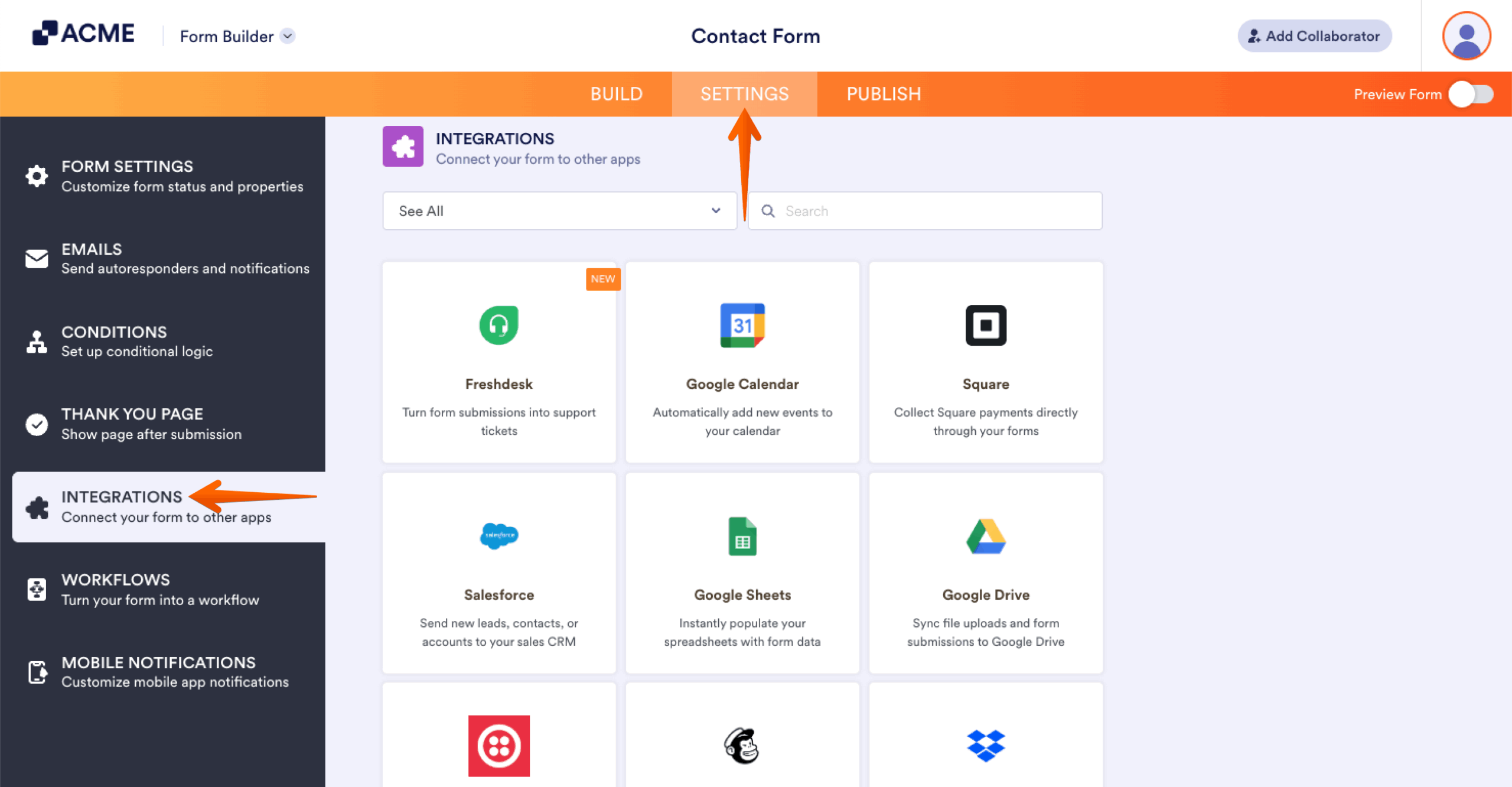
- In the Form Builder, go to Settings at the top.
- Select Integrations on the left.
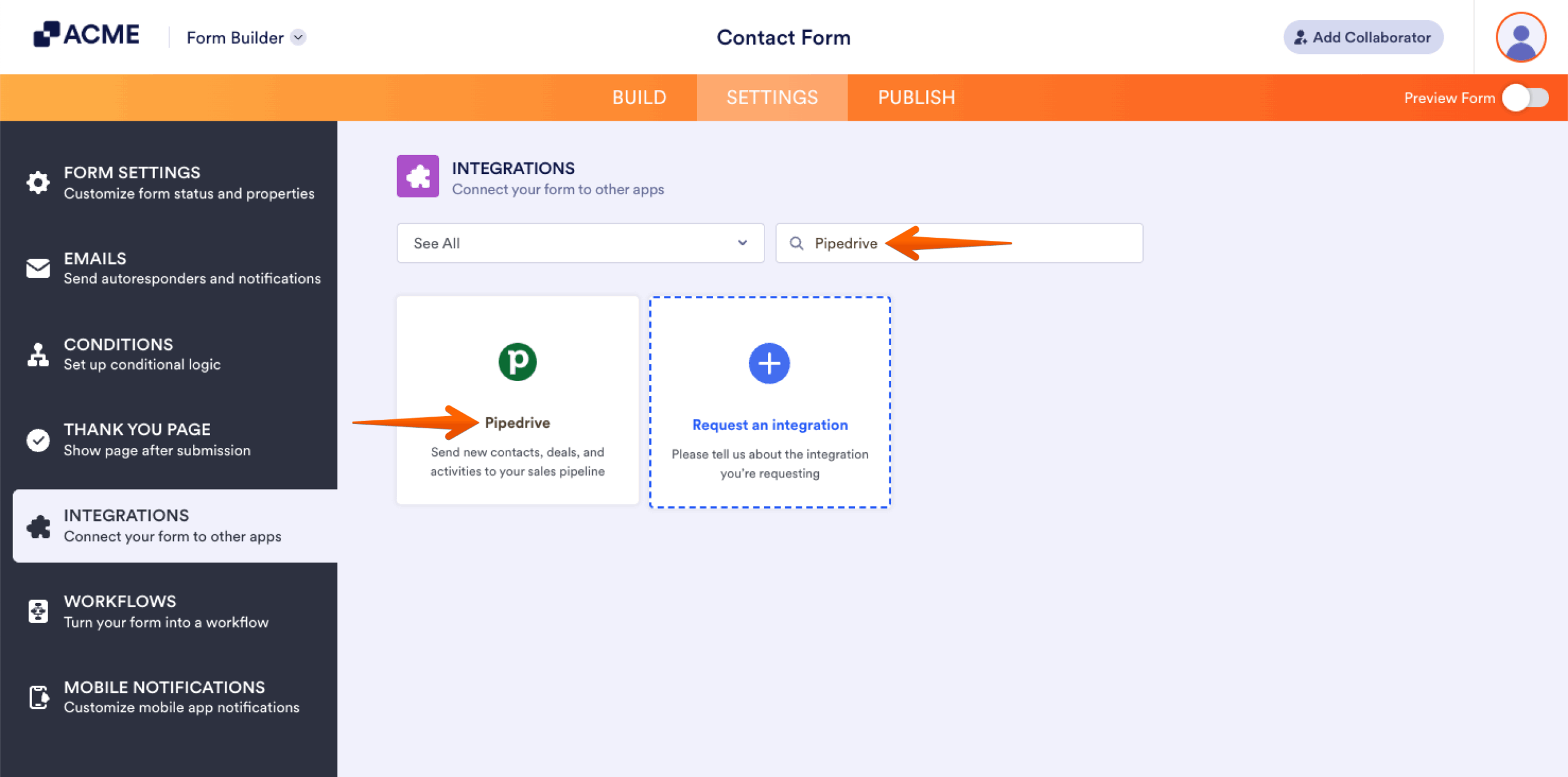
- Search and select Pipedrive.
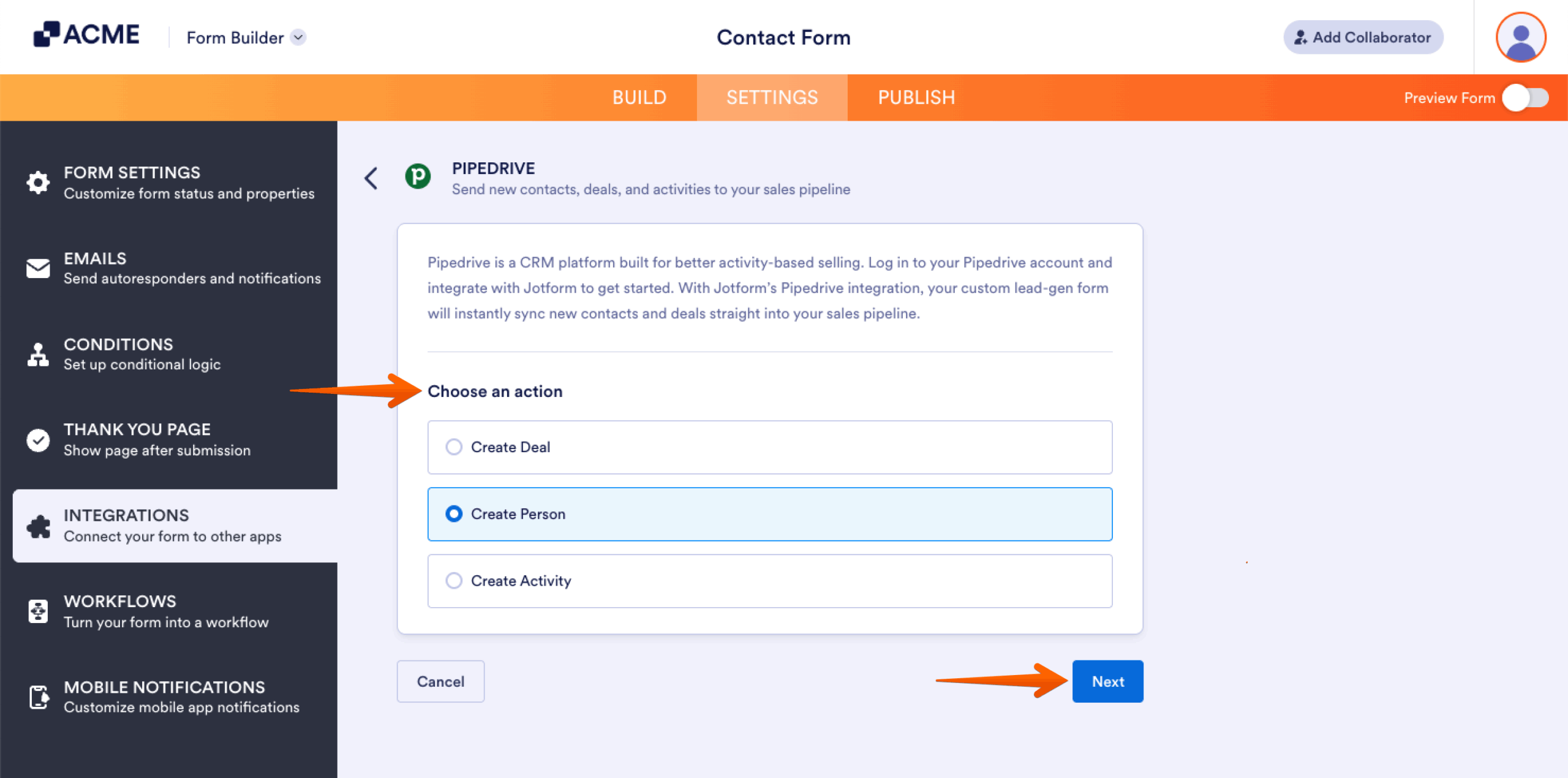
- Choose a Pipedrive action and click on the Next button.
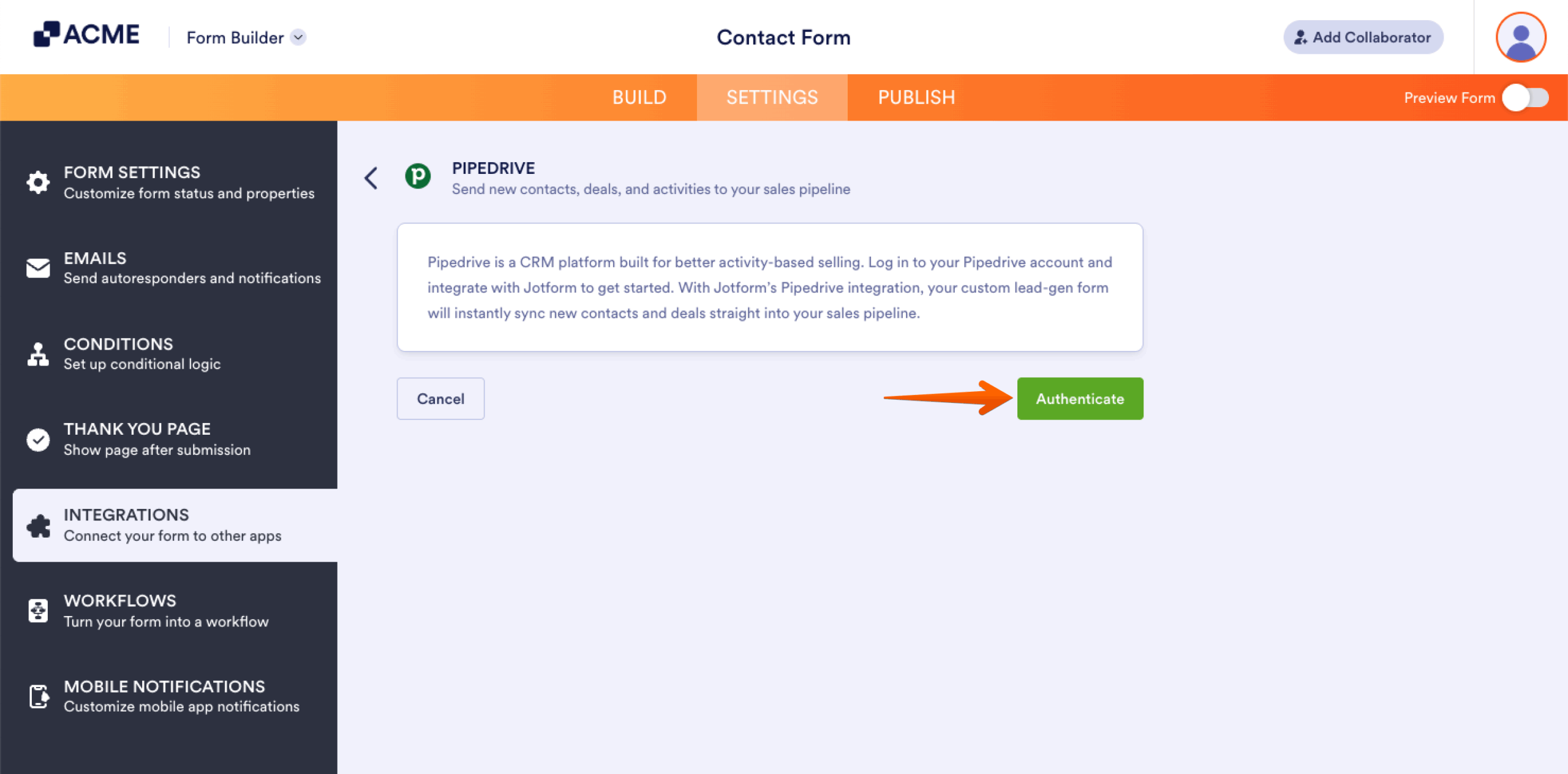
- Authenticate your Pipedrive account.
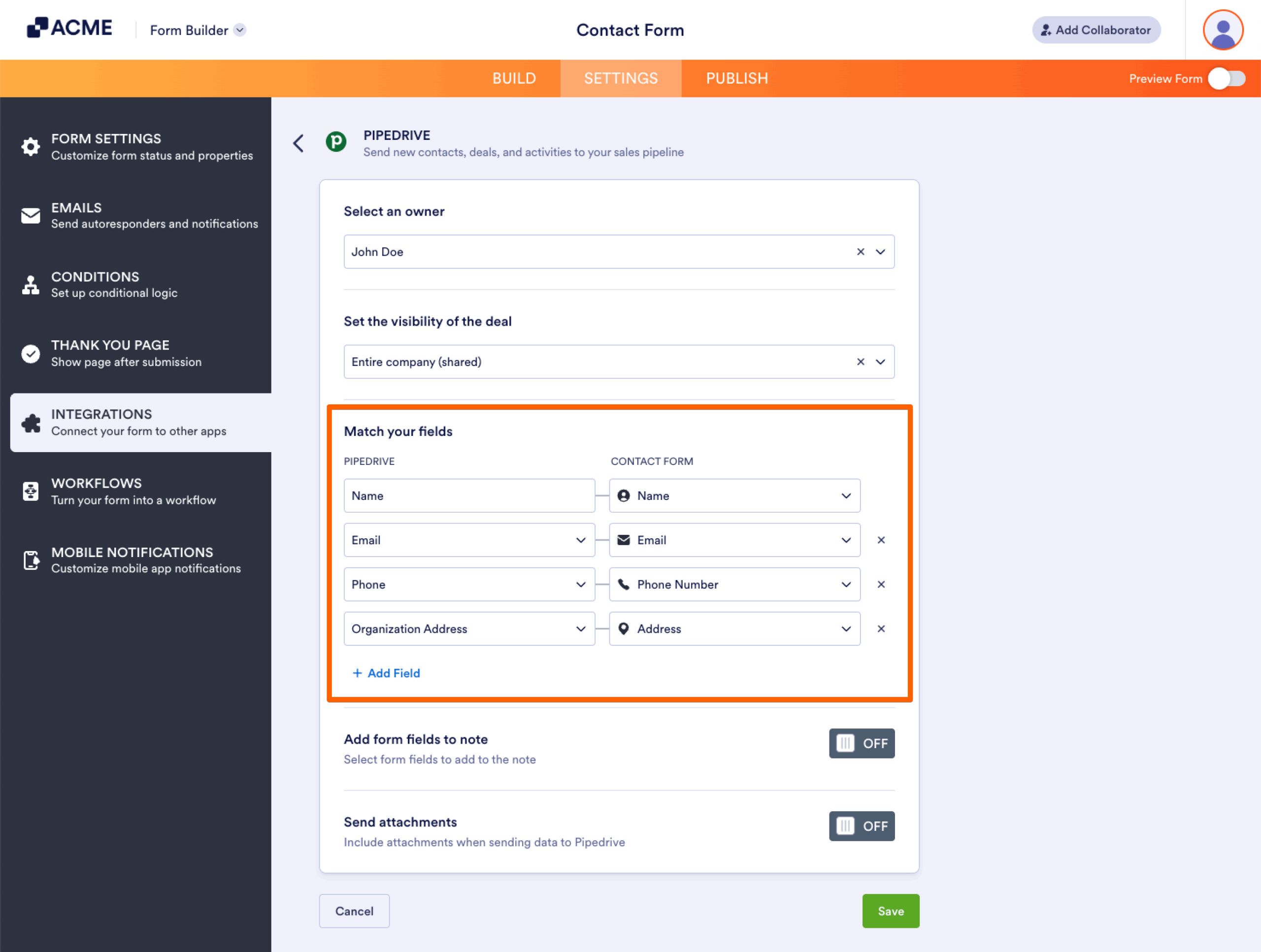
- Map your Pipedrive workspace fields to your form fields.
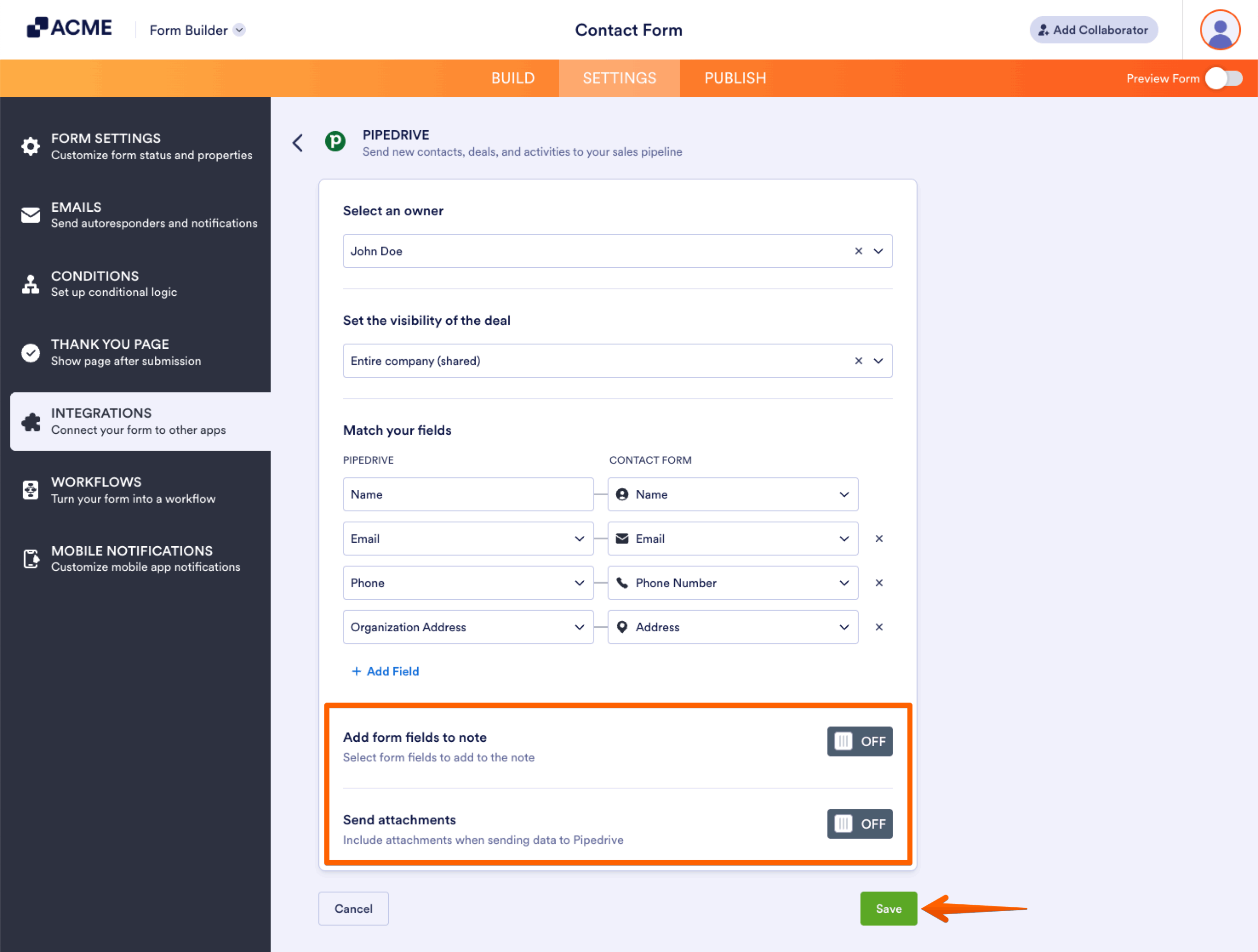
- Include notes and upload files if needed, then save your settings.

Send Comment: