Apps
Everything you need to know about Apps. Learn how to create mobile apps for your business without any coding.
Guides
How to Create an App
With Apps, you can create mobile apps without coding. You can build custom apps to keep all of your forms in one place and easily share them with others. Building Your App There are several ways to start the process of creating an app. You...

How to Add New Elements in Your Apps
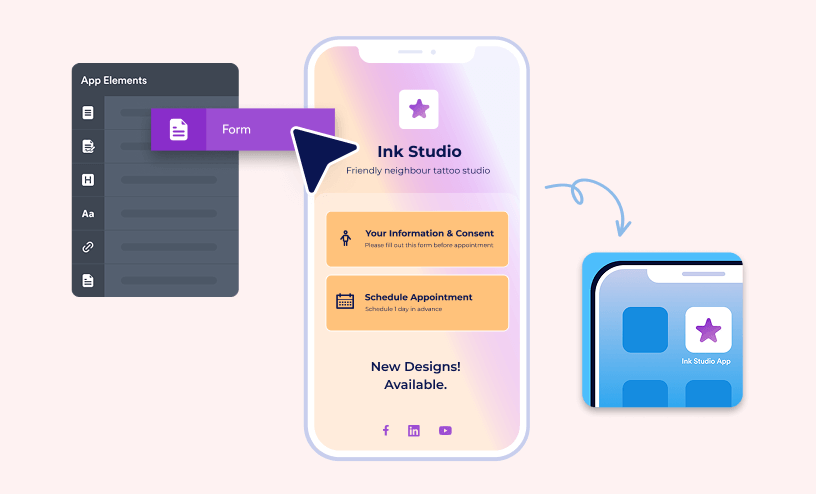
The app builder gives you the freedom to create your very own mobile app—no coding required. You can easily add and arrange different elements to design an experience that fits your needs perfectly. Whether you’re adding forms for data...

How to Add Widgets to Your App
Widgets add an extra layer of flexibility and creativity to your app by letting you display content in dynamic and engaging ways. Whether it’s a slider, video, map, or another interactive element, widgets make your app more informative and...

How to Create a Multipage App with Apps
Similar to the Form Builder where you can create multipage forms, Apps allows you to create multipage apps. You can create pages and sections to organize elements of your app, making it easier to navigate and manage. Creating a Multipage App...

How to Share Your Apps
You can share the apps you create in your organization's App Builder in several ways. Share them through a direct link or email, download a QR code for kiosk or embedded use, or post your app directly on social media. Sharing an App After...

How to View App Submissions
As the form owner, you have full control over all your form submissions. Whether you’re collecting feedback, registrations, or orders, you can easily keep track of everything in one place. If your app includes multiple forms, you don’t have to...