Form Calculations
Add calculations and conditions to your forms.
Guides
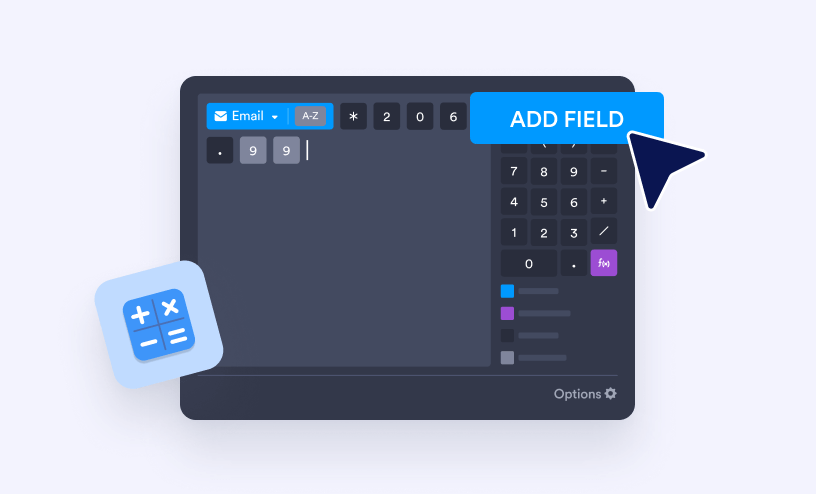
How to Use the Form Calculation Widget
With the Form Calculation widget, you can easily perform real-time calculations using values from your form fields. It’s perfect for things like adding up totals, calculating scores, applying formulas, or generating custom results based on what...

How to Insert Text or Calculation into a Field Using Conditional Logic
In many forms, you might want to automatically insert specific text or calculated values into a field when certain conditions are met. For example, you could generate a custom message to include in the submission, or insert a label or category...

How to Perform Calculations with Input Table
You can easily perform calculations within an Input Table to automatically total values, average scores, or create dynamic results based on user responses. This feature is perfect for order forms, quizzes, budgets, and evaluations, helping you...

How to Calculate Date and Time
Learning how to calculate date and time in your form can make your workflow a whole lot easier. Whether you’re tracking deadlines, scheduling appointments, or figuring out the time between two events, adding date and time calculations helps you...

How to Calculate a Total in a Form
If you want to calculate a total amount in your form, there are several ways to set it up depending on your needs. You can use conditional logic to create custom calculations based on user selections, or use a form calculation field to...