Overview
As an Admin, you can view all data related to your assets in the Admin Console.
Analytics
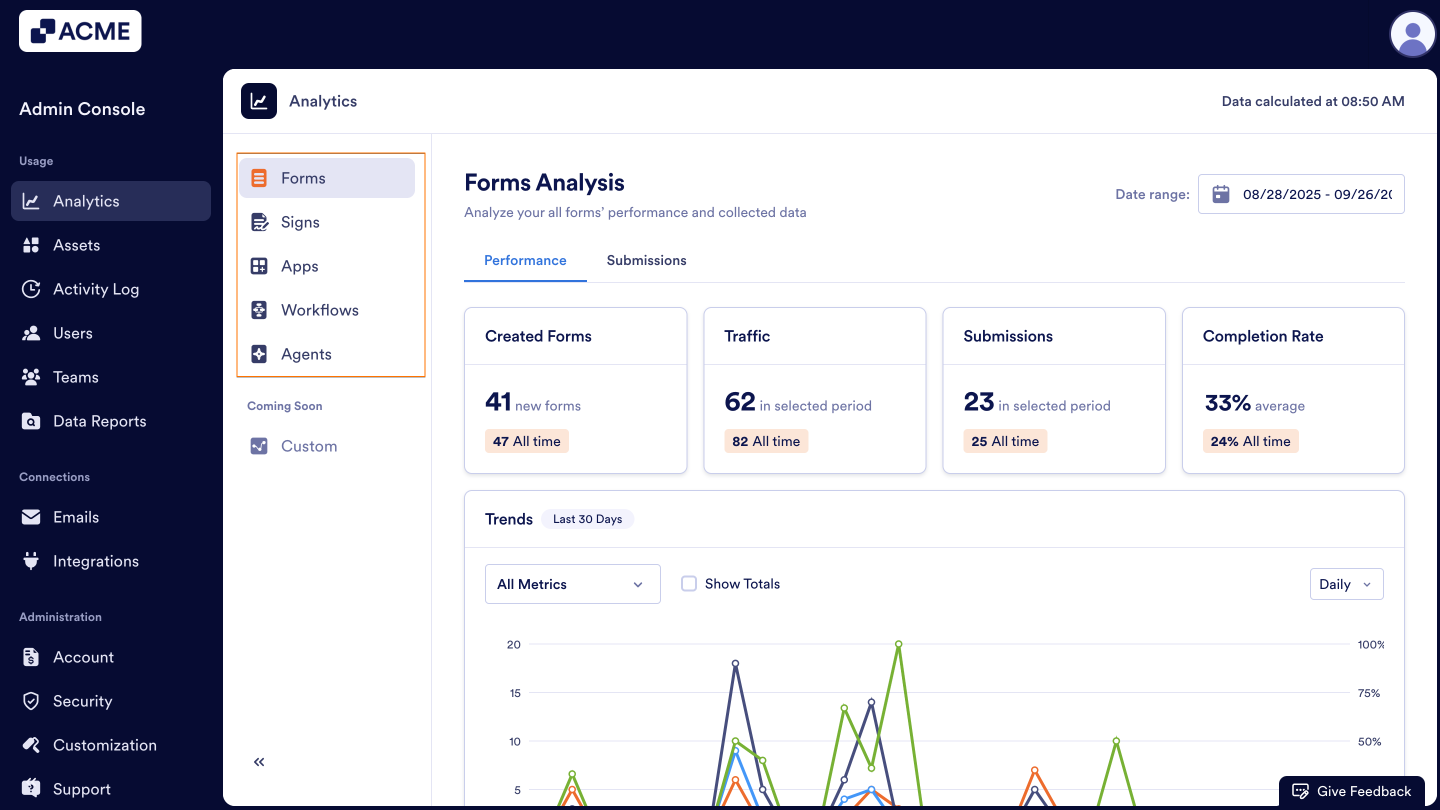
In the Admin Console, you can view data on all the assets below:
- Forms
- Signs
- Apps
- Workflows
- AI Agents
Data in the Analytics tab updates every 5 minutes.
Viewing Analytics
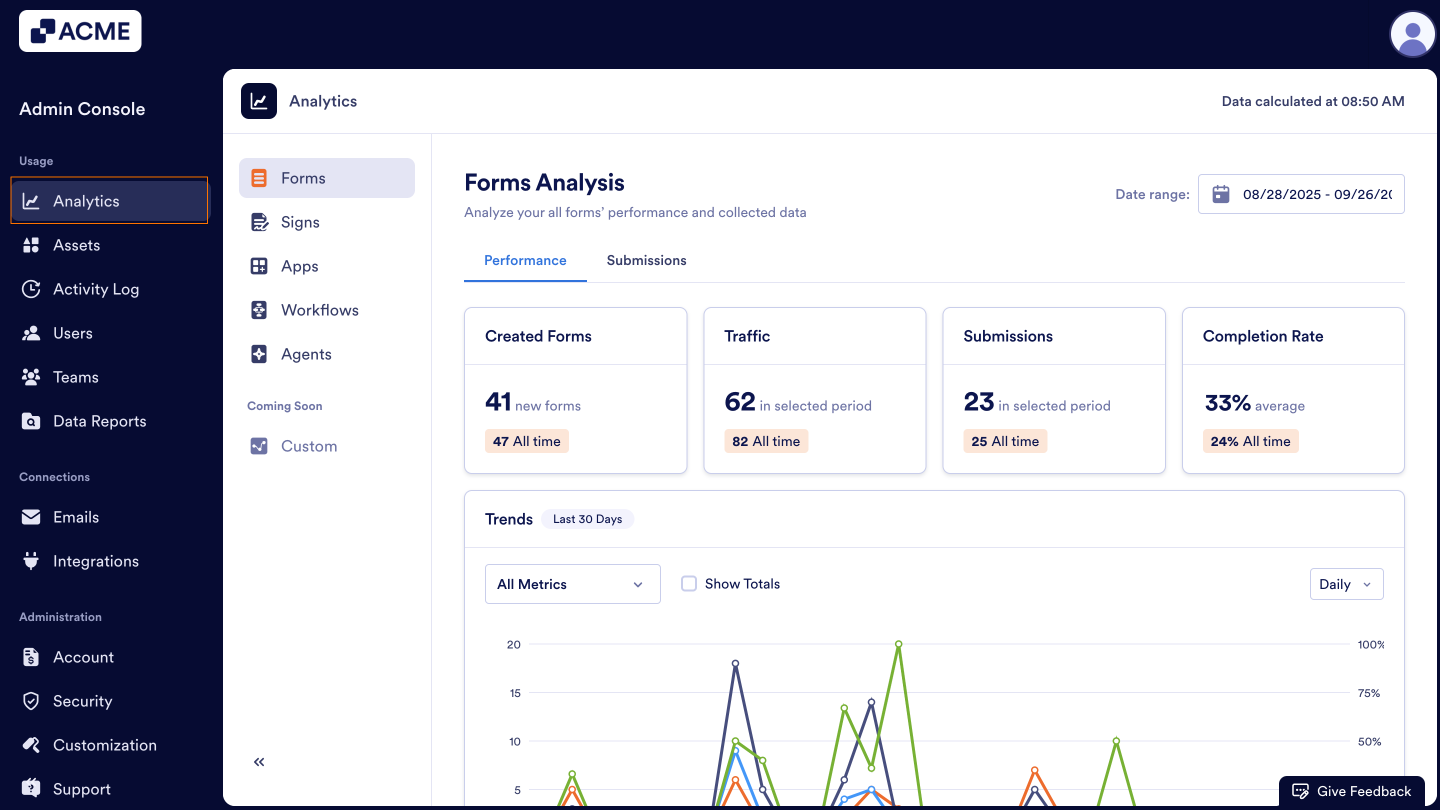
- In the Admin Console, click on Analytics on the left-hand side of the page.
- Then, select the asset you’d like to view analytics for.
For more information about managing individual assets, you can check out our guides:
- How to Analyze Forms Usage in your Organization from the Admin Console
- How to Analyze Sign Documents Usage in your Organization from the Admin Console
- How to Analyze Apps Usage in your Organization from the Admin Console
- How to Analyze Workflow Usage in your Organization from the Admin Console
- How to Analyze Agents Usage in your Organization from the Admin Console

Send Comment: