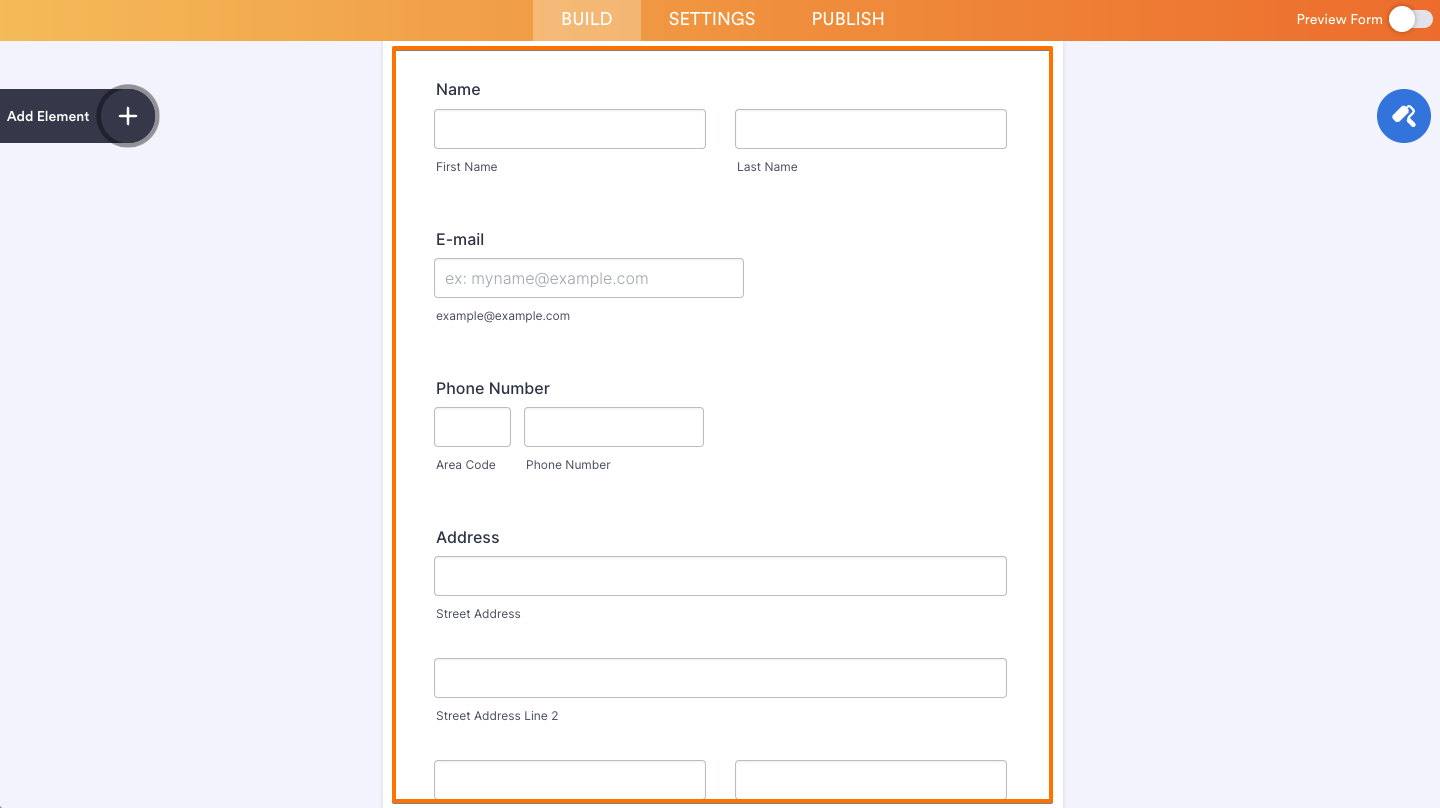
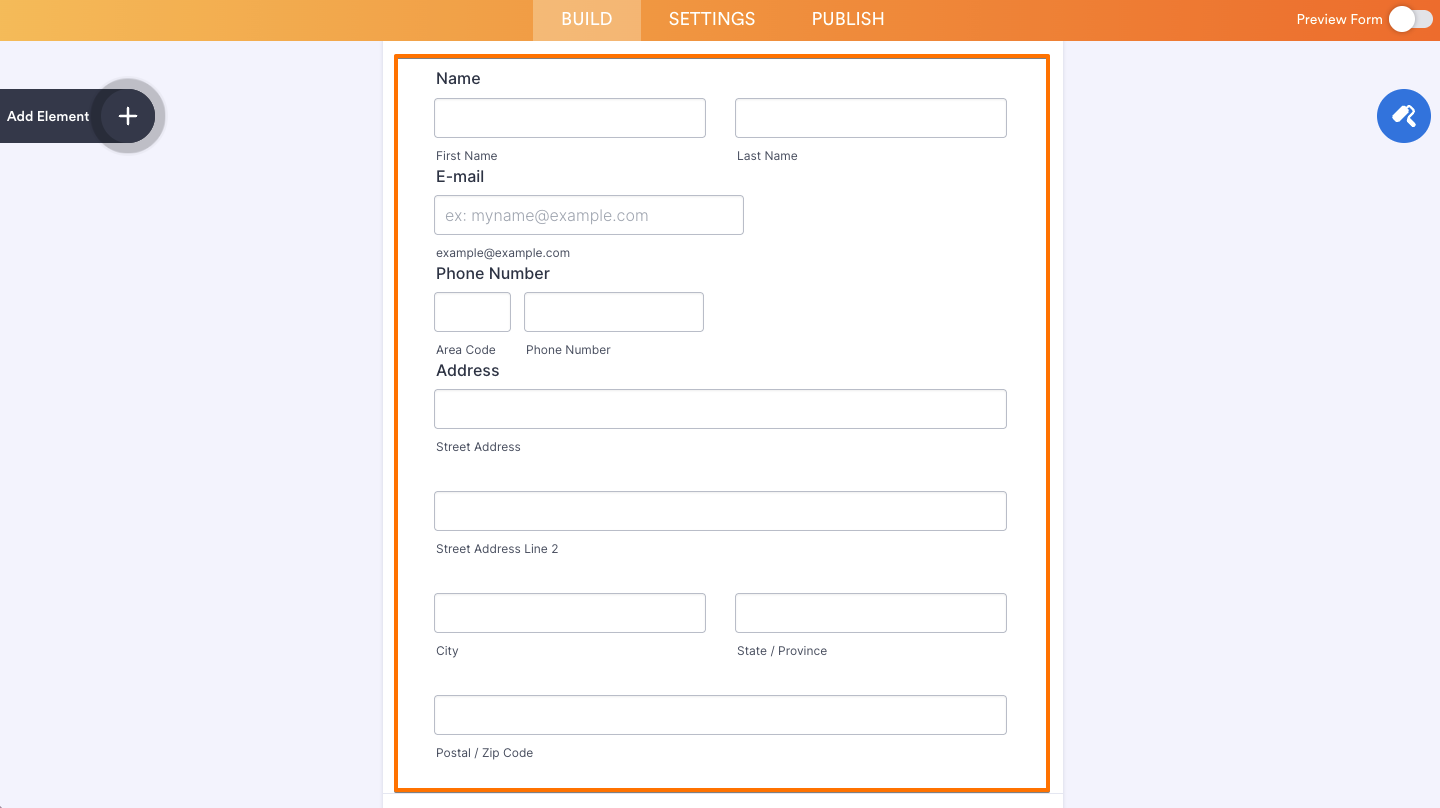
Form Builder is very flexible, and you can customize your forms as you wish. Standard field spacing can also be changed to fit your needs and match your design better. When you reduce the spacing between questions, your form will be changed.
From this:
To this:
Note
You can change the question spacing in the Form Builder through the Styles tab of the Form Designer or the Advanced Designer.
Question Spacing
The easiest would be to adjust the spacing through the Styles tab of the Form Designer. Here’s how you can do that:
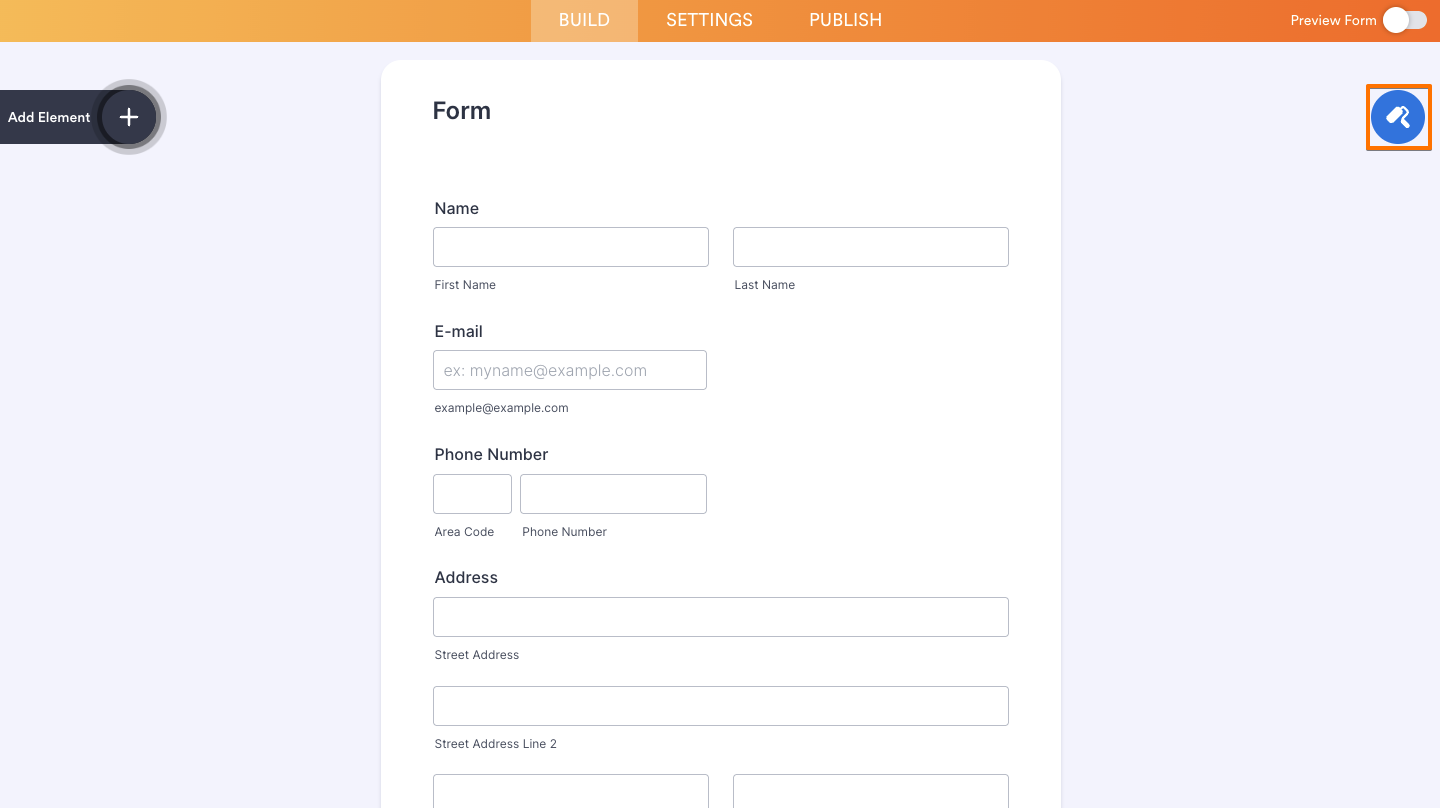
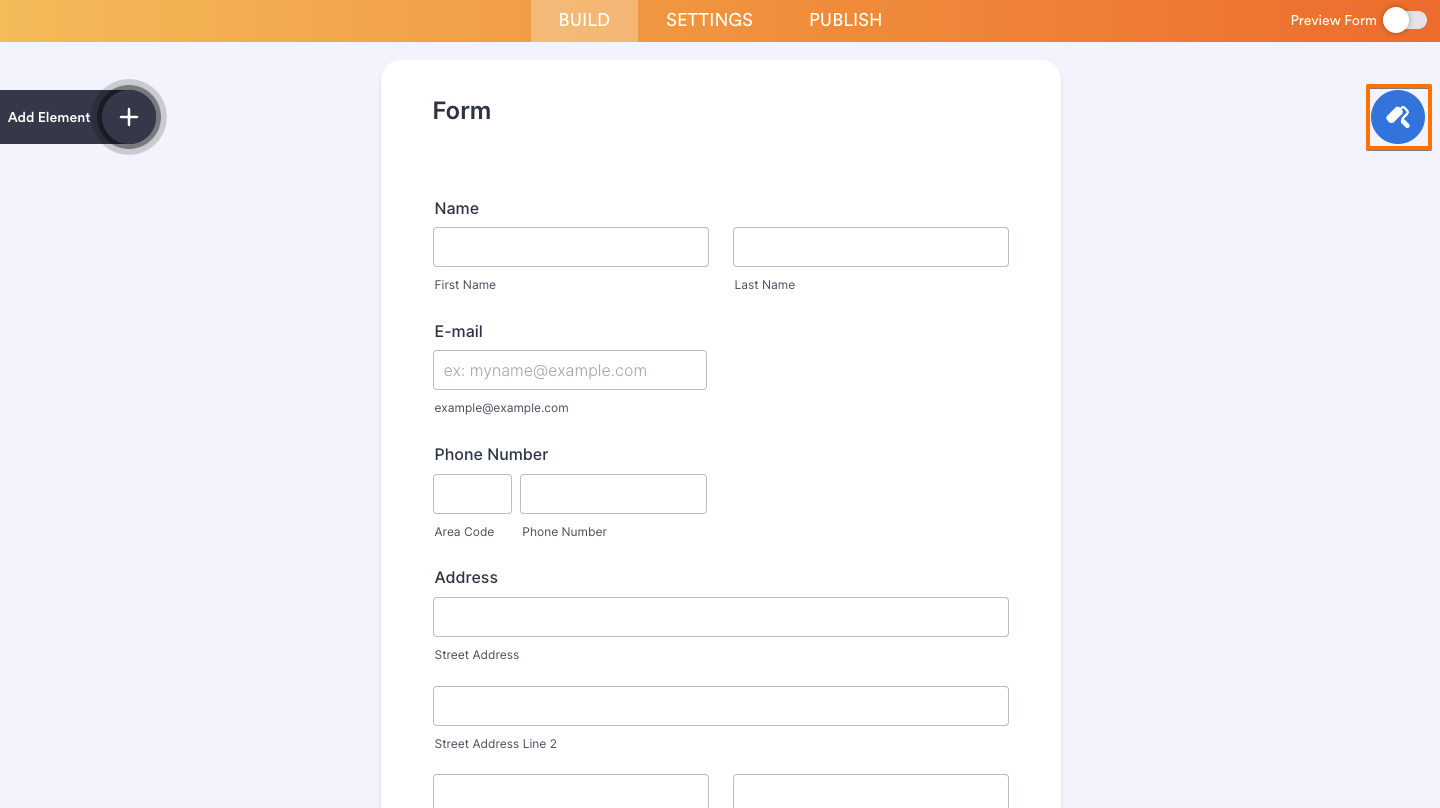
- In Form Builder, on the right side of the page, click on the Paint Roller icon.
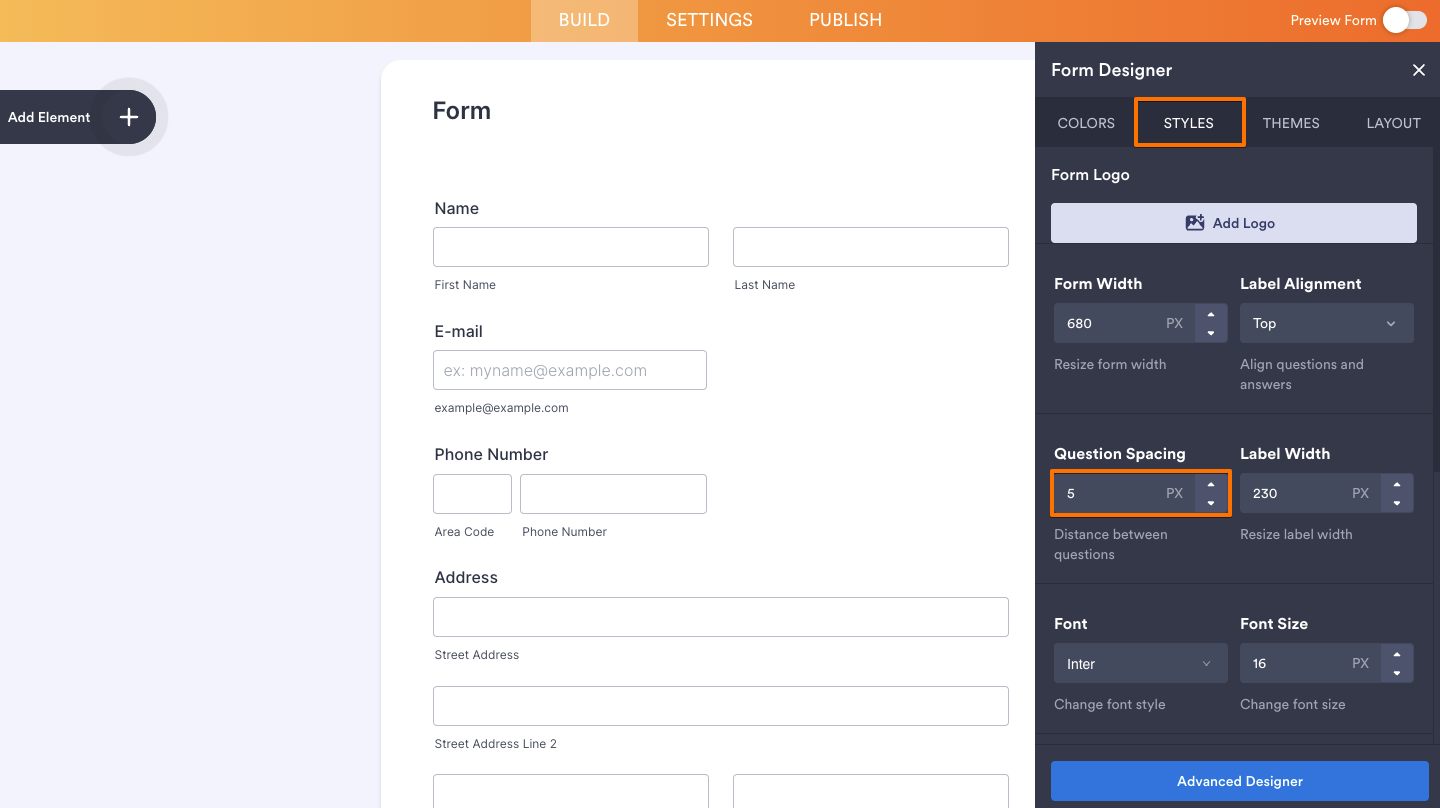
- Go to the Styles tab.
- Change the value of the Question Spacing option. The value you enter here is in pixels.
Inject Custom CSS
If you wish to override the value with other units, you can do it by injecting custom CSS codes. Here’s what to do:
- In Form Builder, on the right side of the page, click on the Paint Roller icon.
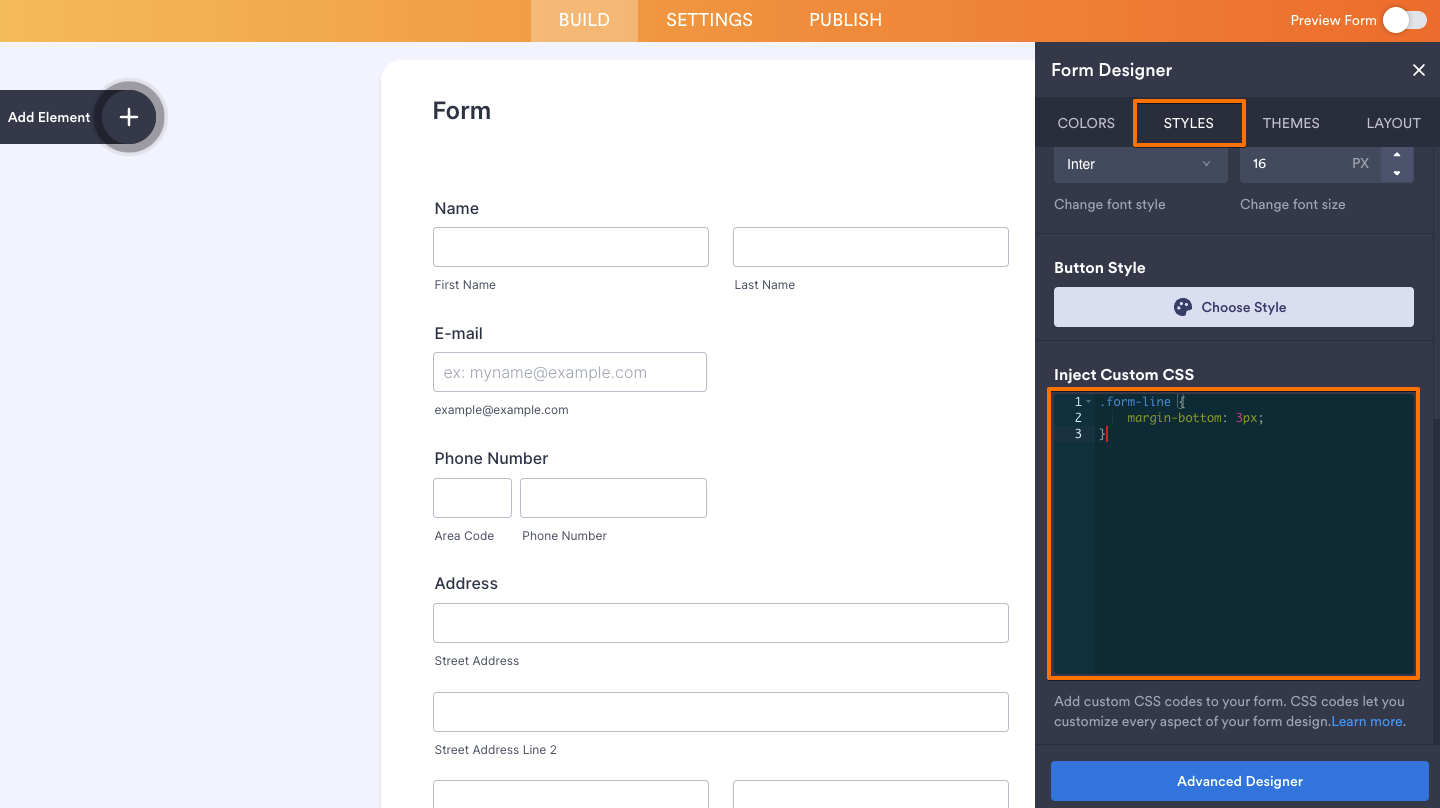
- In the Form Designer panel, go to the Styles tab, scroll down to the Inject Custom CSS box, and enter the following:
.form-line {
margin-bottom: 3px;
}
You can follow this guide to inject the codes: How to Inject Custom CSS Code in Your Form.
Advanced Designer
You can also change the spacing between form fields through the Advanced Designer. Here’s how:
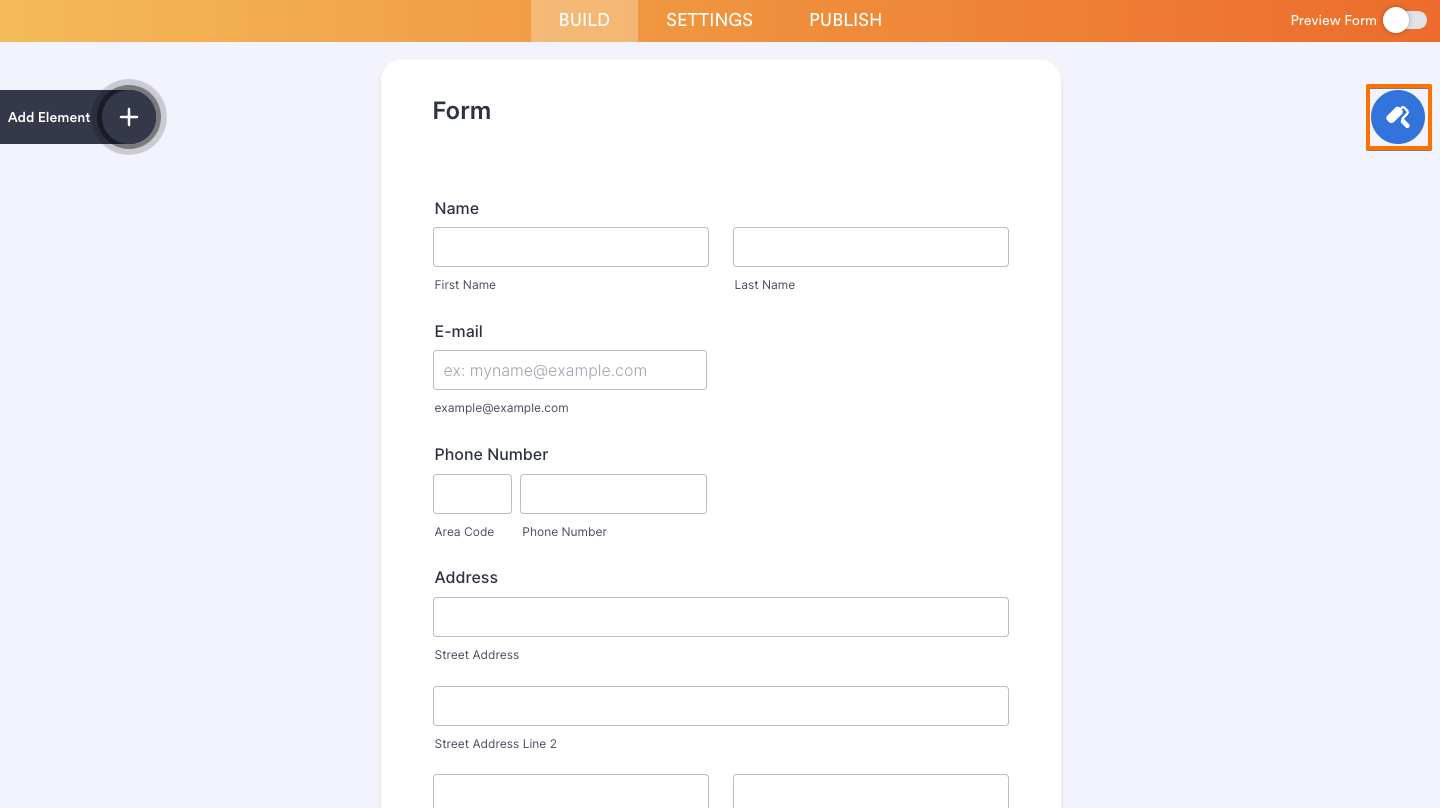
- In Form Builder, on the right side of the page, click on the Paint Roller icon.
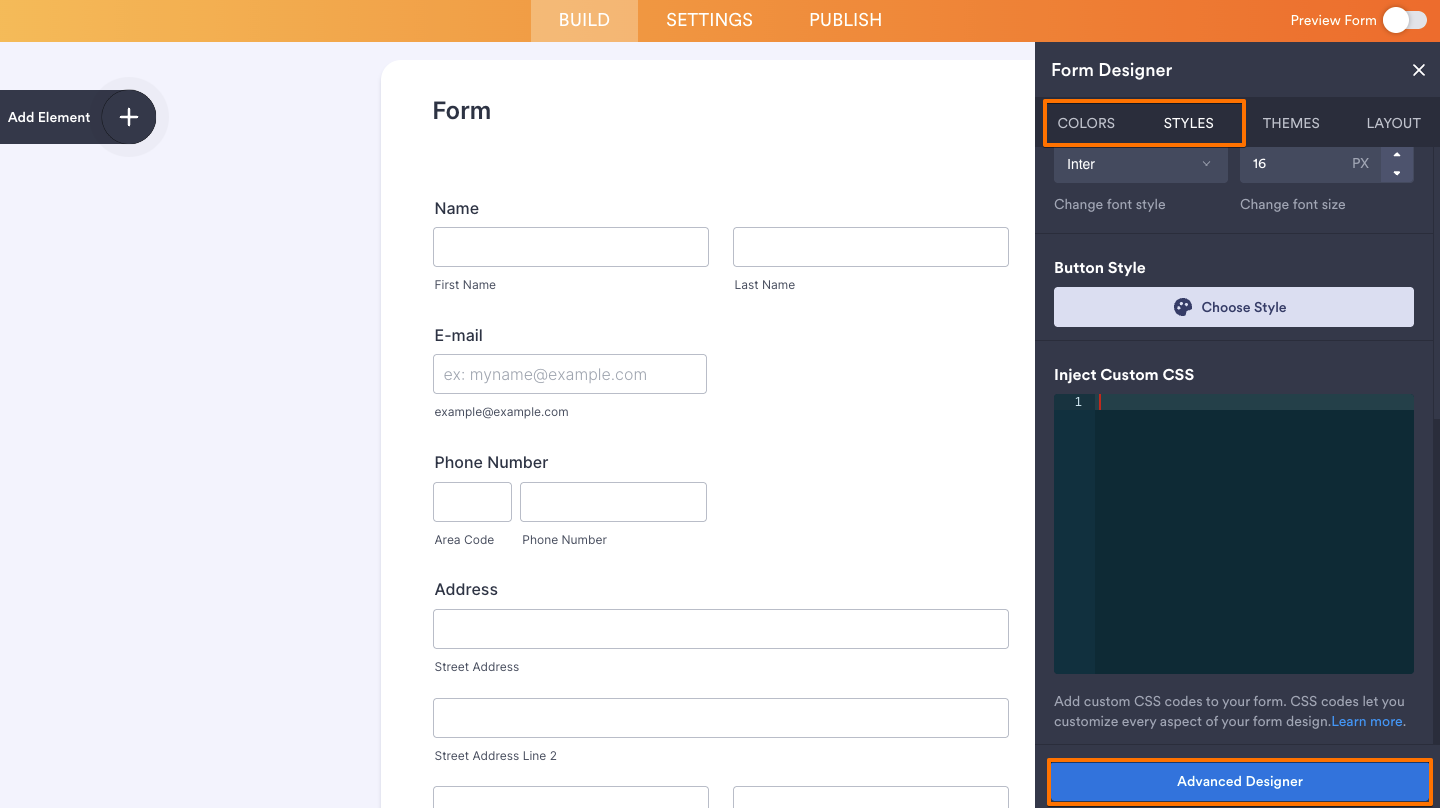
- In the Colors or Styles tab, scroll to the bottom of the panel and click on Advanced Designer.
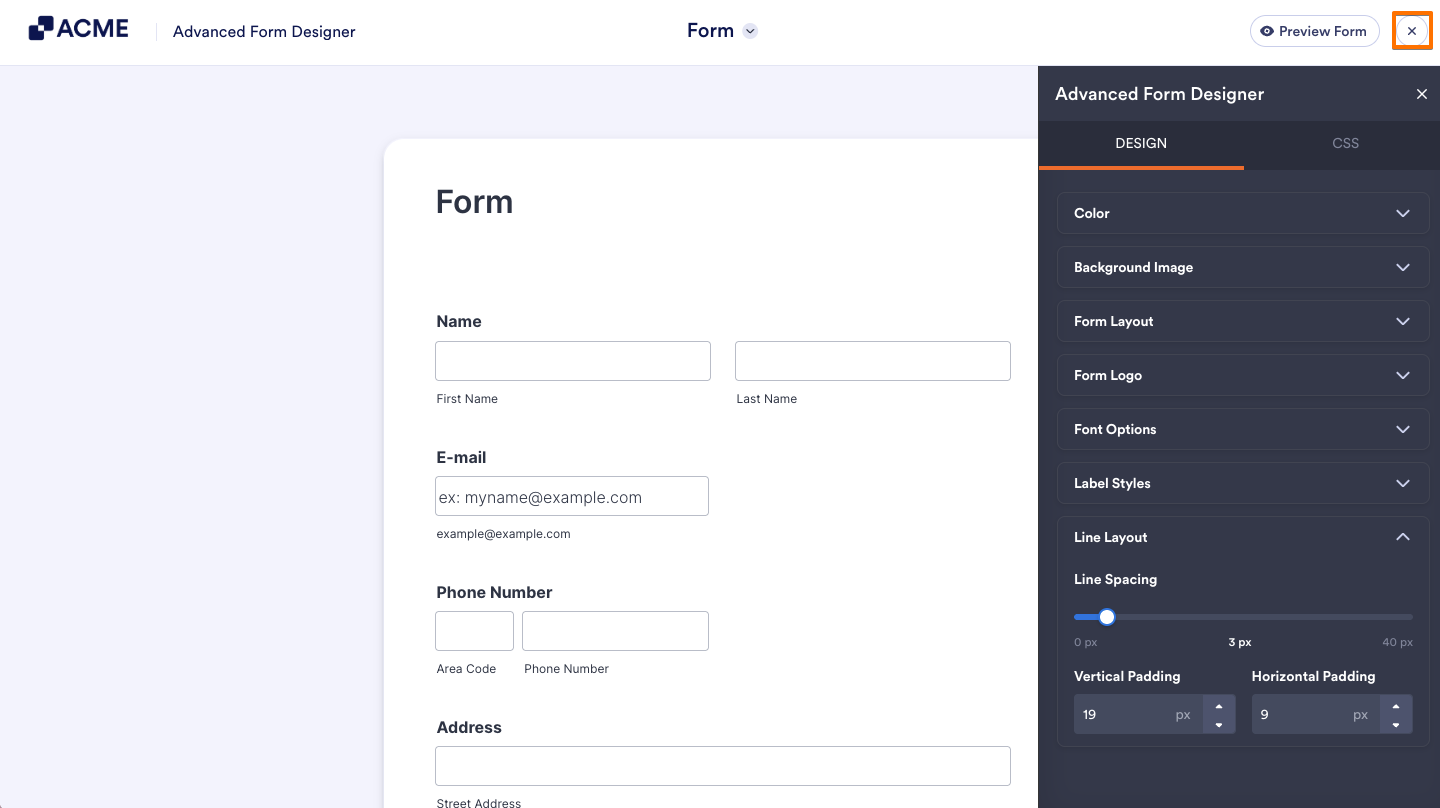
- Under the Design tab of the Advanced Designer page, click on the Line Layout section.
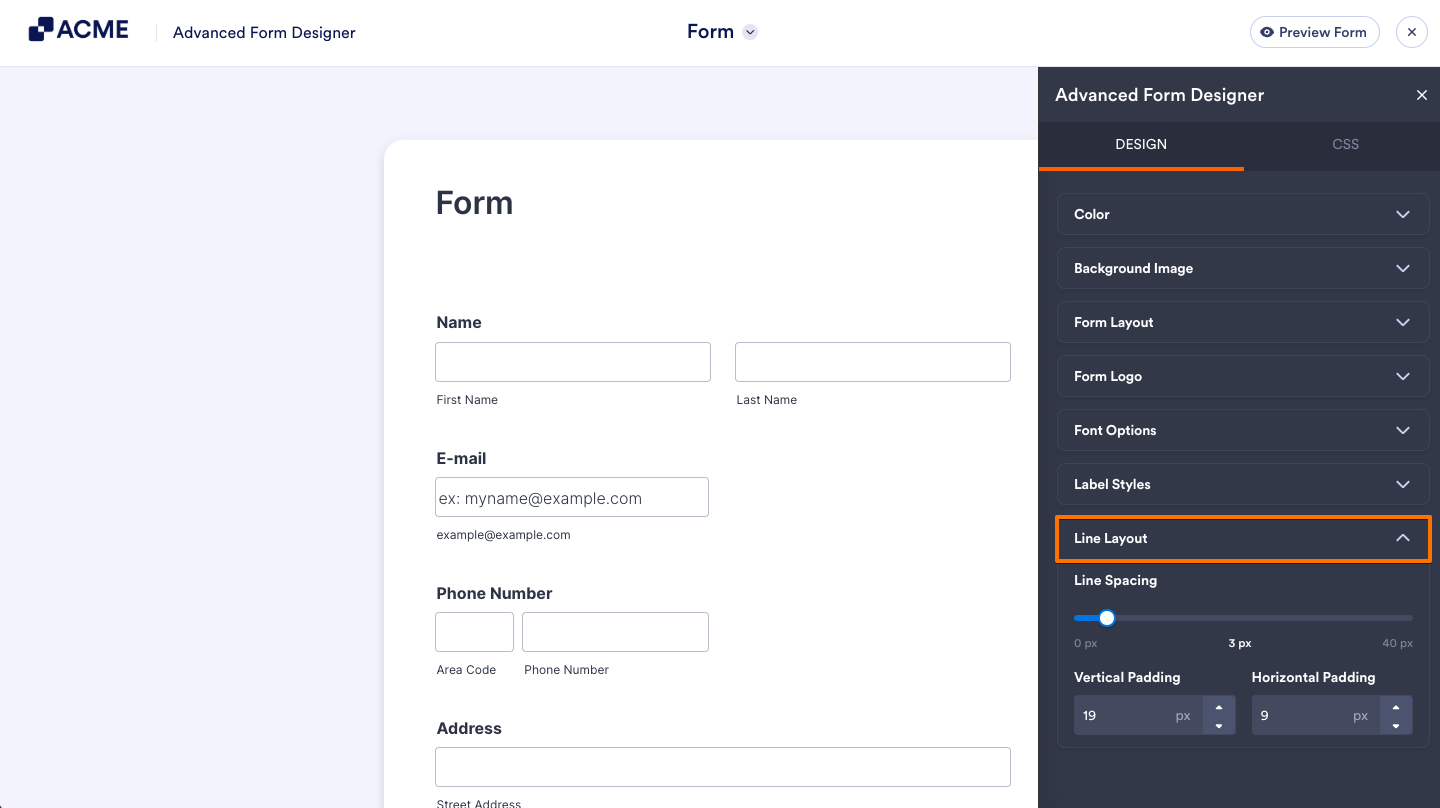
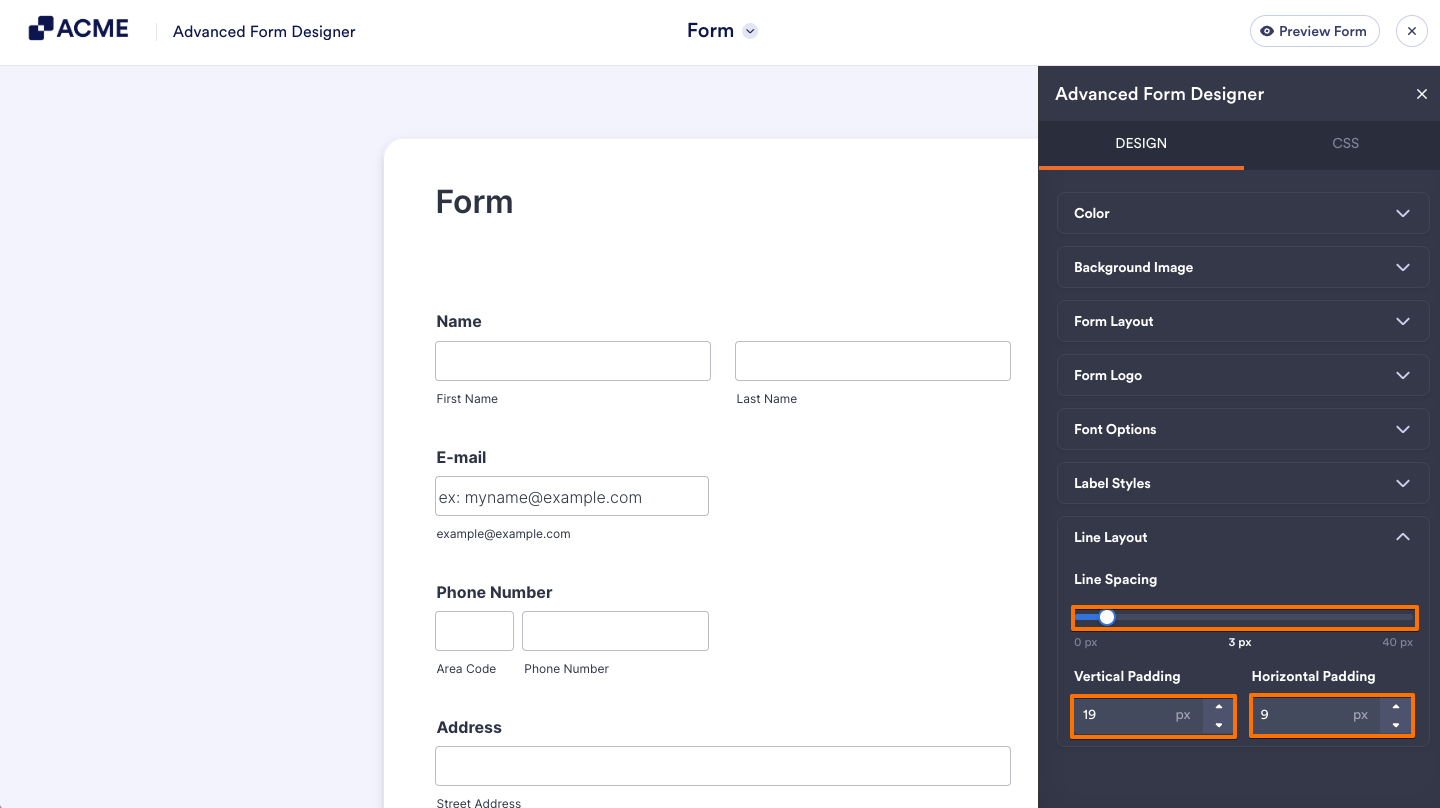
- Adjust the following sections:
- Line Spacing— This is the main spacing between each question.
- Vertical Padding— Adjust the value of this option to make the vertical spacing of each question closer or farther from each other.
- Horizontal Padding— Adjust this to change each field’s left and right spacing.
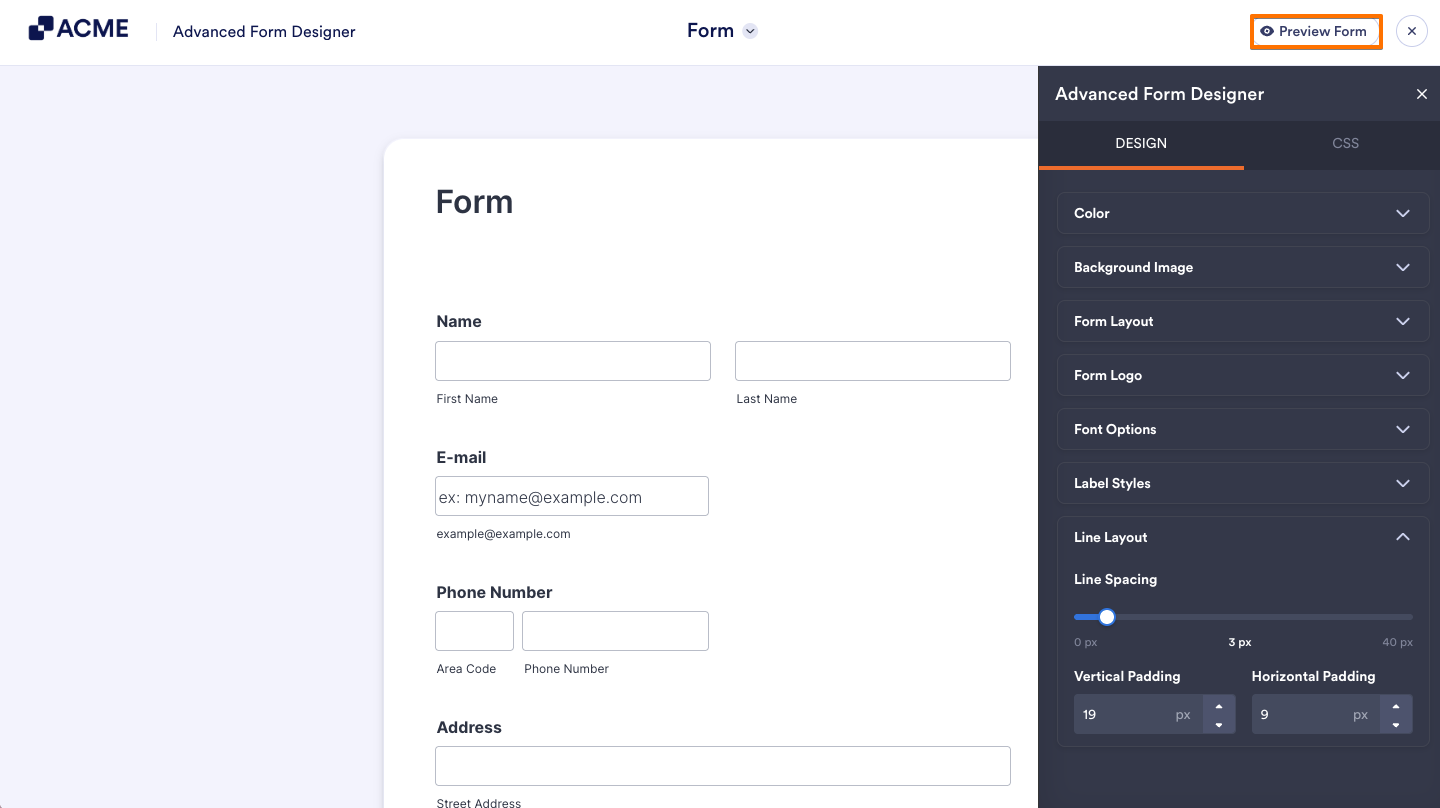
- After completing the changes, click on the Preview Form button in the top right to see your changes.
- Once you’ve checked your changes, click the Back button in the top-left corner of the page to return to the Advanced Designer page.
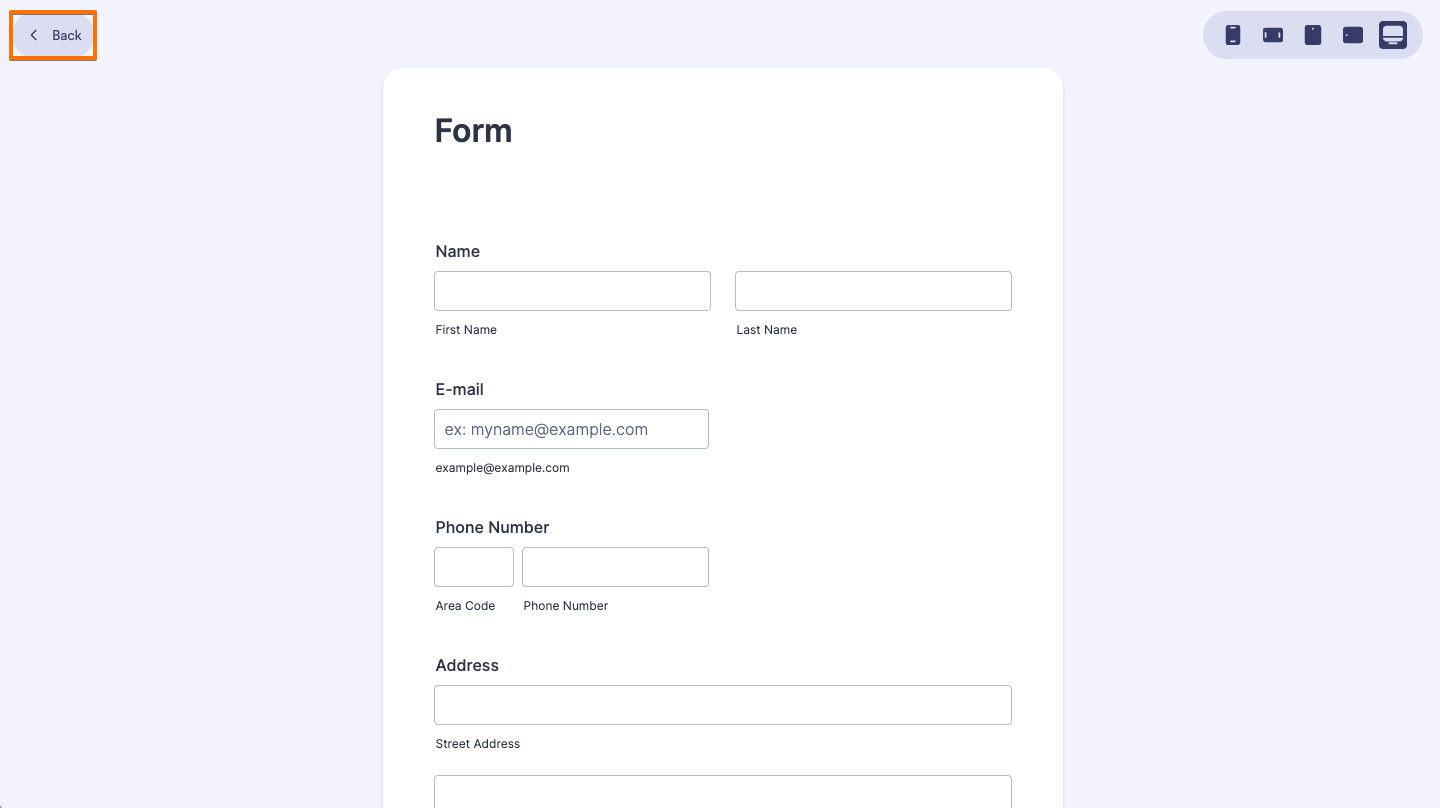
- Finally, click the X icon in the top-left corner of the page to return to the Form Builder.

Send Comment: