You can clone a form that’s already embedded on a web page. This gives you a quick starting point, so you don’t have to build the form from scratch.
You can clone a form embedded on a web page in just a few easy steps. Here’s how:
- On your My Workspace page, click on Create on the top-left side of the screen.
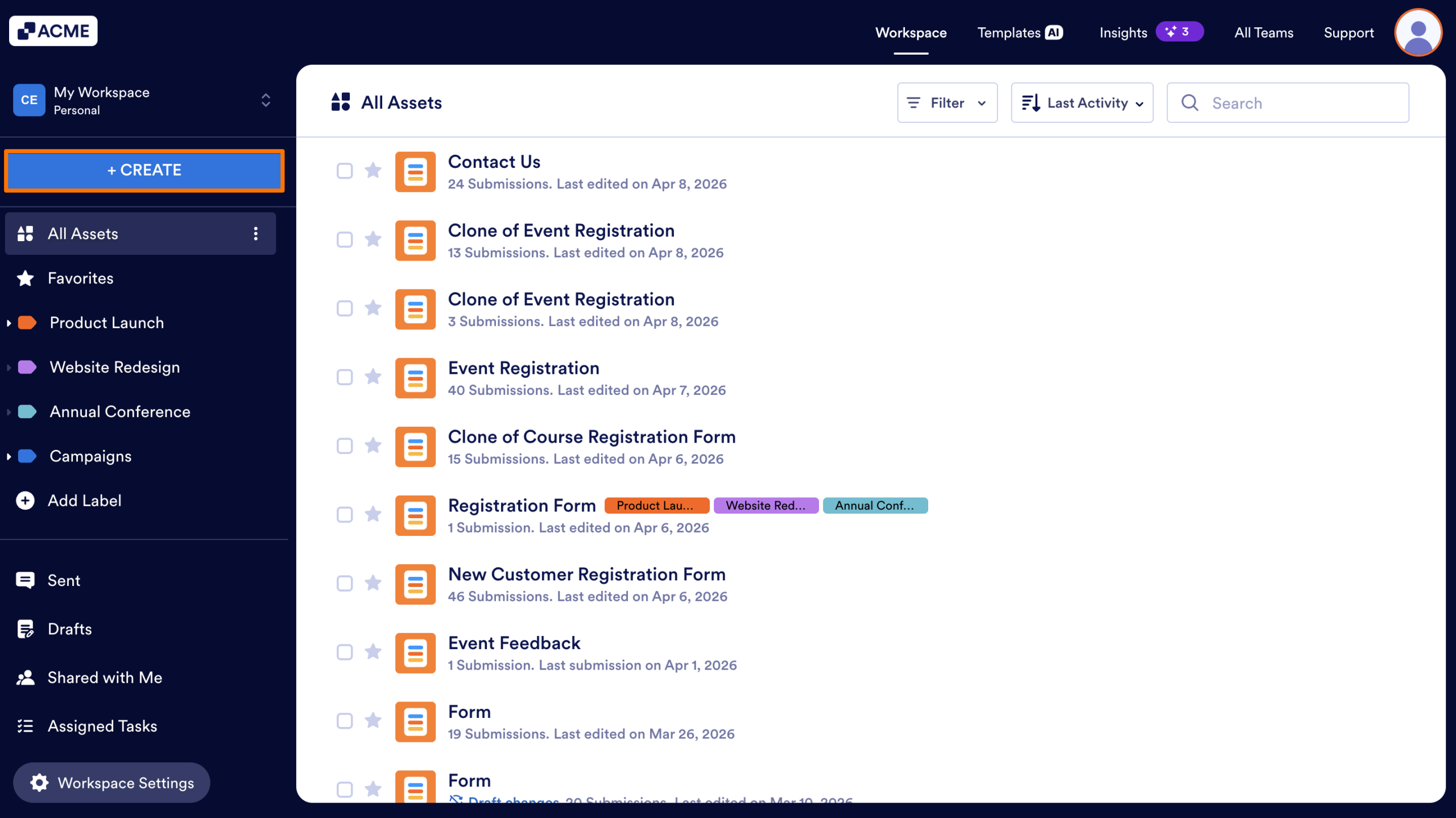
- In the window that opens up, click on Form.

- Now, click on Import Form.
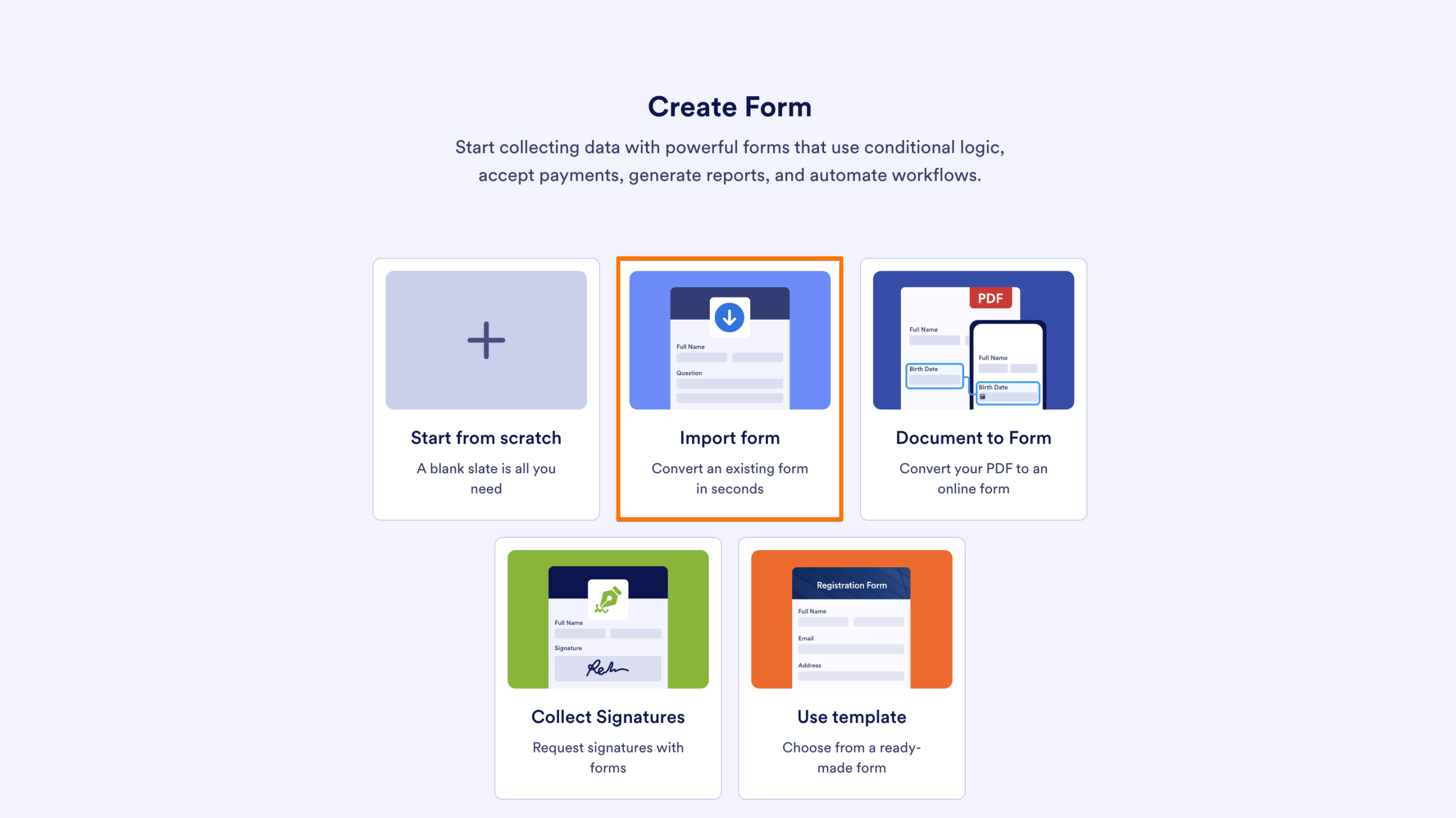
- Then, click on from a web page.
- Next, paste the link for the web page where the embedded form is to the related field, and then click Create Form.
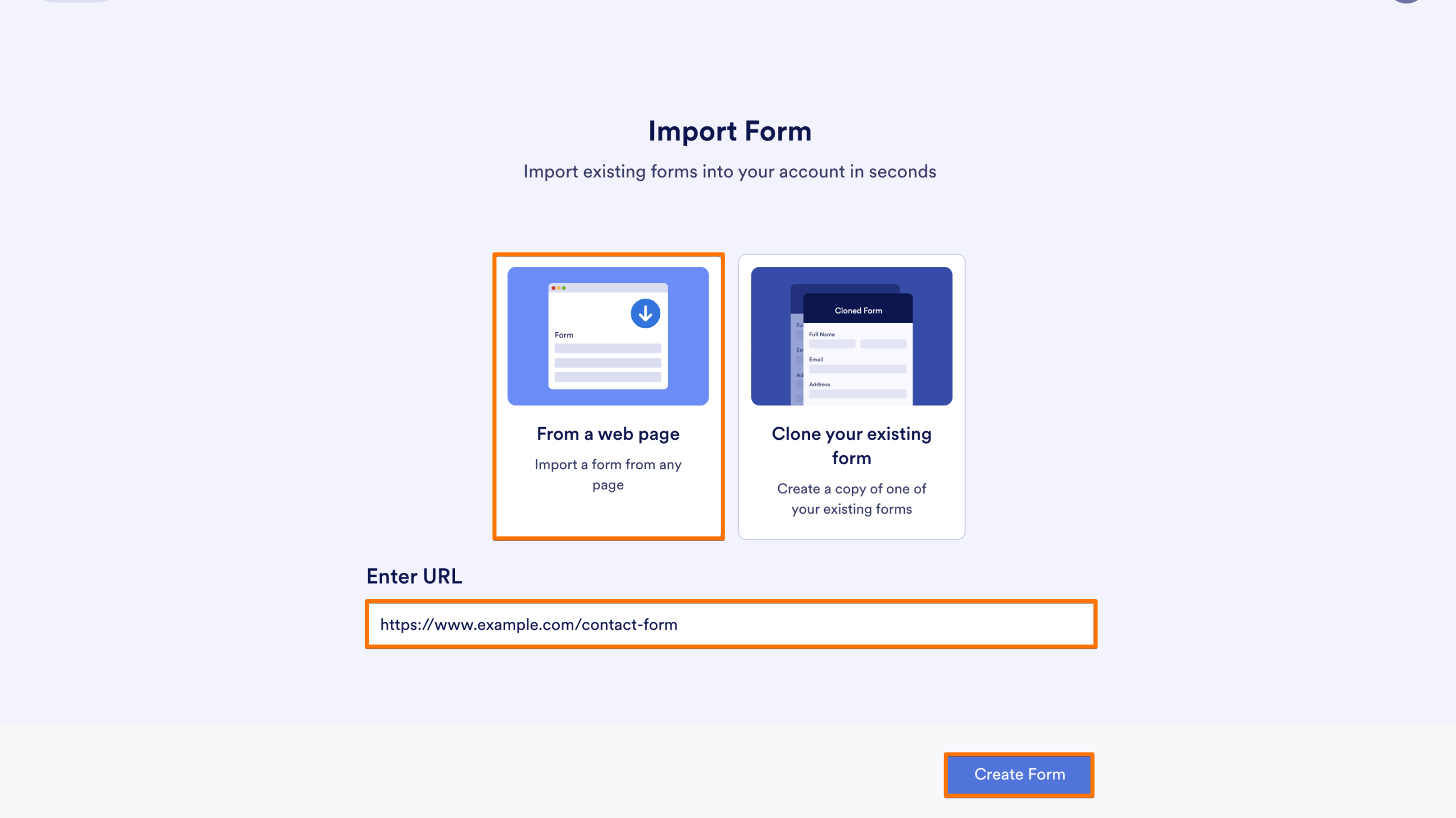
This creates a new form in your account and redirects you to Form Builder, where you can Customize the Style, Set up the Fields, and Configure the Settings.
Note
The cloned form takes the title of the page where the embedded form is located, prefixed with “[Imported Form].”

Send Comment: