You can replace the default form link with a personalized URL to make your Form easier to recognize and share. A Custom URL allows you to use personalized names instead of Form IDs.
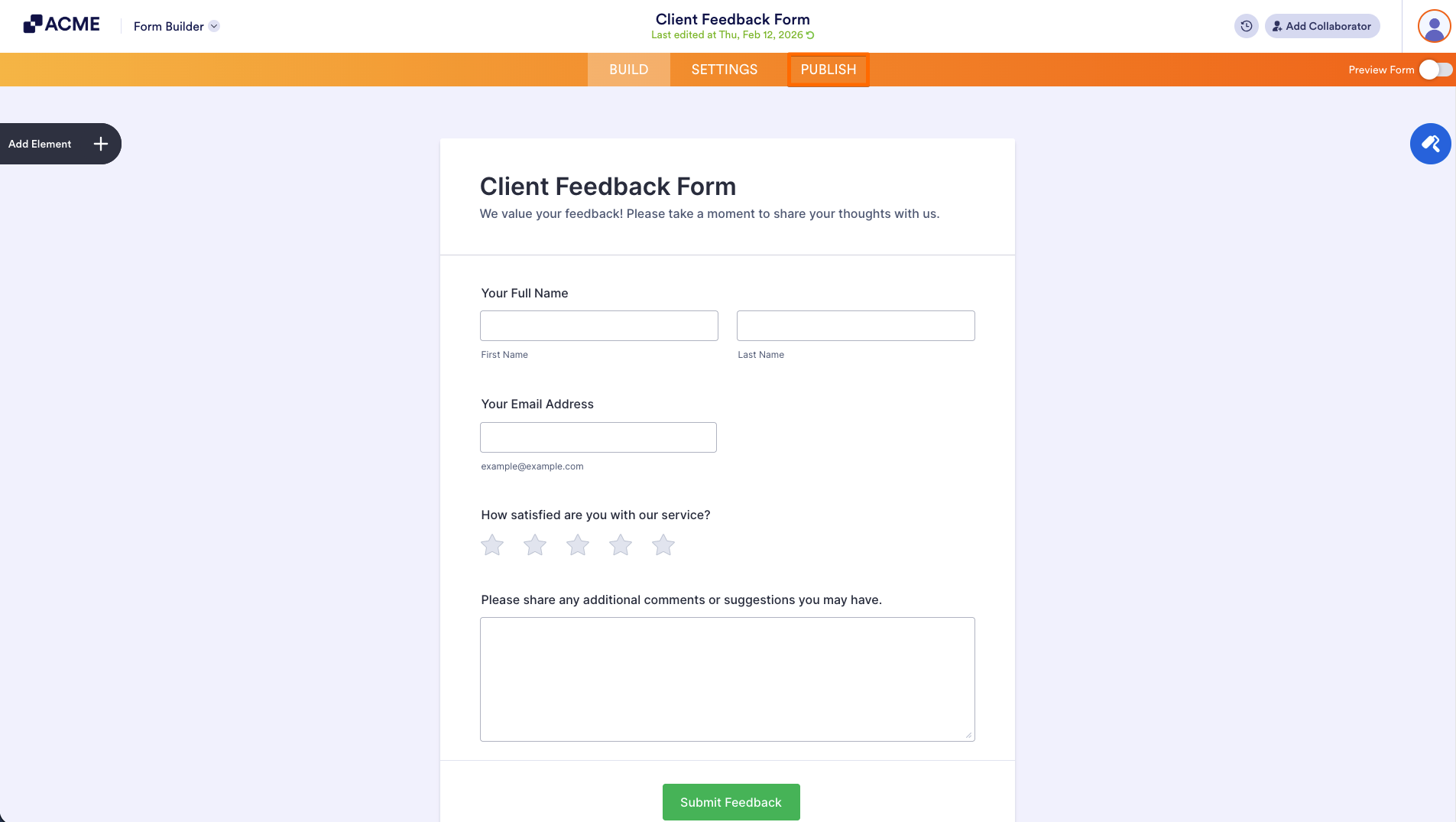
- First, in the Form Builder, in the orange navigation bar at the top, click on Publish.
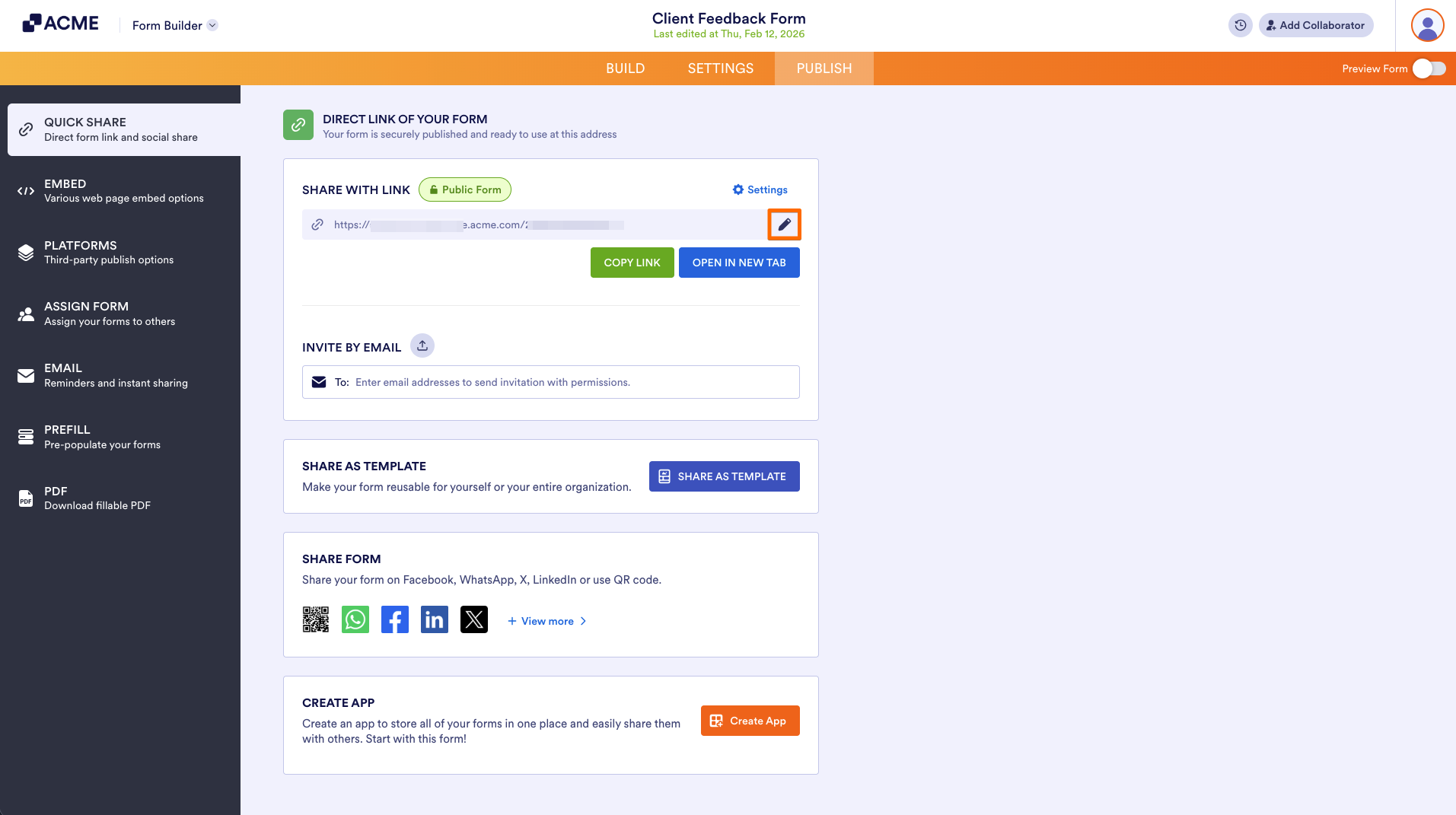
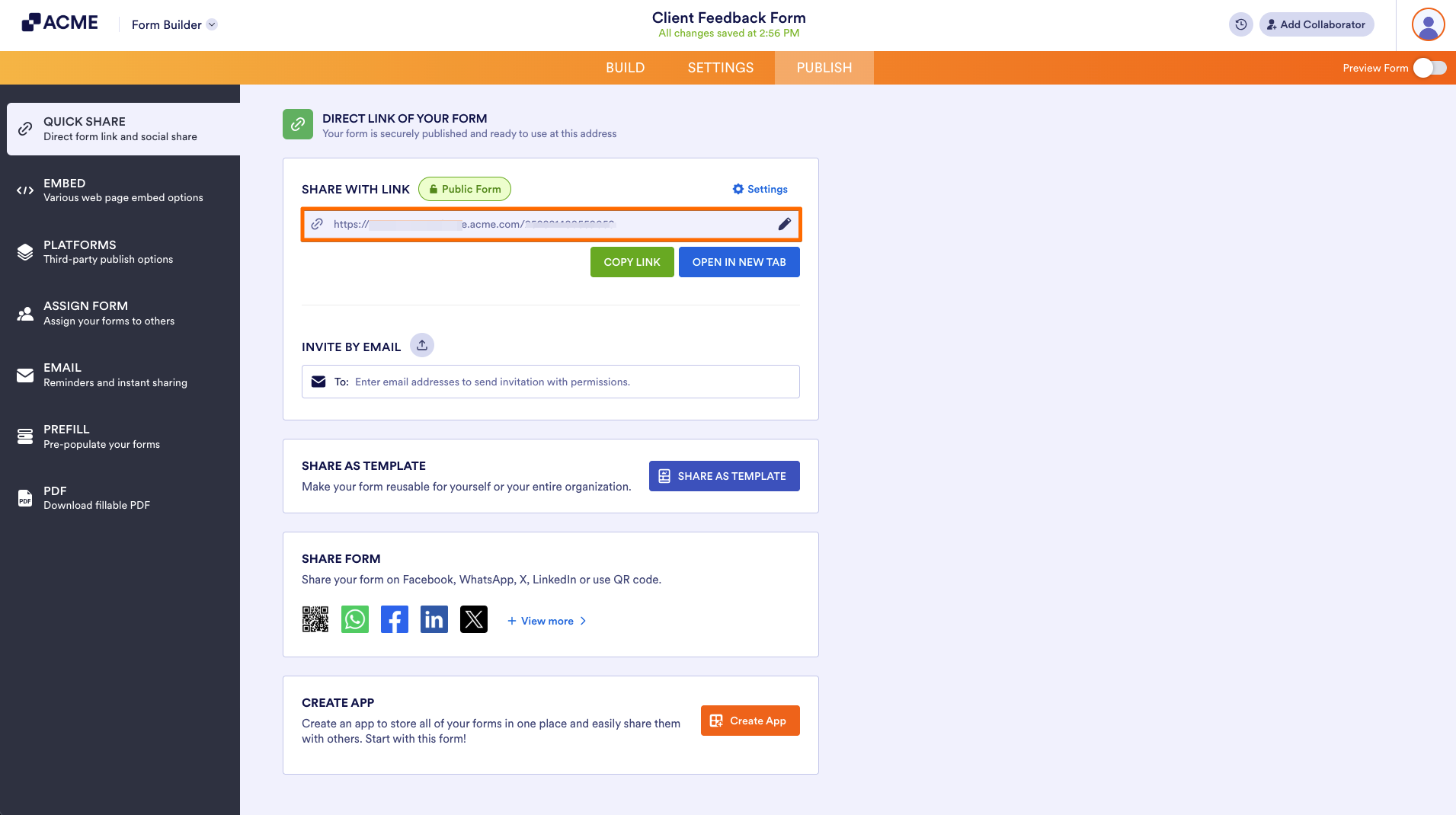
- Next, under Share with Link, click on the Pencil icon on the right side of the URL.
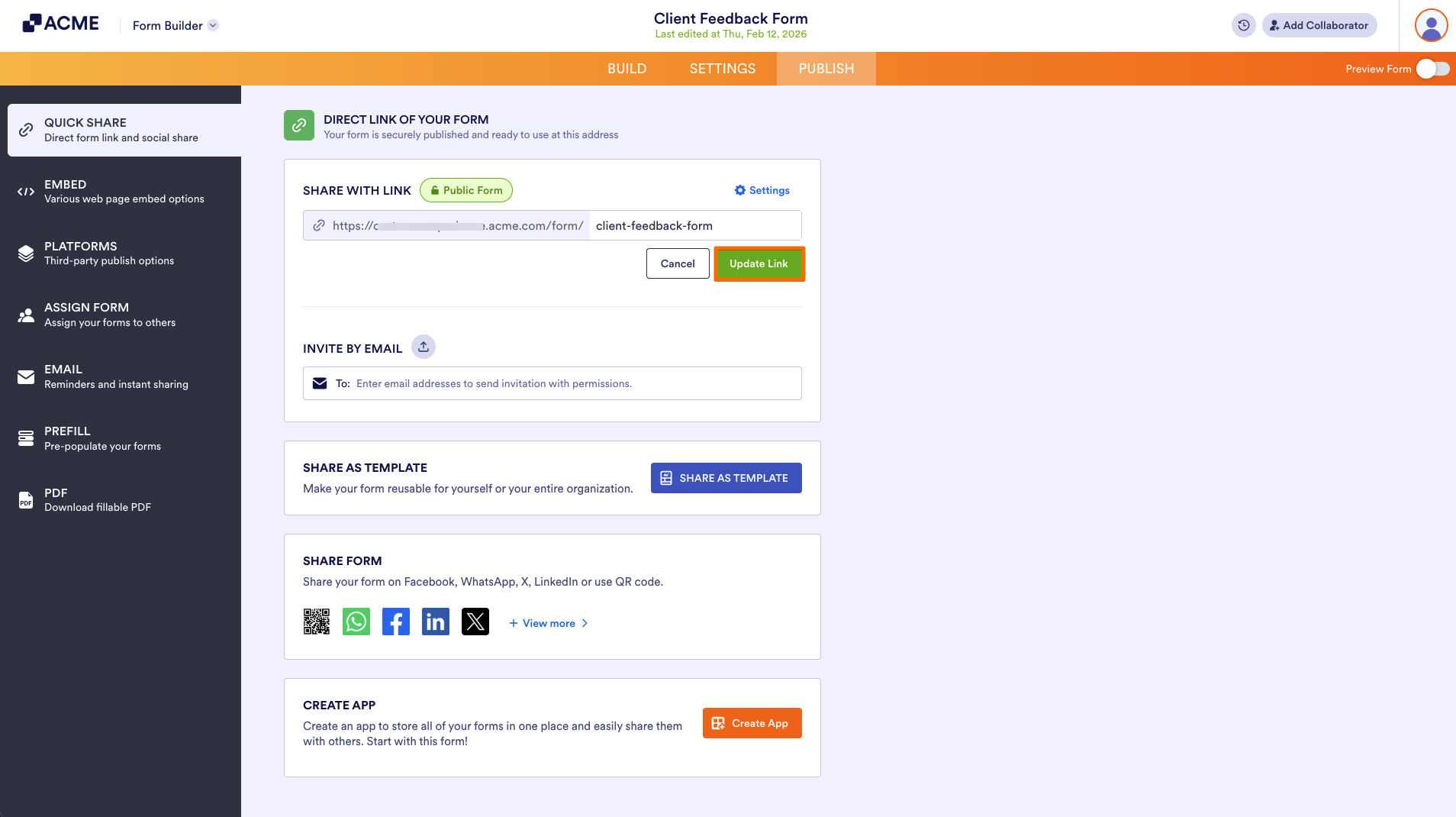
- Then, enter your custom link.
- Now, click on Update Link.
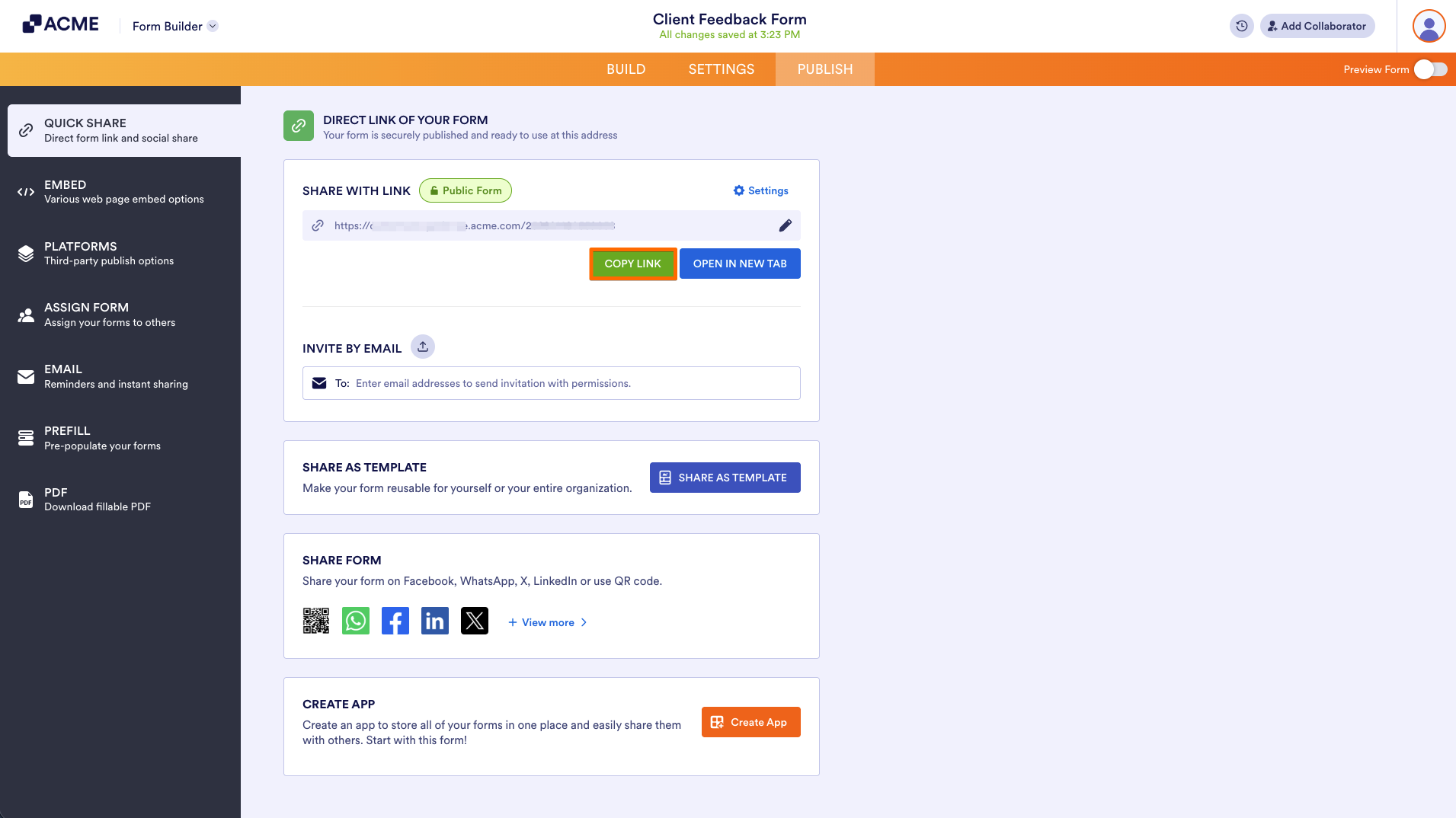
- Finally, copy the new link and and send it to anyone who needs to access the Form.
Note
When you create a custom URL, the original form link remains active. The custom URL is added as an additional way to access your form, and it must include the name of the owner or the team it belongs to, which cannot be removed from the URL.
Removing the Custom Link
If you ever want to remove a Custom URL and revert to using only the original link, simply click on the Circular Arrow icon.
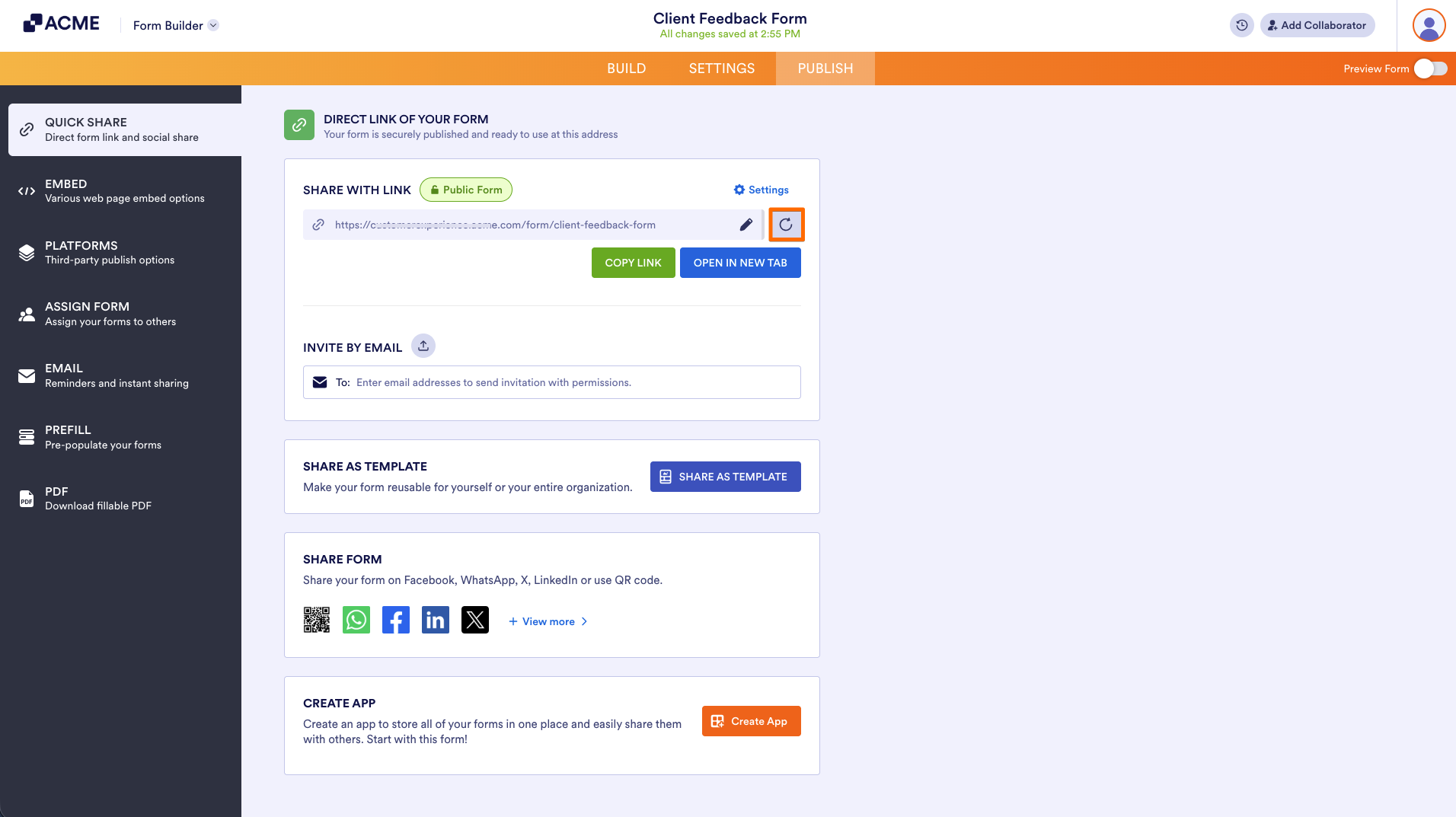
This will remove the Custom URL and will send people who use the Custom URL to an error page, since the URL is no longer in use.

Send Comment: