AI Agents allow you to create interactive, conversational interfaces that can handle inquiries and collect data. You can build these Agents directly from your Workspace or generate them from existing Forms.
Create an AI Agent from the Workspace
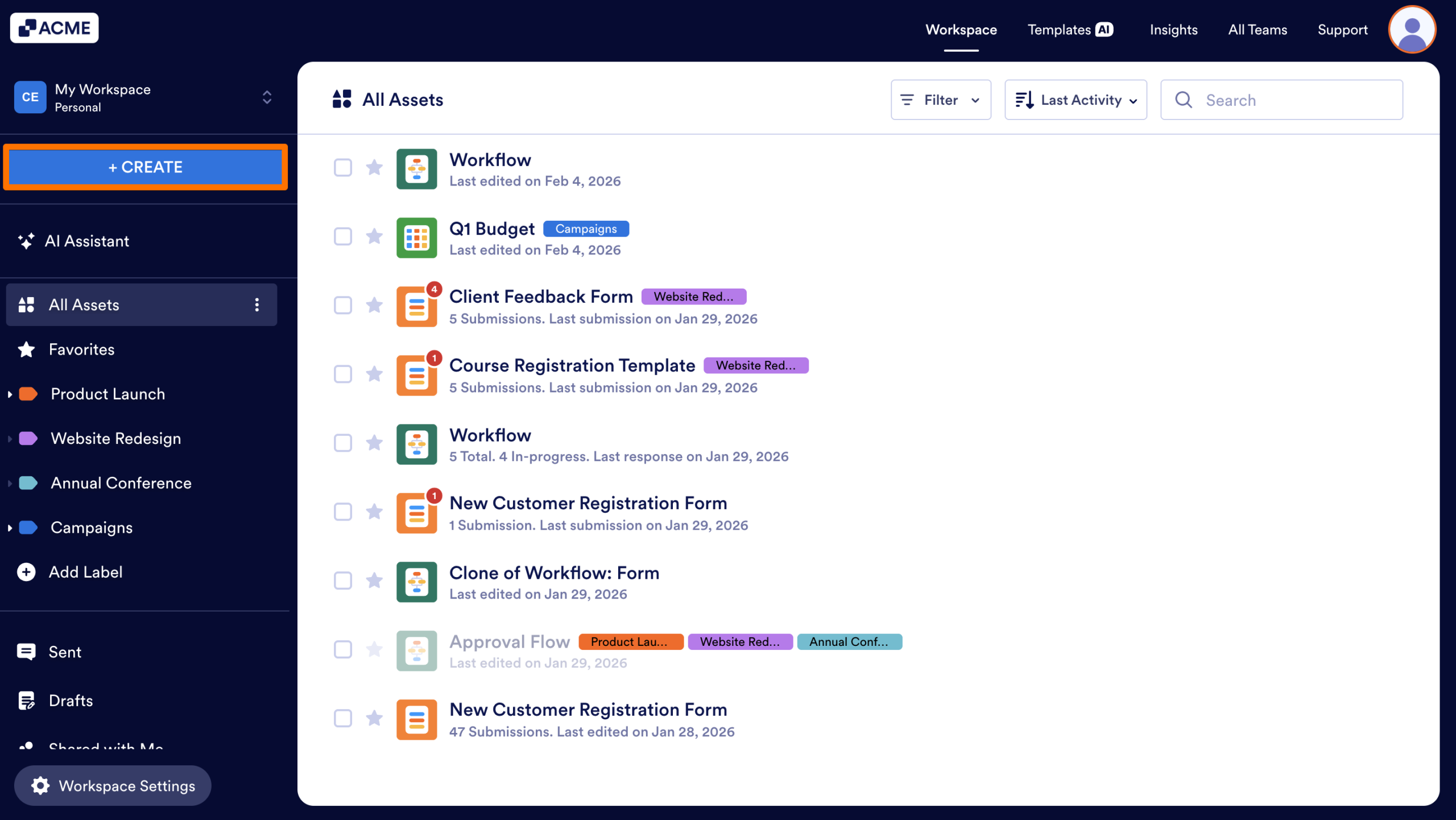
- First, in My Workspace, click the Create button in the sidebar on the left side of the screen.
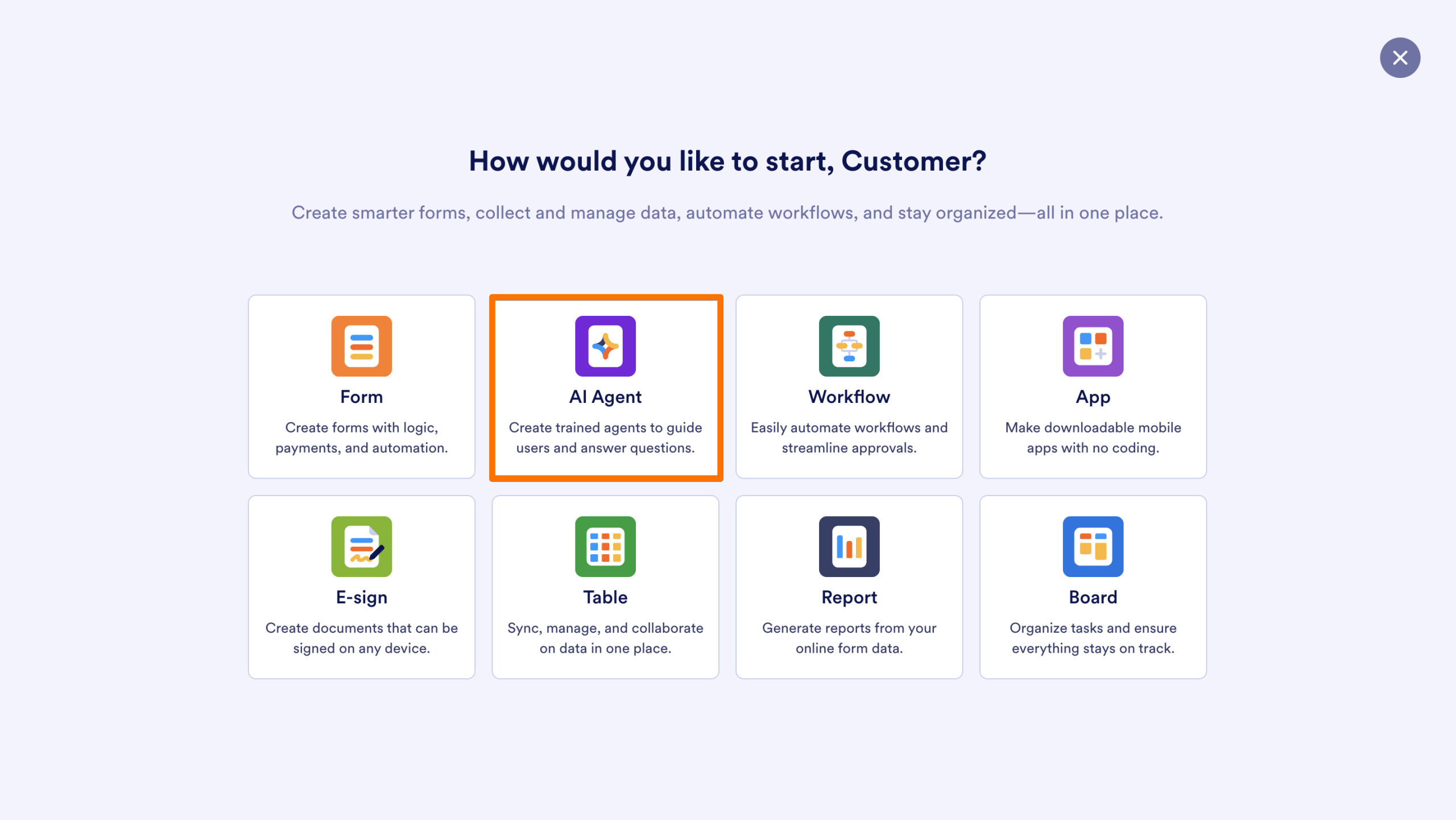
- Next, select AI Agent.
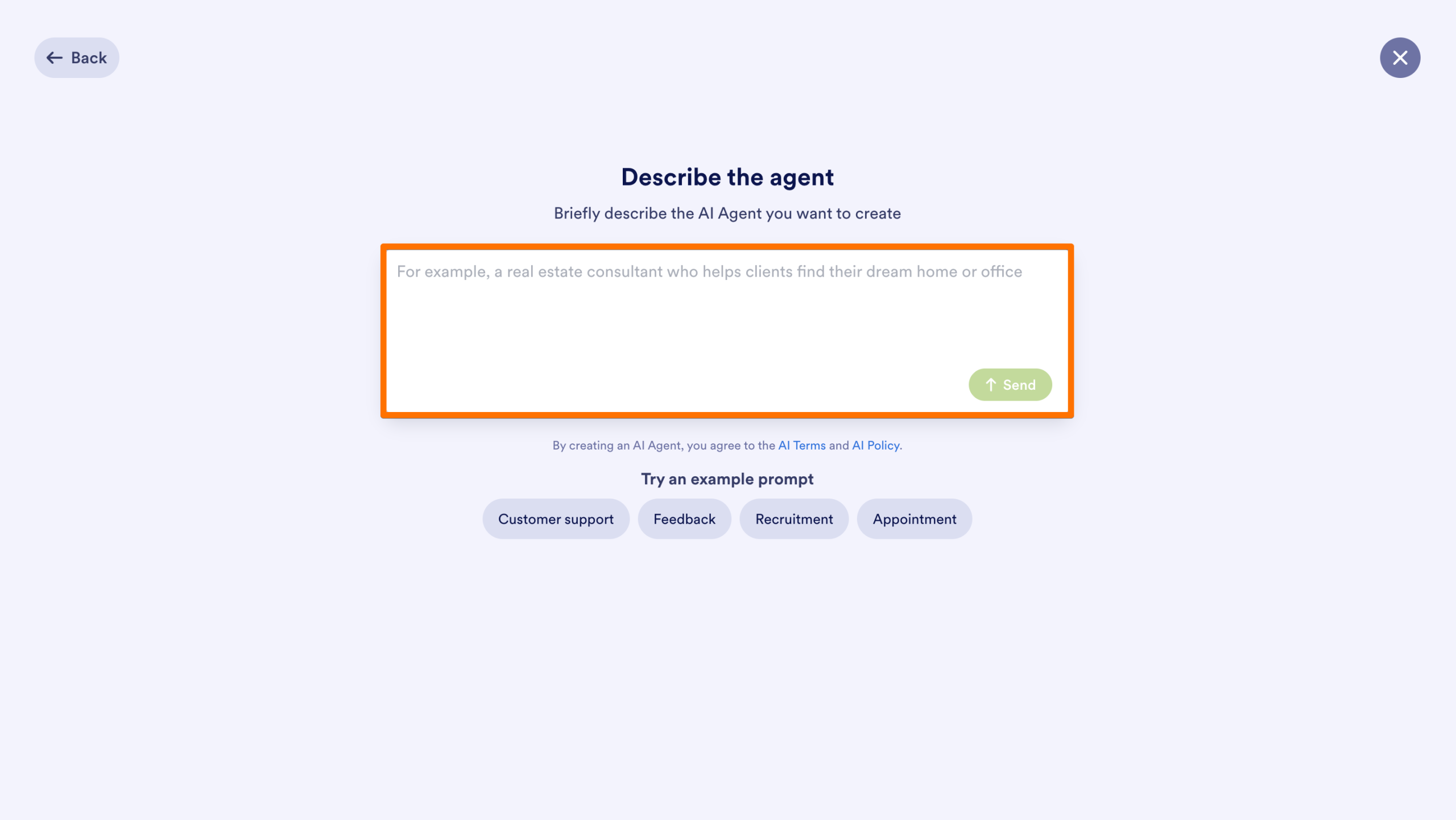
- Then, briefly describe the AI Agent you want to create in the text box.
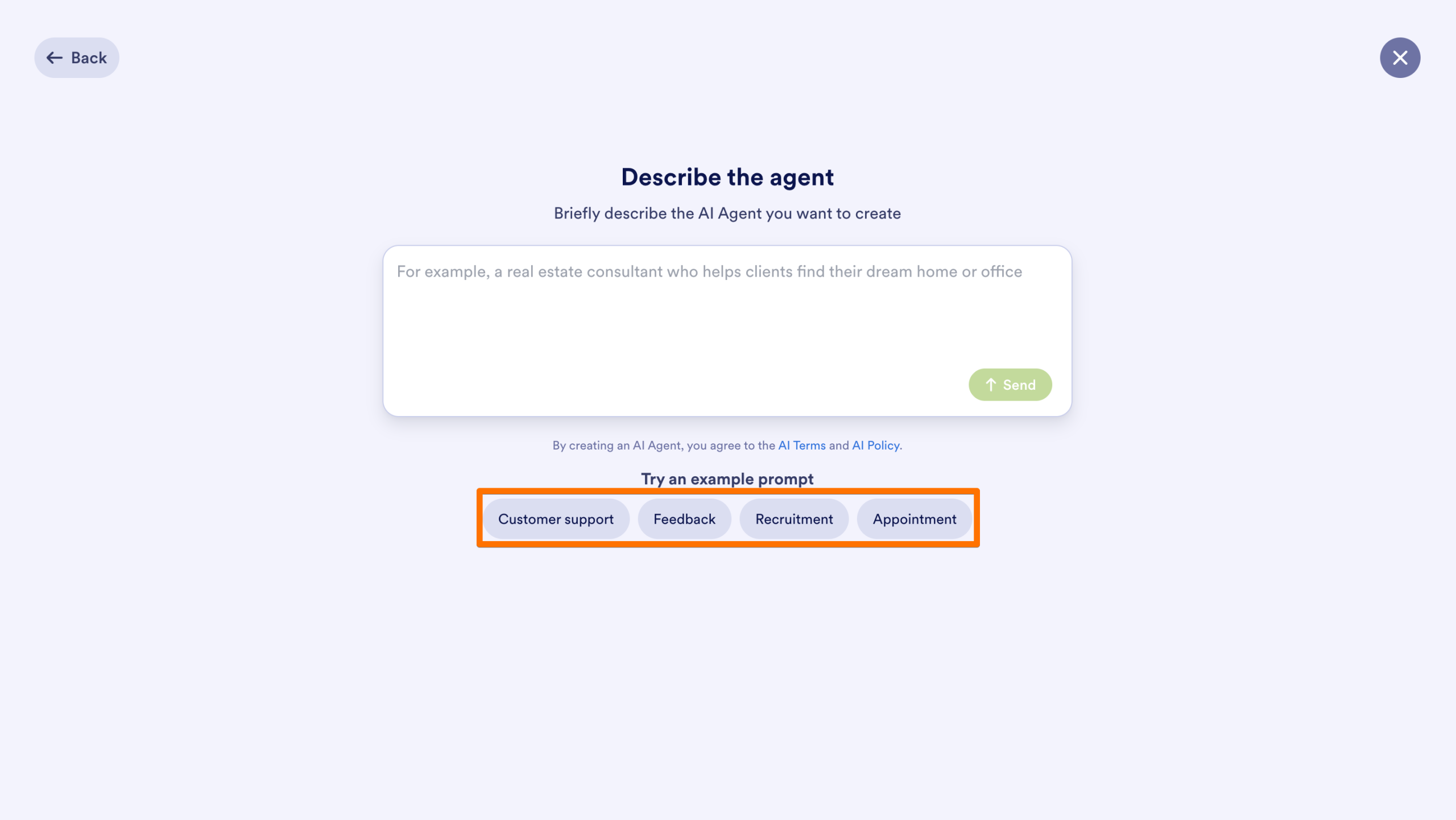
- Alternatively, you can select one of the example prompts, such as Customer support, Feedback, Recruitment, or Appointment to get started quickly.
- Finally, click Send to generate the Agent.
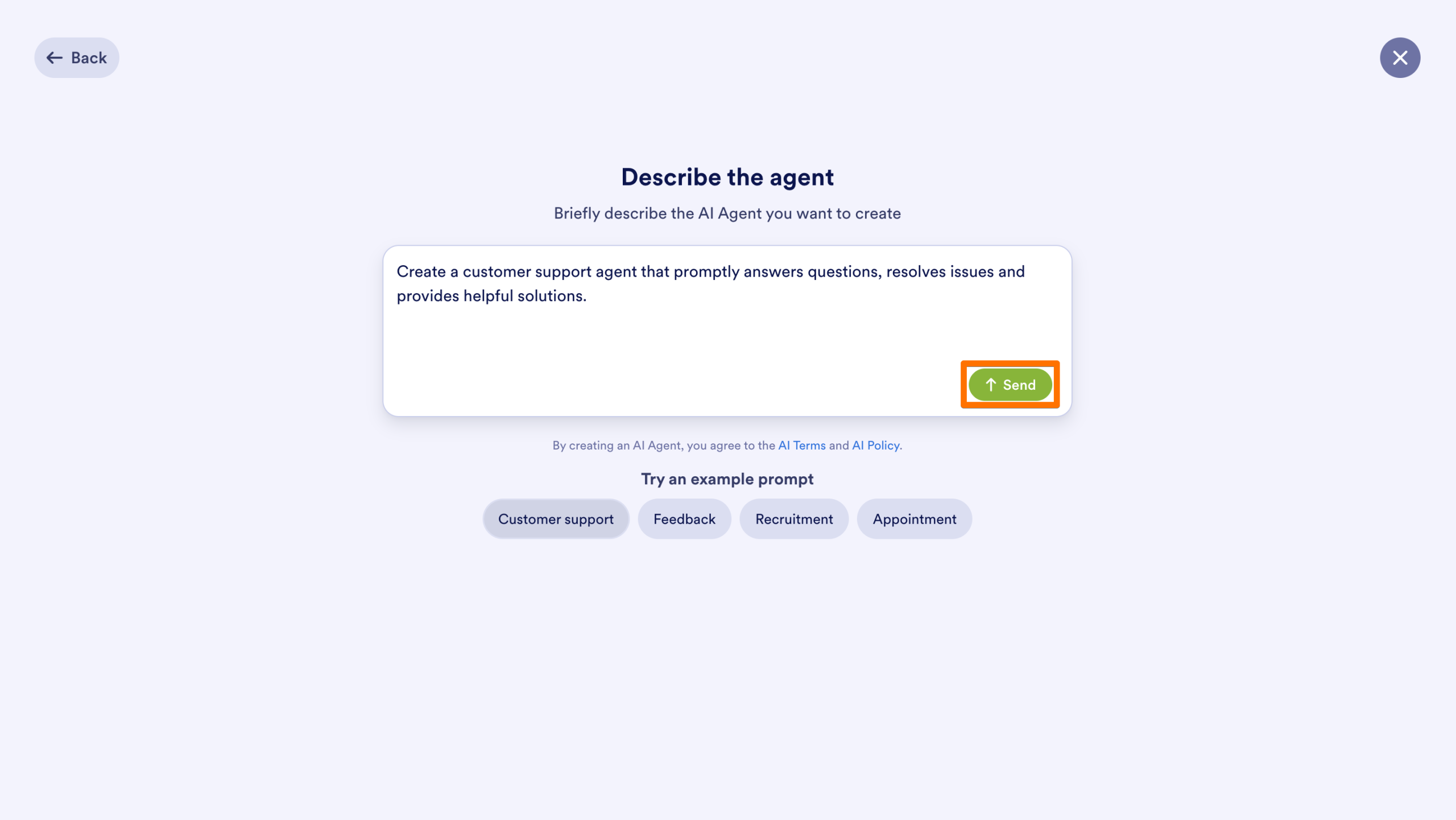
The new Agent will be added to your personal Workspace.
Create an AI Agent from the Form Builder
You can generate an AI Agent while working on a specific Form to help users complete that form through a conversational interface.
From the Quick Share Tab
- First, in the Form Builder, in the orange navigation bar at the top of the screen, click on the Publish tab.
- Next, click the Create AI Agent button to generate an Agent connected to that Form.
From the AI Agent Tab
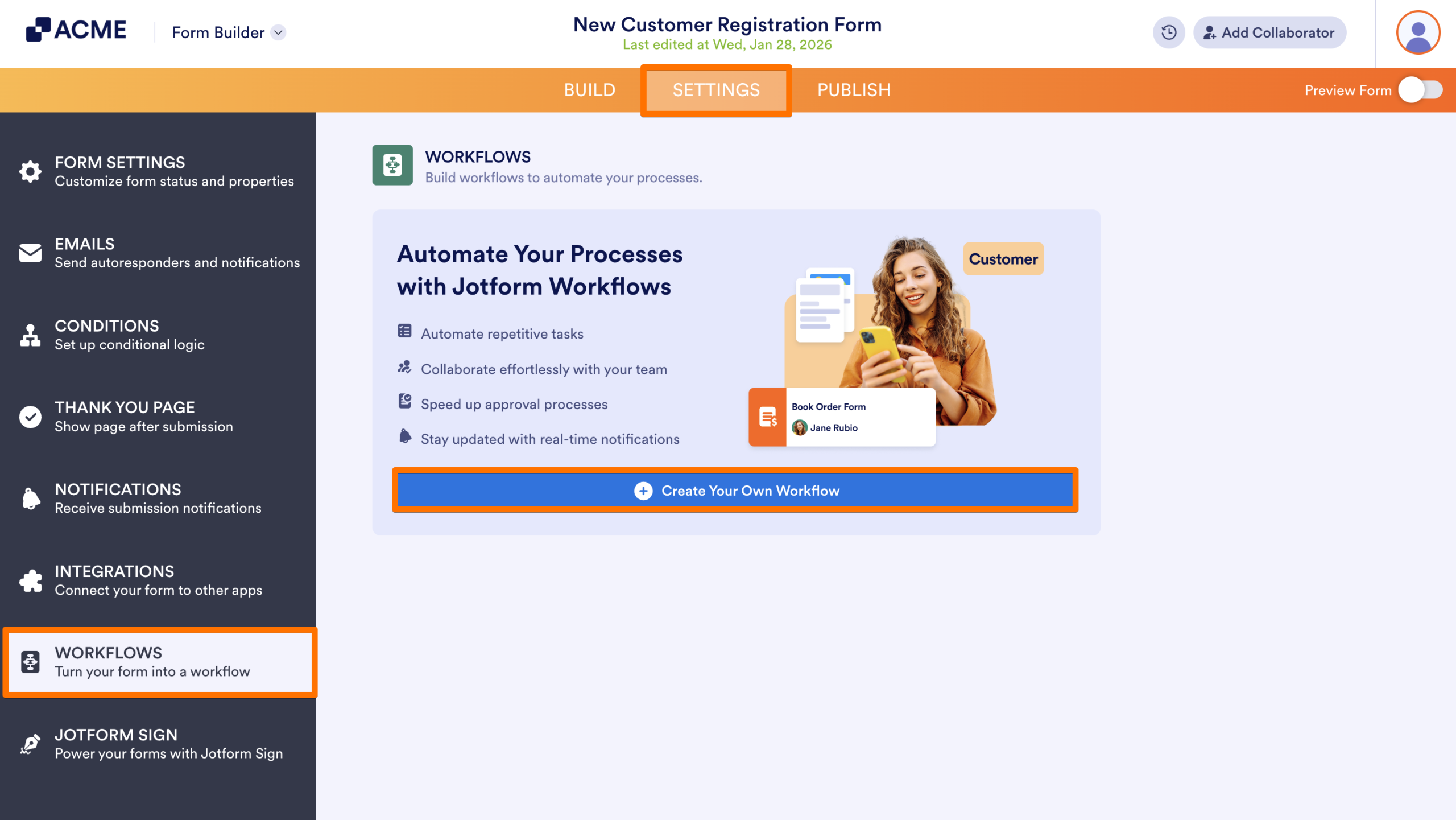
- First, in the Form Builder, navigate to the Publish tab.
- Next, select AI Agents from the sidebar on the left side of the screen.
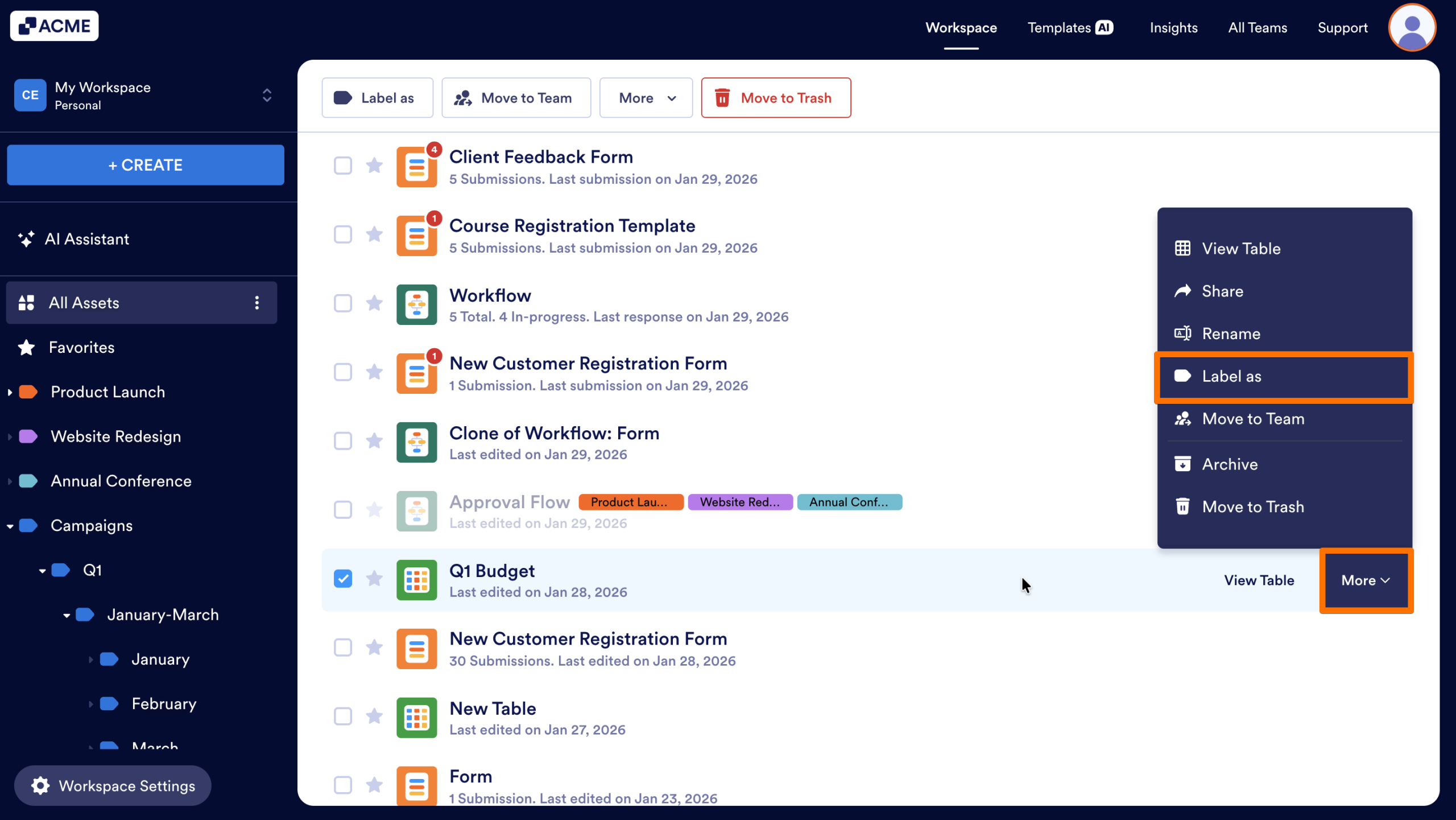
- Optionally, add information to your AI Agent’s knowledge base.
- Finally, click on Create AI Agent.
From the List Picker
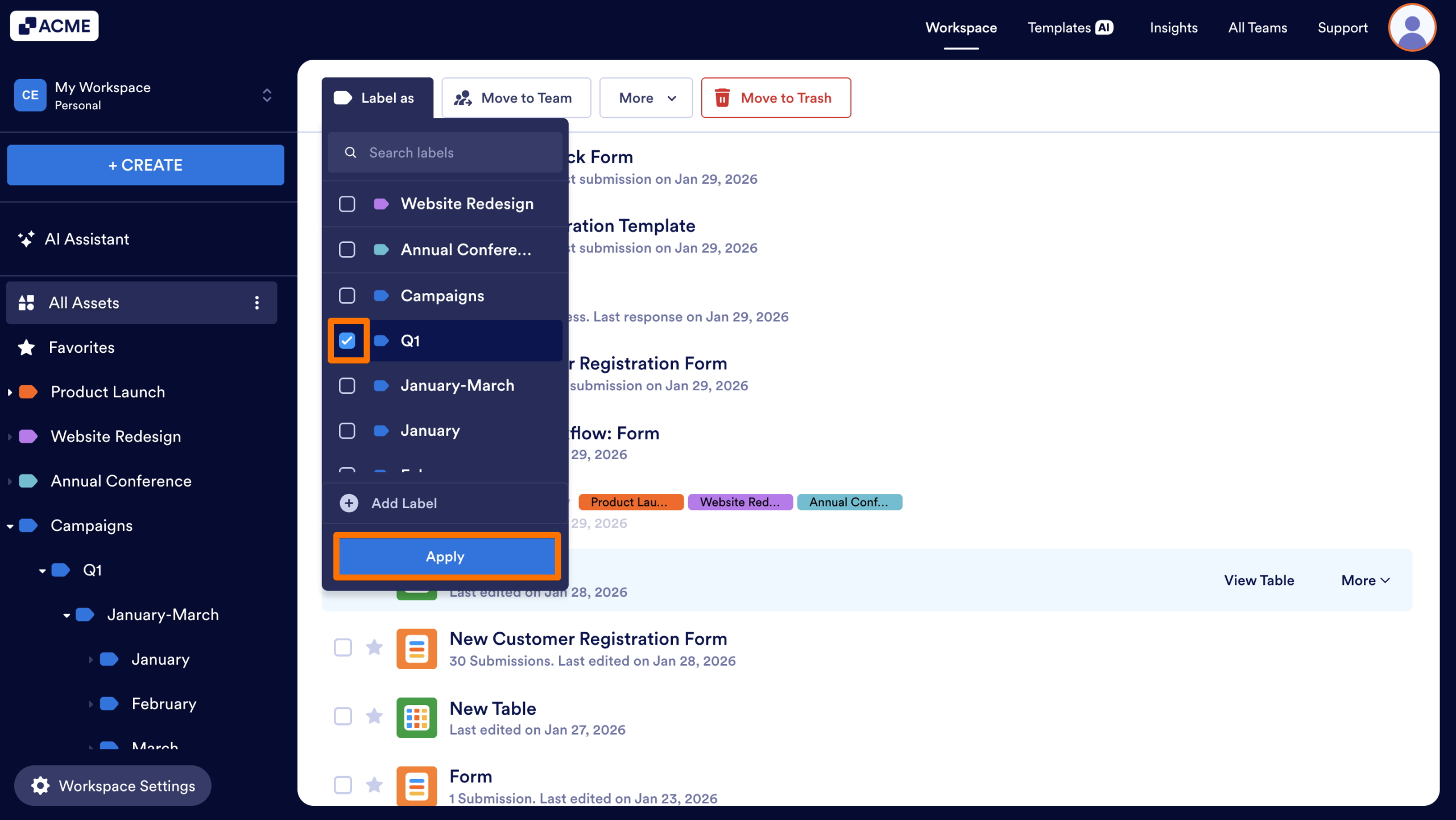
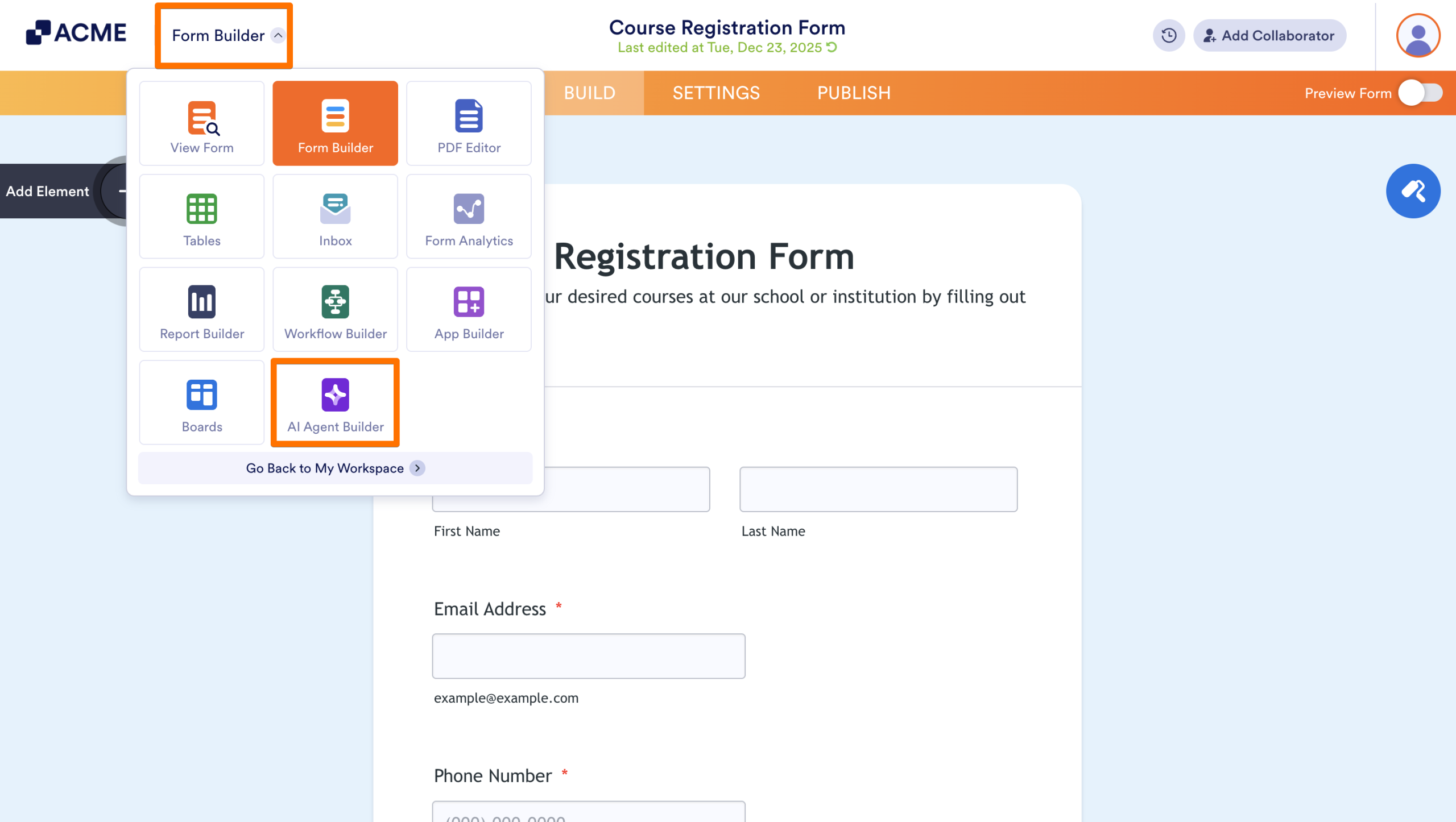
- First, in the Form Builder, click on the List Picker in the upper left corner of the screen.
- Next, select AI Agent Builder from the menu.
Create an AI Agent from the Workspace
You can also use shortcuts within your Workspace to create or replicate Agents.
From the More Menu
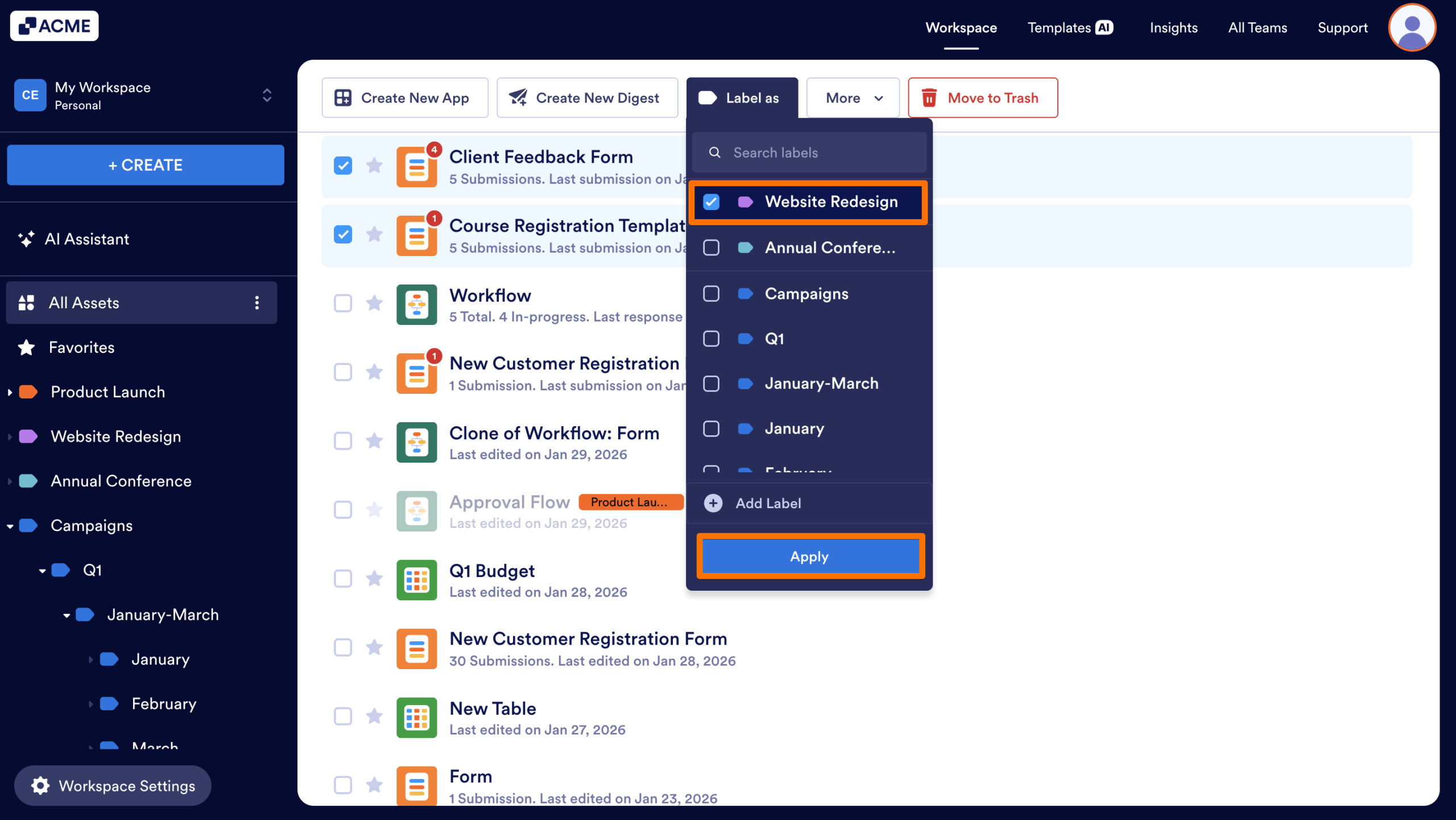
- First, hover your cursor over the specific Form in your Workspace.
- Next, click the More dropdown menu.
- Then, select Create Agent.
Clone an Existing AI Agent
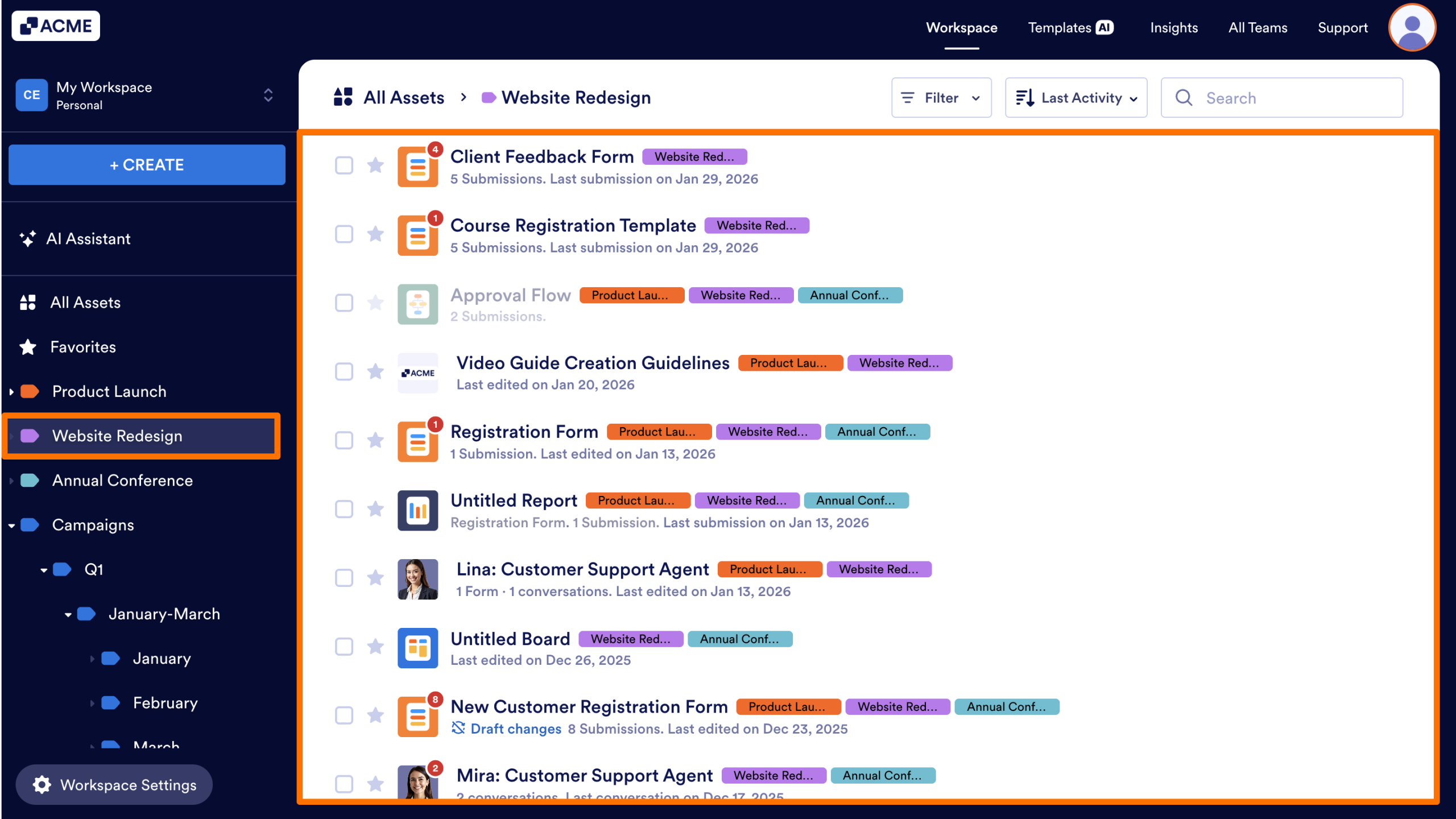
- First, hover your cursor over an existing AI Agent in your Workspace.
- Next, click the More dropdown.
- Then, select Clone.
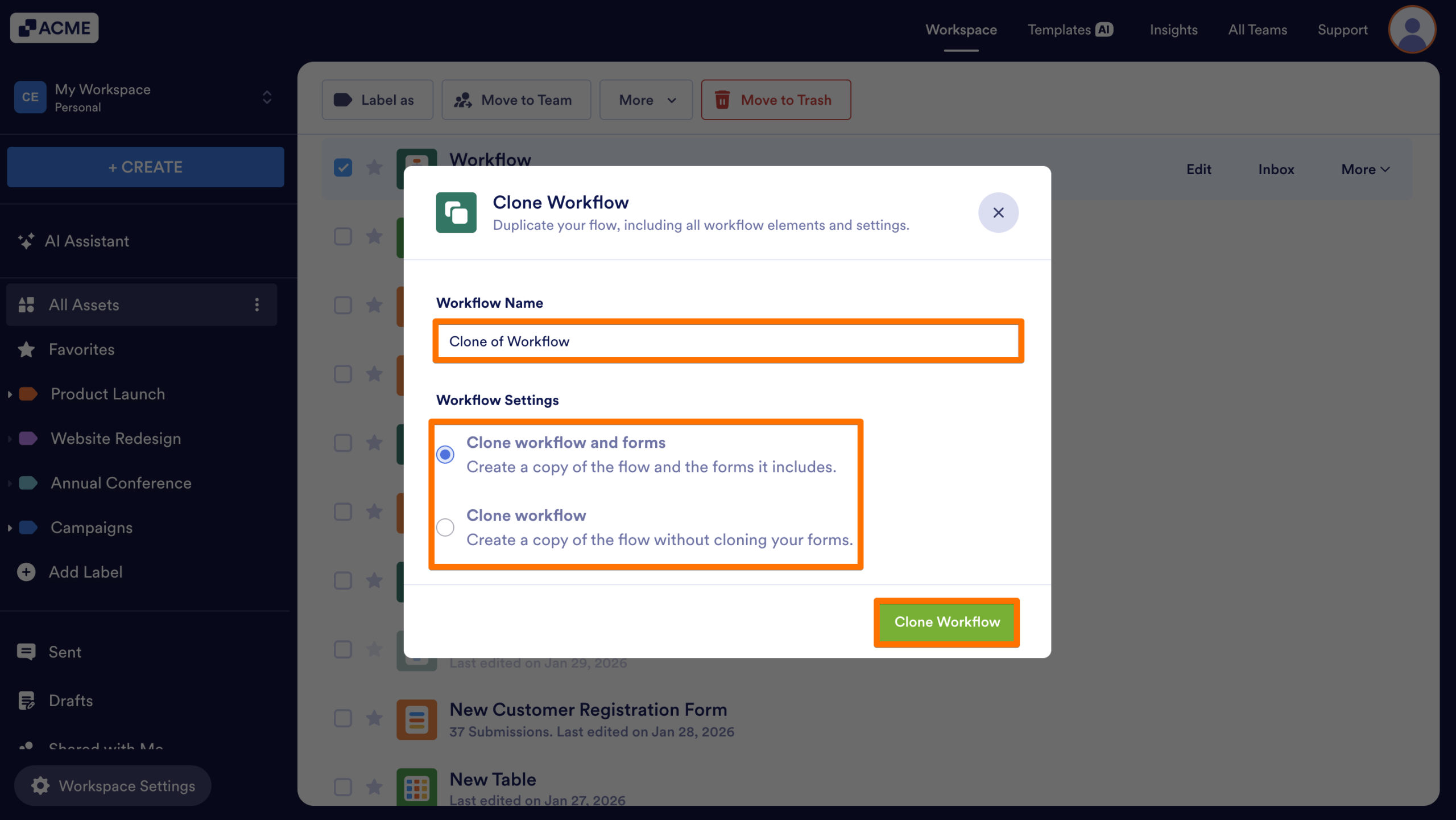
- Review or update the Agent Name.
- If your agent is connected to a form, choose one of the following options:
- Keep connection with forms: Creates a copy of the Agent while retaining its existing form connections.
- Remove forms connection: Creates a copy of the Agent and moves forward without the connected Forms.
- Finally, select Clone Agent.

Send Comment: