If you no longer need a Team that you’ve created, you can delete it from within the Team Workspace settings.
Before deleting a team, you’ll want to make sure that the Team Workspace is completely empty and that the team’s Trash contains no items. The system will prevent you from deleting the team if any assets (including forms, workflows, AI agents, etc.) remain in the Team Workspace or in the Trash.
Let’s walk through the process of deleting a team together, down below:
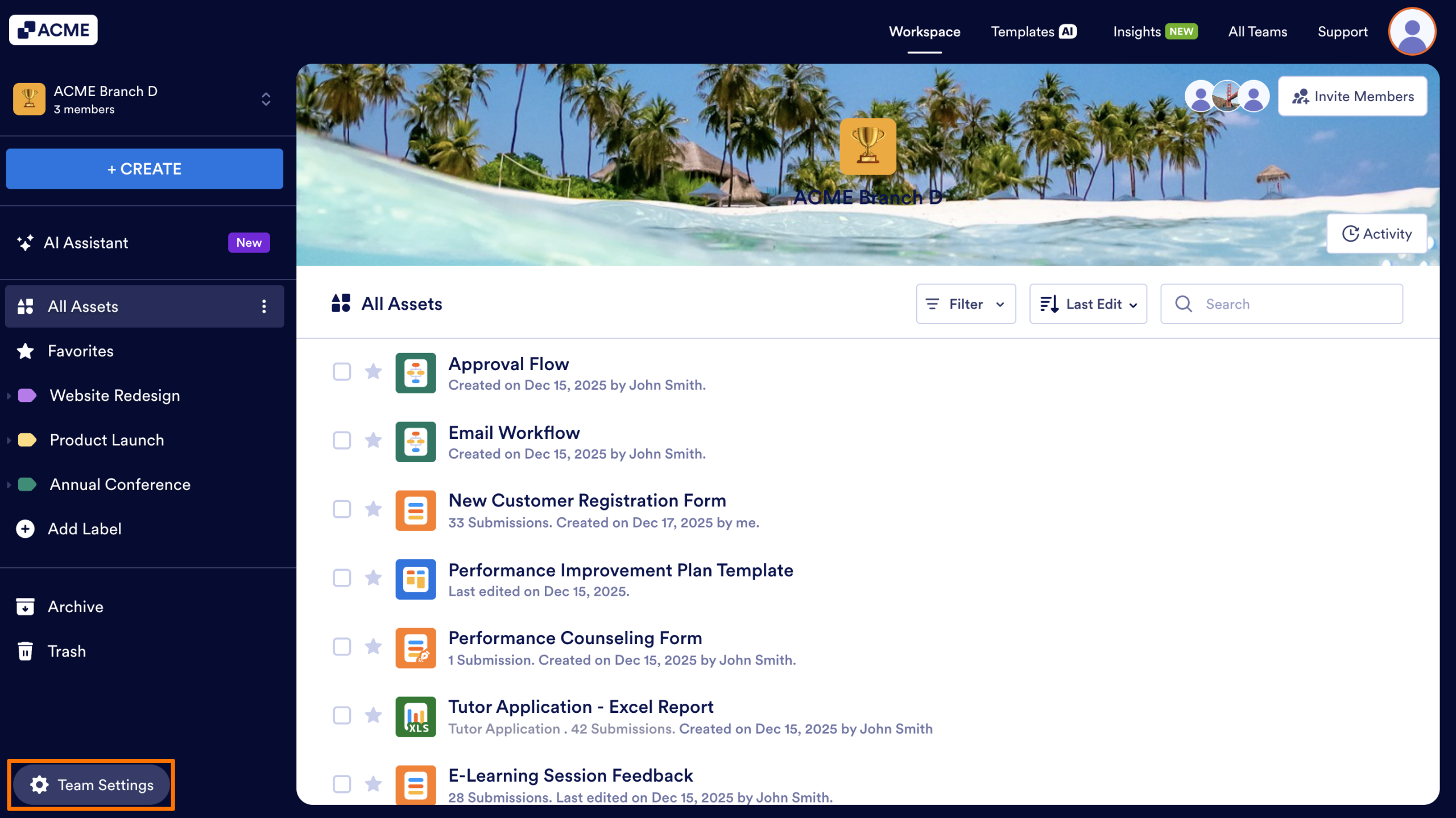
- Starting in the Team Workspace, click on the Team Settings button in the bottom left.
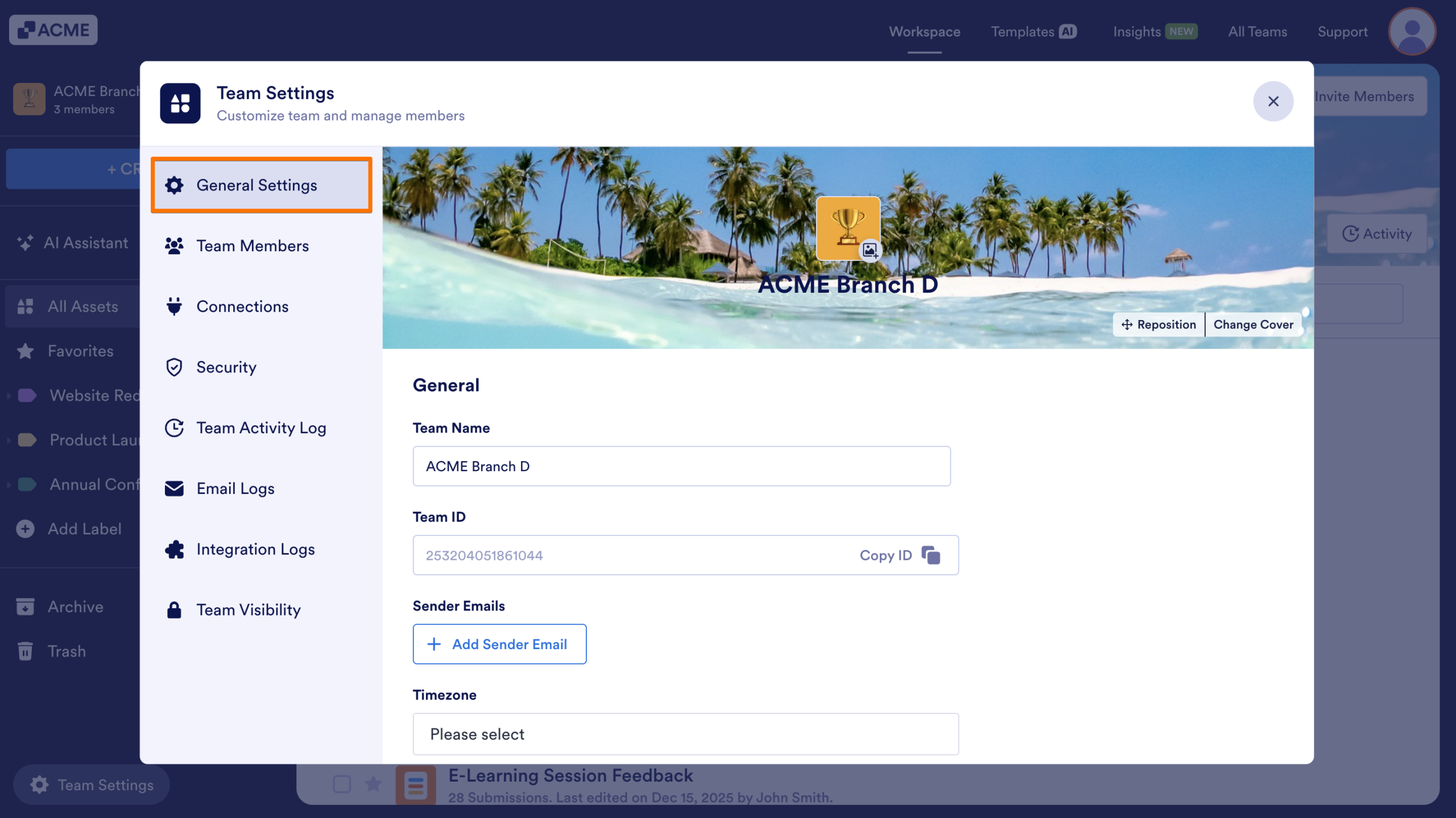
- From the menu that opens, select General Settings.
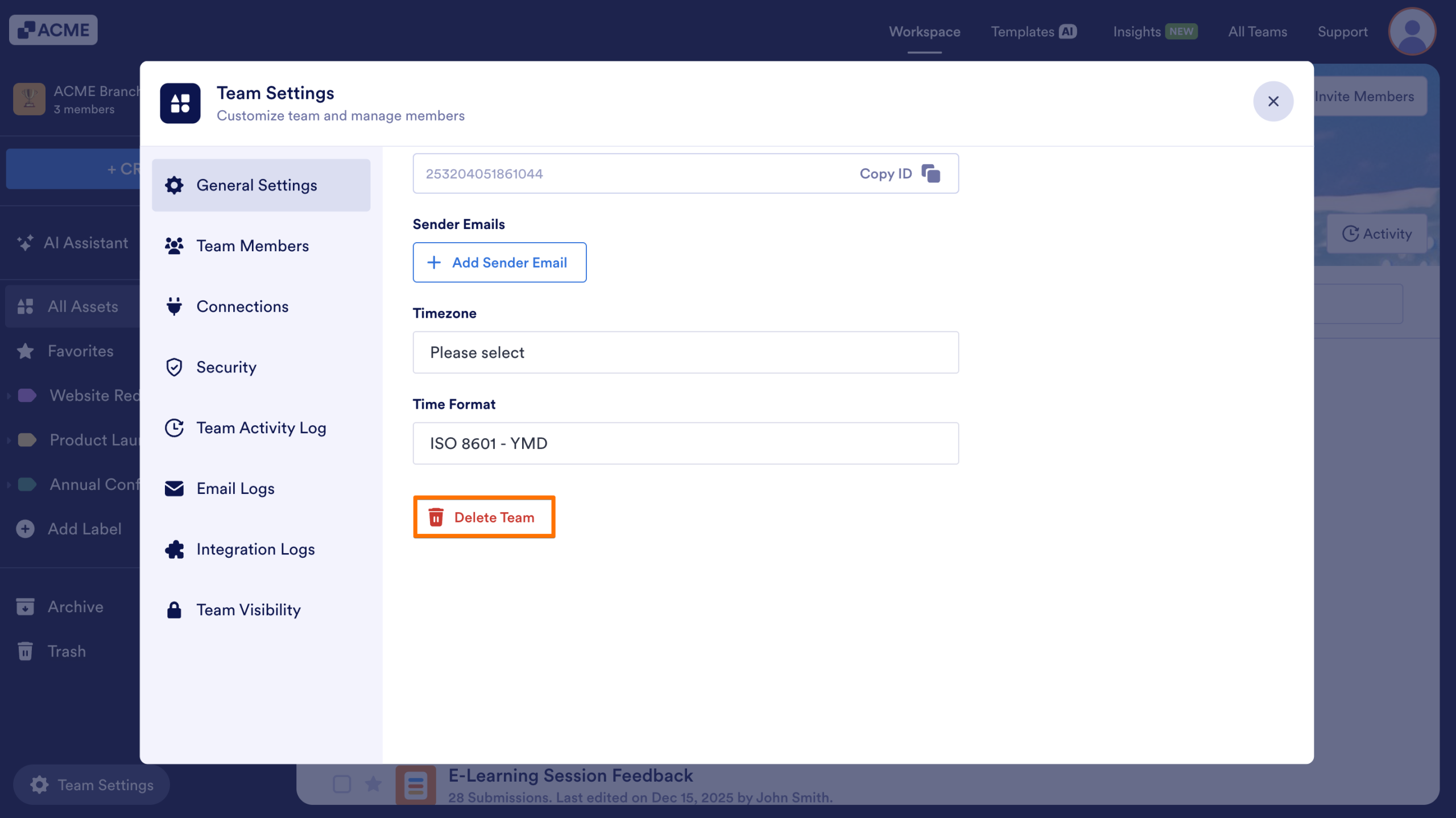
- Click on the Delete Team button.
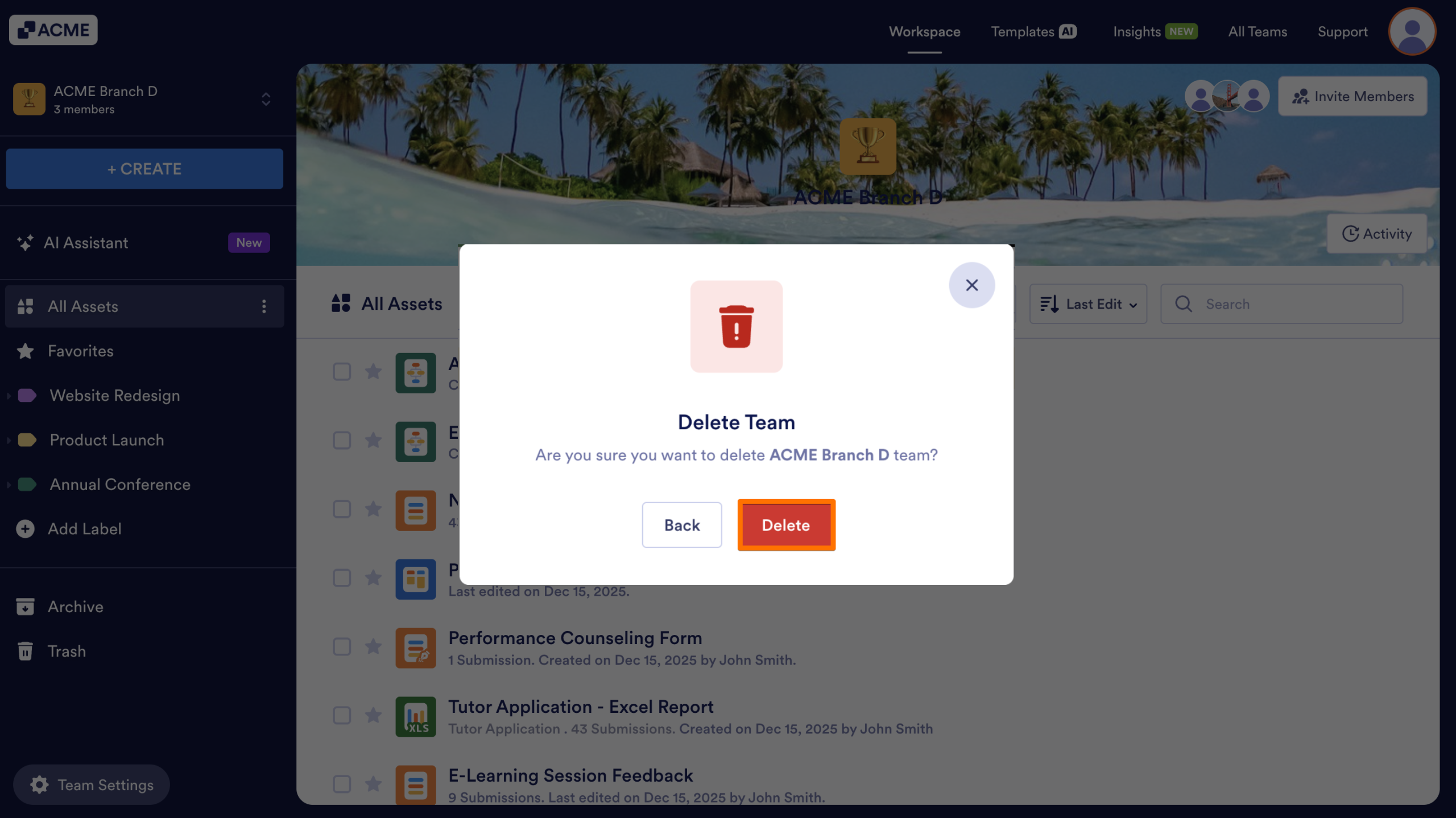
- Click the Delete button to confirm that you’re ready to delete it.
The team will be permanently removed from your server at that point..

Send Comment: