The Geo Stamp is a valuable data point for your form that captures the location of form fillers. Each time the form is opened, it automatically adds geolocation data, tagging responses with the responder’s longitude and latitude. This helps validate the information you collect and lets you visualize the geographic distribution of responses. You can automatically capture location data by adding the Geo Stamp widget to your form. Here’s how to do it:
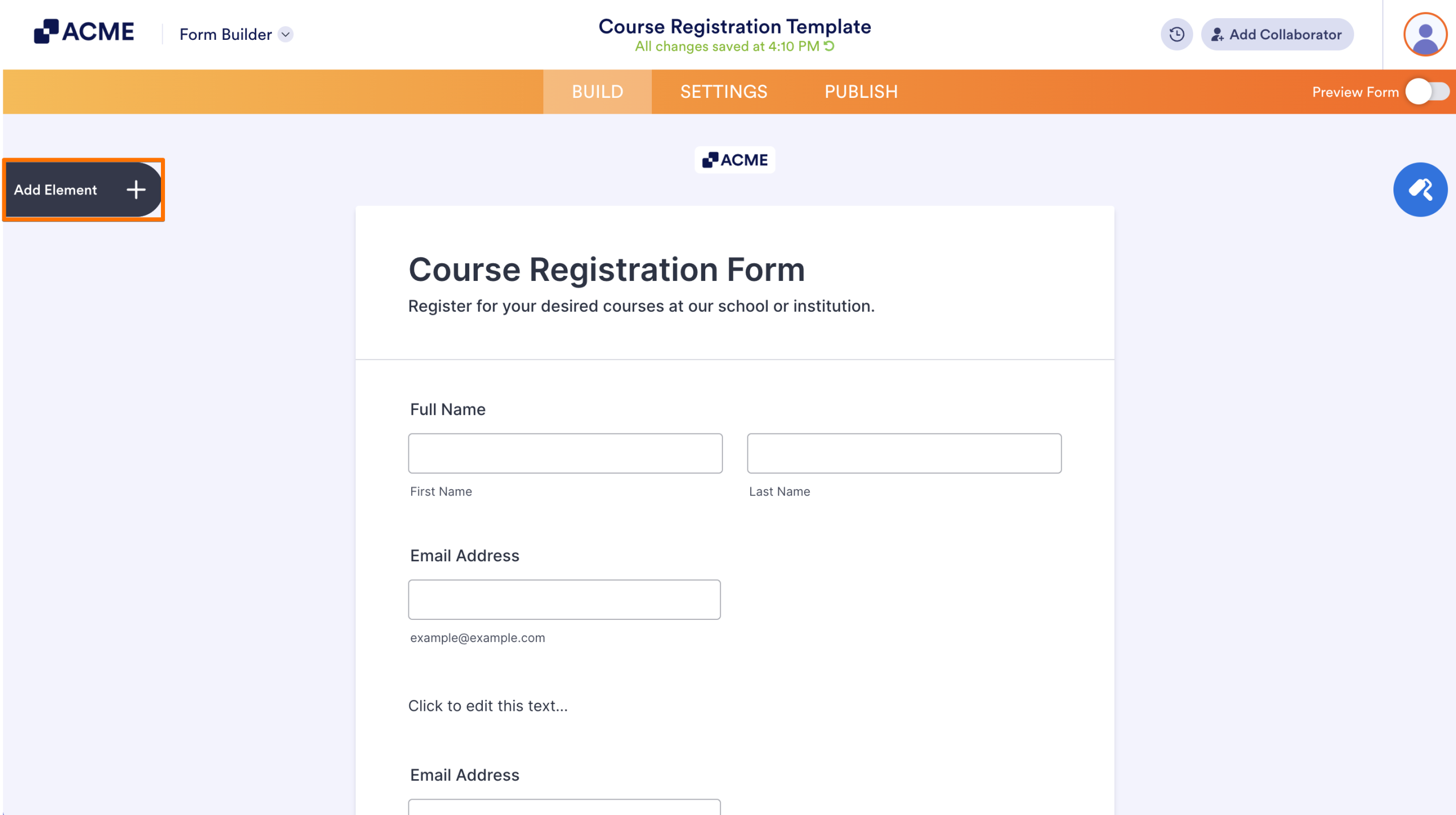
- In Form Builder, click on the Add Element menu on the left side of the page.
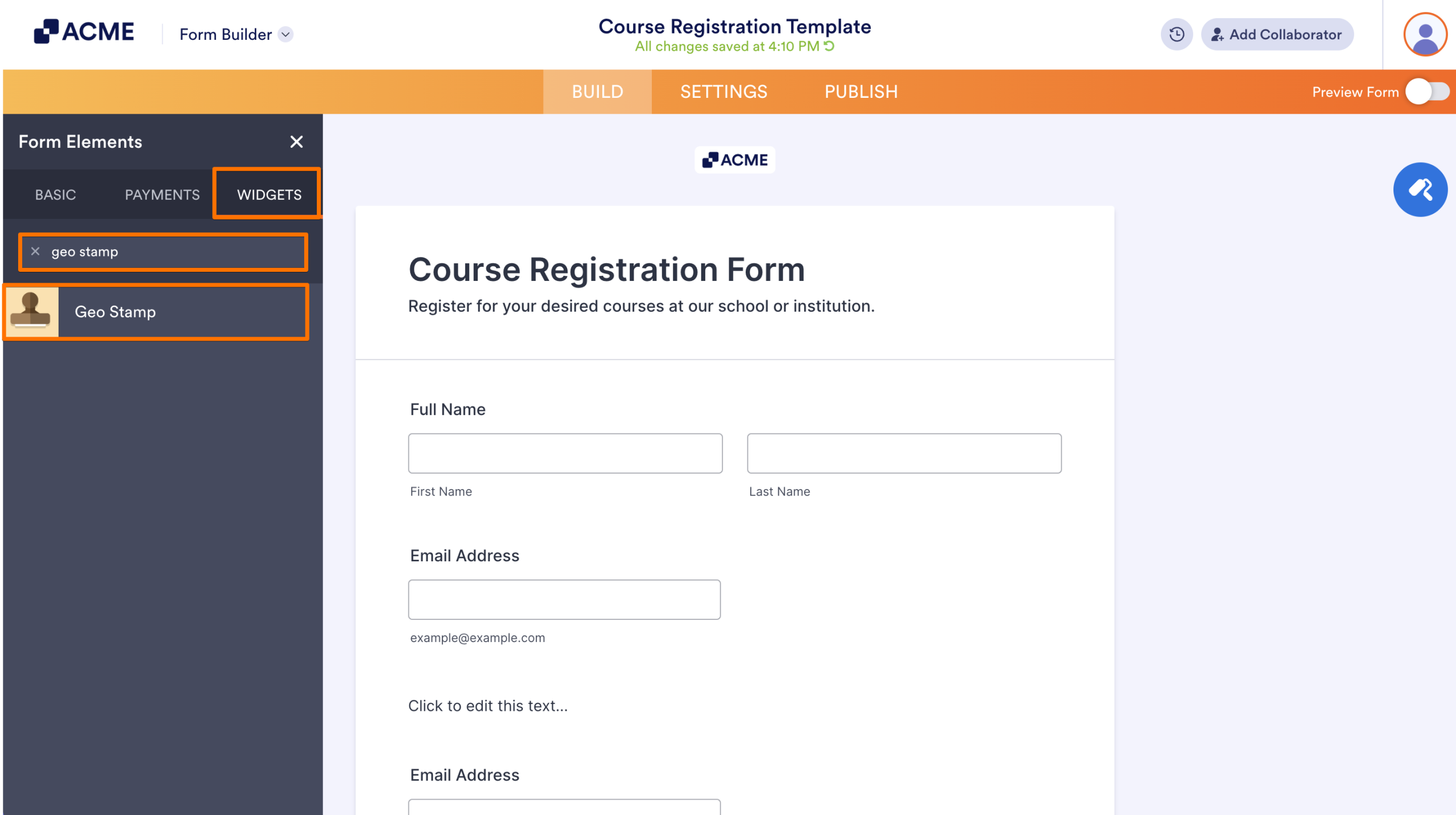
- Now, in the Form Elements menu, under the Widgets tab, search for Geo Stamp and click on it to add it to your form, and you’re all set.
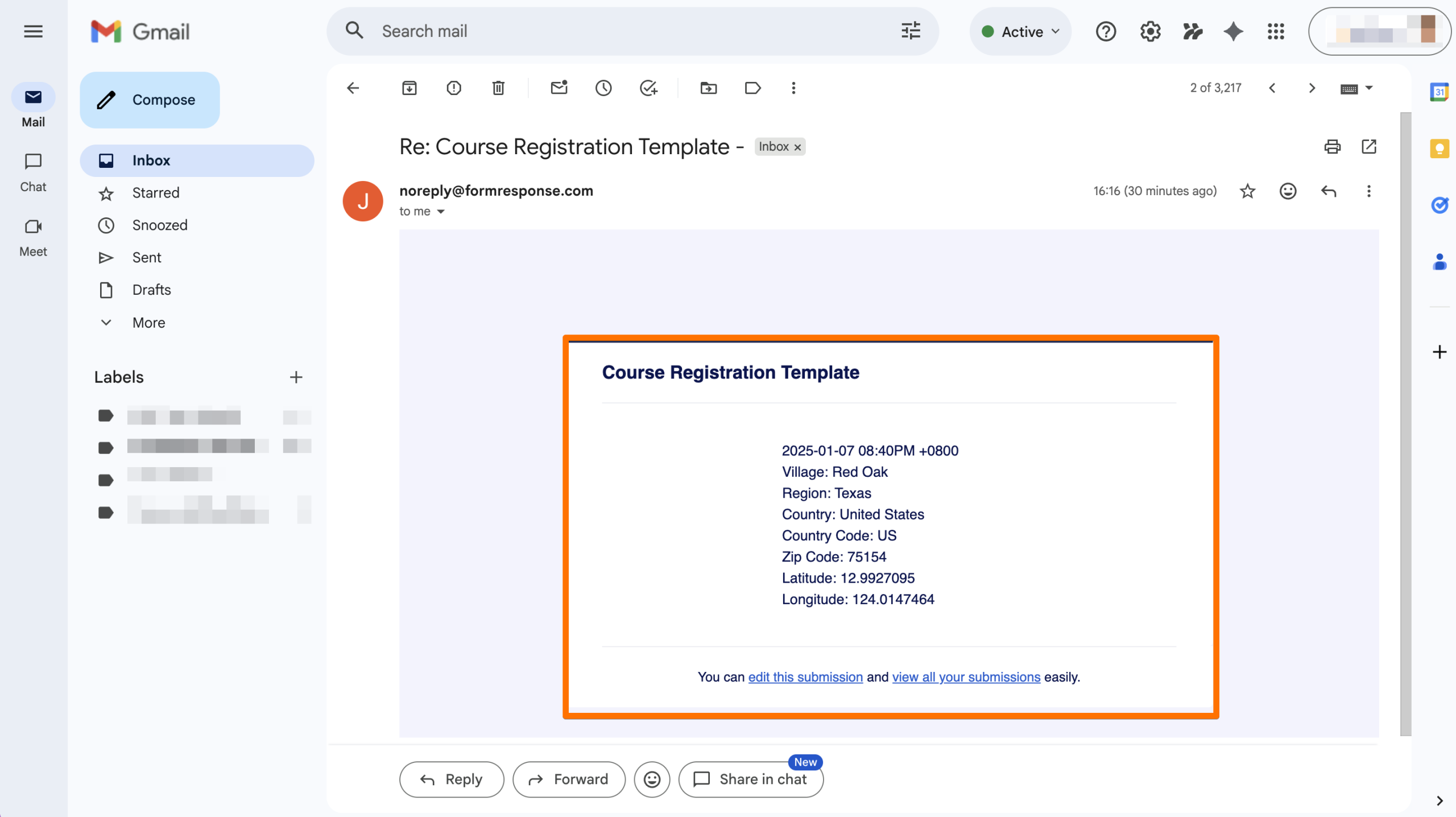
Now, every time someone submits your form and allows location access, the information you get will look like this in your Email Notification:

Send Comment: