Users can restrict Form access to people with Single Sign-On (SSO) credentials within your organization. This way, users will sign in once through your trusted Identity Provider (IdP), making access simple for them and secure for your organization.
SSO is especially useful for organizations that want stronger control over form access, to reduce the risk of unauthorized logins, and to make their account management easier. Whether your team is growing or already at enterprise scale, SSO helps ensure that only the right people get access to secure information, while also keeping the login process quick and frustration-free.
What You Need for This Setup
To require SSO login with your Form, an admin has to enable SSO for your organization first. You’ll find all the steps in our guide on How to Enable SSO Integration in Your Organization. Once that’s done, users can require SSO when setting up their Forms.
After logging in to your account in your organization, follow these steps to enable SSO for your Form:
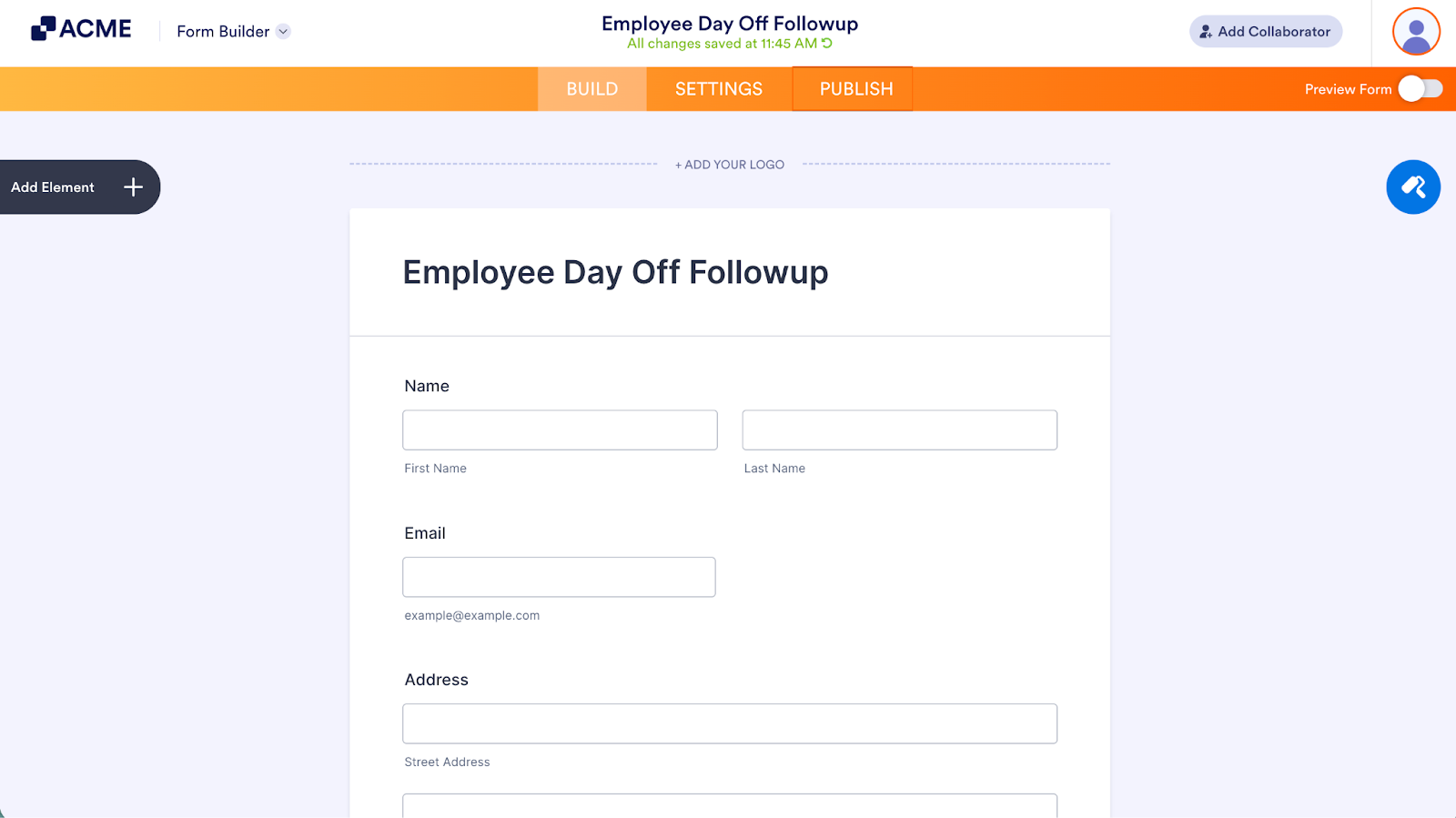
- First, in the Form Builder,, click on Publish on the orange navigation bar at the top of the screen.
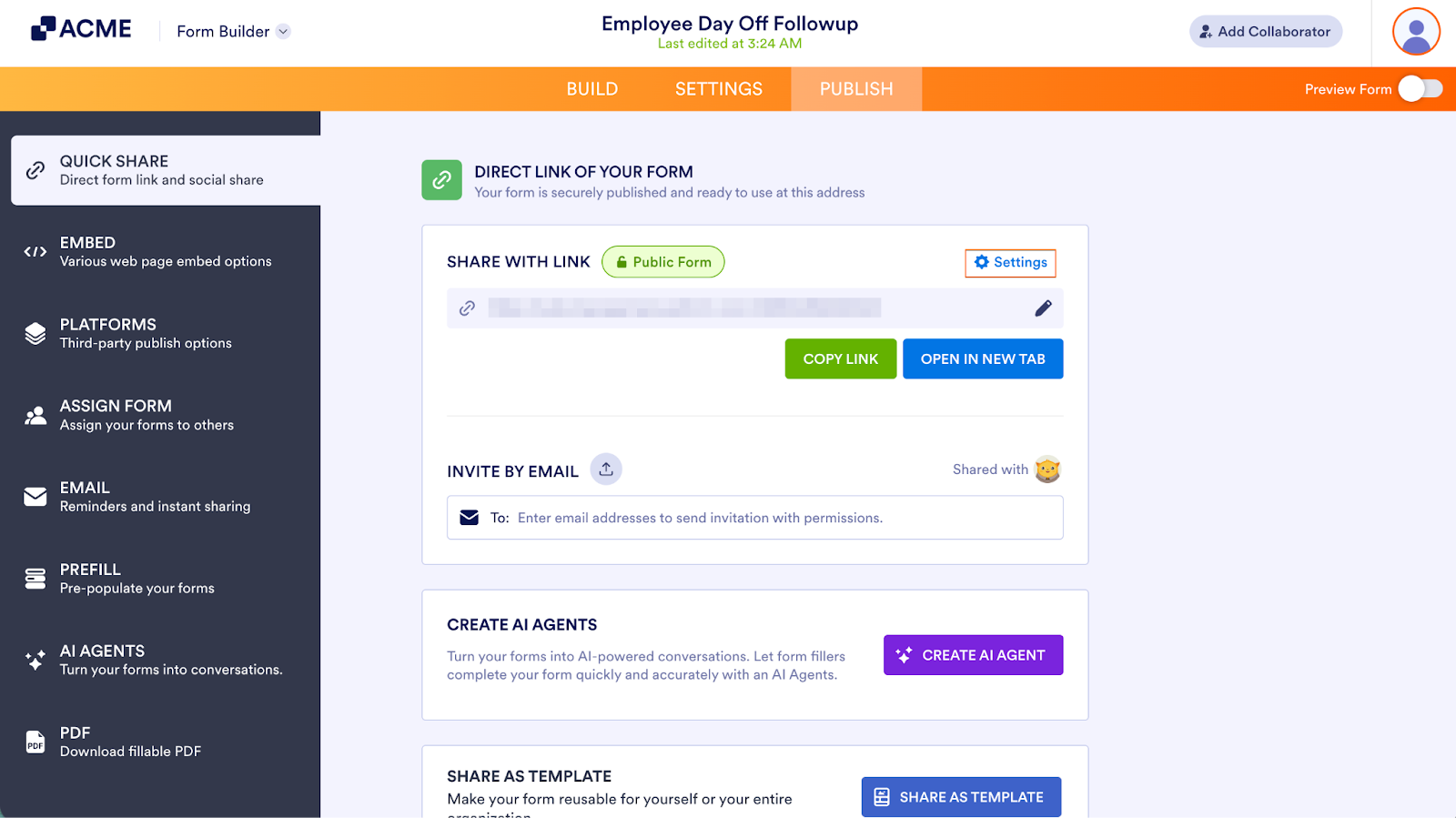
- Next, click on Settings to the right of Share with Link.
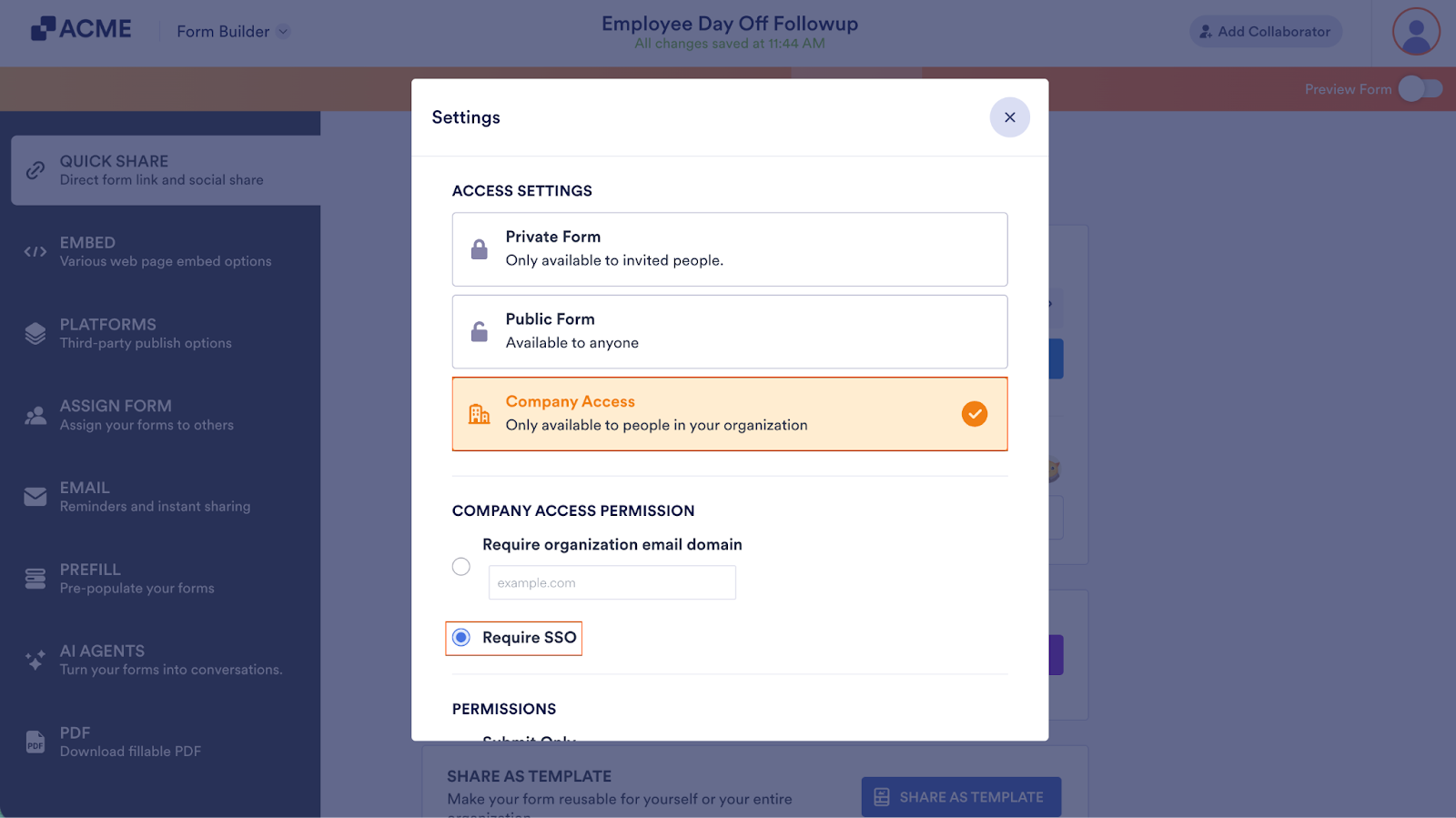
- Now, in the Settings window, click on Company Access.
- Then, under Company Access Permission, select Require SSO.

Send Comment: