Your workspace can contain different kinds of assets—such as forms, tables, reports, and other items you create. To help you focus on a specific type of asset, the workspace includes a Filter menu that lets you filter the view to show only the asset types you want to see.
How to Use the Filter Menu
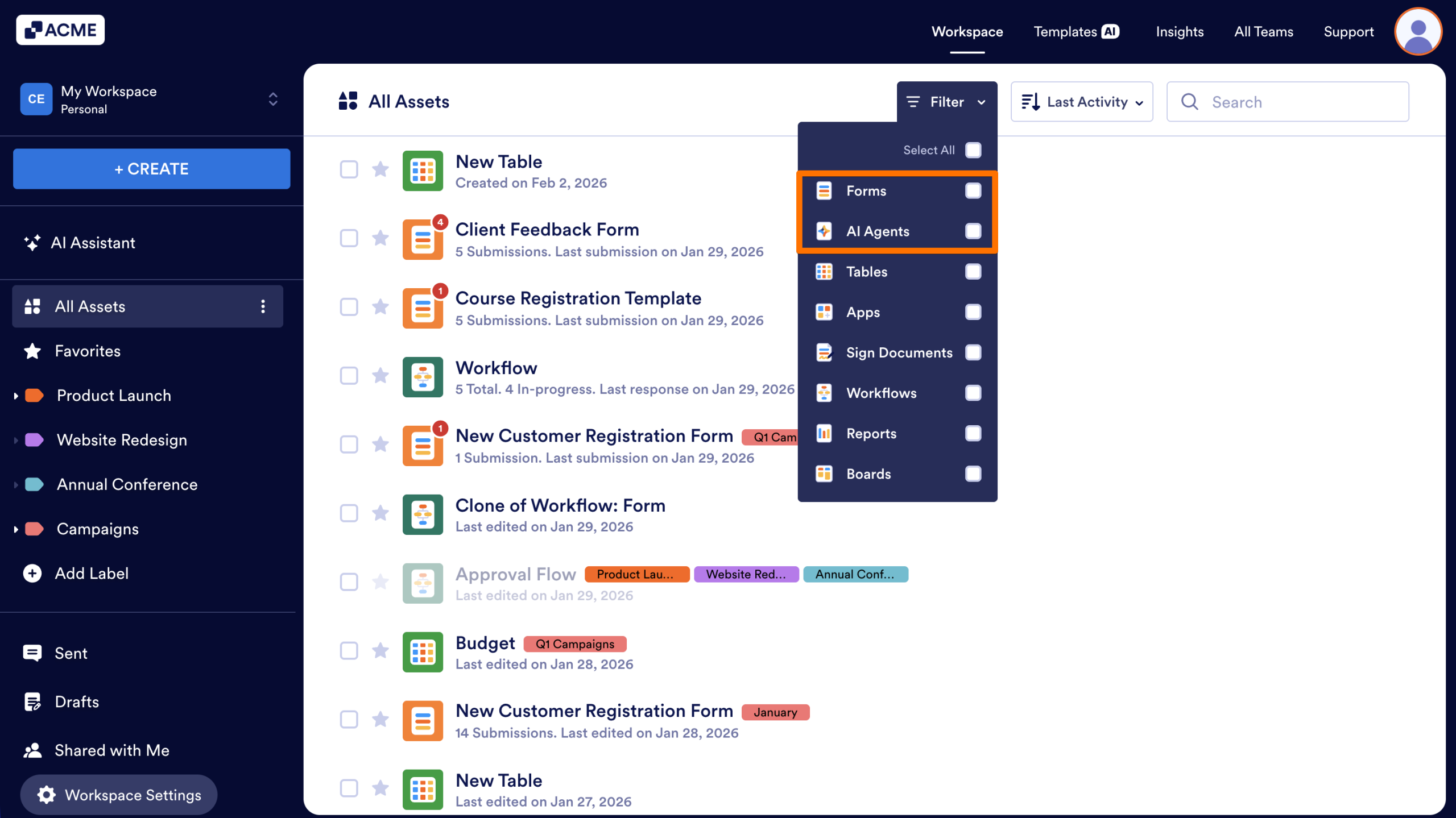
- In My Workspace, click on the Filter dropdown in the toolbar at the top.
- Select the types of assets you want to display.
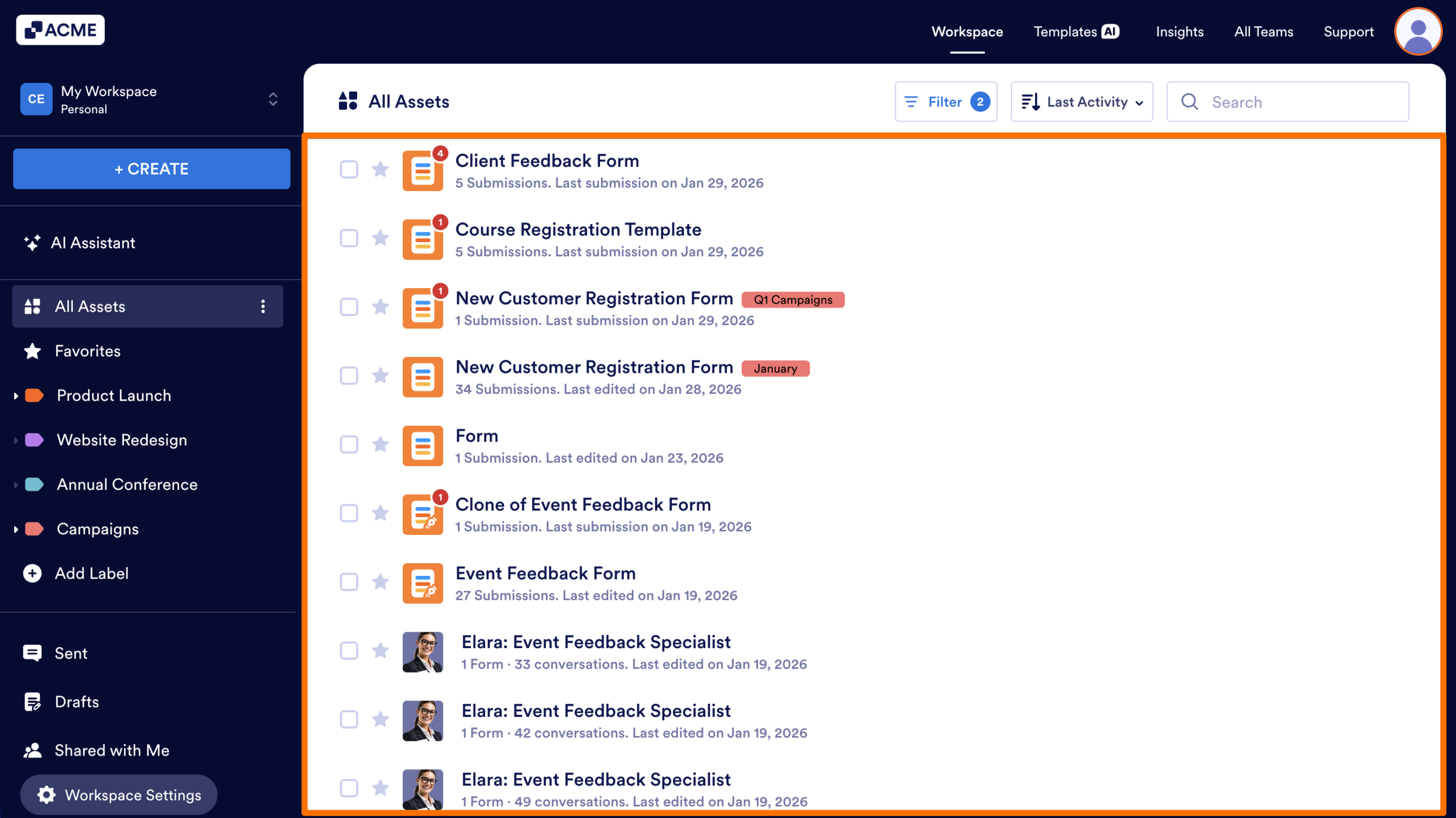
The asset list will refresh automatically, showing only the items that match your chosen type.
Notes
- The Filter menu stores your preferred selection and will automatically apply it the next time you log in or access the workspace.
- The Filter menu works alongside sorting and searching, so you can combine all three for a customized view.

Send Comment: