You can view Workflows stored inside your Team Workspace directly from your team workspace page. Here’s how:
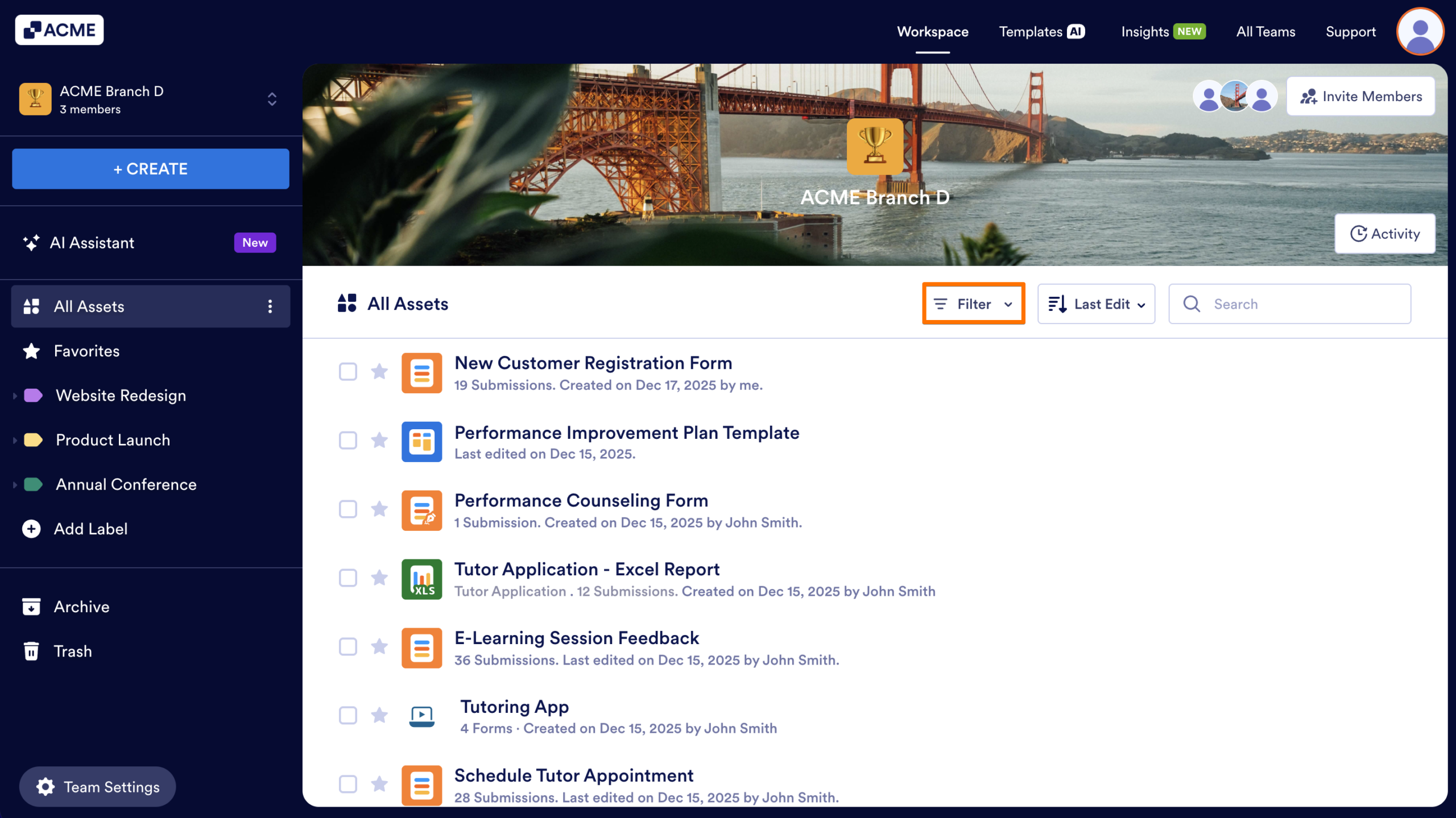
- First, in the Team Workspace, click on the Filter dropdown in the toolbar.
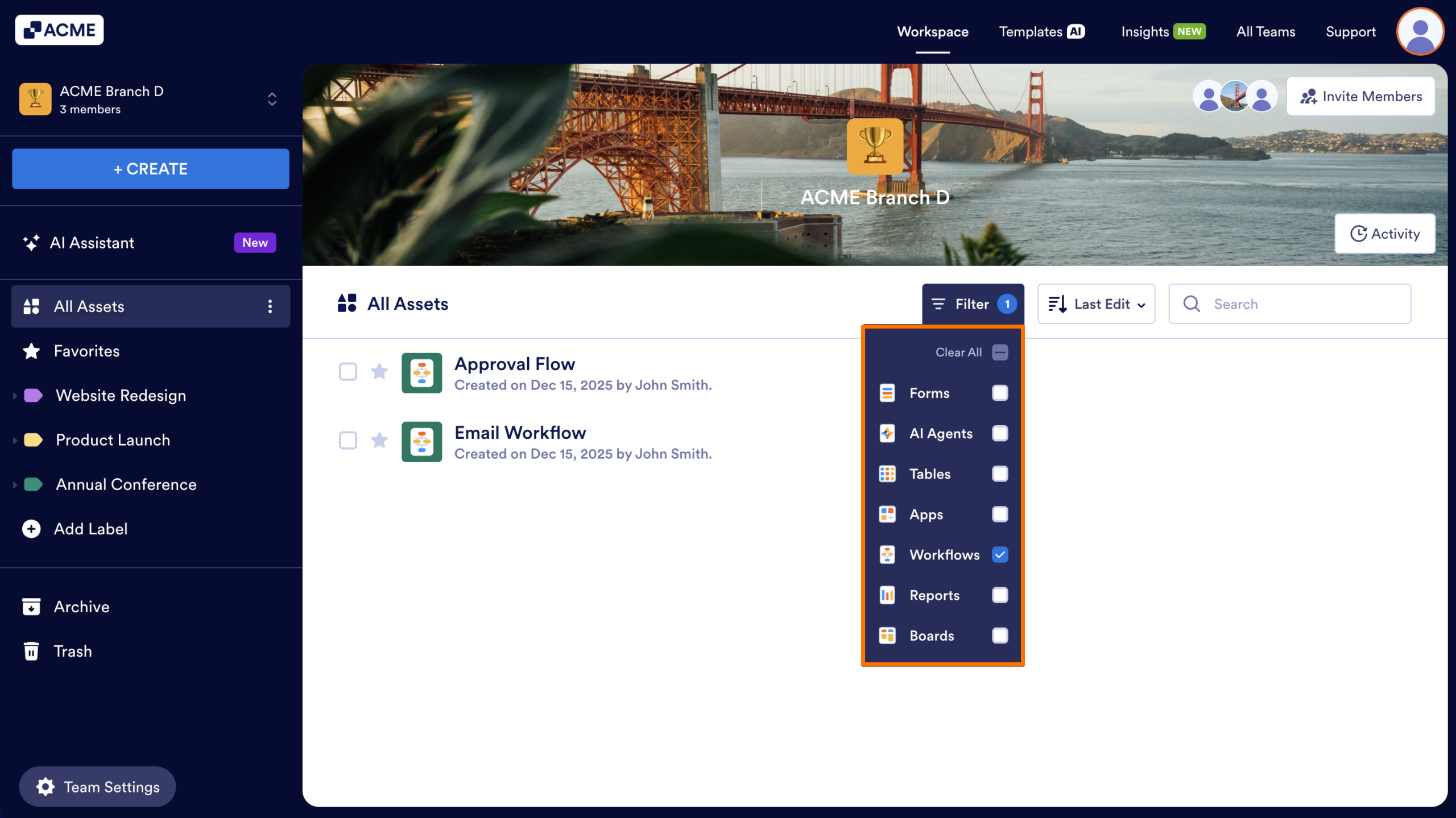
- Next, in the dropdown, uncheck all Asset types except Workflows, to hide all other types of Assets.
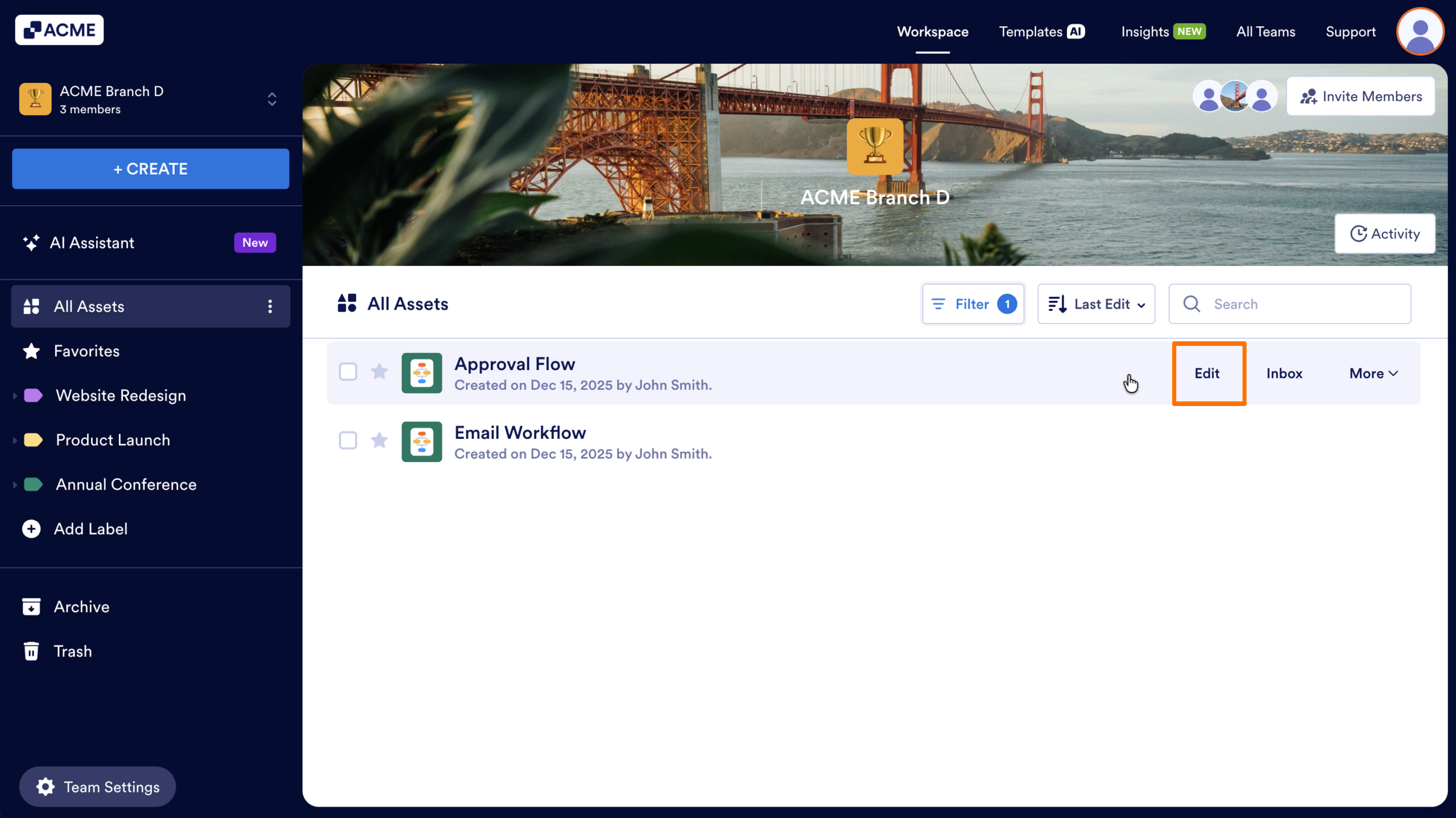
- Then, hover your cursor over the Workflow you want to view.
- Finally, click on the Edit button.

Send Comment: