Organizational form templates are shared templates that everyone in your organization can access and reuse. You can view these templates directly from the Templates page in the Workspace. Here’s how to find them:
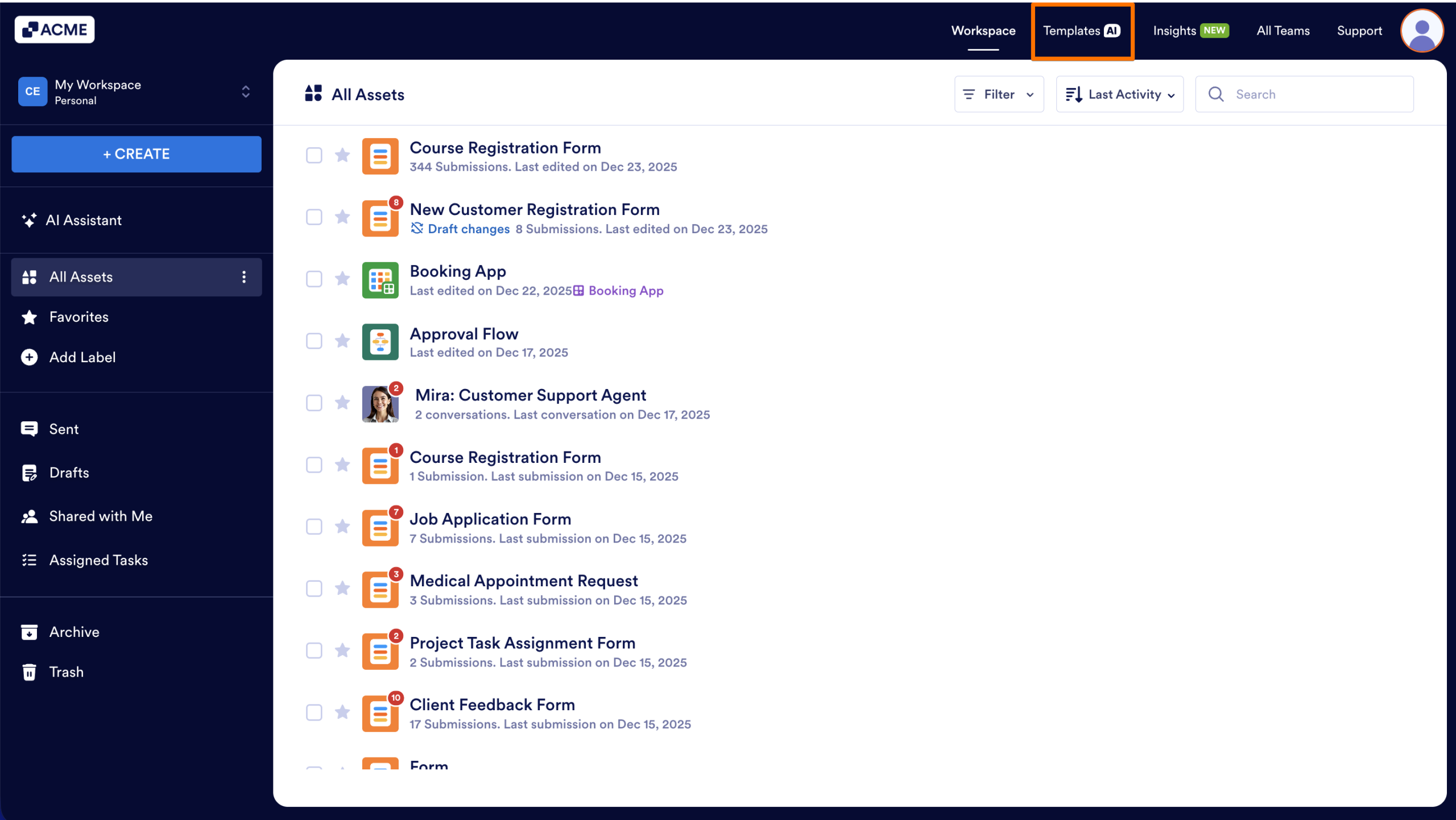
- In My Workspace, click on Templates at the top of the page.
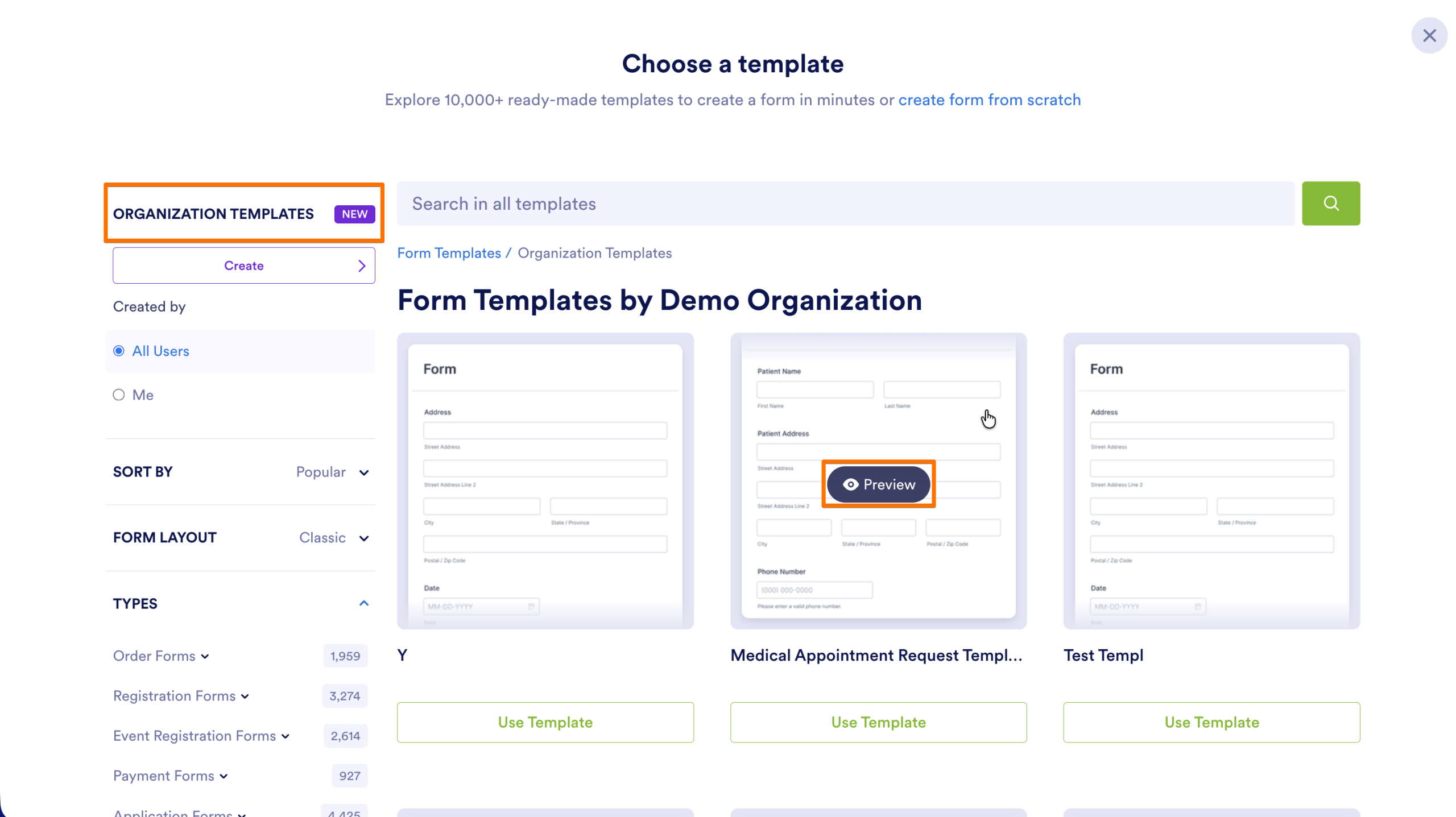
- Next, select Organizational Templates from the left sidebar.
- Hover over the template and click on Preview to see a preview of it.
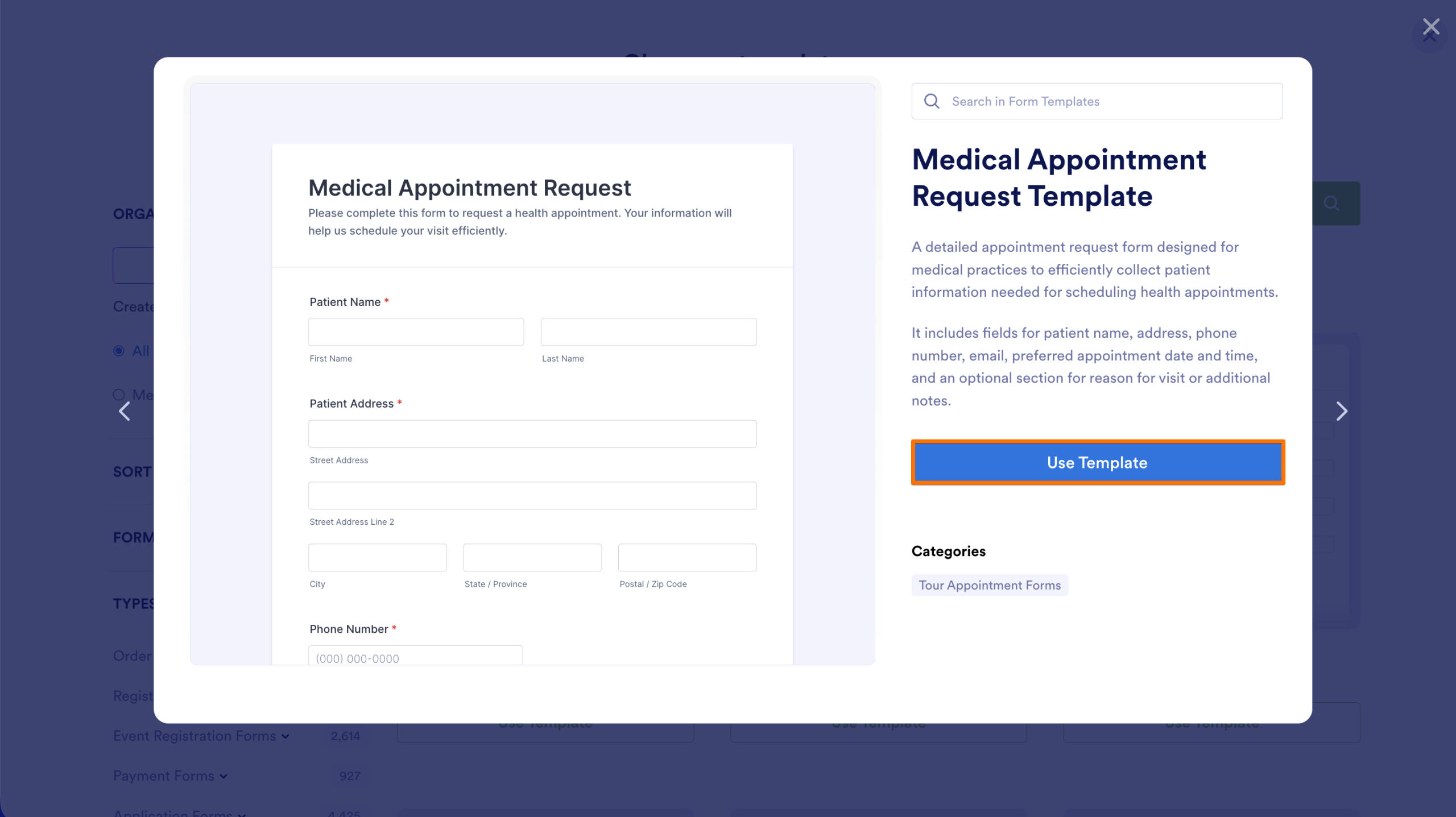
- After previewing, click on Use Template to start working on it.

Send Comment: