When a form or another asset is shared with you, you can access it directly from your account’s workspace. Depending on your organization’s settings, shared assets allow you to collaborate, review content, or manage data without being the owner.
How to View Shared Assets
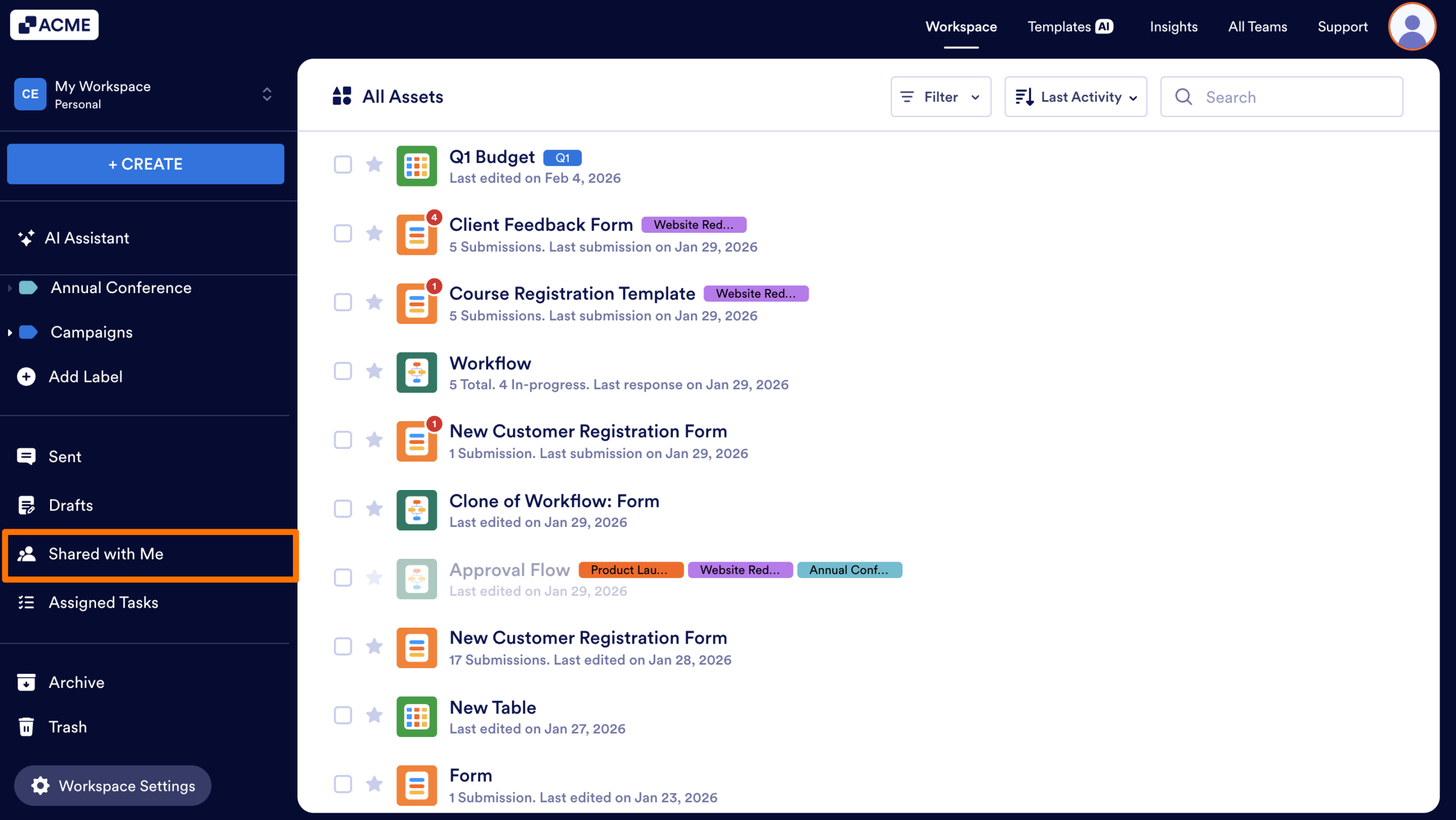
In My Workspace page, click on Shared with Me from the left-hand menu.
Shared Assets Permissions and Limits
Collaborators on shared assets have many of the same permissions as the asset owner. However, collaborators cannot:
- Add other collaborators to the asset.
- Move the asset to a Team.
- Share Tables or Inboxes with others.
HIPAA Instance
If you have HIPAA compliance in your organization, collaborators cannot access submission data for shared assets. In order to view submission data, Tables or Inboxes need to be directly shared with the collaborator.

Send Comment: