You can view Submissions for Assets stored in a Team Workspace in multiple different ways. Take a look at the options below to see which one best fits your needs..
Viewing Submissions in Inbox
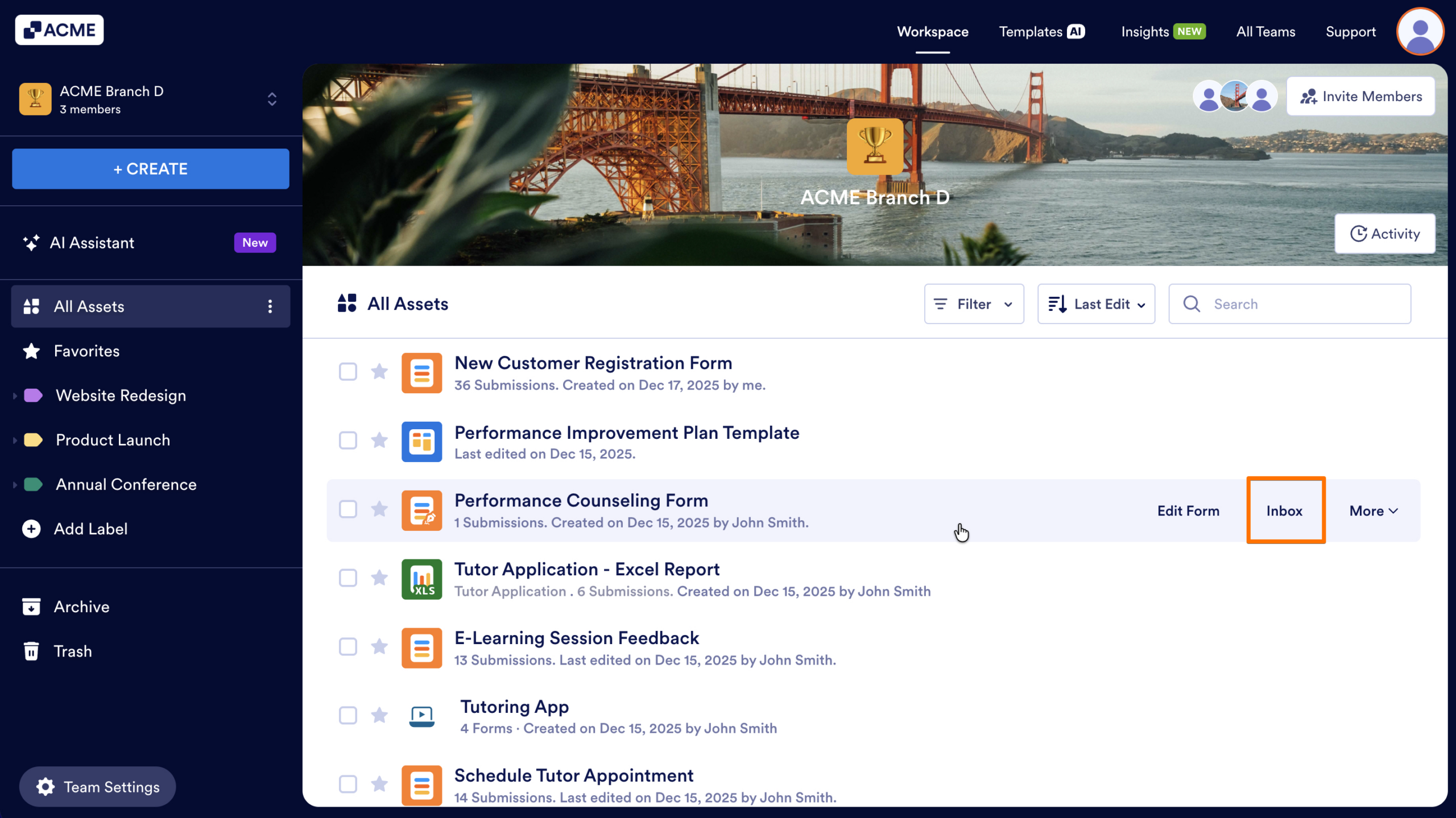
- First, in the Team Workspace, hover your cursor over the Form you want to access
- Then, click on the Inbox button that appears on the right of the Form’s name.
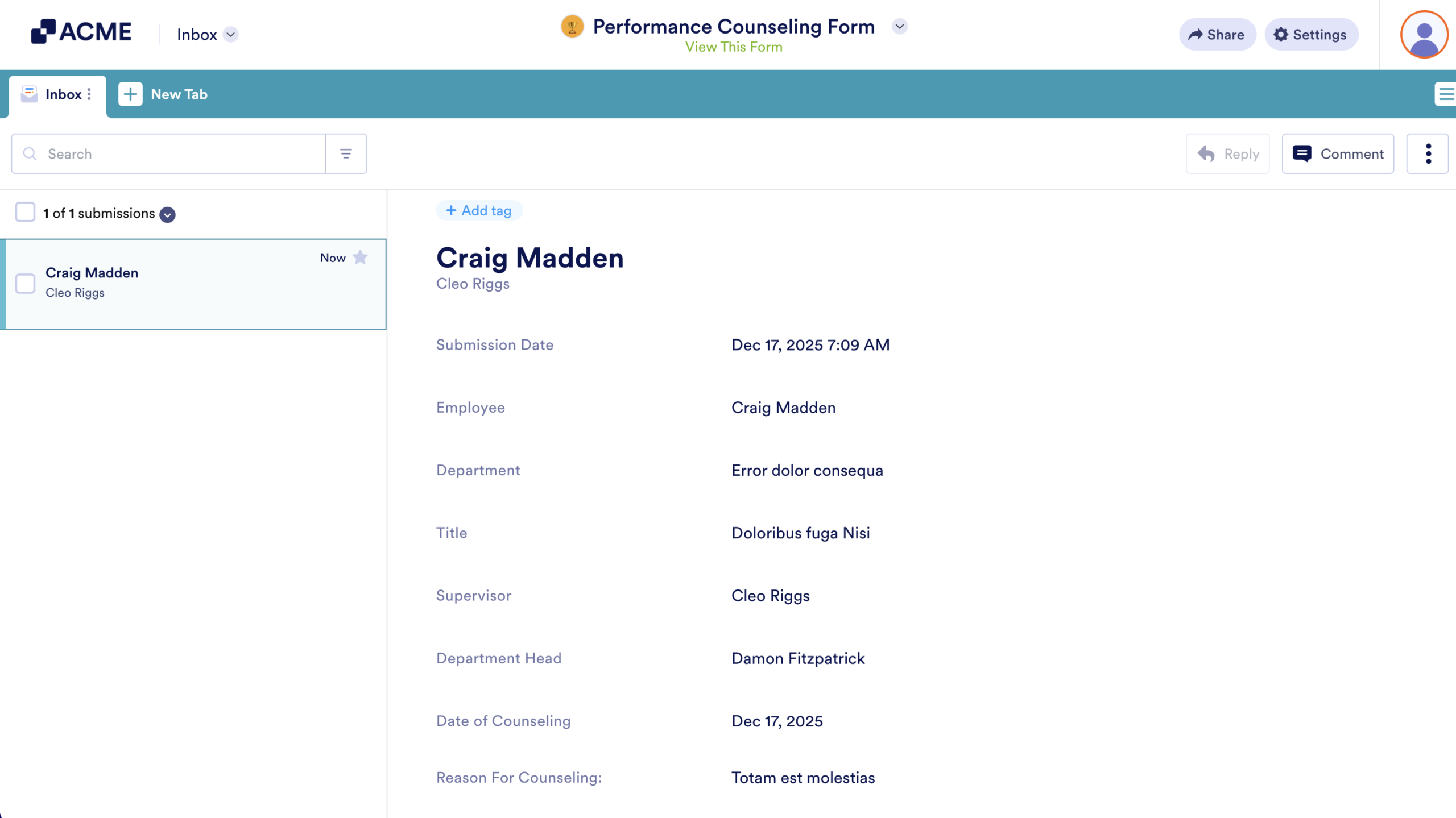
The Inbox will open, displaying Submissions in an Email Inbox style list you can browse individually.
Viewing Submissions in Tables
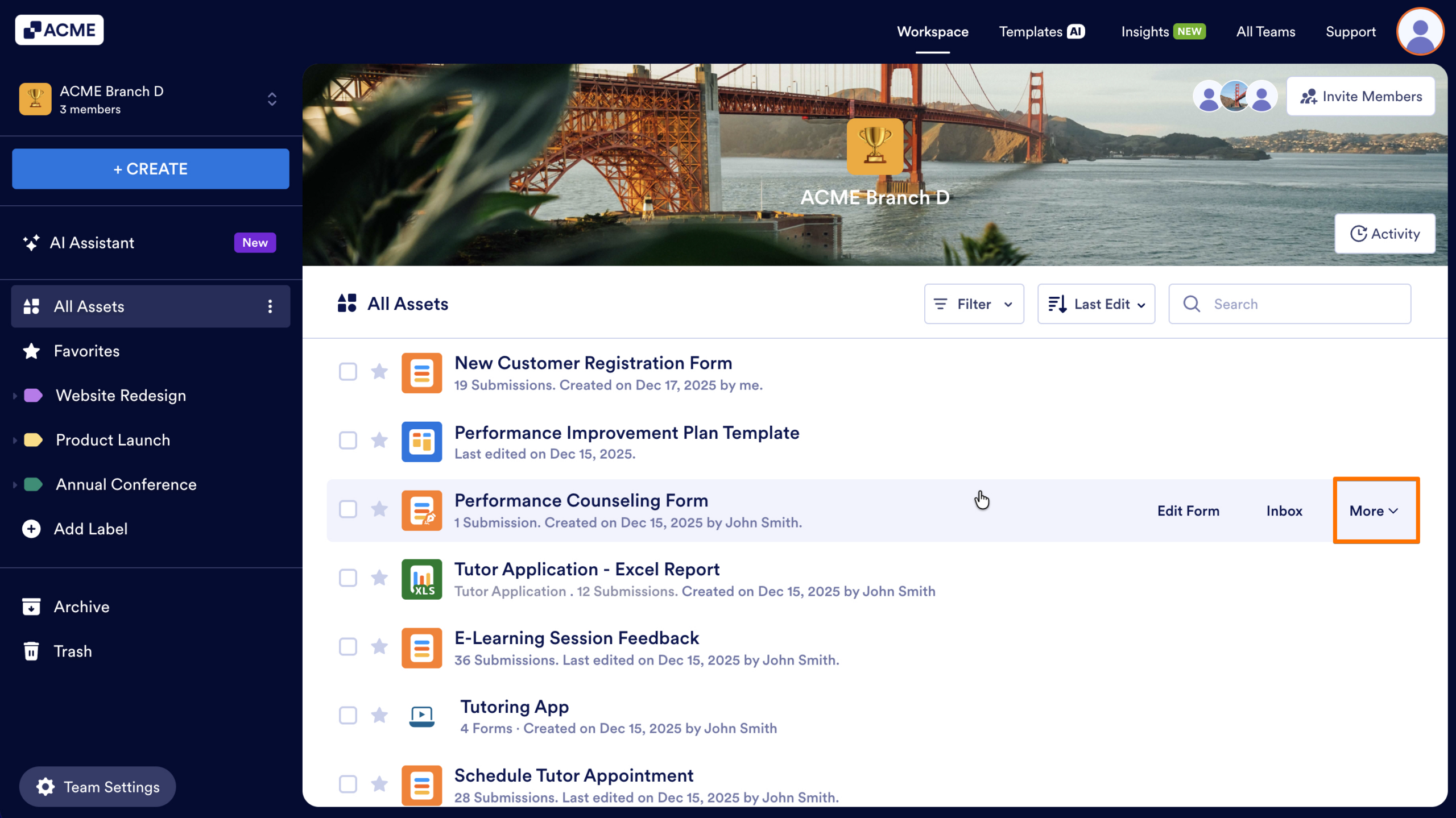
- First, in the Team Workspace, hover your cursor over the Form you want to access.
- Then, click on the More button on the right of the Form’s name.
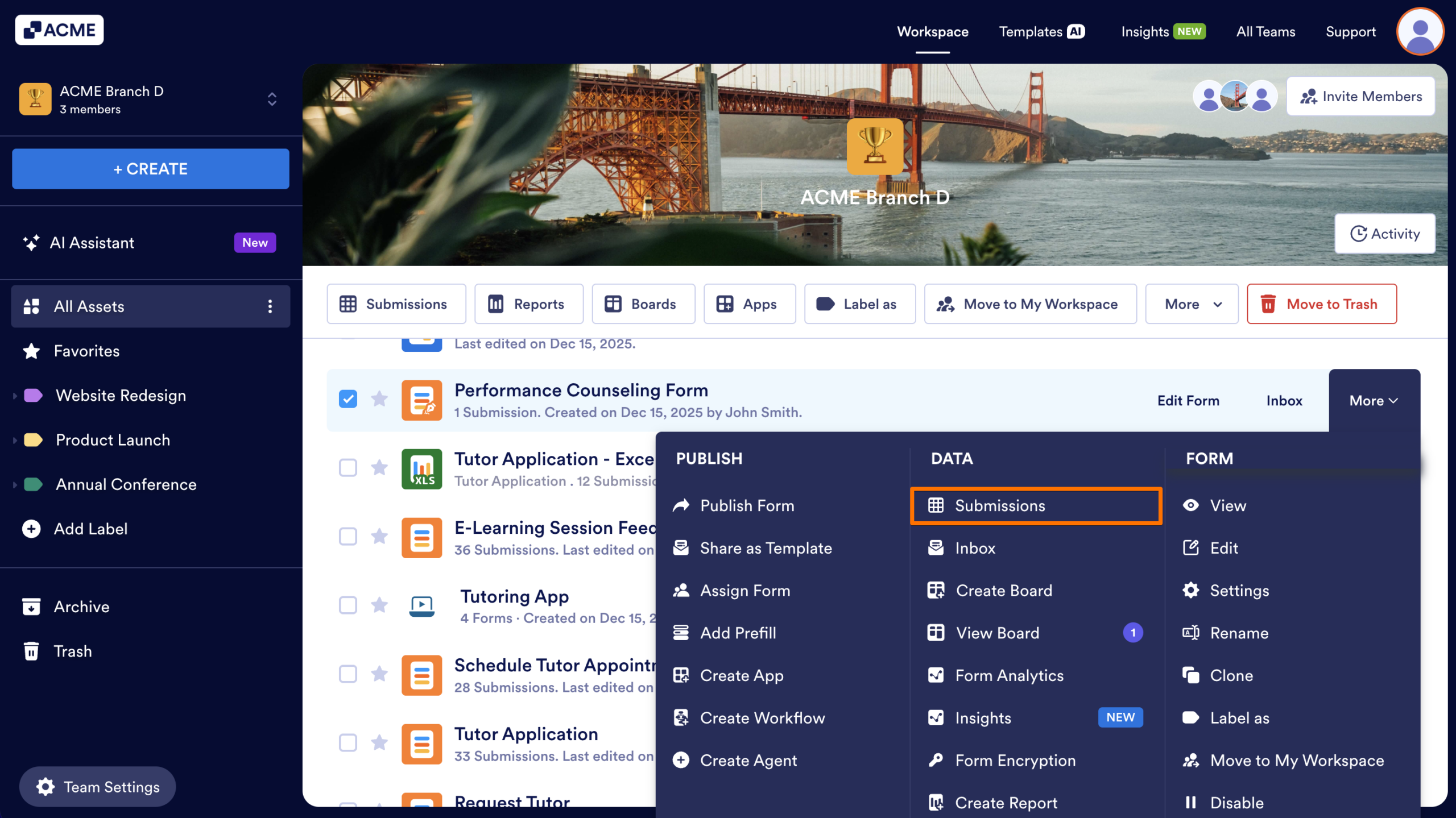
- Next, select Submissions from the menu to open the Form’s Table where you can sort, filter, search, download, or analyze data.
Viewing Submissions from the Form Listing
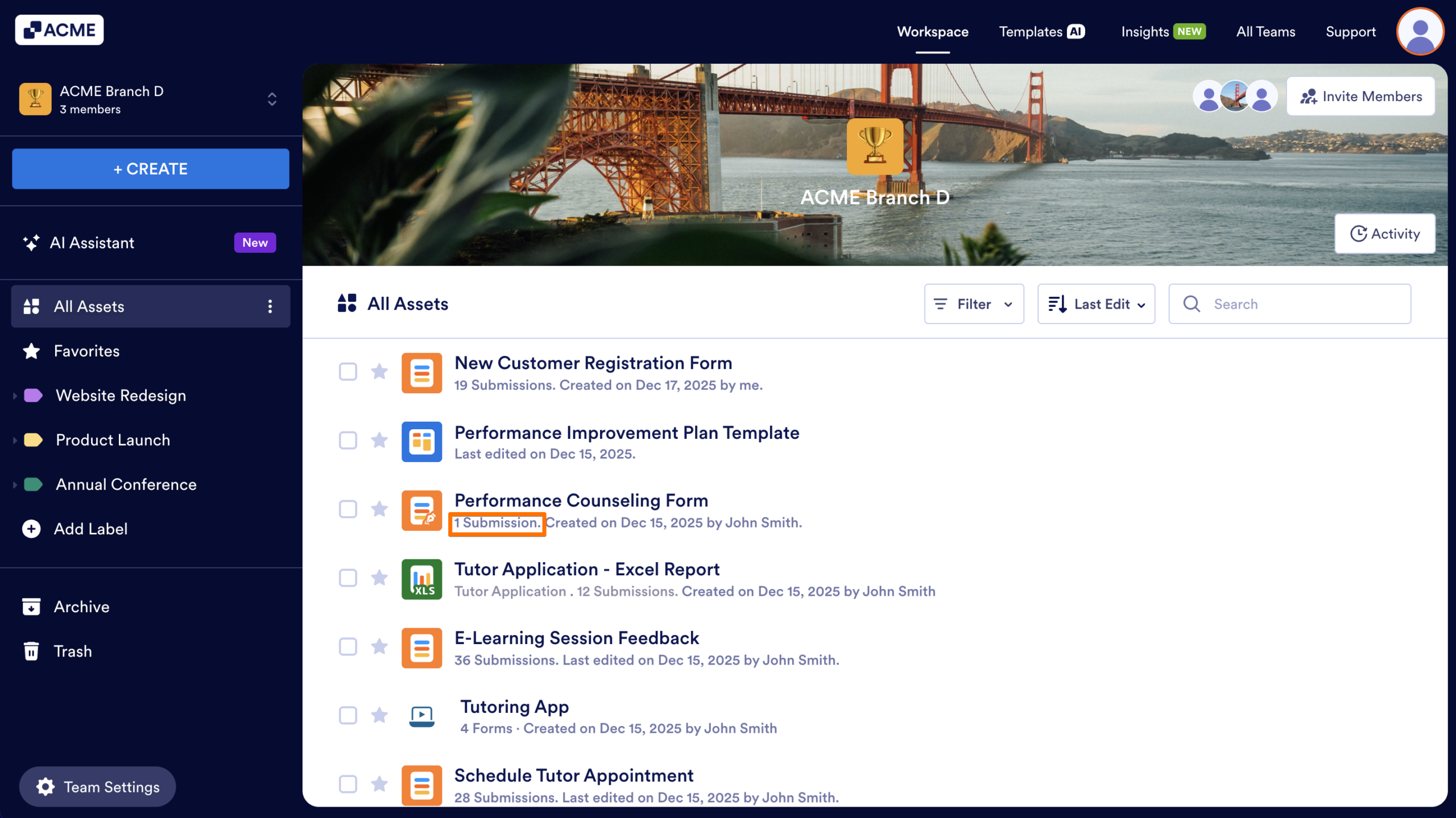
In the Team Workspace, click the Submission count displayed under the form name.

Send Comment: