If you’ve shared a form as an organizational template and no longer want others to use it, you can unshare it from the form’s publishing settings. Unsharing removes the template from the organizational library while keeping your form fully intact. Let’s walk through the process together:
Unsharing a Form Template
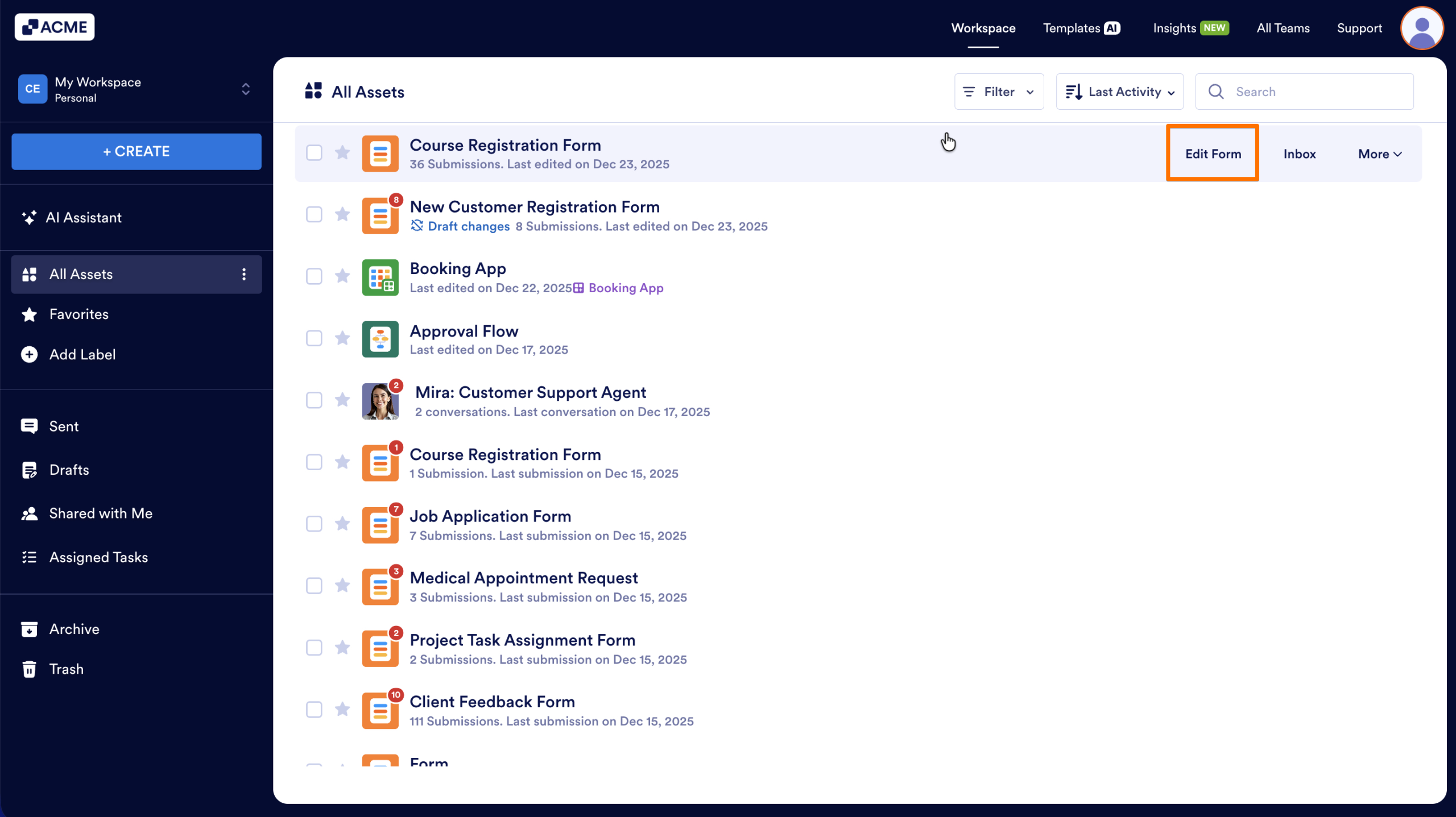
- In My Workspace, hover over and click on Edit Form on the form you previously shared as a template.
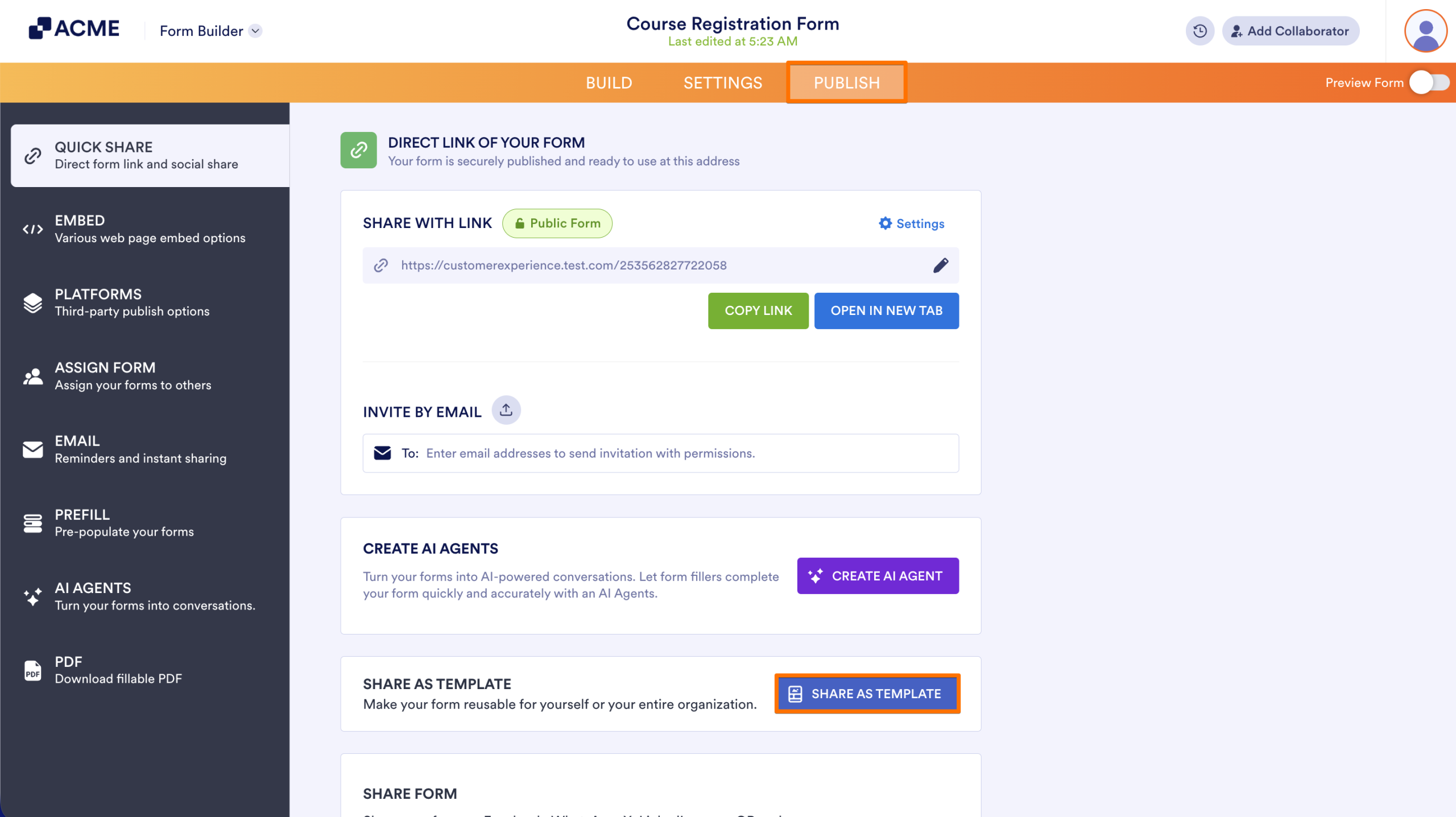
- In the orange navigation bar at the top, go to the Publish tab.
- Next, click on the Share as Template button.
- Then, click on Unshare to remove it from the organizational template library
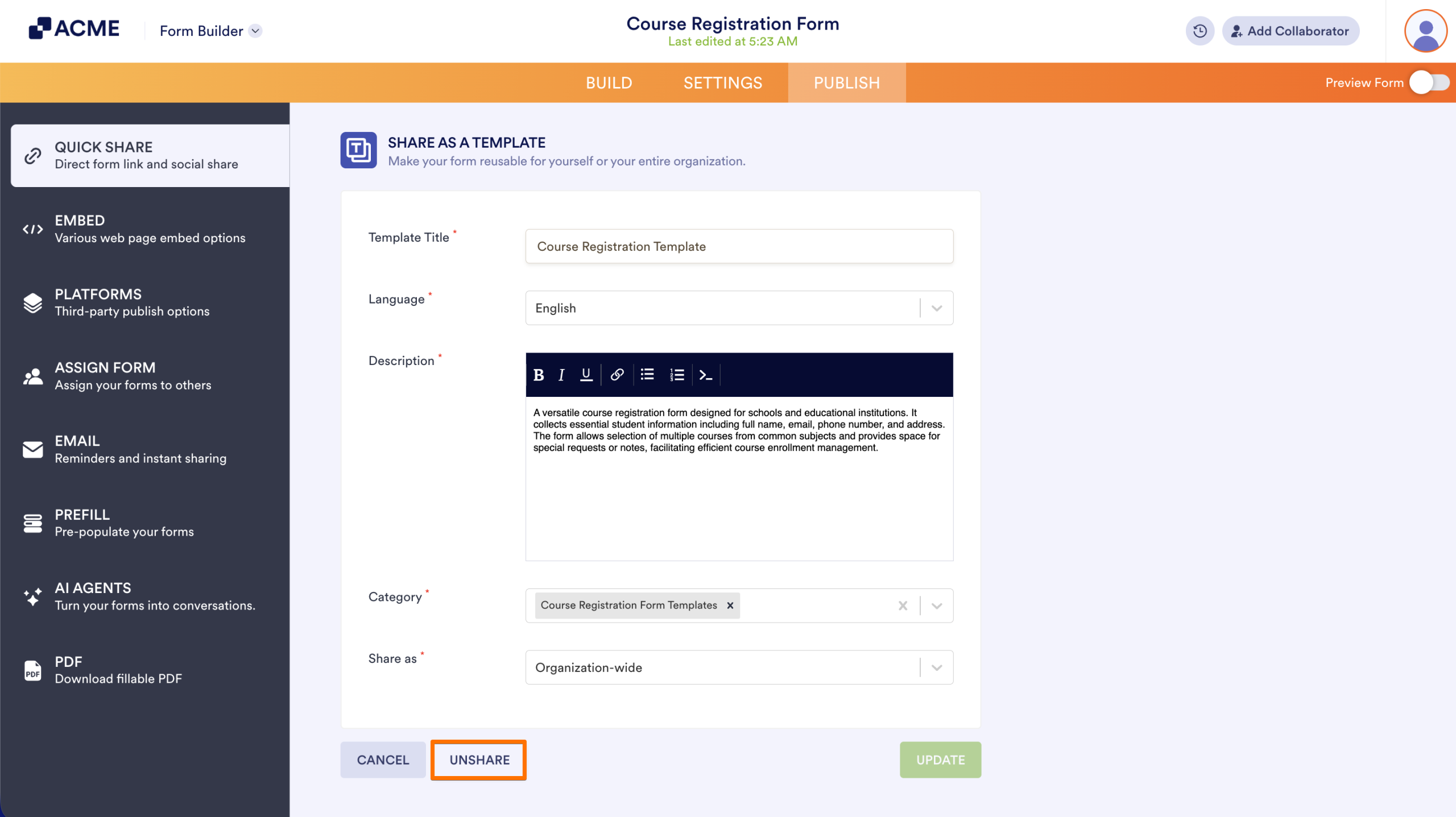
The template will no longer appear for other users, but your original form remains available in My Workspace.
Note
If anyone already created a form from this template, their form will be unaffected.

Send Comment: