Online Task Manager Tool
Jotform’s online task manager tool helps you track and manage tasks in one centralized online workspace. With this online task manager tool, you can create time tracking tables, organize tasks in kanban or card views, delegate work, and monitor progress to improve team productivity.
Templat
Explore Free Spreadsheet Templates
Need a kickstart in building your task tracking spreadsheets? Simply choose one of our ready-made templates and customize it with Jotform Tables — update rows and columns or add new tabs in just a couple of clicks.
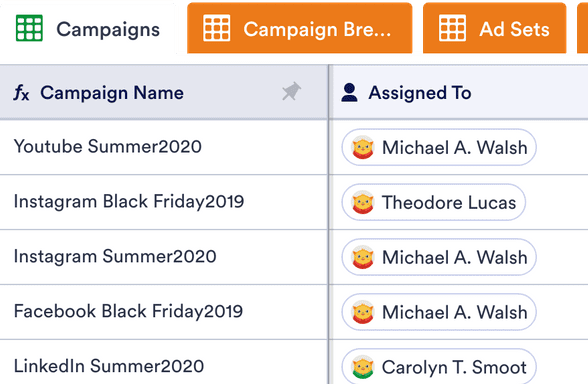
Digital Marketing Campaign Template
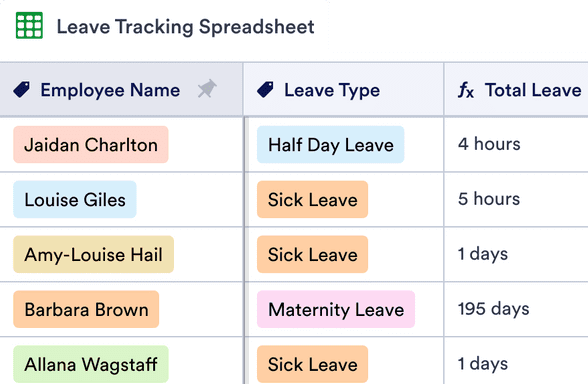
Vacation and Sick Time Tracking Spreadsheet
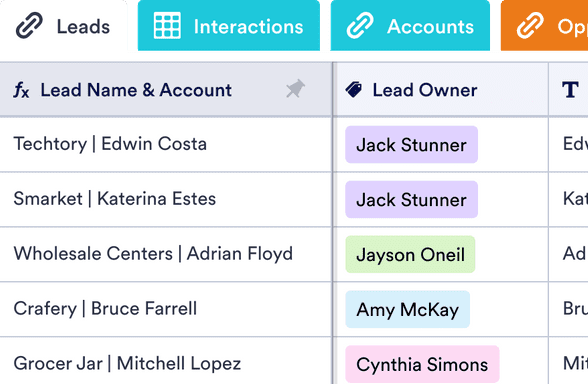
CRM Penjualan
Manfaat
Manage Your Projects Like a Pro
Track Your Progress
Monitor tasks across projects with visual boards and color-coded tables, so priority and status are clear at a glance. Choose kanban or table layouts in Jotform Tables to review task progress for things like campaigns, events, or internal work. This makes it easier to stay on schedule because teams see what’s done and what still needs attention.
Store Data in Central Location
Keep all task records and project details in one online workspace instead of scattering information across tools. Use Jotform’s task tracking tables to collect deadlines, assignments, and task notes in one place that’s easy to access and update. A centralized data hub reduces confusion because everyone reviews the same source of truth.
Tingkatkan produktivitas
Spend less time tracking down updates, documents, and approvals with an online task manager that puts work in one place. Jotform’s tool helps teams focus on work that moves projects forward instead of administrative chores. This boosts productivity because tasks and context are easier to find without dig-through emails or spreadsheets.
Streamline Your Data Collection
Turn task activity into custom reports with Jotform Report Builder so managers and stakeholders can see team performance at a glance. Collect task completion data in real time and publish visual summaries that align with your brand. Report templates make it easier to share results with the team or external partners.
Alur Kerja ke Tugas Menjadi Lebih Mudah
Convert project workflows into actionable tasks so every step gets assigned and tracked until completion. Build boards that match how your process flows, so tasks follow your team’s natural workflow instead of forcing a rigid layout. This ensures every task connects back to its workflow because boards reflect process steps.
Testimonial