Jotform 4.0のご紹介
Build forms anywhere, anytime.
Jotform 4.0では、どのデバイスでもフォームを作成できるため、より短時間で美しいフォームを作成し、生産性を高めることができます。
Jotform 4.0の新機能
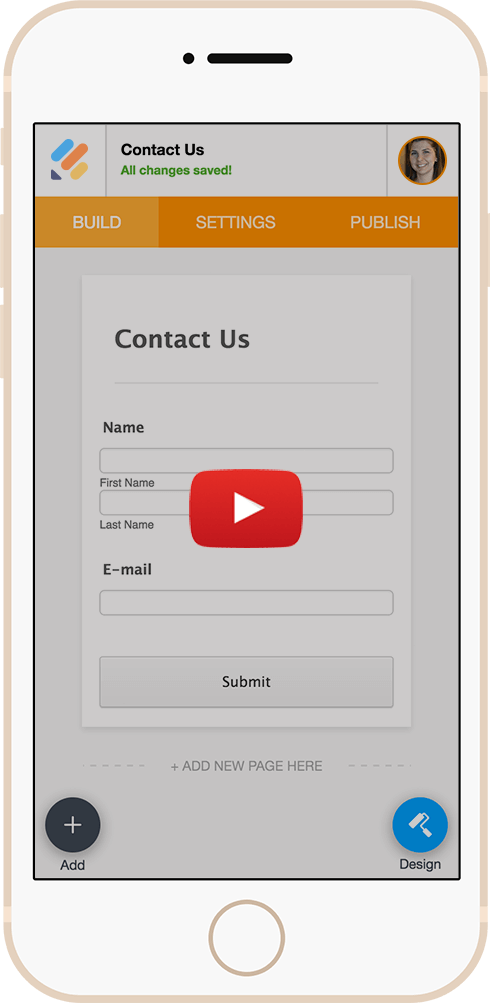
モバイルフォームの構築
スマートフォンやタブレットからオンラインフォームを作成、編集、公開。Jotformは全てのモバイルデバイスに対応した初めてのオンラインフォームビルダーです。


Real Time & Seamless Collaboration
Multiple team members can simultaneously work on the same form. Changes are automatically uploaded so you always edit the most current version.
Embedded Advanced Form Designer
The Form Designer and Theme Store are now embedded directly in the form builder. Change the form theme and adjust design attributes without navigating to a different page.
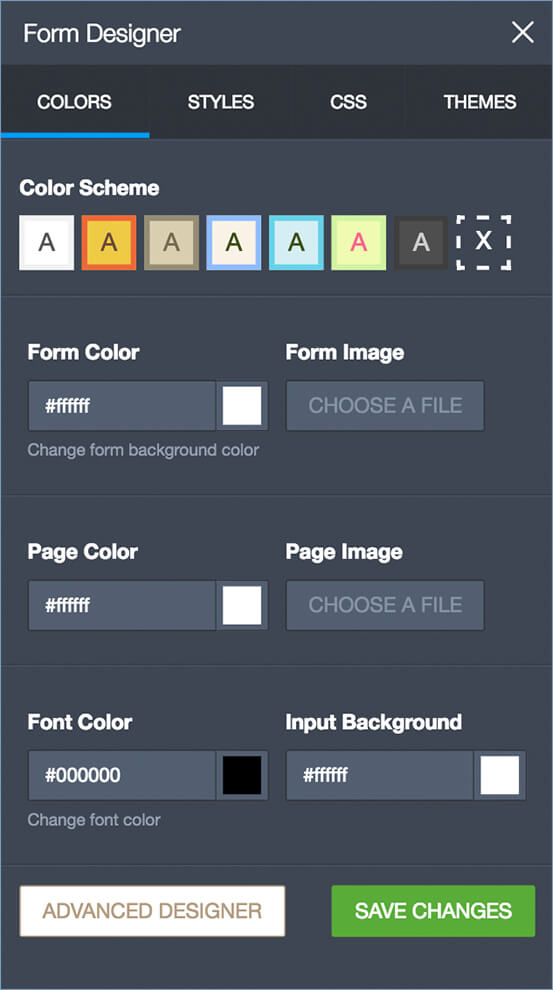
Jotform 4.0には、美しいフォームを作成するための新しくエキサイティングな機能がたくさんあります。

Offline Form Building
Continue editing a form even without internet access. All of your edits will automatically be uploaded once you return online.

Smoother Drag and Drop
Dragging form fields has been improved for smoother experience, including between different pages in a single form.

変更履歴
Users can view a history of revisions made to any form and easily revert back to a previous version with a single click.

Live / In-Page Preview
With this update, form previews now display in the same window in their full size, and can be toggled on and off with a single click.

Continuous Save
After a change is made, the form automatically saves, eliminating the need to manually click a button each time. Users no longer have to worry about losing any edits.

Improved Pagination
Instead of adding a Page Break field to separate a form into multiple pages, users can now add new pages to their forms with a single click.