Create a WhatsApp Poll
JotformのWhatsApp投票ツールを使えば、コーディング不要でカスタム投票を作成し、グループの意見やフィードバックを簡単に集められます。ドラッグ&ドロップの操作で質問をデザイン・調整し、リンクやQRコードWhatsAppグループで共有するだけ。あらゆるデバイスから回答を収集できます。結果の管理もスムーズで、写真の追加や回答期限の設定など、投票要素を用途に合わせてカスタマイズ可能。ニーズに合った投票を手軽に運用できます。
テンプレート
Explore WhatsApp Poll Templates
Not sure how to begin? No problem! Just choose one of our ready-made poll templates to start building your own WhatsApp poll. Once you’ve chosen your template, all you have to do is customize it to your liking and share with your WhatsApp group.
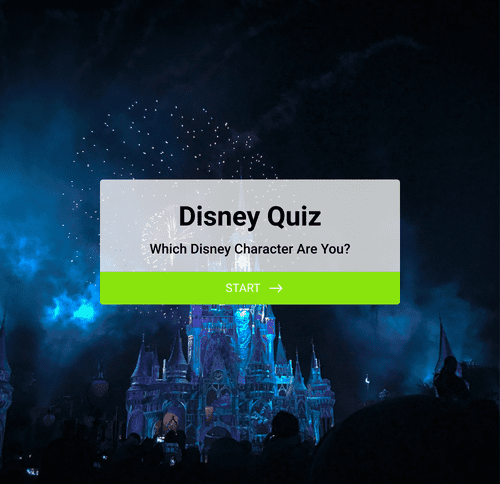
あなたはどのディズニーキャラクター?
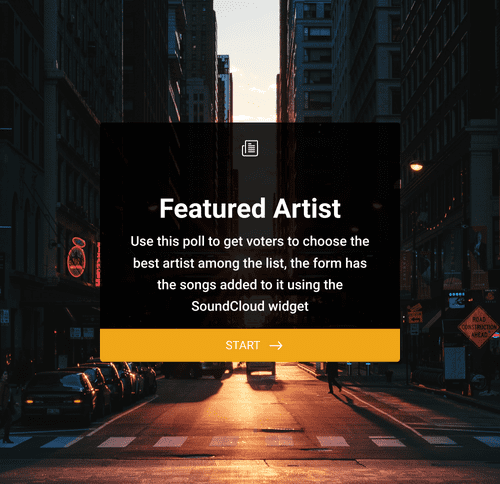
Vote For Your Favorite Artist
Christmas Poll
メリット
Easy-to-use interface
Collect your WhatsApp group’s opinions effortlessly with Jotform’s poll maker. Whether you’re creating your poll from scratch or using a ready-made template, Jotform’s drag-and-drop interface makes building and customizing your WhatsApp poll a breeze. Add or remove form fields, integrate with helpful tools, choose fonts and colors, and so much more!
Get instant results
Display poll results instantly by embedding a real-time report. With these useful features, you can quickly analyze and act on survey data as it is submitted.
どのデバイスでも使用可能
グループのメンバーはスマートフォン、タブレット、デスクトップから投票できます。Jotform の投票機能はすべてのデバイスに対応しています。あとは、投票リンクをメールやQRコードで送るだけです。
Customize with photos and videos
Customize your WhatsApp poll by uploading photos and videos to make it more interactive. Give your poll participants visual aids to go along with your poll questions.
Set poll expiration date
Need poll responses to be in before a certain time? Set a poll expiration date to automatically close the poll after a specific date or time. Once the poll expires, your voting link will become inactive. Keep your poll data relevant and prevent late responses by adding an expiration date to your WhatsApp poll.
Learn how to create your own poll

よくある質問
Jotformに関するご質問にお答えします。よくあるご質問はFAQをご覧ください。またはサポートチームまでお問い合わせください。
What is a WhatsApp poll?
WhatsAppの世論調査はWhatsAppグループチャットメンバーに送る投票です。WhatsAppで直接アンケートを作成し、グループチャットで共有することが出来ます。Jotformなどのサードパーティツールを使って世論調査フォームを作成し、WhatsAppグループにリンクと共に送信することも可能です。
How can I create a WhatsApp poll?
WhatsAppアンケート作成はWhatsAppを通して、またはJotformのようなアンケートツールを使って行うことができます。
To create a custom poll to send to your WhatsApp group, open Jotform’s Form Builder. You can choose to create your poll from scratch or use one of Jotform’s ready-made poll templates.
Use our drag-and-drop builder to customize your poll. Add or remove form fields, integrate with helpful tools and widgets, upload branding assets and images, change fonts and colors, and more! With Jotform you can truly tailor your poll to meet your unique needs.
If you only need to ask one question, you can use WhatsApp’s polling feature. Open the WhatsApp group that you’d like to poll and click Attach (+), Poll, and then Create Poll. Add your question and the answer options. Click and drag to change the order of the options. Then simply send it off to your group chat to start collecting in-app polling results.
How can I set up an online survey for WhatsApp?
JotformでWhatsAppグループチャットのオンラインアンケートを作成するには、まずJotformフォームビルダーを開いてください。ゼロからアンケートを作成するか、既製のオンラインアンケートテンプレートを使用するかを選択します。アンケートの作成方法を選択したら、ドラッグ&ドロップビルダーで必要な変更を行います。フォームフィールドの追加や削除、フォントや色の変更、画像や動画のアップロード、便利なウィジェットとの統合など、ニーズに応じて自由に変更できます。作成したアンケートはダイレクトリンクまたはQRコードでWhatsAppチャットメンバーと共有できます。
What are the benefits of using WhatsApp polls for gathering feedback and conducting surveys?
WhatsAppでJotformの世論調査を使ってフィードバックを収集したりアンケートを実施したりすることで、簡単にコミュニティの意見を整理して把握することができます。WhatsAppに内蔵されている投票オプションでは一度に1つの質問しかできませんが、Jotformでは必要な数だけ質問を作成することができます。
With Jotform’s drag-and-drop poll builder, you can customize your poll however you like — effectively creating a survey or poll that is more attuned to your needs. Additionally, Jotform allows you to track polling results, generate reports, and share results with others. With Jotform’s online poll builder and tools, you’ll be able to get results quickly and analyze them in one easy-to-use platform.
Are there any limitations or restrictions when setting up an online survey for WhatsApp?
WhatsApp polls have a couple of limitations, depending on the product you’re using to create them.
While it’s convenient to build your poll in the same app you’re using to send it, you’ll only get to ask one question if you use WhatsApp to build your poll. If you’re going with this method, you’ll need to create multiple polls if you want answers to more than one question.
If you’re using Jotform to create your poll, there are limits to the number of polls you can have and submissions you can receive, depending on your Jotform plan. Jotform’s free plan allows users to create five free forms and gather 100 monthly submissions. If that’s enough for you, then there are no real limitations. However, if you’re polling a large WhatsApp group chat, you might have to upgrade to a different Jotform plan to accommodate the number of forms and submissions you need.