Free Outlook Forms
Jotform’s Outlook forms let you build custom online forms and connect them with Microsoft Outlook to automate tasks like creating calendar events, adding contacts, and sending email notifications from form submissions. Use Zapier or other integrations among 100+ to map form fields to Outlook actions without coding. Share your form via link or embed it to start collecting responses and organize your workflow.
Templates
Free Outlook Form Templates
Not sure where to begin? Get started right away with one of Jotform’s free, ready-made form templates. Make any changes you need in seconds with our drag-and-drop builder. No coding required.
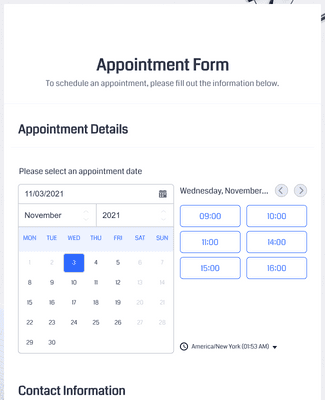
Appointment Form
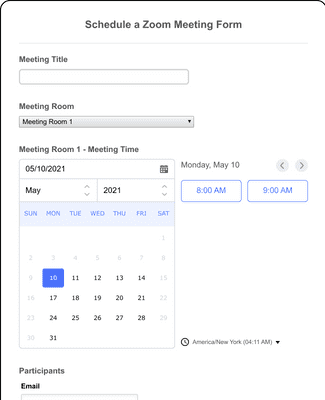
Schedule a Zoom Meeting Form
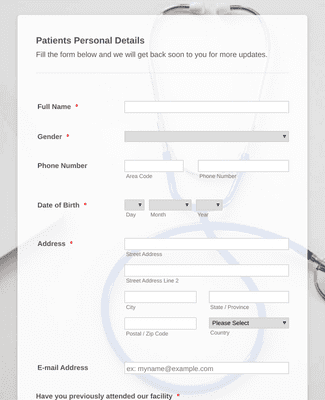
Online Doctor Appointment Form
Benefits
Instantly Create Outlook Forms
Build & Connect
Start with a ready-made template or build a form from scratch, then customize fields, layout, and logic so the form fits your process. Connect your form to Microsoft Outlook through Zapier or native integrations so data flows directly into the tools you use every day. This makes collecting responses and syncing information with Outlook easier without writing code.
Automate Your Workflow
When someone submits your form, automatically create Outlook calendar events or add new contacts in Microsoft Outlook without manual steps. You can also trigger Outlook emails based on submissions so teams stay informed in real time. Automations like this reduce repetitive tasks and keep your schedule and contact lists up to date.
Get Notified
Use Jotform’s built-in email notification settings to get instant alerts whenever a form is submitted. Configure reminder emails for respondents so they don’t miss deadlines or follow-ups. Clear notifications help you monitor engagement and stay on top of important form events.
Assign Forms
Share your Outlook form with teammates by sending an invitation or a shareable link that expires when you choose. Assigned users can view, edit, submit, and save forms from any device, even offline via Jotform Mobile Forms. This supports distributed teams and helps you collect responses collaboratively.
Testimonials