300+ Online Store Templates
Discover Jotform's online store templates. Add your products, services, and pricing to start collecting payments in just a few clicks.
Project Management Apps
Job Sheet App
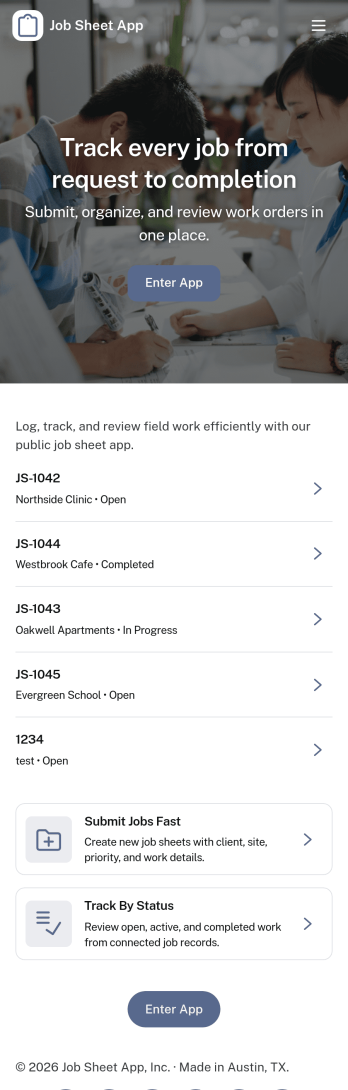
A Job Sheet App gives field teams and service businesses a clear place to view open jobs, capture progress updates, and keep work details consistent from start to finish. Use it to reduce missed steps on site visits, standardize job notes across technicians, and keep everyone aligned on what’s next. With quick navigation to Open Jobs and a simple Submit Update path, it works well for contractors, maintenance crews, home services teams, and operations managers who need job information to stay current while work is happening.Jotform makes it easy to publish this kind of job tracking experience without coding using its no-code app builder and drag-and-drop interface. Connect the app to a form for fast data collection, organize job records in a connected workflow, and share a self-service link with your team so updates can be submitted from anywhere. As your process grows, you can adjust pages, add new steps, and keep insights accessible in one mobile-friendly place with Jotform App Templates.
Go to Category:Operations & Logistics Portal Apps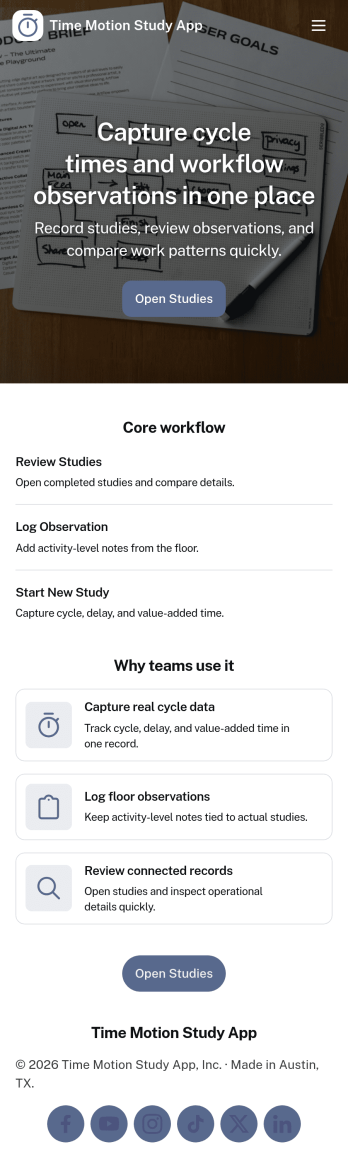
Time Motion Study App
Time Motion Study App helps teams capture how work is performed so they can understand cycle times, spot delays, and standardize repeatable processes. Use it on the floor, in the field, or in an office setting to log a study as it happens, keep a centralized list of studies, and review insight-ready records without relying on scattered notes. It’s a practical fit for operations leaders, industrial engineers, continuous improvement teams, supervisors, and analysts who need consistent time-and-motion documentation across shifts, sites, or job types.With Jotform, you can turn this app template into a branded, self-service experience that’s easy to share and update. Using Jotform’s no-code app builder and drag-and-drop interface, you can connect your study logs to forms and data collection workflows, organize studies into navigable lists, and give stakeholders a simple way to view recent studies and drill into details. As your process changes, you can adjust the app layout and connected workflow in minutes so the same hub keeps supporting ongoing improvement.
Go to Category:Engineering Apps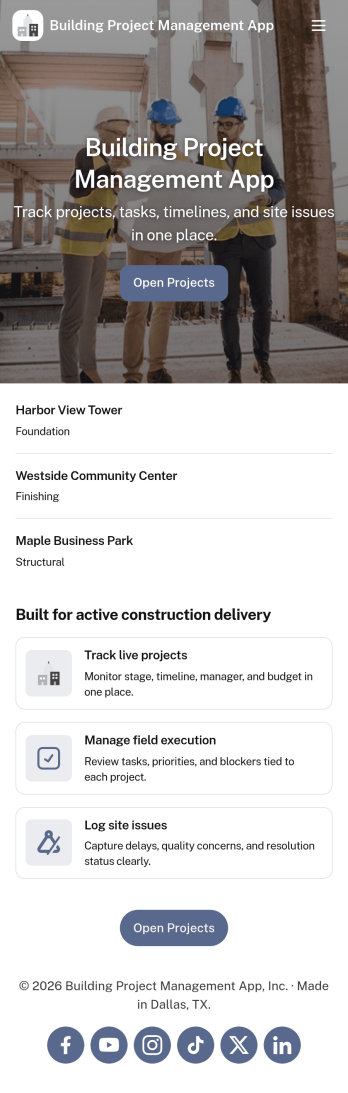
Building Project Management App
Building Project Management App helps teams organize active builds by keeping project records and day-to-day work in one place. It’s a practical fit for construction managers, general contractors, engineering teams, and operations leads who need a clear view of projects, open tasks, and what needs attention next. With dedicated areas to view projects, review open tasks, and add a task directly from a specific project, the app supports smoother handoffs and fewer missed action items as work moves from planning to execution.Jotform makes it simple to publish this kind of workflow as a polished, shareable experience using App Templates and a no-code app builder. Customize pages with a drag-and-drop interface, connect your app to forms and tables for reliable data collection, and keep work moving with a workflow that your team can access from a single link. Whether you’re coordinating multiple job sites or managing internal build initiatives, Jotform helps you turn project updates into a self-service hub your team will actually use.
Go to Category:Construction Apps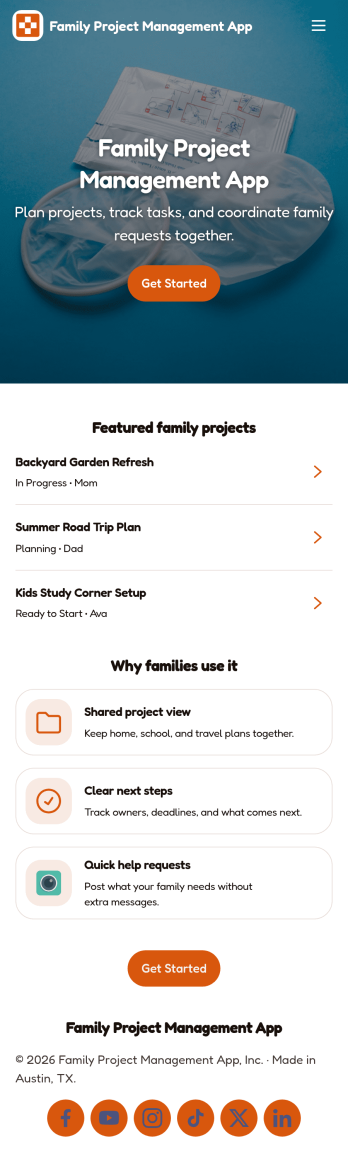
Family Project Management App
Family Project Management App helps households organize shared projects, coordinate tasks, and keep everyone aligned on what needs to happen next. Use it to manage everything from home improvement plans and holiday prep to school activities and recurring routines, with a simple way to browse projects, review open tasks, and maintain a quick family directory for who is involved. Built-in update forms make it easy for anyone to post progress notes as things change, so busy parents, caregivers, teens, and multi-home families can stay on the same page without long message threads.Jotform makes it easy to tailor this app template to your family’s workflow with a no-code app builder and a drag-and-drop interface. Connect the app to forms and tables for ongoing data collection, set up simple workflow steps for updates and follow-ups, and share access with a link so everyone can use it on the go. With Jotform App Templates, you can adjust pages, labels, and structure in minutes to fit how your household plans, tracks, and completes projects through self-service.
Go to Category:Organization Apps
Weighted Decision Scoring App
Weighted Decision Scoring App provides a consistent way to evaluate choices against weighted criteria and compare their results. Managers, project teams, consultants, procurement groups, and business owners can use it when selecting vendors, prioritizing initiatives, reviewing proposals, or choosing between strategic options. Users can begin a weighted scoring exercise in a dedicated workspace and browse saved decisions for later reference. This shared approach reduces reliance on instinct alone, clarifies why one option ranks above another, and helps teams document repeatable decision-making processes.With Jotform Apps, this app template can be adapted to match an organization’s evaluation workflow without coding. The drag-and-drop interface makes it easy to update pages, navigation, visual branding, and supporting resources, while connected forms and tables can extend data collection and record management. Jotform’s no-code app builder also supports links to approvals and other processes, helping teams create a centralized self-service experience. Start with one of Jotform’s App Templates, tailor the scoring journey, and share the finished app through a direct link or QR code.
Go to Category:Management Apps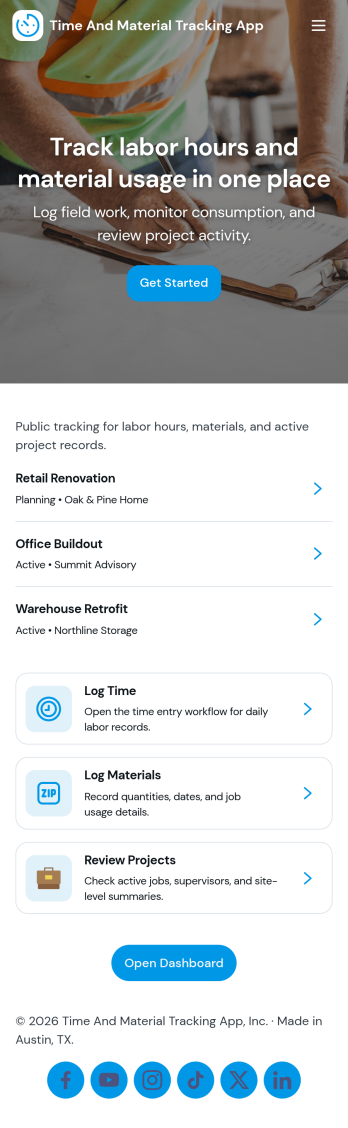
Time and Material Tracking App
Time and Material Tracking App helps teams record labor hours and material usage against specific jobs so job costs are easier to understand and review. It fits contractors, field service crews, repair teams, and small operations groups that need a simple way to log time and materials during the day, then look back at what was used on each job. With quick navigation to log time, log materials, and view personal entry history, the app supports consistent tracking without relying on scattered notes or end-of-week reconstruction.Built with Jotform, this app template can be adjusted to match how your jobs are organized and how your team works in the field. Use a no-code app builder with a drag-and-drop interface to update pages, labels, and navigation, then connect entries to your underlying records for easier reporting and follow-up. Share the app with a link so staff can submit updates from anywhere, and keep job activity centralized with connected forms and tables that support ongoing workflow and self-service access to records.
Go to Category:Activity Tracking Apps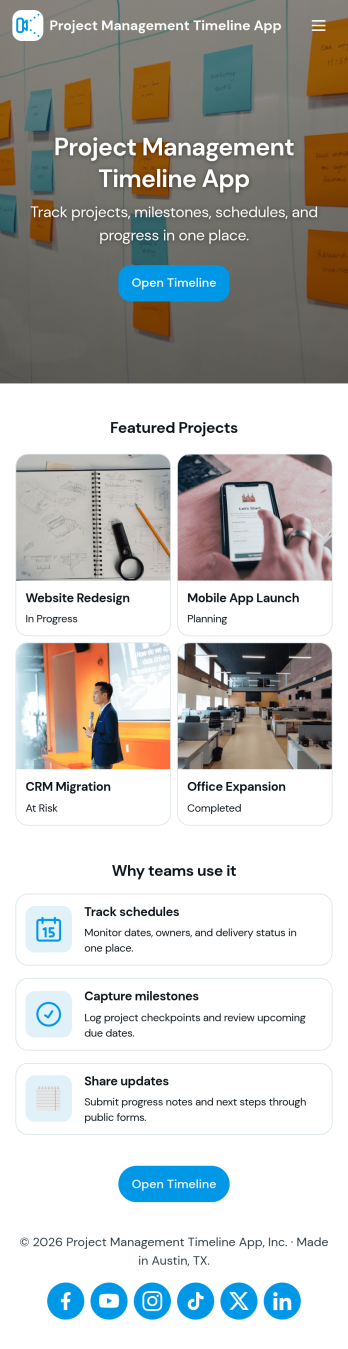
Project Management Timeline App
A project management timeline app brings your project list, milestone planning, and task updates into one place so teams can see what needs to happen next and when. Use it to capture new projects, keep a running view of active work, and organize task details that impact delivery dates. It fits agencies juggling client work, operations teams coordinating cross-functional launches, construction and engineering groups tracking phases, and any manager who needs a clear picture of progress without digging through scattered notes.With Jotform, you can turn this project management timeline app into a practical self-service workspace using App Templates and a no-code app builder. Customize pages with a drag-and-drop interface, connect buttons to forms for data collection, and keep records organized in tables for ongoing workflow management. Share the app with your team so everyone can add projects, log tasks, and review timelines from a mobile-friendly link as work evolves.
Go to Category:Management Apps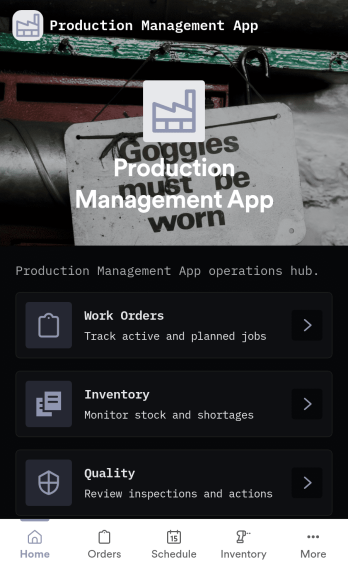
Production Management App
Production Management App brings day-to-day shop floor coordination into one place so teams can keep orders moving, materials available, and quality checks visible. Use it to create new orders, review work orders, and follow progress across production without chasing updates across spreadsheets or messages. It fits manufacturers, job shops, fabrication teams, print and packaging operations, and operations leads who need a simple way to keep work organized while staying on top of low stock and QC holds.Built with Jotform App Templates, this app template can be tailored to your process with a no-code app builder and a drag-and-drop interface. Connect order intake, inventory updates, and QC check logging to the same workflow, route information to the right people, and support self-service access for operators and supervisors. With Jotform, you can publish a mobile-friendly experience, keep records in sync with connected data collection, and iterate quickly as production requirements change.
Go to Category:Inventory Apps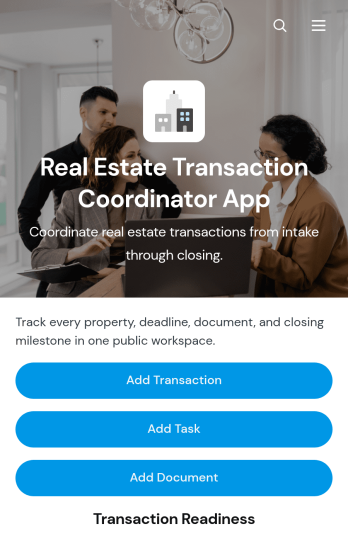
Real Estate Transaction Coordinator App
The Real Estate Transaction Coordinator App is an app template for coordinators, agents, brokerages, and real estate operations teams managing property transactions from intake through closing. It brings transaction records, task coordination, document tracking, contact details, readiness updates, and coordinator notes into one accessible workspace. Teams can add a transaction, assign property-specific tasks, and maintain supporting documents without relying on scattered spreadsheets or email threads. This organized approach helps coordinators monitor active deals, identify unfinished work, keep essential information close at hand, and support consistent service across multiple buyers, sellers, and properties.Jotform Apps makes it easy to adapt this template with a no-code app builder and an intuitive drag-and-drop interface. Add or rearrange pages, update branding, connect forms and tables, and shape the workflow around your brokerage or transaction coordination process. Linked data collection tools can capture new deals, tasks, documents, and contacts while keeping records available for daily follow-up. Once the app is ready, share it by direct link or QR code so authorized team members can access transaction resources from a phone, tablet, or computer. Jotform App Templates help real estate teams create a practical self-service workspace without writing code.
Go to Category:Real Estate Apps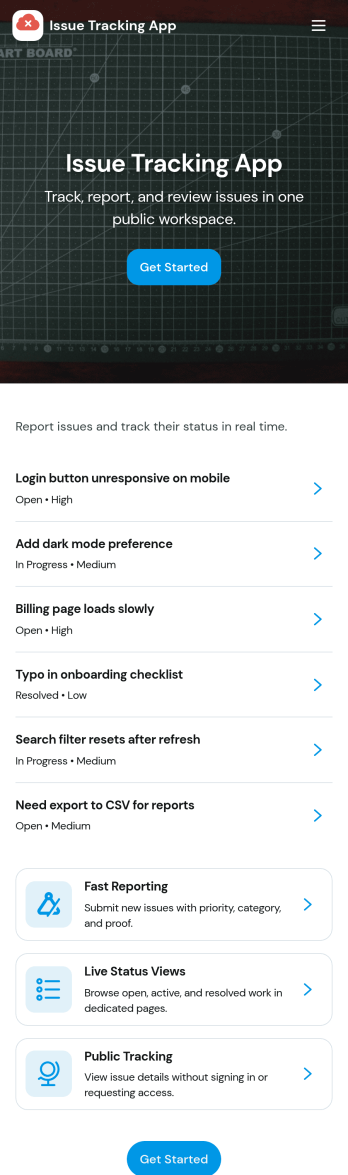
Issue Tracking App
Issue Tracking App helps teams capture, organize, and follow up on problems without losing context. Use it to report new issues as they come up, submit a new ticket in seconds, and keep a personal view of what you’ve raised through My Issues and My Submissions. It fits IT support, engineering, operations, and internal service teams that need a clear place for employees or customers to flag bugs, service interruptions, and process blockers, then monitor what’s still pending review.Built with Jotform App Templates, this app template turns everyday issue reporting into a simple self-service experience you can share as a link or QR code. Customize pages with a drag-and-drop interface, connect the report form to your data collection workflow in Jotform, and keep issue records organized for faster triage and better visibility across the team.
Go to Category:Information Technology Apps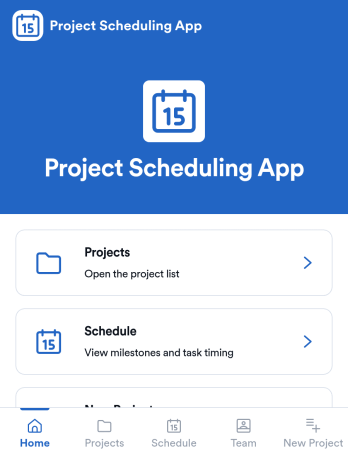
Project Scheduling App
Project Scheduling App brings project timelines, milestones, and task status into a single, easy-to-navigate workspace for teams that need to keep delivery dates visible and work moving. Use it to monitor active projects, spot the next milestone at a glance, and surface overdue tasks before they derail your plan. The built-in dashboard view supports weekly planning and capacity awareness, while project pages help standardize ownership and keep each project’s details, tasks, and team context accessible when decisions need to be made.With Jotform App Templates, you can publish a branded scheduling experience without coding and update it as your workflow evolves. Jotform’s no-code app builder and drag-and-drop interface make it simple to organize pages, link users to a dashboard or project list, and connect an Add Task form for consistent data collection. Share your app through a link for quick self-service access, and keep scheduling information aligned by connecting the app to the same workflow your team uses to capture and review updates.
Go to Category:Management Apps
Video Creation App
Video Creation App is an app template for organizing video projects from initial brief through review. Marketing teams, production groups, content creators, educators, and small businesses can use it to submit new projects, browse active work, and review project details from one accessible location. Each project can present its title, production scope, duration goal, intended audience, and current status, while review notes and brief checklists help contributors understand what comes next. This organized approach reduces scattered requests, gives reviewers clearer context, and helps teams keep creative work moving without losing track of priorities or feedback.Jotform makes this Video Creation App easy to adapt with a no-code app builder and drag-and-drop interface. Update pages, cards, buttons, colors, fonts, and navigation to match your production process, then connect forms and tables for data collection and project organization. You can also link approvals or other workflow steps when a project requires additional review. Jotform App Templates support mobile-friendly self-service access, so team members and stakeholders can open the app through a direct link or QR code, submit briefs, check project information, and find workflow guidance wherever they are.
Go to Category:Project Management Apps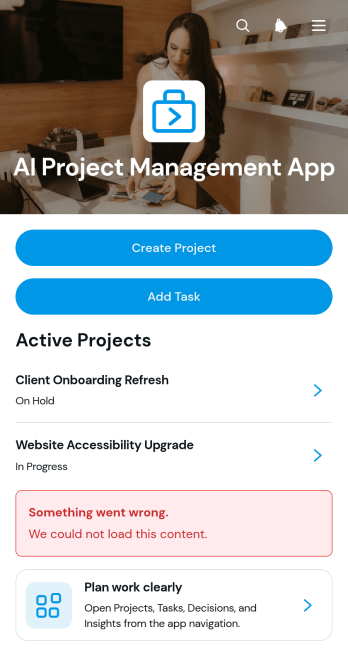
AI Project Management App
AI Project Management App is a ready-to-use workspace for teams planning AI initiatives, coordinating project work, and documenting key decisions. Project managers, technology teams, consultants, agencies, and growing businesses can use this app template to create projects, assign and review tasks, and record decision context in one accessible place. Clear project overviews help users monitor ownership, priorities, due dates, and related work without relying on scattered documents. It is especially useful for managing AI implementation projects, internal experiments, client engagements, product development, and other work that requires shared visibility and accountability.Jotform Apps makes it easy to adapt this experience with a no-code app builder and an intuitive drag-and-drop interface. Teams can customize pages, navigation, colors, fonts, and branding while connecting forms, tables, approvals, and automated workflows. The app can be shared through a direct link or QR code for convenient mobile access, giving collaborators a central location for data collection and project updates. Start with this template, tailor it to your process, and publish a polished self-service workspace without writing code.
Go to Category:Project Management Apps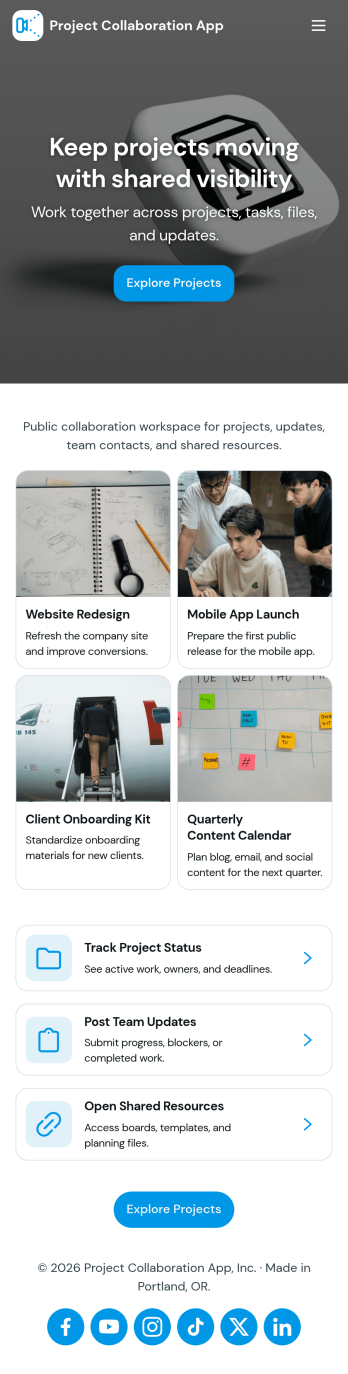
Project Collaboration App
Project Collaboration App brings your team’s project work into one shared, easy-to-navigate space where everyone can stay aligned from kickoff to delivery. Use it to capture new project requests, organize active projects, and keep day-to-day execution moving with a dedicated tasks area and a simple updates feed. It’s a practical fit for agencies, consultants, product teams, and internal departments that need clearer ownership, fewer missed handoffs, and a single place to check what’s happening across projects.Built with Jotform App Templates, this app template can be tailored in a no-code app builder with a drag-and-drop interface, so you can match the flow to your process without engineering help. Connect your project intake and task capture buttons to forms, keep records organized in linked tables, and make self-service access easy with shareable links. With Jotform, teams can manage data collection and workflow steps in one app experience that’s simple to roll out and maintain.
Go to Category:Company Portal Apps
Tender Review App
The Tender Review App is an app template for procurement teams, evaluation panels, project managers, consultants, and organizations that need a consistent way to assess competitive tenders. It brings tender submission, scored evaluations, reviewer notes, and final decisions into one accessible experience. Teams can compare technical merit, value, and risk while keeping decision rationales and next steps connected to each tender. This approach supports more organized reviews, gives participants clearer visibility, and reduces the chance of information being scattered across documents, inboxes, and separate tracking tools.With Jotform Apps, organizations can adapt this Tender Review App without writing code. The drag-and-drop App Builder makes it easy to update pages, branding, navigation, and content for different procurement workflows. Users can connect forms for data collection, organize records with tables, add approval steps, and trigger notifications for relevant actions. Jotform App Templates also support mobile-friendly access and self-service navigation, so authorized reviewers can reach the information and tasks they need from virtually any device. Once customized, the app can be shared through a direct link, personalized URL, embedded experience, or QR code.
Go to Category:Management Apps
Invention Project Management App
The Invention Project Management App helps inventors, engineering teams, product developers, research groups, and innovation managers organize invention projects from early concepts through key development milestones. Users can add projects, record target dates and project notes, create milestones with due dates, browse active work, and open reports from one central location. This focused structure makes it easier to monitor progress, keep priorities visible, document essential project information, and give collaborators a shared view of ongoing invention work. It is well suited to internal innovation programs, product development initiatives, academic projects, design teams, and independent inventors managing multiple ideas.Jotform App Templates give teams a practical starting point that can be adapted without coding. With Jotform’s no-code app builder and drag-and-drop interface, users can update pages, navigation, buttons, colors, fonts, and branding to match their process. Connected forms support consistent data collection, while tables, notifications, approvals, and other workflow tools can help organize incoming updates and follow-up tasks. Once customized, the Invention Project Management App can be shared by link or QR code for convenient mobile access, creating a clear self-service workspace for contributors and project leaders.
Go to Category:Project Management Apps
ERP Implementation Dashboard App
ERP Implementation Dashboard App gives project managers, implementation consultants, information technology teams, and department leaders a central place to oversee an enterprise resource planning rollout. It can support project status visibility, task tracking, and resource navigation across planning, configuration, testing, training, data migration, and launch activities. Organizations can use the dashboard to clarify responsibilities, surface blockers, coordinate stakeholders, and keep implementation work aligned with agreed milestones. It is especially useful for small and midsize businesses seeking a more accessible alternative to scattered spreadsheets, email updates, and disconnected project records.With Jotform, teams can adapt this app template using a no-code app builder and an intuitive drag-and-drop interface. Add pages, cards, buttons, forms, tables, approval steps, and reference materials to match the implementation workflow without writing code. Connected forms can support data collection for status updates, issue reports, and requests, while automated notifications help participants respond promptly. Customize the branding and navigation, then publish the app with a direct link or QR code for convenient desktop and mobile access. Jotform App Templates make it easier to create a shared, self-service project experience that can evolve throughout every phase of the rollout.
Go to Category:Project Management Apps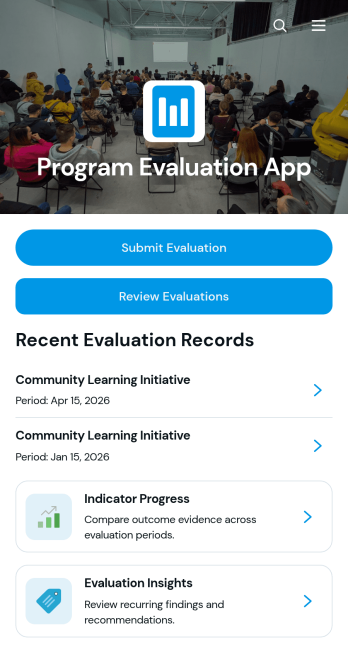
Program Evaluation App
The Program Evaluation App is an app template for collecting assessments, reviewing program performance, and turning evidence into practical recommendations. It gives nonprofit teams, educational institutions, consultants, public service groups, and program managers a central place for evaluation submission, indicator progress monitoring, and insight review. Users can connect objectives, activities, outcomes, indicators, findings, and recommendations to create a clear picture of how an initiative is performing. This organized approach reduces scattered records, supports consistent evaluation criteria, and helps stakeholders identify strengths, gaps, and opportunities for improvement across one or multiple programs.Jotform makes this Program Evaluation App easy to adapt with a no-code app builder and a flexible drag-and-drop interface. Teams can modify pages, navigation, visual styling, and connected forms to reflect their evaluation workflow without programming. Collected data can support reporting and internal collaboration, while direct links and QR codes make the app convenient to share with evaluators, staff, partners, or field teams. Start with one of Jotform’s App Templates, customize the app template to suit your organization, and publish a mobile-friendly evaluation experience that keeps program information accessible and actionable.
Go to Category:Report Apps
Music Project Organizer App
The Music Project Organizer App is a ready-to-use app template for managing recording projects, album production, song releases, and other music initiatives from one organized space. It helps independent artists, producers, studio teams, label staff, and music managers create project records, log assigned tasks, and review milestones tied to upcoming release dates. Teams can clarify ownership, monitor due dates, document progress, and keep essential project information accessible throughout production. This shared view reduces missed deadlines and gives collaborators a practical way to coordinate creative and operational work.Jotform Apps makes it easy to adapt this Music Project Organizer App to the way your team works. Use the no-code app builder and drag-and-drop interface to adjust pages, branding, navigation, and connected forms without programming. You can link data collection tools and workflows, organize records for convenient self-service access, and share the finished app through a direct link or QR code. Jotform App Templates provide a flexible starting point, whether you are planning one release or coordinating multiple music projects across a growing team.
Go to Category:Project Management Apps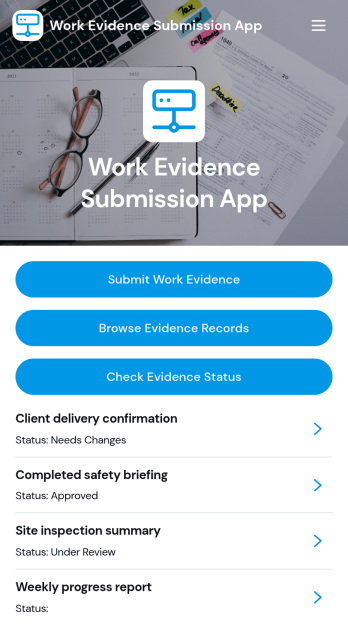
Work Evidence Submission App
The Work Evidence Submission App is an app template for collecting, reviewing, and monitoring proof of completed work in one accessible location. Contractors, field teams, employees, trainees, assessors, and project managers can submit work evidence for review, browse existing records, and check review status without relying on scattered emails or files. It supports practical scenarios such as documenting completed tasks, recording project milestones, presenting training evidence, and validating field activities. Clear access to evidence details, links, descriptions, and review progress helps contributors understand what has been submitted while giving reviewers a consistent process for evaluating records.Jotform App Templates make it easier to turn recurring business processes into mobile-friendly experiences without writing code. With Jotform’s no-code app builder and drag-and-drop interface, teams can customize pages, navigation, branding, and connected forms to match their workflow. The app can bring data collection, record access, and self-service status checks together, helping reduce manual follow-ups and keep contributors informed. Share the finished app through a direct link or QR code, connect it with tables and approval processes, and update the experience as project or organizational needs change.
Go to Category:Report Apps
Map Design App
Map Design App is a centralized workspace for organizing map concepts, gathering project requirements, and reviewing location-based design references. It suits cartographers, geographic information teams, urban planners, designers, engineers, agencies, educators, and organizations that commission custom maps. Users can browse a map library, open entries with location details and coordinates, submit a design brief, and revisit submitted briefs. Keeping audience needs, visual preferences, project notes, and geographic information together gives creative and technical teams clearer direction. This app template is useful for planning illustrated maps, visitor guides, event maps, campus resources, development proposals, and other projects that need a consistent briefing process.Jotform makes the Map Design App easy to adapt with a no-code app builder and an intuitive drag-and-drop interface. Teams can update pages, cards, buttons, images, and branding to match their services or internal workflow. Connected forms support data collection, while organized navigation gives clients and team members convenient self-service access to references and brief submission. Publish the finished app with a shareable link or QR code so contributors can use it on phones, tablets, or computers. Jotform App Templates also connect with tables, approvals, notifications, and related workflows, helping teams turn map requests into an accessible and collaborative project experience.
Go to Category:Engineering Apps
Music Release Tracker App
Music Release Tracker App helps artists, labels, and music teams keep every release organized from planning to post-launch follow-up. Use it to add new releases, review release status at a glance, and open release insights so everyone stays aligned on what is coming next. It works well for independent musicians managing singles and EPs, label coordinators juggling multiple artists, and managers who need a clear view of dates, genres, and label details without digging through scattered notes.Built with Jotform, this app template turns your release tracking process into a shareable, self-service experience that’s easy to maintain. Use Jotform’s no-code app builder and drag-and-drop interface to customize pages, control what details appear on each release card, and connect the app to your data collection form so updates stay consistent. As your catalog grows, Jotform Apps makes it simple to keep release records in one place, share progress with collaborators, and create a workflow that matches how your team actually ships music.
Go to Category:Entertainment Apps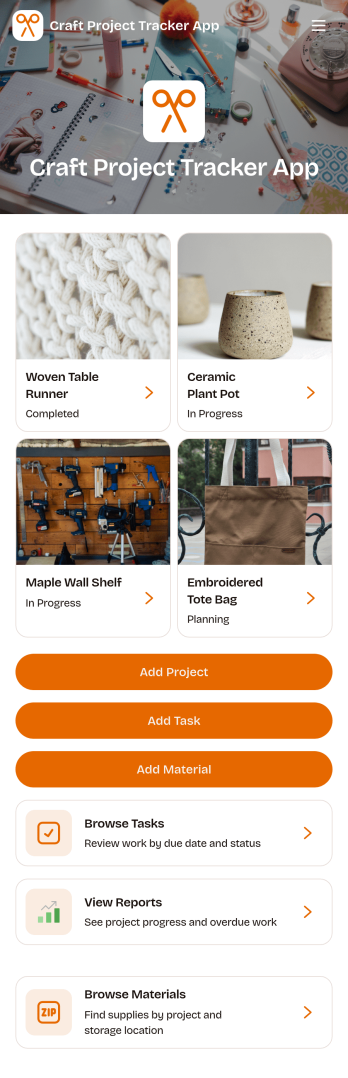
Craft Project Tracker App
Craft Project Tracker App helps makers keep creative work organized in one place, from new ideas to planned builds. It brings your project list into a simple browsing experience where each entry highlights the project name, and you can quickly add a new craft project through a dedicated button. Use it to track sewing, crochet, knitting, woodworking, paper crafts, DIY gifts, and studio commissions while keeping your plans clear and easy to revisit.Built with Jotform, this app template is easy to tailor for your process using a no-code app builder and a drag-and-drop interface. Connect the add-project button to your own data collection form, adjust navigation so people can view planned projects when they need to, and publish a shareable self-service experience for yourself, a small shop, or a craft group. As projects grow, Jotform helps you maintain a consistent workflow for updates, visibility, and day-to-day organization.
Go to Category:Project Management Apps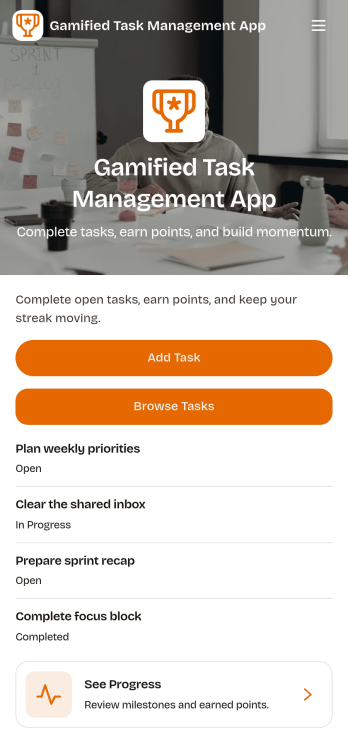
Gamified Task Management App
Gamified Task Management App turns everyday to-dos into a motivating experience by pairing task tracking with points, milestones, and a leaderboard-style view of progress. Use it to capture new work quickly, browse active and completed tasks, and keep priorities and due dates visible so nothing slips through. It’s a great fit for team leads, small businesses, student groups, and anyone who wants more follow-through from a shared task list without adding complicated project overhead.Jotform App Templates make it easy to publish a branded, self-service experience from a no-code app builder with a drag-and-drop interface. Connect your app to forms and data collection so updates flow into a single workflow, then share it by link or QR code for fast access on any device. With Jotform, you can adjust pages, navigation, and visuals to match how your team actually works while keeping progress clear and engaging.
Go to Category:Task Management Apps