Share Tables
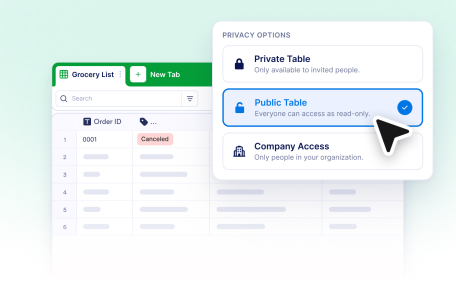
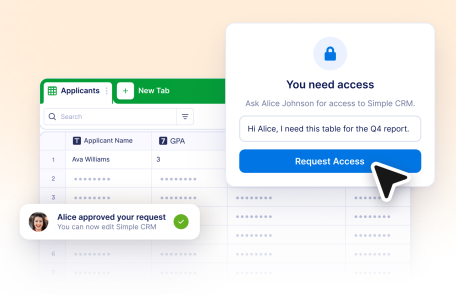
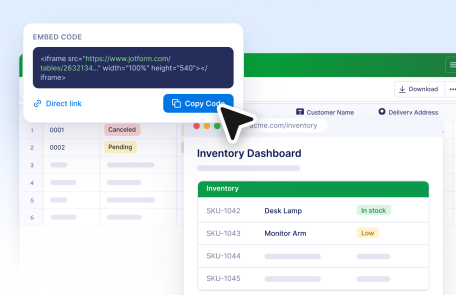
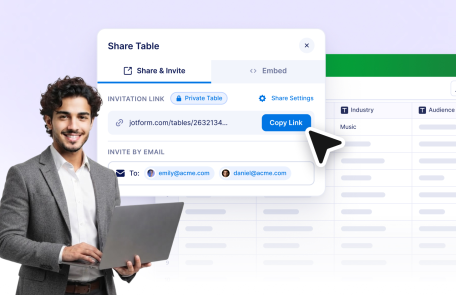
Easily share your Jotform Tables with teammates, clients, or stakeholders using email invitations or shareable links.
Share & Collaborate
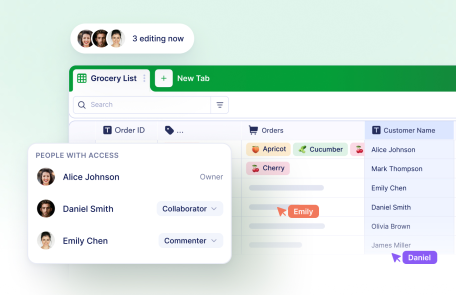
Collaborate with coworkers or clients by sharing your tables with custom access settings.
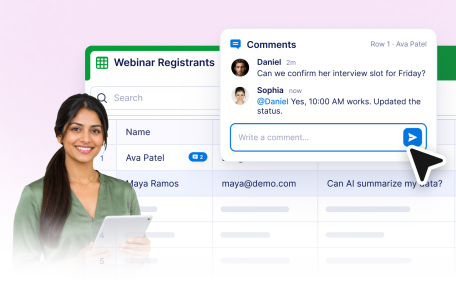
Add comments directly to cells in Jotform Tables to share feedback, discuss submission details, and communicate with your team. Keep important conversations connected to your data.
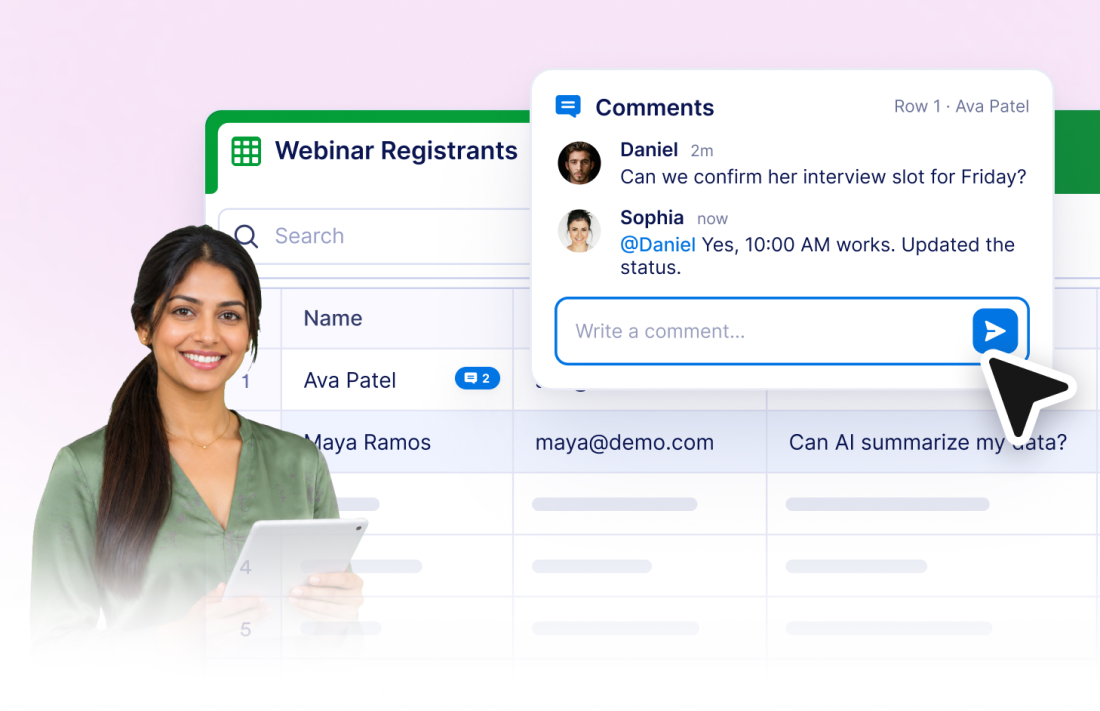
Make feedback easier to manage without leaving your table. Discuss individual records, mention teammates, and stay informed through comment replies and email notifications.
Discuss specific submission details where they appear in your table. Share feedback, ask questions, and keep conversations organized around the information your team is reviewing.
Leave comments on specific cells to share observations, ask questions, or provide feedback. Keep discussions attached to relevant data instead of managing them in separate messages.
Mention collaborators to bring their attention to important questions or updates. Invite additional users when needed and keep the right people involved in discussions about your data.
Continue conversations by replying to existing comments. Email notifications for mentions and replies help collaborators stay informed and respond to feedback without missing updates.
Yes. You can add comments to specific table cells, making it easy to discuss submission details, share feedback, or ask questions while keeping conversations connected to the relevant information.
Yes. You can mention collaborators in comments to notify them about important information. If someone doesn't have access to the table yet, you can invite them before including them in the conversation.
Yes. Collaborators can receive email notifications when they're mentioned in comments or when someone replies to their comments. This helps everyone follow discussions and stay informed about important updates.