Share Tables
Easily share your Jotform Tables with teammates, clients, or stakeholders using email invitations or shareable links.
Share & Collaborate
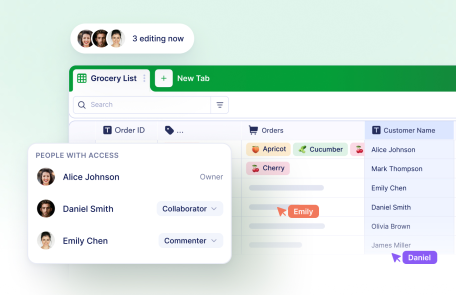
Collaborate with coworkers or clients by sharing your tables with custom access settings.
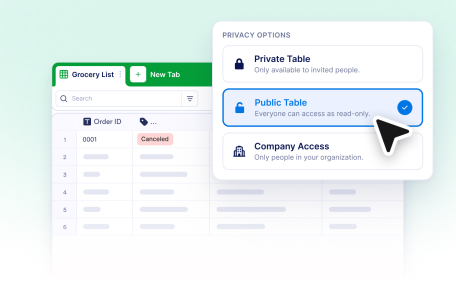
Easily share your Jotform Tables with teammates, clients, or stakeholders using email invitations or shareable links. Assign access permissions and collaborate securely in one place.
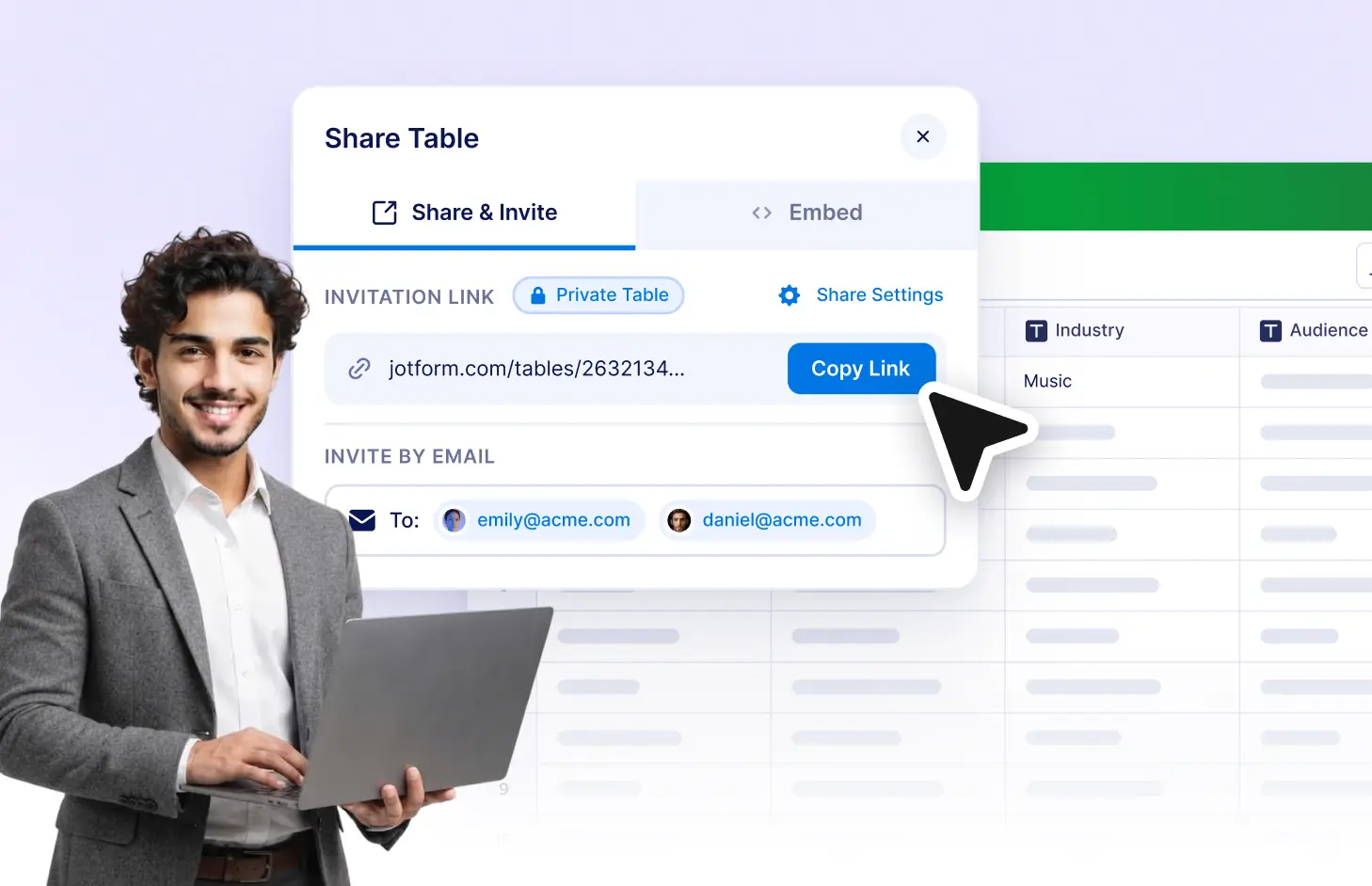
Simplify collaboration with flexible sharing options. Invite individuals by email or generate invitation links while controlling who can view, comment on, or edit your table data.
Invite collaborators directly by email or share a secure invitation link. Set access roles, manage permissions, and control how others interact with your table data.
Send invitations directly from the Share panel by entering email addresses and assigning Read-Only, Commenter, or Collaborator roles. Share your tables securely with specific individuals.
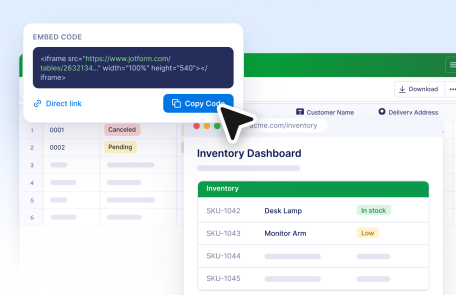
Create invitation links from the Share panel and assign default Read-Only, Commenter, or Collaborator roles. Easily share table access while controlling how new users interact with your data.
Set an expiration date for your invitation link to control how long it remains valid. Once the selected date passes, the link expires, preventing new users from joining through it.
Open the Share panel in Jotform Tables to invite users directly by email or generate a shareable invitation link. Both options let you collaborate with others while managing access permissions.
You can choose from three roles: Read-Only, Commenter, and Collaborator. Read-Only users can view data, Commenters can view and leave comments, and Collaborators can add or edit table data without changing table-level settings.
Yes. You can set a custom expiration date for invitation links. After that date, the link becomes invalid, preventing additional users from joining your table through it.